

If you own an Atosa ice maker, you already know how important it is for your business or home. A steady supply of clean ice is crucial in restaurants, cafes, hotels, and even some households. But many people forget that regular maintenance is the key to keeping an ice machine running smoothly. One of the most vital tasks is descaling—removing mineral deposits that build up inside your machine over time. If neglected, scale can reduce ice production, cause unusual noises, and even shorten the life of your ice maker.
This guide walks you through everything you need to know about descaling an Atosa ice maker. You’ll learn when and why to descale, what tools and products to use, and the step-by-step process. Plus, you’ll get practical tips that help you avoid common mistakes and ensure your ice stays clean and safe.

36% off Today’s Exclusive Deals
Limited-time Exclusive Deals. Check current discount on Amazon.
Check Price on Amazon As an Amazon Associate I earn from qualifying purchases.Even if you’ve never cleaned an ice maker before, you’ll finish this article with the confidence to tackle the job.
Why Descaling Matters For Your Atosa Ice Maker
Most tap water contains minerals like calcium and magnesium. When water freezes and melts inside your ice machine, these minerals don’t go away. Instead, they slowly form white, chalky deposits called scale on important parts—especially the evaporator plate, water lines, and sensors. Over time, scale can:
- Block water flow, making ice smaller or misshapen
- Slow down ice production
- Increase energy use (costing you more money)
- Cause the machine to overheat or break down
- Lead to poor-tasting, cloudy ice
According to the International Association of Plumbing and Mechanical Officials (IAPMO), even a thin layer of scale can drop efficiency by up to 25%. Ignoring scale buildup can also void your warranty. Regular descaling makes your Atosa ice maker last longer, keeps your energy bills down, and ensures your ice is as clean as possible.
How Often Should You Descale?
There’s no one-size-fits-all answer, but most experts recommend descaling your ice maker every 3 to 6 months. However, how often you need to descale depends on:
- Water hardness: Harder water causes more scale. If your area has hard water, you may need to descale every 1–2 months.
- Usage level: Busy restaurants and bars should clean their machines more often than low-traffic locations.
- Water filtration: Using a good filter can reduce scale, but not eliminate it.
- Manufacturer’s guidelines: Atosa recommends following their specific schedule for your model.
If you see white spots on ice, notice a drop in ice output, or hear strange sounds, it’s time to check for scale—even if your last cleaning wasn’t long ago.
Tools And Supplies You’ll Need
Before you start, gather these items. Using the right supplies makes the job faster and keeps your machine safe.
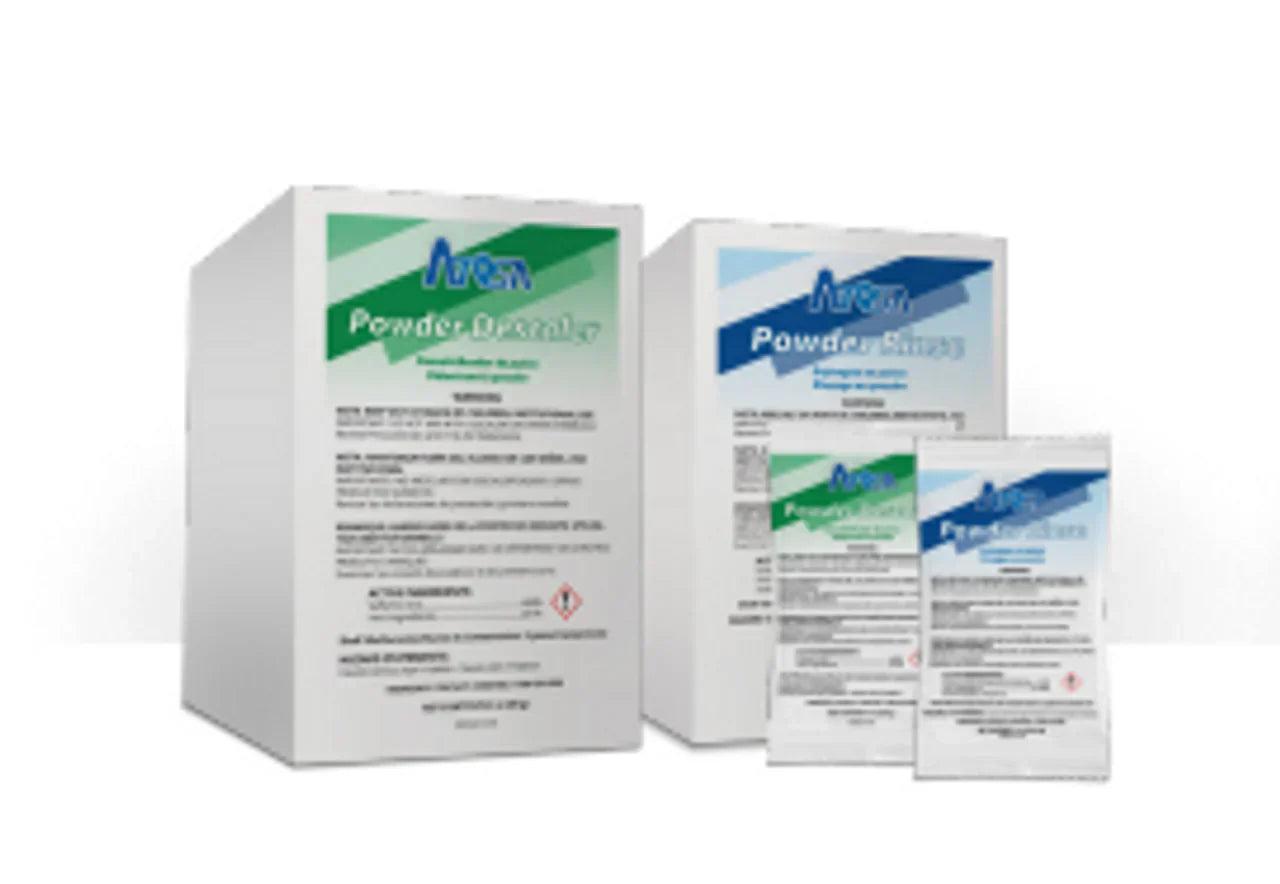
- Atosa-approved descaling solution (or a commercial ice machine descaler)
- Clean water (for rinsing)
- Protective gloves and safety glasses
- Soft brush or non-abrasive sponge
- Bucket or container (for draining water and collecting used solution)
- Towel or cloth (for wiping surfaces)
- Screwdriver (if your model requires removing panels)
- Owner’s manual (for your exact Atosa model)
Never use vinegar, bleach, or household cleaners as substitutes for an ice machine descaler. These can damage parts or leave harmful residues.
Preparing Your Atosa Ice Maker For Descaling
A little preparation keeps you safe and avoids messes.
1. Empty The Ice Bin
Remove all ice from the storage bin. Throw away any ice, as it might be contaminated by scale or cleaning solution.
2. Turn Off The Machine
Switch off your Atosa ice maker. Unplug it from the power outlet. This is crucial for safety—working on a live machine can cause electrical shock.
3. Shut Off The Water Supply
Find the water supply valve (usually behind or below the unit) and turn it off. This prevents water from entering the machine during cleaning.
4. Remove Machine Panels
Check your owner’s manual to see if you need to remove any access panels. Use a screwdriver if necessary. Keep screws in a safe place.
5. Drain The Water
Most Atosa ice makers have a drain plug or hose. Open it and let all water drain into a bucket. This step ensures you’re not mixing descaler with old water.
Step-by-step Descaling Process
Now you’re ready to descale. Follow these steps closely for a thorough clean.
1. Mix The Descaling Solution
Check the label on your descaler. Most require mixing with water. For example, a typical ratio is 1 part descaler to 4 parts water. Use cold or lukewarm water—never hot.
Pour the mixture into a clean container. Wear gloves and safety glasses, as descaler can irritate skin and eyes.
2. Add The Solution To The Water Reservoir
Carefully pour the solution into the ice maker’s water reservoir. Be sure not to overfill.
3. Start The Cleaning Cycle
Some Atosa ice makers have a self-cleaning or clean mode. If your model does, follow these steps:
- Plug the machine back in (leave the water supply off).
- Press and hold the Clean button for 5–10 seconds (refer to your manual for the exact method).
- The machine will run a cleaning cycle, circulating descaler through all internal parts.
- When finished, the machine may beep or display a message.
If your ice maker doesn’t have a self-cleaning cycle, you’ll need to circulate the solution manually:
- Turn the ice maker on briefly, allowing the water pump to run and spread the solution for about 10 minutes.
- Turn off the machine and let it soak for another 10–20 minutes.
4. Scrub Away Stubborn Scale
Open the interior panels and check for visible white or gray scale deposits. Use a soft brush or non-abrasive sponge to gently scrub these areas. Focus on the evaporator plate, water lines, and sensors.
Never use metal brushes or sharp tools, as these can scratch or damage surfaces.
5. Drain And Rinse Thoroughly
Open the drain plug and let all the used solution flow into your bucket. Rinse the reservoir with clean water at least 2–3 times to remove any leftover descaler.
Some Atosa models allow you to run a rinse cycle:
- Fill the reservoir with clean water.
- Run the ice maker’s cleaning cycle again (without descaler).
- Repeat until all chemical smells are gone.
6. Wipe Down The Ice Bin And Surfaces
Use a clean cloth to wipe the bin, door seals, and any surfaces that may have come into contact with the solution. Don’t forget the exterior panels—dust and grime can reduce cooling efficiency.
7. Reassemble And Restart
Put back any panels you removed and secure them with screws. Open the water supply valve, plug the machine in, and switch it on.
Allow the first batch or two of ice to drop. Discard this ice, as it may still contain traces of descaler. Afterward, your machine should be ready to produce clean, fresh ice.
Key Areas To Focus On
Some parts of your Atosa ice maker are more prone to scale buildup than others. Make sure to inspect and clean:
- Evaporator plate: Where ice forms. Buildup here directly affects ice quality.
- Water distribution tube: Can clog and reduce water flow.
- Water sensors and probes: Scale can make them give false readings.
- Drain line: Clogs here can cause leaks or overflows.
- Water pump: Reduced flow can slow down the machine.
Missing these areas is a common beginner mistake. Take your time to check each one, even if it looks clean at first glance.

Comparing Descaling Solutions
Not all descaling products are the same. Here’s a quick comparison of some popular options (always use products recommended by Atosa):
| Descaler Type | Main Ingredient | Effectiveness | Safe for Ice Makers | Average Price (per gallon) |
|---|---|---|---|---|
| Chemical (Commercial) | Phosphoric Acid | High | Yes | $20–$35 |
| Lactic Acid-based | Lactic Acid | Medium–High | Yes | $18–$30 |
| Homemade (Vinegar) | Acetic Acid | Low | No (can damage machine) | $3–$5 |
Never use homemade solutions for your Atosa ice maker. They can leave odors, harm internal parts, or void your warranty.
Signs Your Atosa Ice Maker Needs Descaling
It’s not always obvious when scale is building up inside your machine. Here are signs to watch for:
- Cloudy or white-flecked ice: Pure ice is clear. Scale makes ice look cloudy or spotty.
- Reduced ice output: If you’re getting less ice than usual, scale may be blocking water flow.
- Strange noises: Grinding, clicking, or buzzing can mean scale is affecting moving parts.
- Odd-tasting ice: Scale or residue can change how your ice tastes.
- Indicator light or error code: Many Atosa models alert you when cleaning is needed.
If you notice any of these, don’t wait for your regular schedule—descale as soon as possible.
Water Hardness And Its Impact
Water hardness is measured in grains per gallon (GPG) or parts per million (ppm). The harder your water, the faster scale builds up.
| Water Hardness Level | GPG (grains/gal) | Descaling Frequency |
|---|---|---|
| Soft | 0–3.5 | Every 6 months |
| Moderate | 3.6–7 | Every 3 months |
| Hard | 7.1–10.5 | Every 1–2 months |
| Very Hard | 10.6+ | Monthly |
You can buy a water hardness test kit at most hardware stores. If your results show moderate or hard water, consider installing a water filter. This small investment can reduce scale buildup and extend your machine’s life.
Mistakes To Avoid When Descaling
Descaling isn’t difficult, but even experienced users can make mistakes. Here are some to watch out for:
- Skipping rinsing: Not rinsing enough can leave chemical tastes in your ice.
- Using the wrong cleaner: Household cleaners can damage components or leave harmful residues.
- Ignoring safety: Descaling solutions are acidic. Always wear gloves and eye protection.
- Forgetting to turn off power/water: This can cause leaks or electrical hazards.
- Rushing the process: Let descaler sit for the recommended time so it dissolves all scale.
A good rule: If you’re not sure about a step, check your Atosa manual or call a professional.

When To Call A Professional
Most Atosa ice makers can be descaled by the owner. But sometimes, it’s best to hire a technician:
- If you notice persistent error codes after cleaning
- If there’s visible damage or corrosion inside
- If you can’t reach or remove certain components
- For annual deep-cleanings or health inspections
Professional technicians have special tools and can spot problems you might miss. They may also test water quality and recommend upgrades, like better filtration.
Keeping Your Atosa Ice Maker Scale-free
Prevention is easier than fixing problems later. Here’s how to keep your machine cleaner, longer:
- Install a water filter: This reduces minerals before they reach your ice maker.
- Stick to a schedule: Mark your calendar for regular cleaning.
- Wipe surfaces weekly: A quick clean keeps dust and dirt out.
- Check for leaks: Water leaks can cause extra mineral deposits.
- Keep the area ventilated: Good airflow prevents moisture buildup.
Also, keep a log of cleaning dates and any issues you find. This helps you spot patterns and plan future maintenance.
Comparing Atosa With Other Ice Makers
How Does Atosa Stack Up When It Comes To Descaling?
| Brand | Self-Cleaning Cycle | Descaling Difficulty | Recommended Frequency |
|---|---|---|---|
| Atosa | Available (in most models) | Moderate | 3–6 months |
| Manitowoc | Available | Moderate | 3–4 months |
| Scotsman | Available (advanced options) | Easy–Moderate | 4–6 months |
| Hoshizaki | Manual only | Moderate–Difficult | 2–3 months |
Atosa ice makers are similar to other brands in terms of cleaning needs, but their self-cleaning cycle (when available) makes them easier to maintain.
Non-obvious Insights For Better Results
Most guides miss these advanced tips:
- Let the machine air-dry after cleaning: Leave the lid open for an hour after rinsing. This prevents mold and gives you a chance to spot any leaks.
- Clean the condenser coils: Dusty coils raise internal temperatures, causing more scale. Use a vacuum or soft brush to gently clean them every few months.
- Label your descaling solution: If you store leftover solution, mark the bottle with the mix date. Old solution can lose strength and may not clean as well.
These little steps make a big difference in ice quality and machine life.
Frequently Asked Questions
How Do I Know If My Atosa Ice Maker Has A Self-cleaning Cycle?
Check your owner’s manual or control panel. Most newer Atosa models have a Clean button or a self-cleaning mode. If you’re unsure, look for “CLEAN” or similar labels near the display or consult the official Atosa USA site for your model.
Can I Use Vinegar Instead Of A Commercial Descaler?
No. Vinegar is not recommended for Atosa ice makers. It can leave strong odors, damage internal parts, and may void your warranty. Always use an ice machine descaler approved by Atosa.
What Should I Do If The Ice Still Tastes Strange After Descaling?
This usually means the machine wasn’t rinsed well enough. Run several rinse cycles with fresh water and discard the first few batches of ice. If the taste persists, check for leftover scale or consult a technician.
How Long Does It Take To Descale An Atosa Ice Maker?
Most descaling jobs take 45–90 minutes from start to finish. Some time is spent soaking and rinsing. Plan for about an hour, and don’t rush—thorough cleaning is important.
Do I Need To Sanitize After Descaling?
Yes. Descaling removes minerals, but not bacteria or mold. After descaling, use a food-safe sanitizer (recommended by Atosa) to clean the ice bin and any water-contact surfaces. Rinse well before making ice.
Your Atosa ice maker is a valuable part of your kitchen or business. With regular descaling and smart maintenance, you’ll keep it running efficiently, save on repairs, and always have clean, delicious ice ready for your customers or family. Remember, a little effort now means fewer headaches and costs down the road.

