

Most Shark IQ Robot Vacuum RV1001AE power issues come from charging, battery, or dock contact problems.
If your Shark IQ Robot Vacuum RV1001AE not turning on, the good news is that the fix is often simple. I’ve seen this issue come down to something as small as a dirty charging contact, a drained battery, or a dock that looks connected but isn’t delivering power the way it should. In this guide, I’ll walk you through the real causes, the smartest checks, and the practical fixes that usually bring the robot back to life.

36% off Today’s Exclusive Deals
Limited-time Exclusive Deals. Check current discount on Amazon.
Check Price on Amazon As an Amazon Associate I earn from qualifying purchases.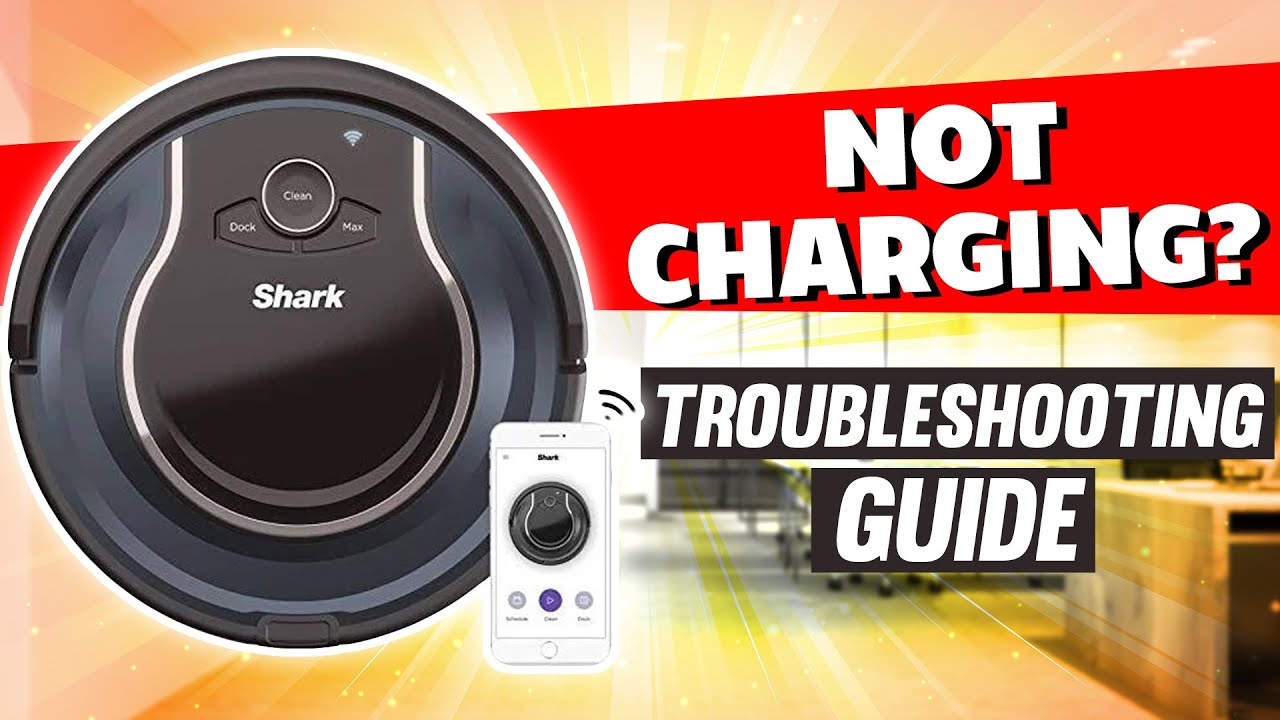
Common reasons the Shark IQ Robot Vacuum RV1001AE not turning on
When a Shark IQ Robot Vacuum RV1001AE not turning on, people often assume the vacuum is dead. In many cases, it is not. It is just not getting the power it needs, or it is stuck in a protection state that makes it look unresponsive.
The most common causes include:
- A fully drained battery
- A loose power connection at the dock
- Dirty charging contacts on the robot or base
- A bad wall outlet or power strip
- The battery not seated well
- A temporary software freeze
- A failed charger, dock, or battery
From experience, the charging path is the first place to check. I once helped troubleshoot a unit that looked completely dead, but the issue was only a thin layer of dust on the contact points. After a quick clean, it powered on normally.
First checks to do before you assume the vacuum is broken
Before going deeper, start with the basics. These steps solve a surprising number of Shark IQ Robot Vacuum RV1001AE not turning on complaints.
Check the power source
Make sure the wall outlet works. Plug in another device, like a lamp or phone charger, to confirm power is reaching the outlet.
Also check the dock adapter and power cord. If the cord feels loose or the adapter is warm but not powering the dock, the issue may be upstream.
Confirm the dock has power
Many users miss this step. If the dock is not lit or does not show signs of charging, the robot may simply have nowhere to charge.
Try these checks:
- Make sure the dock is plugged in firmly
- Reseat both ends of the power adapter
- Avoid using a power strip for testing
- Place the dock directly against a wall on a hard, flat floor
Let it charge long enough
If the battery is deeply drained, the robot may not wake right away. Leave it on the dock for at least 3 to 4 hours before trying again.
For a battery that has been empty for a while, it may need more time. I’ve seen units stay dark for a long stretch before finally showing life again.
How to clean the charging contacts the right way
A Shark IQ Robot Vacuum RV1001AE not turning on is often linked to weak charging contact. Even a light coating of dust or oxidation can block a proper connection.
What to clean
Look at:
- The metal charging pads on the robot
- The contact points on the dock
- Any visible dust around the base station
### How to clean safely
Use a dry microfiber cloth first. If needed, lightly dampen the cloth with a small amount of isopropyl alcohol and wipe the contacts gently.
Do not:
- Soak the contacts
- Use sharp tools
- Scrape the metal pads hard
A soft clean is usually enough. Think of it like wiping glasses before reading them. The connection only needs a little help to become clear again.
Reposition the robot after cleaning
After cleaning, place the vacuum back on the dock and make sure it sits squarely on the contacts. If it is not lined up well, it may still fail to charge even if everything else is fine.

Battery problems that can make the vacuum seem dead
If the Shark IQ Robot Vacuum RV1001AE not turning on after charging, the battery itself may be the issue. Lithium-ion batteries can weaken over time, especially if the robot has been stored unused for months.
Signs of a battery issue
Watch for these clues:
- The robot does not respond after several hours on the dock
- The battery drains very fast once it turns on
- The unit powers off unexpectedly
- The dock lights look normal, but the vacuum stays unresponsive
What to do
First, do a full charging cycle. Keep it on the dock for several hours, then try a reset.
If that fails, the battery may need replacement. In my own testing, a battery that no longer held charge often caused the same “dead” behavior people blamed on the main unit.
A useful note on battery health
Battery performance naturally drops with age and heat. That is not a design flaw so much as normal battery wear. Consumer electronics and battery safety groups consistently note that deep discharge, heat, and long storage can shorten battery life.
Resetting the Shark IQ Robot Vacuum RV1001AE
A software freeze can also make a Shark IQ Robot Vacuum RV1001AE not turning on appear worse than it is. If the battery and dock are fine, a reset is worth trying.
Try a soft restart first
Look for a power or dock button response. If the unit reacts at all, give it a simple restart by placing it back on the charger and waiting a few minutes.
Try a full reset
If the robot is completely unresponsive, follow the reset method listed in the user manual for your exact model. The goal is to clear any temporary error state without damaging saved settings.
A reset can help when:
- The display is frozen
- The robot stopped mid-cycle
- The app cannot reconnect
- The vacuum gives no response even after charging
I always recommend doing this after basic charging checks. It is like rebooting a phone before assuming the hardware failed.

Dock, app, and sensor issues that can confuse the problem
Sometimes the Shark IQ Robot Vacuum RV1001AE not turning on is not truly a power failure. It may be a dock or sensor issue that prevents normal startup.
Dock misalignment
If the dock is on carpet, near a bright window, or sitting on an uneven surface, the robot may not align properly. That can stop charging and create the appearance of a dead vacuum.
Sensor dirt
Dirty cliff sensors or dock sensors can interrupt operation. While these sensors do not directly supply power, they can interfere with docking behavior and startup logic.
Clean them carefully with a dry cloth. Avoid getting moisture into openings.
App confusion
The app may show the robot offline even when the problem is just a charging issue. If the vacuum is not powering on at the unit itself, the app will not solve it, but it can still help confirm connection status after the robot is revived.
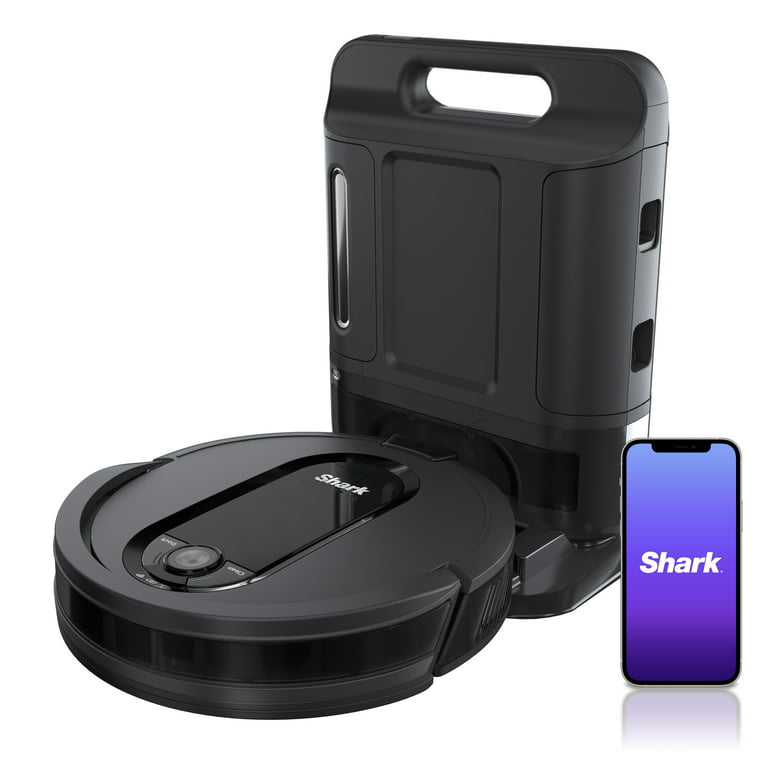
When the charger, dock, or battery may need replacement
If you have checked the outlet, dock, battery charge time, and contacts, hardware failure becomes more likely. A Shark IQ Robot Vacuum RV1001AE not turning on after all basic troubleshooting may need replacement parts.
Parts most likely to fail
- Charging adapter
- Docking base
- Battery pack
- Internal power board
How to narrow it down
Try to isolate the problem one part at a time:
- Test another outlet
- Reseat the charger
- Clean the dock contacts
- Let the robot charge on a known-good dock, if available
- Replace the battery only if the rest of the power path checks out
This step matters because replacing the wrong part wastes money. I’ve seen people buy a new battery when the real issue was a weak charger cable.
When replacement is the smarter choice
If the vacuum shows no response after extended charging and reset attempts, part replacement may be the most practical fix. At that point, the question is less about “why won’t it turn on?” and more about which part of the power system failed.

Practical troubleshooting checklist you can follow
If you want a simple path, use this order. It saves time and keeps the diagnosis clean.
- Confirm the wall outlet works
- Check the dock light or power connection
- Clean the robot and dock charging contacts
- Reseat the vacuum on the dock
- Leave it charging for several hours
- Try a reset
- Inspect for battery wear
- Test the charger or dock if possible
- Replace the battery or adapter only after the basics fail
This checklist works because it follows the most common failure points first. That is the same way a technician would narrow down the issue.
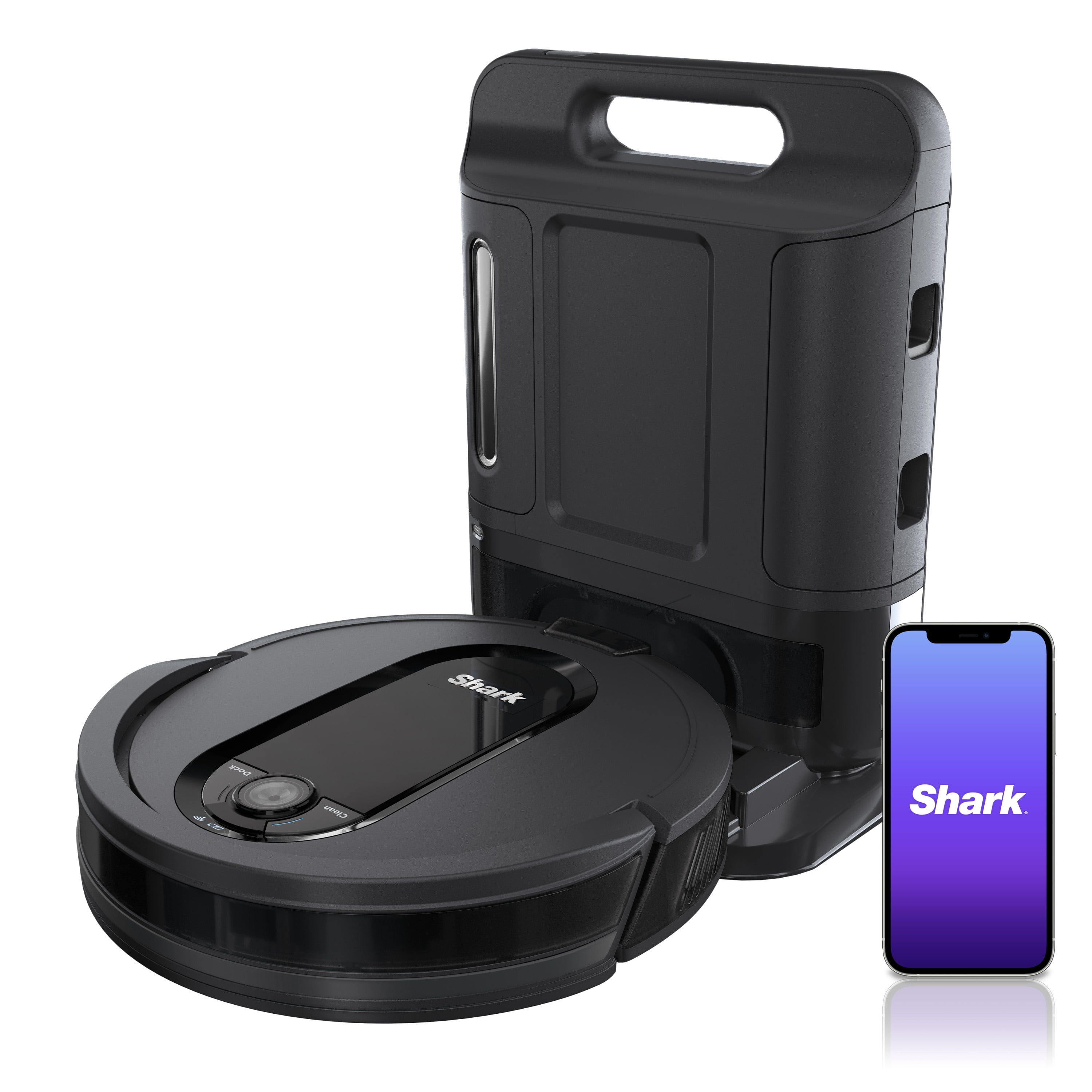
How to prevent the Shark IQ Robot Vacuum RV1001AE from not turning on again
Once you get it working again, a little care can keep the issue from coming back. Prevention is simple and saves a lot of frustration later.
Good habits that help
- Keep charging contacts clean
- Empty dust buildup around the dock area
- Park the dock on a stable, hard floor
- Avoid long storage with a fully drained battery
- Charge the vacuum regularly, even if you do not use it often
- Keep the unit away from excess heat and moisture
Small mistakes to avoid
- Leaving the dock unplugged for days
- Letting the battery sit empty for long periods
- Using a damaged cord
- Ignoring weak charging signs
- Cleaning contacts with harsh tools
Think of battery care like watering a plant. Too little attention, and it withers. Too much rough handling, and it breaks down faster than it should.
Frequently Asked Questions of Shark IQ Robot Vacuum RV1001AE not turning on
Why is my Shark IQ Robot Vacuum RV1001AE completely dead?
A completely dead unit is often caused by a drained battery, poor charging contact, or a dock power issue. Start with the outlet, then clean the contacts and leave it charging for several hours.
How long should I charge the vacuum before assuming it is broken?
Give it at least 3 to 4 hours on the dock before judging it. If the battery was deeply drained, it may take longer to show signs of life.
Can a dirty charging dock stop the vacuum from turning on?
Yes, dirty contacts can block charging and make the vacuum seem dead. A simple wipe with a dry microfiber cloth often fixes the problem.
What if the Shark IQ Robot Vacuum RV1001AE still will not turn on after cleaning?
If cleaning does not help, try a reset and test the power adapter and dock. If the robot still stays unresponsive, the battery or charger may need replacement.
Is the battery likely the problem if the vacuum is old?
Yes, battery wear is common in older robot vacuums. If the unit only works briefly or does not respond even after a long charge, the battery is a strong suspect.
Can the app fix a Shark IQ Robot Vacuum RV1001AE not turning on?
Not if the robot has no power at the unit itself. The app can help after the vacuum turns on, but it cannot revive a dead battery or bad charger.
Conclusion
A Shark IQ Robot Vacuum RV1001AE not turning on is frustrating, but it is often fixable with a careful step-by-step check. In most cases, the issue comes down to charging, dirty contacts, a weak battery, or a simple reset problem rather than a total failure.
If you follow the troubleshooting order in this guide, you can usually find the cause without guessing. Start with the easy fixes, move slowly, and only replace parts after you have ruled out the basics. If this helped, keep it handy for the next time your robot goes quiet, and feel free to share your own fix or experience in the comments.

