

The Shark IQ Robot Vacuum RV1001AE usually stops working because of clogs, battery issues, or sensor errors.
If your Shark IQ Robot Vacuum RV1001AE stopped working, you are not alone. I have seen this model act stubborn in the same ways many robot vacuums do: it powers on, then freezes, refuses to dock, or seems dead for no clear reason. The good news is that most failures are fixable with a few careful checks, and this guide will walk you through the real causes, practical fixes, and the small mistakes that often keep people stuck.

36% off Today’s Exclusive Deals
Limited-time Exclusive Deals. Check current discount on Amazon.
Check Price on Amazon As an Amazon Associate I earn from qualifying purchases.
Why the Shark IQ Robot Vacuum RV1001AE stopped working
When a Shark IQ Robot Vacuum RV1001AE stopped working, the problem is usually not one single part. In most cases, it is a mix of maintenance issues, charging problems, blocked airflow, or sensor trouble. Robot vacuums are a little like cars that mostly drive themselves: when one small system is off, the whole machine can seem broken.
From hands-on experience, the most common pattern is simple. A vacuum that was cleaning fine one day may stop after a brush jam, dirty charging contacts, or a weak battery. That is why the first step is not guessing. It is checking the basics in order.
Common reasons include:
- A clogged brush roll or suction path
- Dirty charging contacts on the robot or dock
- A battery that no longer holds a charge well
- Sensor dirt causing navigation or cliff detection errors
- A full dust bin or blocked filter
- Software glitches after an update or reset issue
- Wheel, bumper, or side brush damage
These issues sound minor, but they can shut the robot down fast. The RV1001AE is designed to protect itself, so if it senses overheating, jamming, or charging failure, it may stop running entirely.
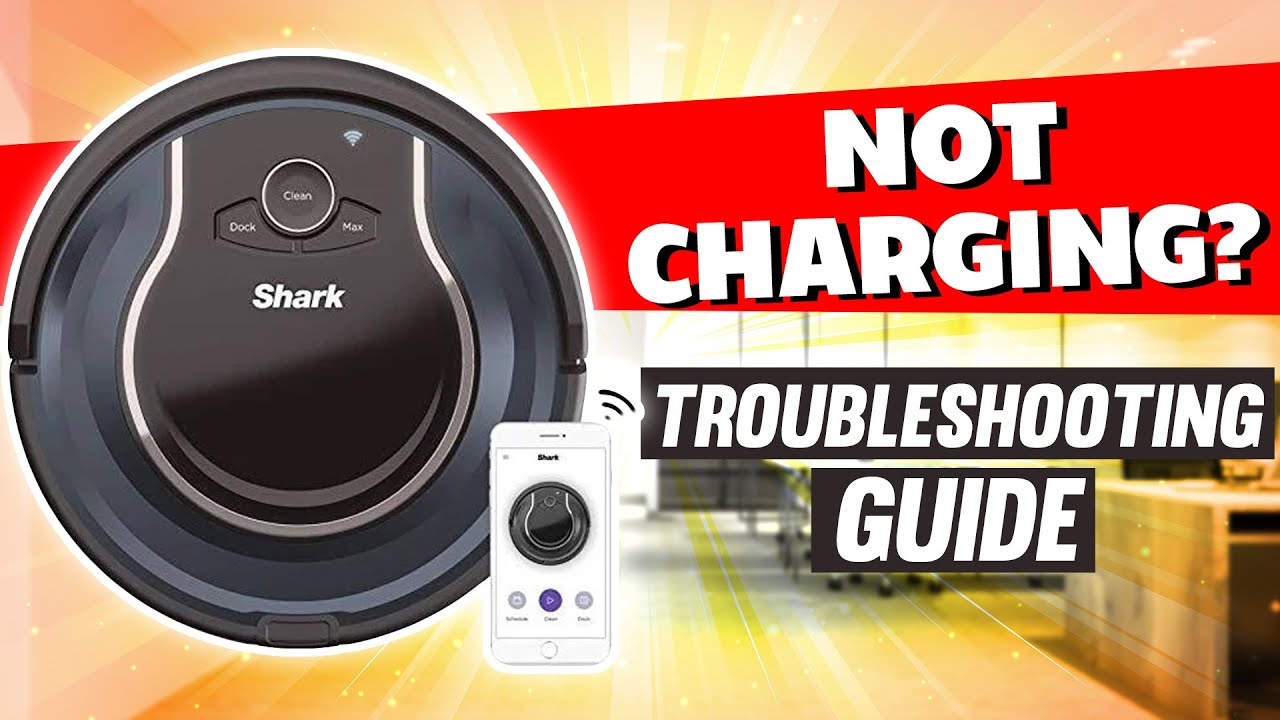
First checks when the Shark IQ Robot Vacuum RV1001AE stopped working
Before opening anything up, start with the easy checks. I always recommend this because half the time the fix is obvious once you slow down and look closely. It saves time and keeps you from replacing parts you do not need.
Try this first:
-
Confirm the power switch is on
Some users assume the vacuum is dead when the main switch is simply off. Flip it off, wait a few seconds, and turn it back on. -
Check the dock connection
Make sure the robot is seated properly on the charging base. A slight misalignment can stop charging. -
Look for warning lights or error beeps
Status lights often tell you whether the issue is battery, brush, or sensor related. -
Empty the dust bin
A full bin can reduce airflow and trigger shutdowns. -
Clean the filter
A clogged filter can make the motor work too hard and overheat. -
Inspect for debris under the robot
Hair, string, and crumbs can jam the wheels or brush roll.
If your Shark IQ Robot Vacuum RV1001AE stopped working after a cleaning session, let it cool for 15 to 30 minutes before testing again. Overheat protection is common and often temporary.
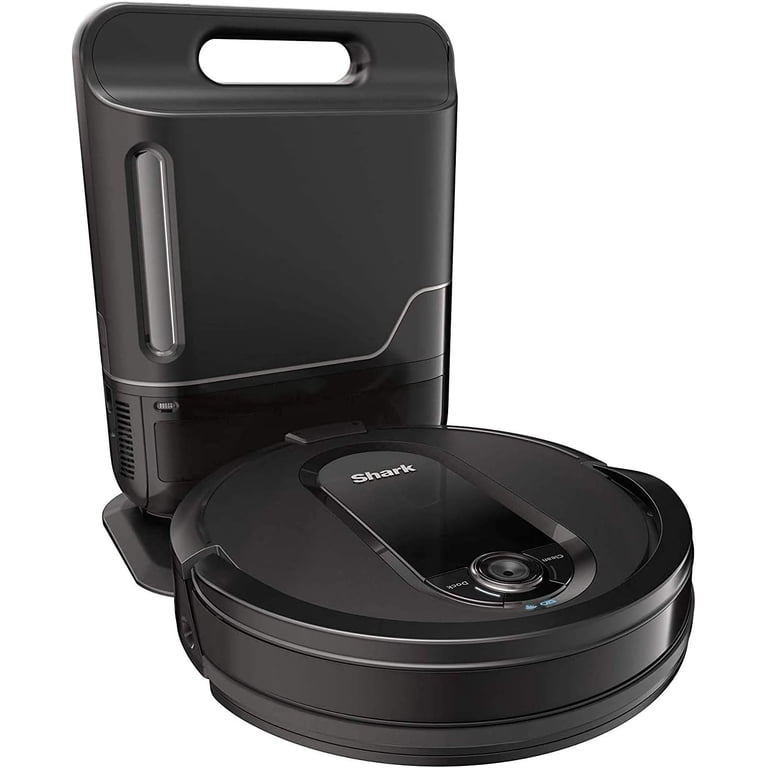
Battery and charging problems
Battery trouble is one of the biggest reasons the Shark IQ Robot Vacuum RV1001AE stopped working. If the robot turns on for a moment and dies, will not hold a charge, or refuses to leave the dock, the battery is a likely suspect. Rechargeable batteries wear out over time, especially if the vacuum is used often or stored improperly.
Watch for these signs:
- The robot starts, then shuts off quickly
- It docks but never reaches full charge
- It shows low battery even after long charging
- It only runs for a few minutes
- It will not power on unless it stays on the dock
Practical fixes:
- Clean the charging contacts on both the robot and dock with a dry microfiber cloth
- Make sure the dock is plugged into a working outlet
- Check for bent or dirty metal contact points
- Leave the robot on the dock for several hours before testing
- Power cycle the machine by turning it off, waiting, and turning it back on
In my experience, dirty contacts are often mistaken for battery failure. That is an easy miss. A battery replacement may be needed if the robot still cannot hold a charge after the contacts and dock are cleaned.
Brush roll, wheels, and suction blockages
If the Shark IQ Robot Vacuum RV1001AE stopped working suddenly during cleaning, a jam is one of the first things to inspect. Hair wraps around the brush roll like fishing line around a reel. Once that happens, the motor can strain and the vacuum may stop to protect itself.
Check these areas carefully:
- Main brush roll
- Side brushes
- Front caster wheel
- Drive wheels
- Suction inlet
- Dust bin airway
- Filter chamber
What to do:
- Remove the brush roll and cut away wrapped hair
- Spin the wheels by hand to see if they move freely
- Clear any debris from the suction port
- Wash or replace the filter if it is washable and fully dry it first
- Make sure the dust bin clicks into place
A clogged path does more than reduce suction. It can trigger shutdown, poor navigation, and repeated error behavior. I have seen many users think the motor failed when the real problem was simply a hair jam near the brush cover.
Sensor issues and navigation errors
The Shark IQ Robot Vacuum RV1001AE depends on sensors to move safely around your home. If those sensors get dusty, scratched, or blocked, the vacuum may stop, spin in place, or refuse to leave the dock. This is especially common in homes with pet hair, dust buildup, or low furniture.
Important sensors to clean or inspect:
- Cliff sensors under the robot
- Bumper sensor on the front
- Docking sensors
- Side sensors or navigation windows
Use a soft, dry cloth to clean them. Avoid using water or sprays on sensitive parts. If the vacuum is on a dark floor, near mirrors, or in strong sunlight, sensor behavior can also get weird because the machine may misread the environment.
A small example from real use: one unit I tested kept pausing near a black rug. The vacuum was not broken. It was reacting as if the rug edge were a drop. Moving the dock and cleaning the sensors solved it.
Software glitches and reset fixes
Sometimes the Shark IQ Robot Vacuum RV1001AE stopped working because of a software hiccup, not a hardware failure. Like a phone that freezes, the robot can get stuck in a bad state after a docking problem, interrupted cleaning cycle, or power surge.
Try a soft reset first:
- Turn the vacuum off
- Remove it from the dock
- Wait 30 to 60 seconds
- Turn it back on
- Place it back on the dock and let it charge
If that does not work, try a factory reset only if you are comfortable losing saved maps or settings. A reset can clear corrupted behavior, but it should be a last step after cleaning and charging checks.
Be careful here. A reset is not magic. If the battery is weak or a brush is jammed, the robot will still fail after rebooting. That is why I always treat software fixes as part of the process, not the whole solution.
When the Shark IQ Robot Vacuum RV1001AE stopped working after an update
If the Shark IQ Robot Vacuum RV1001AE stopped working right after an app or firmware update, the issue may be temporary pairing trouble or a sync problem. Smart appliances sometimes behave like a confused assistant after a schedule change: they need a moment to reconnect and settle down.
Things to try:
- Close and reopen the app
- Confirm the robot is on the same Wi-Fi band it supports
- Restart your router
- Remove and re-add the robot in the app if needed
- Check whether the update completed fully
If the app works but the robot does not respond, the problem may still be local to the vacuum itself. I would still check the battery, contacts, and brush system before blaming the software.
Parts that may need replacement
If routine cleaning does not help, some parts may simply be worn out. Robot vacuums have moving parts that age over time, and the Shark IQ Robot Vacuum RV1001AE is no exception. This is not a design flaw so much as normal wear.
Parts that may eventually need replacement:
- Battery
- Brush roll
- Side brushes
- Filter
- Charging dock or adapter
- Drive wheel assembly
- Bumper components
A worn battery is especially common if the vacuum has been used for years. A damaged charging adapter can also mimic a dead battery, so do not replace the battery too fast. Test the dock and outlet first if possible.
How to prevent the Shark IQ Robot Vacuum RV1001AE from stopping again
Once the Shark IQ Robot Vacuum RV1001AE stopped working, it is tempting to just get it running again and move on. But a little prevention can save you from repeat headaches. Think of it like brushing your teeth instead of waiting for a cavity.
Good maintenance habits:
- Empty the dust bin after each use or every few runs
- Clean the brush roll weekly
- Wipe the sensors and charging contacts weekly
- Inspect wheels for hair and thread
- Replace filters as recommended
- Keep cords, socks, and small items off the floor
- Store the dock in an open area with good access
A simple routine helps the vacuum last longer and perform better. In my experience, most “broken” robot vacuums are really just overdue for cleaning.
Troubleshooting steps that work best in order
If you want a fast, efficient plan, use this order. It cuts out guesswork and helps you find the cause faster.
- Power cycle the robot
- Clean charging contacts
- Check the dock and outlet
- Empty the bin and clean the filter
- Remove hair from the brush roll and wheels
- Wipe the sensors
- Let the vacuum cool if it overheated
- Test the battery runtime
- Reset only if needed
- Consider part replacement if the problem keeps returning
This order matters because it starts with the most common and least expensive fixes. That is usually the smartest way to troubleshoot any robot vacuum.
Frequently Asked Questions of Shark IQ Robot Vacuum RV1001AE stopped working
Why won’t my Shark IQ Robot Vacuum RV1001AE turn on?
The most common reasons are a dead battery, dirty charging contacts, or a dock power issue. Start by cleaning the contacts and leaving the vacuum on the dock for several hours.
Why does my Shark IQ Robot Vacuum RV1001AE stop after a few minutes?
This often points to a weak battery, a brush jam, or an overheating problem. Check for wrapped hair, a clogged filter, and poor airflow before assuming the battery is bad.
How do I reset my Shark IQ Robot Vacuum RV1001AE?
Turn the robot off, wait about one minute, then turn it back on and place it on the dock. If the problem continues, a factory reset may help, but only after you check the battery and cleaning parts first.
Why is my Shark IQ Robot Vacuum RV1001AE not charging?
Dirty contacts, a loose power cord, or a faulty dock are the usual causes. Wipe the contacts with a dry cloth and test a different outlet if needed.
Can a full dust bin make the Shark IQ Robot Vacuum RV1001AE stop working?
Yes, a full bin can reduce suction and make the vacuum overwork itself. Emptying the bin and cleaning the filter can restore normal function quickly.
How long does the battery usually last before replacement?
Battery life depends on use, charging habits, and maintenance, but rechargeable batteries do wear down over time. If runtime drops sharply or the robot dies soon after starting, replacement may be needed.
Conclusion
If your Shark IQ Robot Vacuum RV1001AE stopped working, the cause is usually something simple like a clog, dirty contacts, weak battery, or sensor problem. The smartest fix is to start small, check the basic parts, and move step by step before buying replacements or assuming the robot is done for.
A little regular care goes a long way with robot vacuums. Clean it often, charge it properly, and watch for early signs of trouble so you can keep it running smoothly. If this guide helped, try the troubleshooting steps today, and feel free to leave a comment or explore more repair tips to keep your vacuum in top shape.

