

Most issues are power, wiring, or Wi‑Fi—check breakers, the C‑wire, and reboot first.
I have worked on HVAC controls for years and have fixed many Bryant Evolution thermostats. This guide covers Bryant Evolution Thermostat Troubleshooting step by step. You will learn how the thermostat works, common faults, practical fixes, safety tips, and when to call a pro. Read on and you’ll be able to diagnose most issues quickly and with confidence.

36% off Today’s Exclusive Deals
Limited-time Exclusive Deals. Check current discount on Amazon.
Check Price on Amazon As an Amazon Associate I earn from qualifying purchases.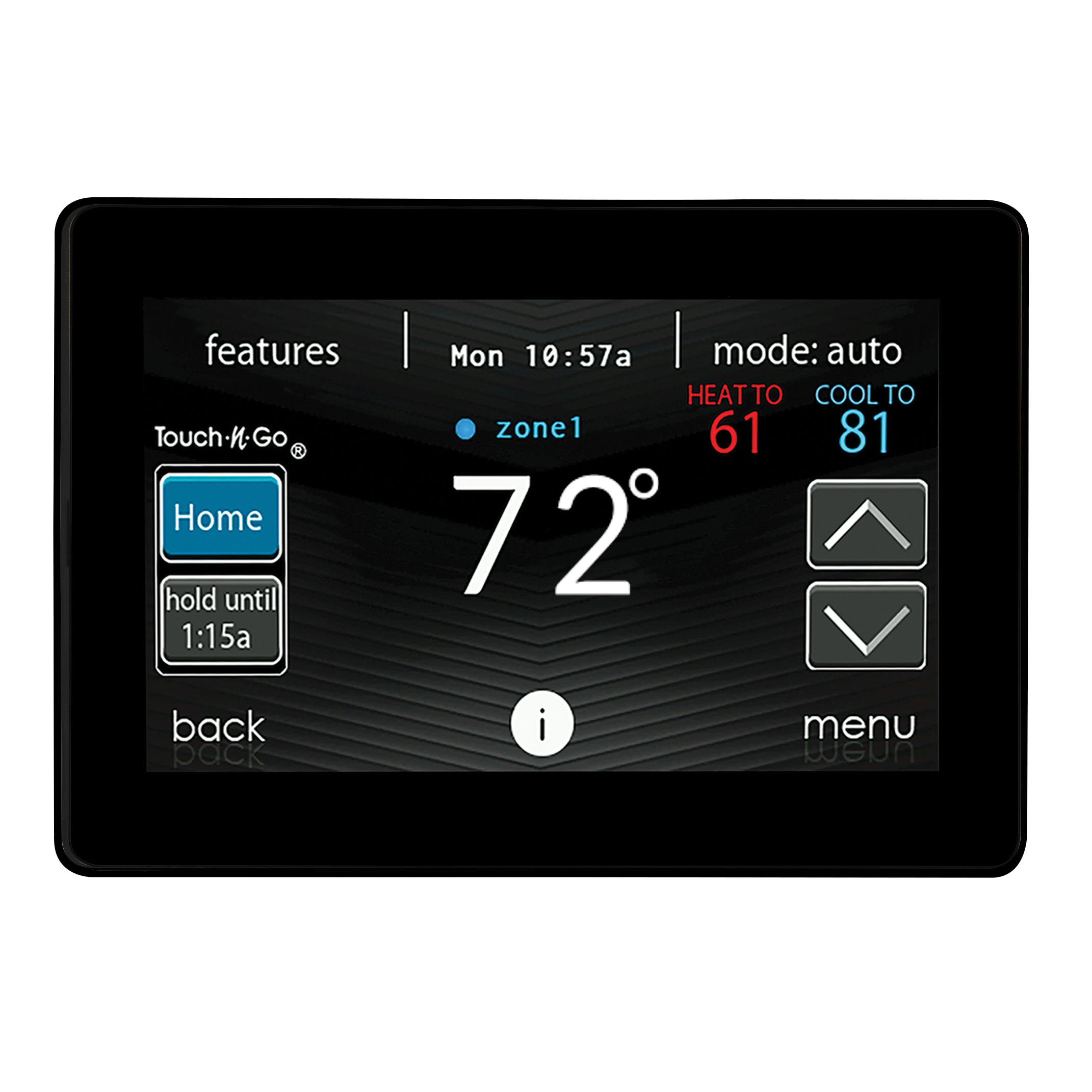
How the Bryant Evolution Thermostat Works
The Bryant Evolution thermostat links your HVAC system, sensors, and the app. Understanding its basic parts helps during Bryant Evolution Thermostat Troubleshooting. Key parts are the display, internal sensors, Wi‑Fi module, control board, and thermostat wiring. Knowing where power comes from and which wire does what makes quick fixes easier.
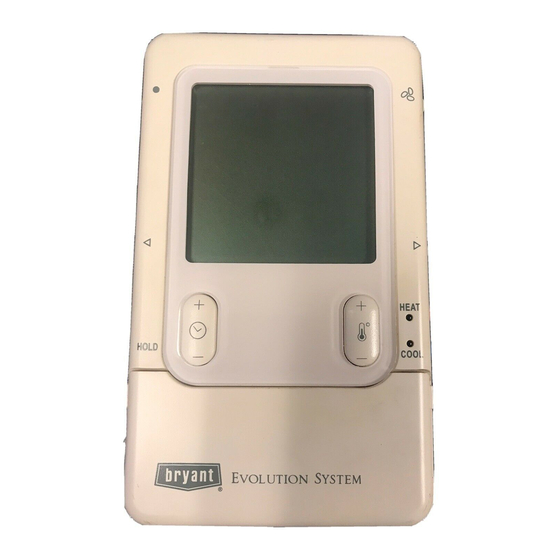
Common Problems and Causes
These are the frequent issues you will see during Bryant Evolution Thermostat Troubleshooting.
- Blank or unresponsive screen. Often caused by tripped breakers, dead batteries, or no C‑wire.
- Incorrect room temperature. Could be sensor drift, poor thermostat placement, or wrong system type set in the menu.
- Wi‑Fi drops or won’t connect. Usually weak signal, wrong password, or router settings blocking the device.
- System won’t call for heat or cool. Commonly caused by wrong wiring, incorrect system type, or internal fuse blown.
- Short cycling or frequent blower runs. Often a system issue, wrong thermostat settings, or stuck relays.
- Schedule not saving or app errors. Usually cloud sync problems or outdated firmware.
Step‑by‑Step Troubleshooting Guide
Follow these steps for Bryant Evolution Thermostat Troubleshooting. Work top to bottom; many fixes are simple.
-
Check power and breakers.
- Look at the HVAC breaker and the furnace/air handler switch. Reset if tripped.
- If the breaker trips again, stop and call an electrician.
-
Reboot the thermostat.
- Remove power by turning off the breaker for 30 seconds, then restore. This clears minor software issues.
- For battery models, remove batteries for a minute, then reinstall.
-
Verify the C‑wire and batteries.
- A missing C‑wire is a top cause of reboot loops and Wi‑Fi loss. Use a voltage tester to confirm 24VAC between C and R.
- Replace weak batteries even if a C‑wire exists.
-
Inspect wiring and terminals.
- Turn power off. Remove the thermostat from its wall plate and check tight connections.
- Look for loose, corroded, or swapped wires. Reattach firmly.
-
Check system type and settings.
- Ensure the thermostat is set to the correct system (gas, heat pump, or electric).
- Verify heat/cool temperature differentials and fan settings.
-
Reconnect Wi‑Fi and update firmware.
- Reenter network credentials. Move router closer if signal is weak.
- Update firmware via the app when available to fix bugs.
-
Perform a factory reset as last resort.
- Back up any schedules or preferences. Reset can solve persistent software faults.
- Reconfigure settings after reset.
I once fixed a Bryant Evolution that booted to blank by finding a loose C‑wire. Tightening the terminal solved things in five minutes. This is typical—start simple and work outward.

Reading Error Codes and Display Messages
The thermostat shows simple messages that guide Bryant Evolution Thermostat Troubleshooting.
- “System Locked” or “User Locked” means settings are restricted. Check installer options or parental lock.
- “No Comm” means the thermostat and HVAC control board lost communication. Check wiring and control board fuses.
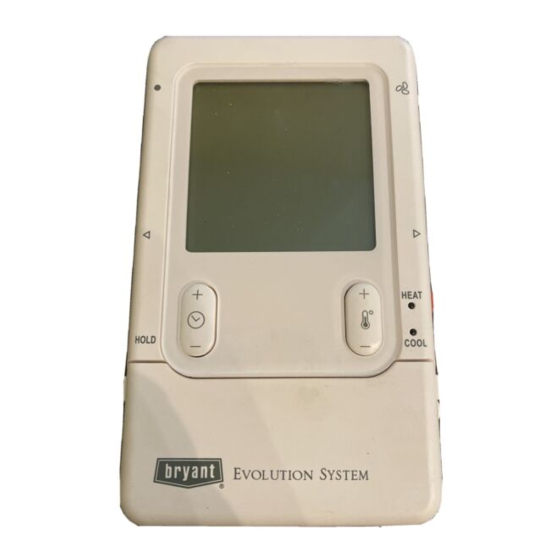
- Blank display with backlight on can mean a display ribbon issue or low internal voltage. Check power and batteries.
- Wi‑Fi error messages point to router, password, or cloud service issues.
If you see a code you don’t know, take a clear photo and consult the manual or installer menu for exact wording before calling a tech.
Advanced Diagnostics
When basic steps fail, use these advanced Bryant Evolution Thermostat Troubleshooting methods.
- Use a multimeter to test 24VAC between R and C, and continuity for fan and compressor circuits. Record voltages before changing wiring.
- Test the control board at the furnace/air handler. Check the board’s fuse and terminal voltages during a call for heat or cool.
- Swap in a known working thermostat if available. This isolates whether the thermostat or HVAC system is at fault.
- Capture logs or screenshots of errors in the app. These help technicians diagnose intermittent faults.
Always cut power before opening HVAC panels. If you are not comfortable with live voltage tests, call a licensed technician.
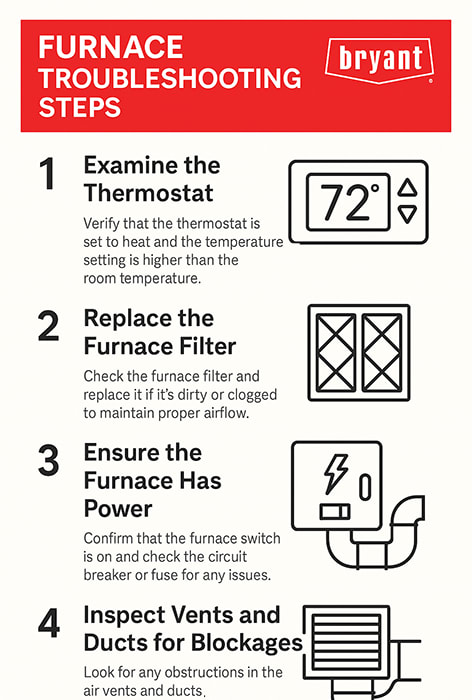
Maintenance Tips to Prevent Issues
Good maintenance reduces the need for Bryant Evolution Thermostat Troubleshooting.
- Replace thermostat batteries annually or when low‑battery warnings appear.
- Keep firmware up to date using the app to fix bugs and improve stability.
- Clean around the thermostat. Dust and drafts cause false readings.
- Label thermostat wires during any service to avoid miswiring later.
- Change HVAC filters regularly to reduce short cycling and pressure problems that can look like thermostat faults.
Small habits stop most repeat calls and keep the system responsive.
When to Call a Professional
Call a pro if problems persist after basic checks. These signs mean it’s time:
- Repeated breaker trips when the thermostat is powered.
- No 24VAC present at R and C even after verifying wiring.
- Strange sounds in the HVAC equipment during calls for heat or cool.
- Complex control board faults or if the thermostat logs show repeated communication failures.
- You are unsure about working with live voltage or gas equipment.
A licensed HVAC technician can test system pressures, control boards, and safety devices safely.
Frequently Asked Questions of Bryant Evolution Thermostat Troubleshooting
What should I check first if my Bryant Evolution thermostat is blank?
Start with the HVAC breaker and the air handler or furnace switch. Next, check the C‑wire and batteries and then reboot the thermostat.
Why does my Bryant Evolution thermostat lose Wi‑Fi often?
Wi‑Fi drops are usually caused by weak signal, network changes, or router security settings. Move the router closer and ensure the thermostat has the correct password.
How do I know if the thermostat or HVAC system is at fault?
Swap in a simple spare thermostat or measure 24VAC at R and C. If voltages and system responses are correct, the issue is likely the thermostat.
Will a factory reset fix most software issues?
A factory reset often fixes software and configuration faults, but you will lose schedules and custom settings. Try other steps first and back up settings if possible.
Is it safe to open the furnace to check the control board?
Only if you are trained and the power is off. Live testing requires care and should be done by a pro if you are not experienced with electrical systems.
Conclusion
Bryant Evolution Thermostat Troubleshooting is mostly about checking power, wiring, and connectivity first, then moving to resets and firmware updates. With a clear step‑by‑step approach you can solve many issues fast. If a problem involves live voltage, repeated breaker trips, or control board faults, call a licensed technician. Try the simple fixes today, and leave complex work to a pro. If this guide helped, subscribe for more HVAC tips or leave a comment with your thermostat issue.

