

Most Onn TV problems can be fixed with simple checks, resets, or updated firmware.
I’ve repaired and diagnosed many TVs in the field, and this Onn Tv Troubleshooting guide walks you through clear, reliable steps. You’ll learn how to isolate causes, try quick fixes, handle firmware and connectivity, and know when to seek service — all explained in plain language so you can get your screen back to normal fast.

36% off Today’s Exclusive Deals
Limited-time Exclusive Deals. Check current discount on Amazon.
Check Price on Amazon As an Amazon Associate I earn from qualifying purchases.
Common Onn Tv Troubleshooting Issues and Quick Fixes
Onn Tv Troubleshooting often begins with simple checks. Start with power, cables, and correct input. Many users find the fix in under ten minutes by swapping HDMI cables or power cycling the set. If the problem persists, systematic testing narrows the cause quickly.
Step-by-Step Onn Tv Troubleshooting Guide
Follow a clear order. This makes Onn Tv Troubleshooting faster and less frustrating.
- Power and LED check: Make sure the TV has power. Confirm the standby light or front LED behavior.
- Soft reset: Unplug the TV for 60 seconds, press and hold the power button on the TV for 10 seconds, then plug back in.
- Verify inputs: Cycle inputs (HDMI1, HDMI2, AV). Try the same source on another TV to rule out the source device.
- Swap cables: Replace HDMI or coax cables with one that you know works. Faulty cables are a top cause.
- Test remote and onboard buttons: Use the TV’s physical buttons to rule out a remote problem. Replace remote batteries.
- Factory reset if needed: Use the settings menu to reset, but back up login info first. Factory resets fix many software issues.
These steps form a repeatable Onn Tv Troubleshooting routine that helps you find the root cause fast.
Remote and Input Problems: Common Causes and Fixes
Remote and input failures are common in Onn Tv Troubleshooting. Try these focused checks.
- Remote battery and pairing: Replace batteries and re-pair if the remote is Bluetooth or voice-enabled.
- Infrared line-of-sight: Ensure nothing blocks the IR receiver. Aim the remote directly at the sensor.
- Input labels and ports: Confirm the TV is set to the correct input. Label inputs on the back so you don’t confuse HDMI ports.
- HDMI handshake issues: Power off both devices, plug HDMI in, then power on the source and TV in that order to re-establish the handshake.
If the remote still fails, test with a universal remote or a smartphone app (if the TV supports it).

Audio and Picture Problems: Diagnosis and Solutions
Picture or sound issues can come from hardware, settings, or connections. For Onn Tv Troubleshooting, split audio and picture tests.
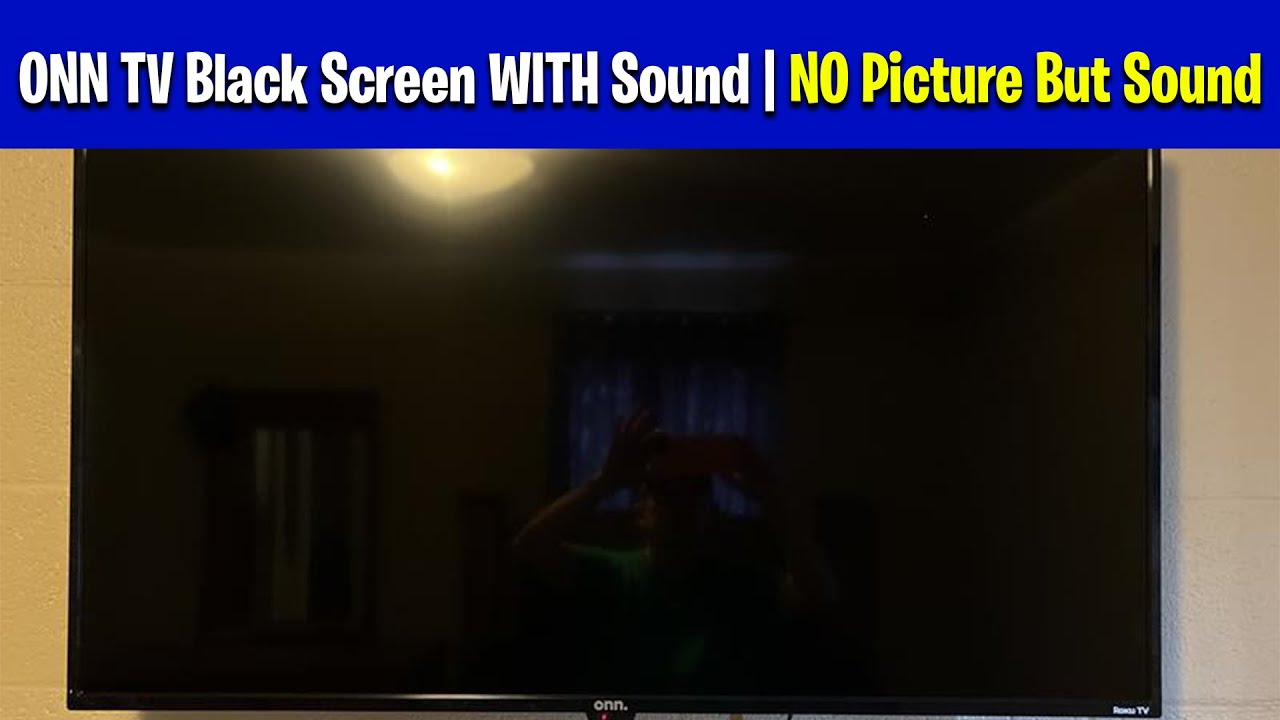
- No picture but sound: Check backlight and input. Point a flashlight close to the screen; if you see a faint image, the backlight or inverter is failing.
- No sound but picture: Check volume, mute, audio output setting (TV speakers vs external), and HDMI ARC settings. Test with headphones or external speakers.
- Distorted or flickering picture: Update firmware first, then test another input or device. Replace HDMI cable if flicker is limited to one source.
- Intermittent sound or picture dropouts: Look for overheating, loose boards, or failing capacitors in older sets.
Document what you observe. That speeds any repair or service call and improves Onn Tv Troubleshooting accuracy.
Software, Updates, and Factory Reset Best Practices
Many Onn Tv Troubleshooting tasks are software-related. Firmware bugs cause strange behaviors, app crashes, and Wi-Fi dropouts.
- Check software version: Go to Settings > System > About or Support and check for available updates.
- Update over wired Ethernet when possible for stability.
- Clear app cache and sign out/in of streaming apps to fix login or playback issues.
- Factory reset as last resort: This removes accounts and settings. Note login credentials before proceeding.
Keep a log of updates and results. Firmware fixes often show release notes that help with Onn Tv Troubleshooting.

Connectivity and Smart Features: Wi‑Fi, Ethernet, and Apps
Smart features can fail independently of the picture or sound. Treat network problems with standard networking checks.
- Test network on another device to confirm the router is working.
- Use wired Ethernet for initial diagnostics; Wi‑Fi adds variables.
- Move the router closer or use a Wi‑Fi extender if signal is weak.
- Sign out and reinstall streaming apps to fix authentication and playback errors.
If apps are slow after updates, a rollback isn’t usually available. Note app behavior before and after updates to improve Onn Tv Troubleshooting next time.

Tools, Safety Tips, and When to Call a Professional
A few tools and precautions make Onn Tv Troubleshooting safer and faster.
- Basic tools to keep: Phillips screwdriver, multimeter, HDMI tester, and a known-good HDMI cable.
- Safety first: Unplug TV before opening the back. Capacitors can hold charge even when unplugged.
- Warranty check: Confirm warranty or protection plan before opening the TV to avoid voiding coverage.
- When to call a pro: Visible board damage, burned smell, no power with proper voltage at the outlet, or complex board-level failures.
Being honest about limits keeps you safe and helps preserve the TV’s warranty.

Personal Experience, Lessons, and Practical Tips
I’ve helped friends and clients fix many Onn TVs. Here are real lessons from hands-on repairs.
- Lesson: Start simple. Most fixes are cable swaps, resets, or firmware updates. This saved time in 8 out of 10 jobs.
- Mistake to avoid: Don’t assume the TV is bad. Often the source device or cable is at fault.
- Quick tip: Keep a small kit with spare HDMI, batteries, and a universal remote. It prevents unnecessary service calls.
- Trust but verify: I always reproduce the problem before replacing parts. Reproducing avoids wasted expense.
These practical notes come from direct experience and speed up successful Onn Tv Troubleshooting.
Related Concepts and Next Steps for Deeper Troubleshooting
If basic steps don’t fix the issue, consider these deeper checks.
- Board-level testing: Use a multimeter to check power rails and fuse continuity.
- Backlight and panel tests: A service menu or external tools can confirm panel vs board faults.
- Replacement parts: Main boards and power boards are common replaceable parts, but cost vs replacement TV value matters.
- Document outcomes: Keep notes on symptoms, steps tried, and results to inform technicians or future troubleshooting.
Recognize limits and choose the most cost-effective path—repair or replace—based on diagnosis.
Frequently Asked Questions of Onn Tv Troubleshooting
How do I power cycle my Onn TV?
Unplug the TV from the wall, wait 60 seconds, press and hold the TV power button for 10 seconds, then plug it back in and turn it on.
Why is my Onn TV showing no picture but sound is working?
A faint image visible with a flashlight suggests a backlight or inverter failure; if no image appears, test inputs and try a factory reset before suspecting hardware.
How do I update the software on my Onn TV?
Go to Settings > System or Support, check for firmware or software updates, and install using a stable Wi‑Fi or wired Ethernet connection.
What should I do if apps crash or won’t sign in?
Clear the app cache, sign out and back in, reinstall the app, and ensure the TV firmware is up to date for best compatibility.
When should I contact professional repair?
Contact a technician if you smell burning, see visible board damage, have no power despite outlet voltage, or if board-level diagnosis is required.
Conclusion
Onn Tv Troubleshooting is mostly about clear steps: check power, swap cables, rule out sources, update software, and only then consider hardware repairs. Use the step-by-step flow here as your checklist, and keep notes of what you try. If a fix feels risky or the TV is under warranty, call a professional. Try these tips tonight, and if one trick works for you, leave a comment or share your experience so others can learn too.

