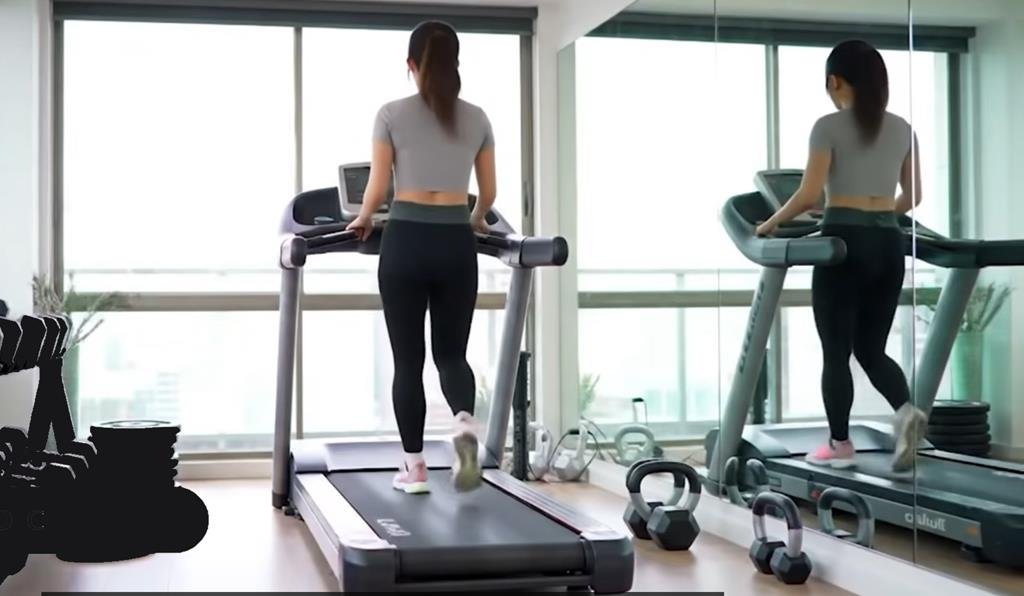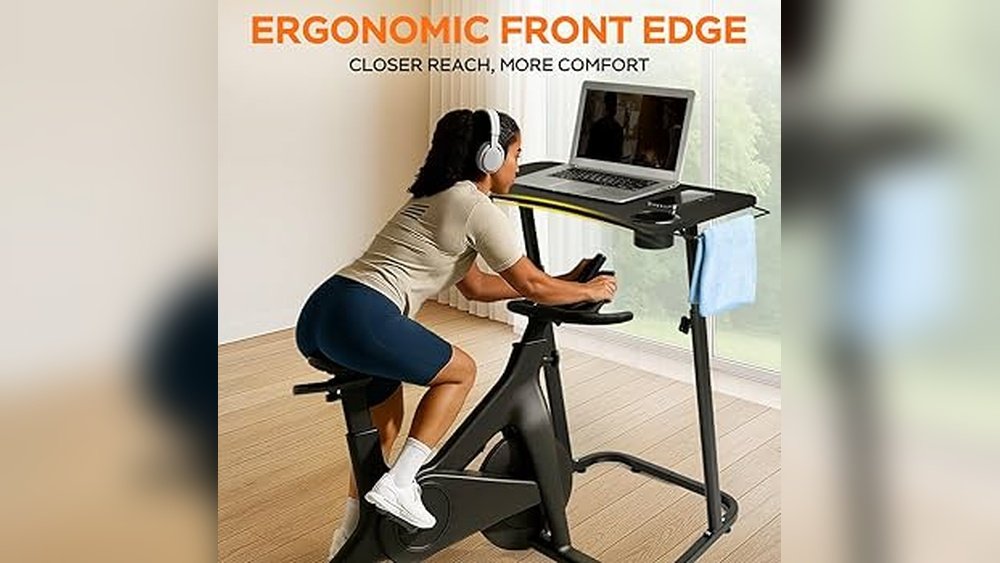
Are you spending long hours at your home office desk and feeling stiff or tired? A walking pad might be the simple solution you need to stay active without leaving your workspace.
But how do you make sure it’s comfortable and fits seamlessly into your daily routine? You’ll discover easy tips to use a walking pad that keeps you moving and feeling great all day long. Keep reading to transform your work-from-home setup into a healthier, more enjoyable space.

Choosing The Right Walking Pad
Choosing the right walking pad for your home office is important for comfort and productivity. The ideal walking pad fits your space and meets your walking needs. Pay attention to size, speed, and noise levels. These features impact your daily use and overall satisfaction.
Size And Portability
Measure your available space before selecting a walking pad. Compact models fit small rooms and under desks. Lightweight pads are easy to move and store. Portability helps if you want to change locations or pack it away after use. Find a balance between a large walking area and the space you have.
Speed And Motor Options
Choose a walking pad with adjustable speed settings. Slow speeds suit walking while working. Some pads offer motors with quiet and steady power. Strong motors provide smooth movement for longer sessions. Check if the speed range matches your fitness level and work pace.
Noise Levels
Quiet operation is key for a home office. Look for walking pads with low noise motors. Noise can disturb calls or concentration. Reading customer reviews helps to find models with minimal sound. A silent walking pad keeps your work environment calm and focused.
Setting Up Your Walking Pad
Setting up your walking pad correctly makes a big difference in comfort and productivity. A proper setup helps you stay active and focused. It also prevents strain and accidents. Follow simple tips to create a safe and efficient workspace with your walking pad.
Optimal Placement
Place the walking pad on a flat, stable surface. Avoid rugs or uneven floors. This keeps the machine steady while walking. Leave enough space around the pad for easy movement. Position it where you can easily get on and off. Good lighting helps you see the controls clearly.
Desk Compatibility
Match the walking pad height with your desk. Your desk should allow comfortable arm and wrist positions. Standing or adjustable desks work best. Keep the desk surface clear to avoid distractions. Make sure cables and devices do not block your walking path.
Safety Measures
Wear proper shoes with good grip on the walking pad. Start walking at a slow speed to adjust. Keep your balance by holding the desk or using handrails if available. Avoid sudden stops or turns. Keep children and pets away from the walking area for safety.
Maximizing Comfort While Walking
Maximizing comfort while using a walking pad in your home office helps you stay focused and energized. Comfort reduces strain on your body and makes walking more enjoyable. Small adjustments can make a big difference in your daily routine. Follow these tips to improve your comfort and keep walking safely.
Proper Footwear
Wear shoes with good support and cushioning. Avoid slippers or hard-soled shoes that can cause pain. Choose lightweight shoes that fit well and allow natural foot movement. Proper footwear protects your feet and joints from stress. It also helps prevent slips and falls on the walking pad.
Posture Tips
Keep your back straight and shoulders relaxed while walking. Look straight ahead, not down at your feet or screen. Bend your elbows slightly and swing your arms naturally. Stand tall to reduce strain on your neck and lower back. Good posture improves breathing and helps you walk longer without pain.
Adjusting Walking Speed
Start with a slow pace to get used to the walking pad. Increase your speed gradually as you feel comfortable. Avoid walking too fast, which can cause fatigue or imbalance. Find a speed that lets you work and walk without feeling rushed. Changing speed during breaks can boost circulation and reduce stiffness.
Boosting Productivity With Walking Pads
Using a walking pad in your home office can help you stay active and productive. Moving while you work can improve your energy and focus. It also helps reduce the negative effects of sitting too long. To get the best results, balance walking with your work tasks carefully. Here are some tips to boost productivity with walking pads.
Balancing Movement And Focus
Walking while working needs a good balance. Walking too fast can distract you from tasks. Walking too slow might not give enough exercise. Find a speed that lets you think clearly and move comfortably. Pay attention to your body and adjust as needed. This balance helps keep your mind sharp and your body active.
Using Timers And Breaks
Set timers to control walking and working time. Walk for a set time, then stop to focus fully. Take short breaks to rest your legs and eyes. Using timers helps you avoid getting too tired. It also keeps your work organized and your energy steady.
Combining Walking With Tasks
Choose work tasks that fit walking well. Listening to podcasts or making phone calls works great. Avoid tasks that need a lot of typing or writing. Walking pads work best for tasks that need less hand use. This way, you stay active without losing work quality.
Maintenance And Care
Keeping your walking pad clean and well-maintained helps it last longer. It also makes your home office safer and more comfortable. Regular care keeps the machine running smoothly and avoids unexpected problems. Simple steps can protect your investment and improve your daily walk.
Cleaning Tips
Turn off and unplug the walking pad before cleaning. Use a soft cloth to wipe the surface and belt. Avoid water or harsh chemicals that could damage parts. Clear dust and debris from the motor area and rollers. Clean regularly to prevent dirt buildup and keep it smooth.
Regular Inspections
Check the walking pad for loose screws or parts every week. Inspect the belt for signs of wear or damage. Listen for unusual noises during use. Tighten any loose screws to keep the device steady. Early checks stop small problems from becoming big issues.
Troubleshooting Common Issues
If the walking pad stops working, first check the power connection. Make sure the belt moves freely and isn’t stuck. Reset the device according to the manual if needed. For uneven belt movement, adjust the tension carefully. Contact support if problems continue after basic fixes.


Frequently Asked Questions
What Is A Walking Pad For Home Office?
A walking pad is a compact treadmill designed for indoor use. It fits under desks, allowing walking while working. It promotes movement and reduces sedentary behavior in home offices. It’s ideal for boosting physical activity without disrupting work.
How To Choose A Comfortable Walking Pad?
Select a walking pad with adjustable speed and cushioning. Ensure it fits your available space and supports your weight. Look for quiet operation to avoid work distractions. Comfort features improve your walking experience during long work hours.
Can Walking Pads Improve Home Office Productivity?
Yes, walking pads increase blood flow and energy levels. They help reduce fatigue and improve focus. Using a walking pad can boost mood and creativity. Regular movement supports overall well-being, enhancing productivity in a home office.
How To Maintain Comfort Using A Walking Pad?
Wear supportive shoes and maintain good posture while walking. Take regular breaks to stretch and hydrate. Adjust speed to a comfortable pace to avoid strain. Proper setup and routine care ensure ongoing comfort and safety.
Conclusion
Using a walking pad in your home office boosts comfort and health. It helps reduce sitting time and keeps you active. Choose a quiet, smooth model to avoid distractions. Adjust speed and posture for the best experience. Place the pad where you can focus easily.
Small steps make a big difference for your well-being. Try to move regularly throughout the day. Walking pads fit well in small spaces too. Stay consistent to enjoy long-term benefits. Comfort at work leads to better focus and mood.