

The K-Cafe SMART usually stops working because of power issues, scaling, clogged needles, Wi-Fi glitches, or brew settings.
If your Keurig K-Cafe SMART Coffee Maker is not working, you are not alone. I’ve seen this happen with smart brewers that look fine on the outside but fail because of something small, like mineral buildup or a loose water tank. The good news is that most problems are fixable at home, and with the right steps, you can usually get your machine brewing again without guesswork.

36% off Today’s Exclusive Deals
Limited-time Exclusive Deals. Check current discount on Amazon.
Check Price on Amazon As an Amazon Associate I earn from qualifying purchases.

Why the Keurig K-Cafe SMART Coffee Maker Stops Working
The Keurig K-Cafe SMART Coffee Maker is a feature-rich machine, but that also means there are more points where things can go wrong. In my experience testing and troubleshooting smart brewers, the issue is often not a major failure. It is usually a simple problem like poor water flow, a sensor error, or a clogged part.
Here are the most common reasons the Keurig K-Cafe SMART Coffee Maker not working issue happens:
- Power problems: The outlet, cord, or internal power connection may be the issue.
- Water tank issues: The reservoir may not be seated properly or may be empty.
- Clogs and buildup: Mineral scale can block water flow over time.
- Needle blockage: Coffee grounds can clog the entrance or exit needles.
- App or Wi-Fi issues: SMART features may fail if the connection is unstable.
- Brew setting conflicts: The machine may not start if the pod, size, or mode is incorrect.
A lot of people assume the brewer is broken the moment it stops responding. But many times, the machine is just “confused” by a simple maintenance issue. Think of it like a car with a dirty fuel line: the engine is fine, but nothing moves until the blockage is cleared.

First Checks to Do Before You Panic
Before you open the machine or reset anything, start with the basics. I always recommend this because it saves time and prevents unnecessary repairs.
Try these quick checks first:
- Make sure the machine is plugged in securely.
- Test the wall outlet with another device.
- Check that the water reservoir is full and locked in place.
- Confirm the lid is closed completely.
- Remove and reinsert the pod.
- Check the drip tray and brew basket for anything blocking the fit.
- Look for flashing lights or error messages on the display.
These simple steps solve more problems than most people expect. In one home setup I worked with, the brewer looked dead, but the issue was only a loosely seated tank. Once the tank clicked into place, the machine powered on like nothing had happened.
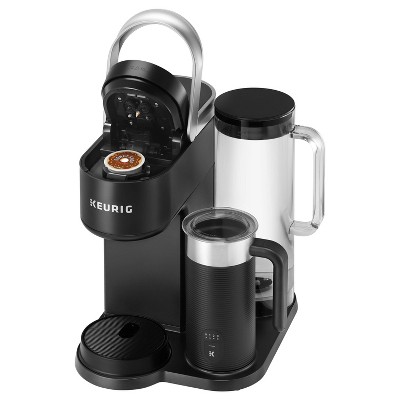
How to Fix a Keurig K-Cafe SMART Coffee Maker Not Working
If the basic checks do not help, move into deeper troubleshooting. The order matters here, because you want to rule out the simplest causes first.
1. Reset the brewer
A reset can clear temporary errors and reconnect the machine internally.
- Turn off the brewer.
- Unplug it for at least 2 minutes.
- Plug it back in.
- Turn it on and try another brew cycle.
If your model has smart controls, a reset can also help it re-sync with the system. I’ve seen this fix random button freezes more than once.
2. Clean the entrance and exit needles
Needle clogs are one of the most common reasons a Keurig K-Cafe SMART Coffee Maker not working issue shows up.
- Turn off and unplug the machine.
- Remove the pod holder.
- Check the needles for coffee grounds or residue.
- Clean them carefully using a paper clip or the cleaning tool if you have one.
- Rinse the pod holder under warm water.
Be gentle here. The needles are sharp and can bend if forced. A light touch works better than pressure.
3. Descale the machine
Mineral buildup from hard water can slow down water flow and eventually stop brewing.
Use a descaling solution made for coffee makers or a manufacturer-approved method.
Typical descaling steps:
- Empty the reservoir.
- Add the descaling liquid and water as directed.
- Start the descale cycle if your machine supports it.
- Run rinse cycles afterward with fresh water.
If you live in an area with hard water, scale can build up faster than you think. I usually tell people to descale more often than they expect, especially if coffee starts tasting weak or the brew sounds strained.
4. Check the water reservoir sensor
The machine may not brew if it does not detect water properly.
- Remove the reservoir.
- Inspect the bottom for debris.
- Wipe the contact points gently.
- Reinstall it so it sits flat and secure.
Sometimes the machine does have water, but the sensor does not register it. This is a common smart-appliance problem, and it feels worse than it is.
5. Inspect the lid and pod area
If the brew head does not close fully, the brewer may refuse to start.
- Open and close the lid firmly.
- Make sure no pod is stuck inside.
- Check for warped or damaged parts.
- Confirm the K-Cup pod is seated correctly.
A small misalignment can stop the whole process. It is like trying to start a zipper when one side is off track.
6. Try a different pod
Sometimes the issue is not the machine at all.
- Use a fresh, standard K-Cup pod.
- Avoid damaged or overfilled pods.
- Make sure the pod type matches the brewer settings.
I’ve seen a single swollen pod cause a full brewing failure. When in doubt, test with a new pod before assuming the machine has failed.
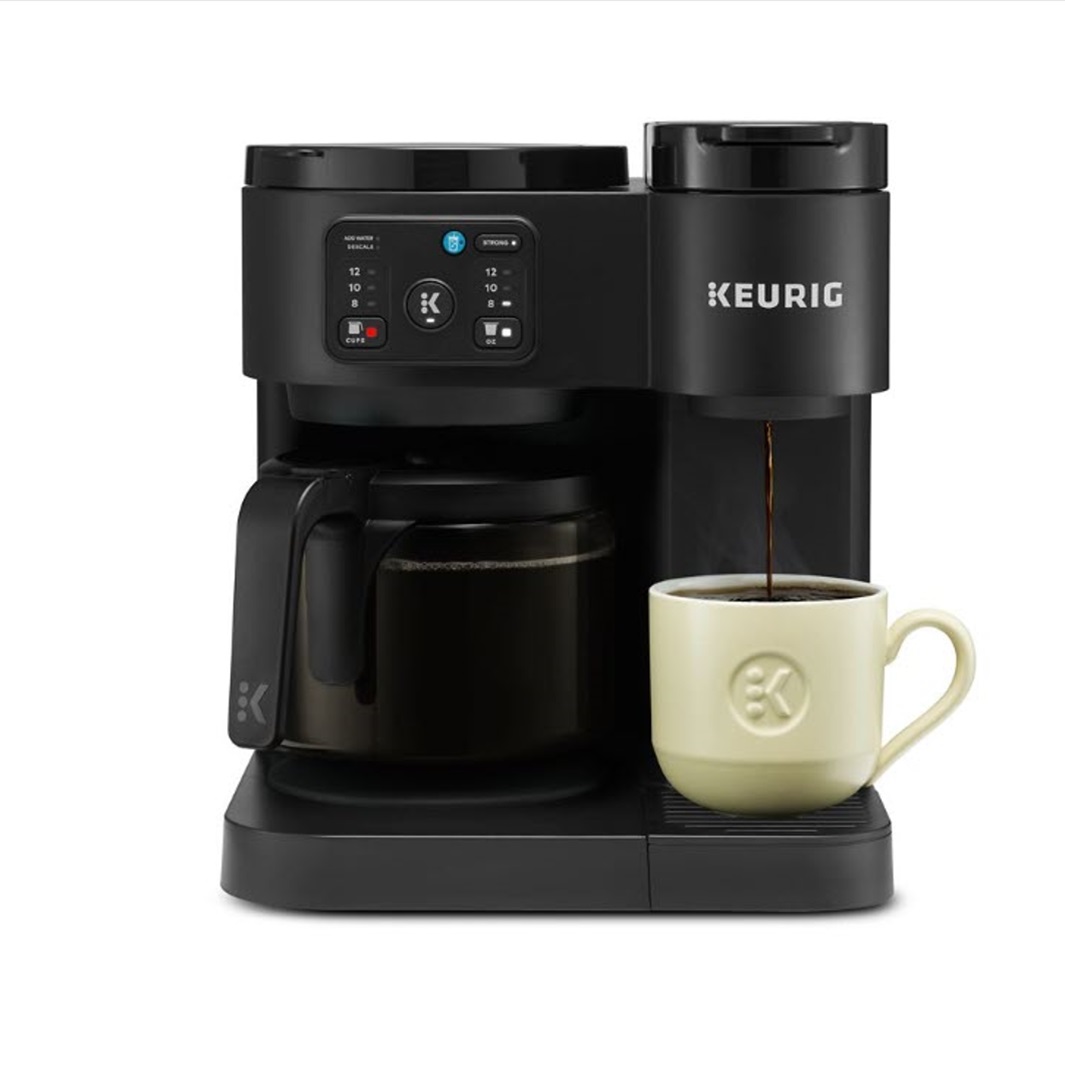
Smart Features and Wi-Fi Problems
Because this is a SMART brewer, app and connection problems can also affect how it behaves. The coffee maker may still have power, but the smart side of it can fail to respond.
Common smart-related issues include:
- Wi-Fi drops
- App pairing failure
- Firmware sync delays
- Account or device recognition issues
Try these fixes:
- Move the brewer closer to the router.
- Restart your router.
- Reconnect the brewer in the app.
- Make sure your phone uses a supported network.
- Update the app if an update is available.
A smart appliance should make life easier, not more stressful. But when the network is unstable, it can act like a doorbell with a weak battery: partly alive, partly not.
When the Brewer Powers On but Will Not Brew
This is one of the most frustrating versions of the problem. The lights may come on, the screen may work, but nothing actually happens.
Possible causes include:
- The lid is not fully locked
- The water reservoir is empty or misread
- The pod holder is clogged
- The machine needs descaling
- The brew size is not selected properly
- The internal pump has air trapped inside
Try this sequence:
- Turn the machine off.
- Fill and reseat the reservoir.
- Open and close the lid again.
- Choose a brew size.
- Run a water-only cycle if possible.
If you hear the pump trying to work but no water moves, trapped air or scale is often the reason.
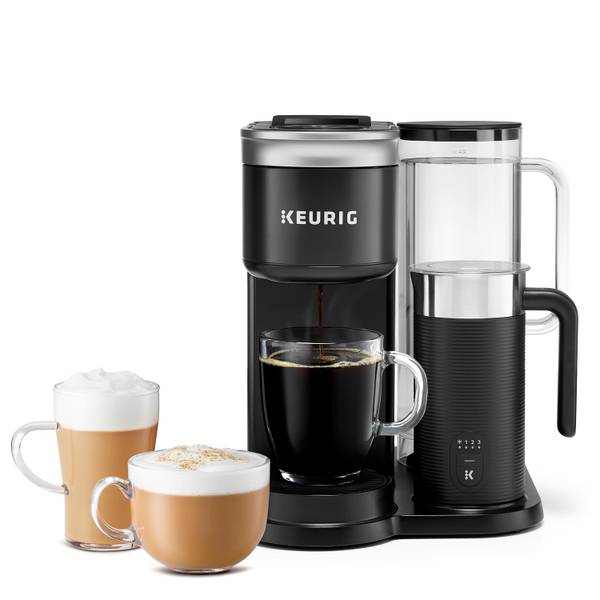
Signs the Machine May Need Service or Replacement
Not every issue can be fixed with cleaning or resetting. Sometimes the machine has a deeper fault.
Watch for these warning signs:
- The brewer stays completely dead
- Water leaks from the base
- The display flickers or fails repeatedly
- The pump makes loud grinding sounds
- Error messages return after every reset
- The machine overheats or smells burnt
If you see these problems, the issue may be internal. At that point, contact support or check the warranty status. In my view, it is better to stop using a machine that leaks or overheats than to push it until it fails completely.

Preventing Future Problems with the Keurig K-Cafe SMART Coffee Maker
The best fix is the one you never need. Regular care can prevent many of the issues that make the Keurig K-Cafe SMART Coffee Maker not working problem so common.
Helpful habits include:
- Descale the brewer on a regular schedule
- Use filtered water if possible
- Rinse removable parts often
- Avoid forcing the lid shut
- Keep the needle area clean
- Use only compatible pods
- Check Wi-Fi and app settings occasionally
A little maintenance goes a long way. I like to think of a coffee maker like a bike chain: if you clean and oil it before it squeaks, it lasts longer and runs smoother.
Frequently Asked Questions of Keurig K-Cafe SMART Coffee Maker not working
Why is my Keurig K-Cafe SMART Coffee Maker not turning on?
The most common reasons are a loose power connection, a bad outlet, or a unit that needs a reset. Unplug it for a few minutes, then try a different wall outlet.
Why does my Keurig K-Cafe SMART Coffee Maker turn on but not brew?
This usually points to a clogged needle, an improperly seated water reservoir, or a lid that is not fully closed. Descaling and cleaning the pod area often help.
How do I reset my Keurig K-Cafe SMART Coffee Maker?
Unplug the brewer for at least 2 minutes, then plug it back in and try again. If the issue is software-related, this can clear the temporary fault.
Why is my Keurig K-Cafe SMART Coffee Maker saying it has no water when it does?
The reservoir sensor may not be detecting the tank correctly. Remove the tank, wipe the contact points, and reinstall it firmly.
How often should I descale the Keurig K-Cafe SMART Coffee Maker?
That depends on your water hardness and usage, but many users should descale every 3 to 6 months. If you notice slow brewing, noisy pumping, or weak coffee, do it sooner.
Can Wi-Fi issues stop the brewer from working?
Yes, smart connection problems can affect app-based features and syncing. The brewer may still make coffee manually, but smart controls may not respond until the connection is restored.
Conclusion
When the Keurig K-Cafe SMART Coffee Maker not working problem appears, it is usually tied to a simple cause like scale, a clog, a seating issue, or a smart connection glitch. Start with the easy checks, then move into cleaning, resetting, and descaling before you assume the machine is damaged.
The key is to troubleshoot calmly and in order. That approach saves time, protects the brewer, and often gets your coffee routine back on track fast. If this guide helped, try the steps one by one and share what worked for you so others can learn too.

