

If you own a Whirlpool Duet washer, you know it’s designed for convenience and energy savings. But even the best appliances can run into problems. When your washer starts acting up—won’t start, leaves clothes wet, or shows error codes—it can be stressful. Many issues are easy to fix at home, and understanding how to troubleshoot your Whirlpool Duet washer can save money and time. This guide explains common problems, solutions, and when it’s best to call for professional help.
Understanding Your Whirlpool Duet Washer
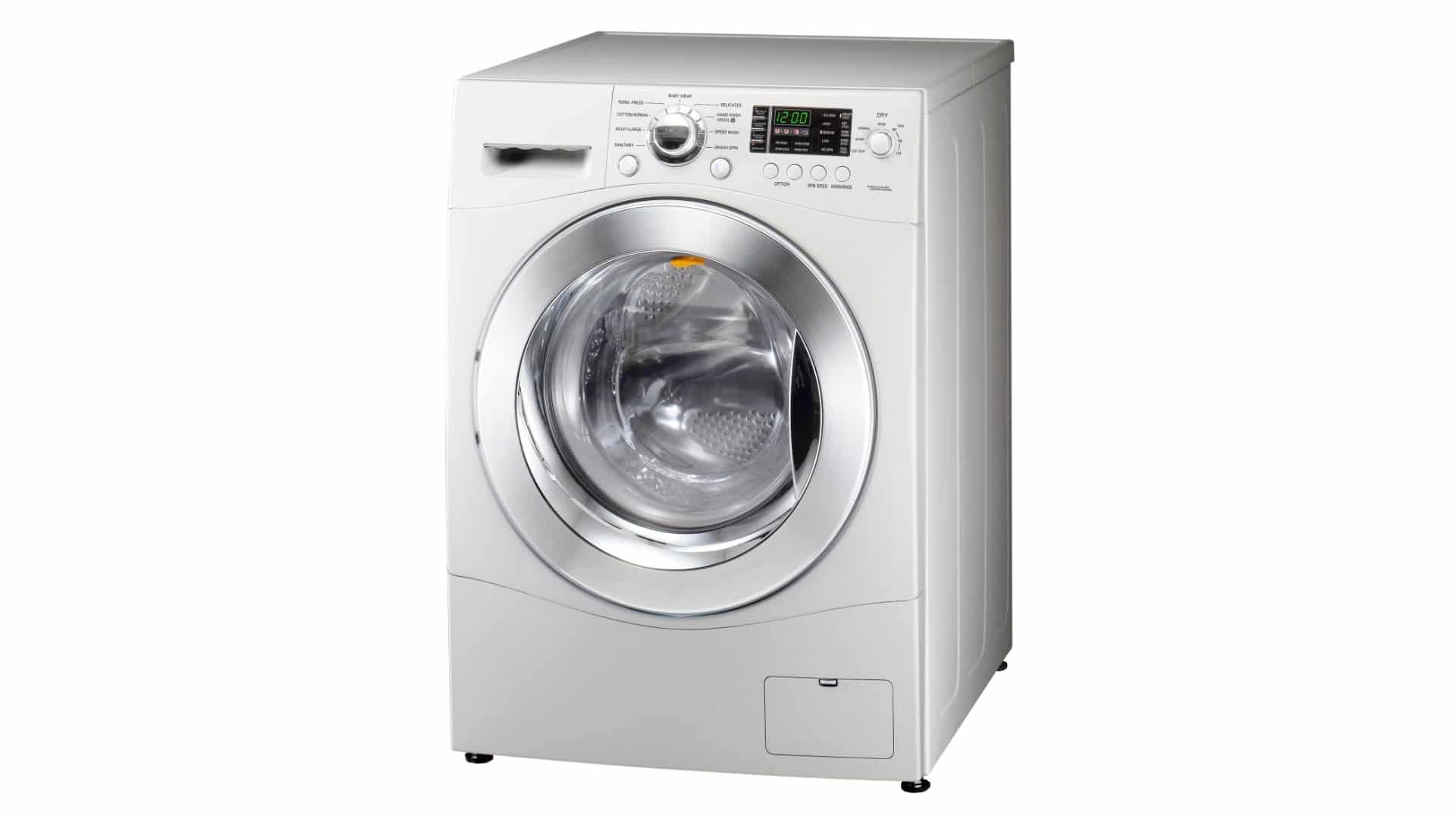
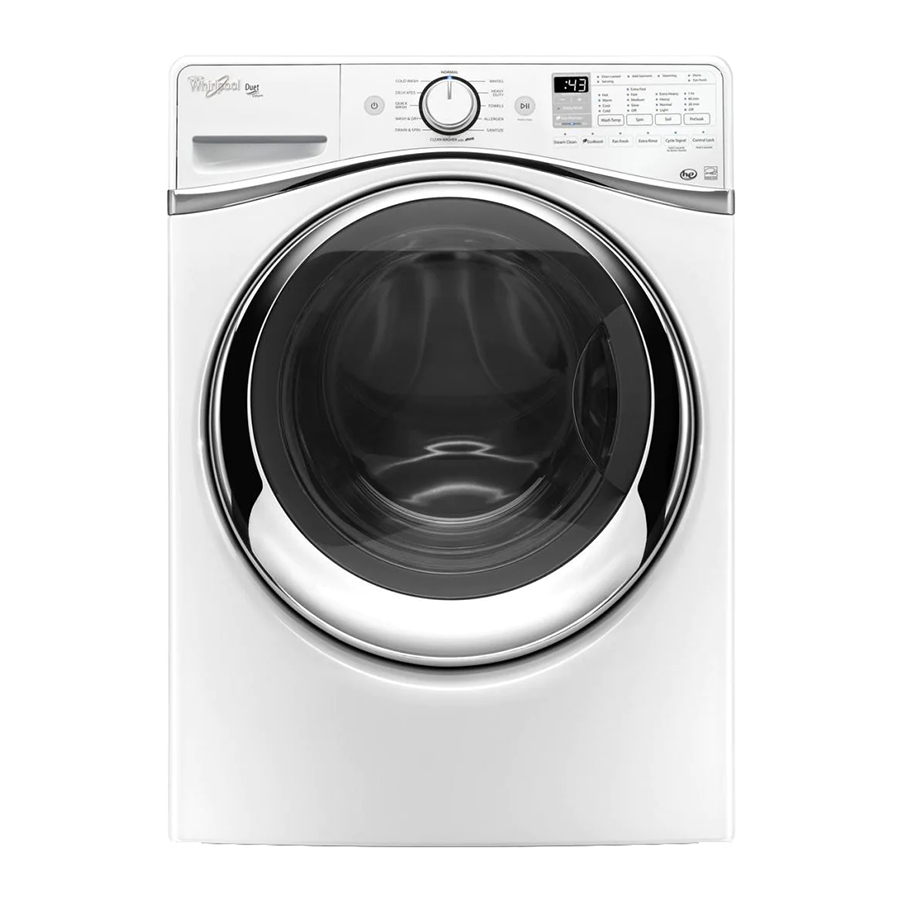
The Whirlpool Duet series is a line of front-loading washers known for efficiency, quiet operation, and advanced features like automatic detergent dispensers and customizable wash cycles. These washers use complex electronics and sensors to manage water levels, spin speed, and temperature. This technology helps with performance but also means more things can go wrong—especially if not maintained correctly.

36% off Today’s Exclusive Deals
Limited-time Exclusive Deals. Check current discount on Amazon.
Check Price on Amazon As an Amazon Associate I earn from qualifying purchases.Before jumping into troubleshooting, always check the basics:
- Is the washer plugged in?
- Is the water supply turned on?
- Are the hoses connected and not kinked?
- Is the door closed properly?
Many issues are caused by simple things that are easy to overlook.
Decoding Error Codes
One helpful feature of the Whirlpool Duet is its error code system. When something goes wrong, the washer often displays a code like F21 or SUD. Understanding these codes is the first step toward fixing the problem.
Common Error Codes And Meanings
Here’s a quick reference for frequent codes:
| Error Code | What It Means | Typical Cause |
|---|---|---|
| F21 | Long Drain | Clogged drain hose or filter |
| SUD | Excessive Suds | Too much detergent or wrong type |
| F01/F02 | Motor/Control Error | Electrical issue |
| F22 | Door Lock Error | Door not closing or faulty lock |
| F08/E01 | Water Supply Error | Water valves closed or low pressure |
You’ll usually see these codes flash on the washer’s display. Sometimes, the washer will beep as well.
How To Reset Error Codes
- Turn off the washer.
- Unplug it from the wall for 1–2 minutes.
- Plug it back in and turn it on.
- If the code returns, troubleshoot the specific issue.
Tip: Clearing an error code does not fix the root cause. Always address the underlying problem.
Washer Won’t Start
One of the most common complaints is when the Whirlpool Duet won’t start or power on. This can be due to many reasons, from power issues to control board failures.
Quick Checks
- Power: Verify the outlet works by plugging in another device.
- Door: The washer won’t start if the door isn’t closed or the lock is faulty.
- Control Lock: Some models have a child lock feature. Look for a padlock symbol on the display.
What To Do
- Check the circuit breaker. Reset if needed.
- Inspect the power cord for damage.
- Try a different outlet if possible.
- Press and hold the Control Lock button for 3 seconds to disable (model-dependent).
- If the display is blank but the outlet works, the electronic control board may need replacement.
Insight: Many users overlook the Control Lock feature, mistaking it for a malfunction. Check your user manual for how to enable/disable it.
Water Not Filling
If the washer turns on but doesn’t fill with water, the cause is often simple.
Steps To Fix
- Check water supply valves. Both hot and cold should be fully open.
- Inspect hoses for kinks, blockages, or leaks.
- Clean inlet filters. Turn off water, disconnect hoses, and rinse the small filters inside the ports.
- Test water pressure. Low pressure can prevent filling. You can test by running a nearby faucet.
Example: If you recently moved or changed hoses, small debris can block the filters. Cleaning these often solves the issue.
If none of these work, the water inlet valve or the washer’s sensor may be faulty and need professional repair.
Washer Won’t Drain Or Spin
A common issue with the Whirlpool Duet is when the washer doesn’t drain or spin, leaving clothes soaking wet.
Likely Causes
- Clogged drain pump filter
- Blocked drain hose
- Unbalanced load
- Faulty lid/door switch
How To Troubleshoot
- Pause the cycle and redistribute clothes evenly.
- Check the drain hose for blockages or kinks.
- Clean the drain pump filter. This is usually behind a panel at the front bottom of the washer. Place a towel and shallow pan underneath to catch water.
- Check for coins, lint, or debris in the filter and hose.
How To Clean The Drain Pump Filter
- Unplug the washer.
- Open the lower front panel (usually with a coin or screwdriver).
- Place a towel and pan to catch water.
- Unscrew the filter slowly.
- Remove debris, rinse the filter, and reinstall.
Non-obvious tip: Even small socks or hair ties can block the pump and cause F21 or SUD errors. Regularly cleaning the filter prevents many problems.
Washer Leaves Clothes Wet
If your washer completes the cycle but clothes are still wet, the spin cycle may not be working correctly.
Things To Check
- Load size: Overloading or underloading can prevent proper spinning.
- Drainage: If the washer can’t drain, it can’t spin at high speed.
- Spin speed setting: Make sure you didn’t select a low-spin or no-spin option by mistake.
Solutions
- Balance the load by mixing large and small items.
- Clean the drain pump filter as described above.
- Check for error codes related to the motor or drain.
If these don’t help, there may be a faulty motor control board or belt. These parts usually require a technician to replace.
Washer Is Noisy Or Vibrates
A noisy Whirlpool Duet washer can be annoying and sometimes signals a problem.
Common Noises
- Banging or thumping: The washer is not level or the load is unbalanced.
- Grinding: Foreign objects in the drum or pump.
- High-pitched squeal: Worn drive belt.
What To Do
- Level the washer. Use a bubble level and adjust the feet.
- Check for coins or objects in the drum or filter.
- Tighten shipping bolts if the washer is new. Remove them after installation.
- Check the floor. Weak flooring can increase vibration.
Insight: Placing a heavy mat under the washer can reduce vibration on tile or hardwood floors.
Washer Door Won’t Unlock
Sometimes the washer completes a cycle but the door won’t open. This is often for safety, but if the lock sticks, it can be frustrating.
Possible Causes
- Washer thinks it’s still full of water (drain problem).
- Faulty door lock mechanism.
- Power loss during cycle.
Steps To Release The Door
- Wait 2–5 minutes after the cycle ends; the lock may release automatically.
- Unplug the washer for 2 minutes, then plug back in.
- For some models, there’s a manual release tab inside the lower front panel. Pull gently to unlock.
If the door still won’t open, it may require professional service.
Washer Smells Bad
A musty odor or bad smell is a common complaint with front-load washers.
Causes
- Mold or mildew in the rubber door seal.
- Detergent residue and lint buildup.
- Standing water in the drum or filter.
How To Fix
- Wipe the door gasket and inside the rubber seal regularly.
- Run a cleaning cycle with washer cleaner or a mix of hot water and white vinegar.
- Leave the door open after each use to dry out the drum.
- Clean the detergent dispenser every few weeks.
Non-obvious tip: Use high-efficiency (HE) detergent and the right amount. Too much soap leaves residue that feeds mold.
Washer Won’t Finish Cycle
Sometimes, the washer stops mid-cycle or won’t move to the next step.
What To Check
- Error codes: Check for error messages on the display.
- Power interruptions: Brief outages can confuse the washer’s control board.
- Water supply: If the washer can’t fill or drain, it will pause.
- Door lock: If the lock is loose, the cycle may not advance.
Solutions
- Reset the washer by unplugging for 2 minutes.
- Check and restore water supply if needed.
- Inspect the drain and filter as described previously.
If the problem repeats, the control board or sensors may need inspection.
Washer Leaks Water
A leak from your Whirlpool Duet is serious and can cause floor damage.
Where To Look
- Front of washer: Often the door seal (gasket) is dirty or torn.
- Under the washer: Could be a loose hose or cracked pump.
- Back of washer: Check water hose connections.
Steps To Fix
- Wipe and inspect the door seal for tears, holes, or trapped items.
- Tighten all hose connections.
- Clean up detergent spills in the dispenser.
- If leaking continues, check for a damaged pump or hose underneath.
Example: Coins or hairpins often get stuck in the door seal, causing small but persistent leaks.
Comparison: Common Issues And Solutions
Here’s a quick comparison of the most common problems and their first steps:
| Problem | First Thing to Check | Possible DIY Fix |
|---|---|---|
| Washer won’t start | Power, Control Lock, Door | Check breaker, disable lock, close door |
| Not filling with water | Water valves, hoses | Open valves, clean filters |
| Not draining/spinning | Drain hose, filter | Clean filter, check hose |
| Door won’t unlock | Water in drum, control error | Manual release, unplug washer |
| Washer leaks | Door seal, hoses | Wipe seal, tighten hoses |
When To Call A Professional
Some problems require tools, parts, or skills that most homeowners don’t have. Here are signs you should call an expert:
- Washer shows the same error code after basic troubleshooting
- Electrical burning smell or visible sparking
- Washer fills or drains with the power off
- Drum doesn’t spin or turn after clearing blockages
- Broken or cracked parts visible inside
Attempting complex repairs without training can cause more damage or void your warranty. Whirlpool’s customer service or a certified technician is best for these cases.
Maintenance Tips To Prevent Problems
Regular maintenance keeps your Whirlpool Duet running better and longer. Here’s what you should do:
- Clean the drain pump filter every 1–3 months.
- Wipe the door gasket weekly to remove lint and detergent.
- Use only HE detergent and measure carefully.
- Leave the door open after use to prevent mold.
- Run a cleaning cycle monthly with washer cleaner or vinegar.
- Check water hoses annually for cracks or leaks.
Extra tip: Replace water hoses every 5 years, even if they look fine, to prevent sudden bursts.
Essential Tools For Troubleshooting
Having a few basic tools can make washer troubleshooting easier:
- Screwdriver set for opening panels
- Pliers for hose connections
- Towel and shallow pan for draining water
- Flashlight for looking behind or under the washer
These are usually all you need for most basic checks and maintenance.
Safety Precautions
Always put safety first:
- Unplug the washer before cleaning or removing panels.
- Turn off water supply before disconnecting hoses.
- Avoid using metal tools inside the drum or control board.
- Wear gloves when cleaning the filter or gasket.
Never bypass safety switches or wiring.
How To Find Parts And Manuals
If you need to replace a part, use your washer’s model number (found on the door or behind the panel). Order genuine Whirlpool parts from the official website or reputable appliance stores. For manuals or diagrams, visit the Whirlpool Manuals page.
Frequently Asked Questions
What Does The Sud Error Mean On My Whirlpool Duet Washer?
The SUD error means there are too many soap suds in the washer. This usually happens if you use regular detergent instead of high-efficiency (HE) detergent or use too much. Run a rinse and spin cycle to clear the suds. Use less detergent next time.
How Do I Clean The Whirlpool Duet Washer’s Drain Pump Filter?
Unplug the washer. Open the lower front panel (often with a coin or screwdriver). Place a towel and shallow pan under the filter. Unscrew and remove the filter. Clean out lint, coins, or debris, rinse, and reinstall. Always check your manual for model-specific instructions.
Why Is My Whirlpool Duet Washer Shaking Violently?
Shaking or moving usually means the washer isn’t level or the load is unbalanced. Adjust the feet to level the washer. Mix large and small items in a load. Remove shipping bolts if the washer is new. Persistent shaking could mean worn suspension springs.
Can I Reset My Whirlpool Duet Washer If It’s Stuck?
Yes. To reset, unplug the washer for 1–2 minutes, then plug it back in. For some models, you can also hold the Start/Pause button for 3 seconds. If the problem returns, check for error codes and follow troubleshooting steps.
What Should I Do If My Washer Still Won’t Work After Troubleshooting?
If you’ve checked power, hoses, filter, and tried resetting, but the washer won’t work, it may have a faulty control board, sensor, or motor. At this point, it’s best to contact Whirlpool service or a qualified technician. Attempting to fix complex parts without experience can cause more damage.
—
With the right approach, you can solve most Whirlpool Duet washer problems at home. Regular cleaning and maintenance prevent many issues. For anything electrical or persistent, don’t hesitate to call a professional. Keeping your washer in top shape means cleaner clothes, less stress, and a longer appliance life.

