

Most Eureka vacuum issues are fixable with simple checks: power, clogs, filters, belts, or brushroll.
I have spent years diagnosing and fixing home vacuums, including dozens of Eureka models. This guide to Eureka Vacuum Troubleshooting explains how these machines work, why common faults happen, and how to fix them step by step. Read on to learn clear, tested fixes, maintenance tips, and when to call a pro so your Eureka runs like new.

36% off Today’s Exclusive Deals
Limited-time Exclusive Deals. Check current discount on Amazon.
Check Price on Amazon As an Amazon Associate I earn from qualifying purchases.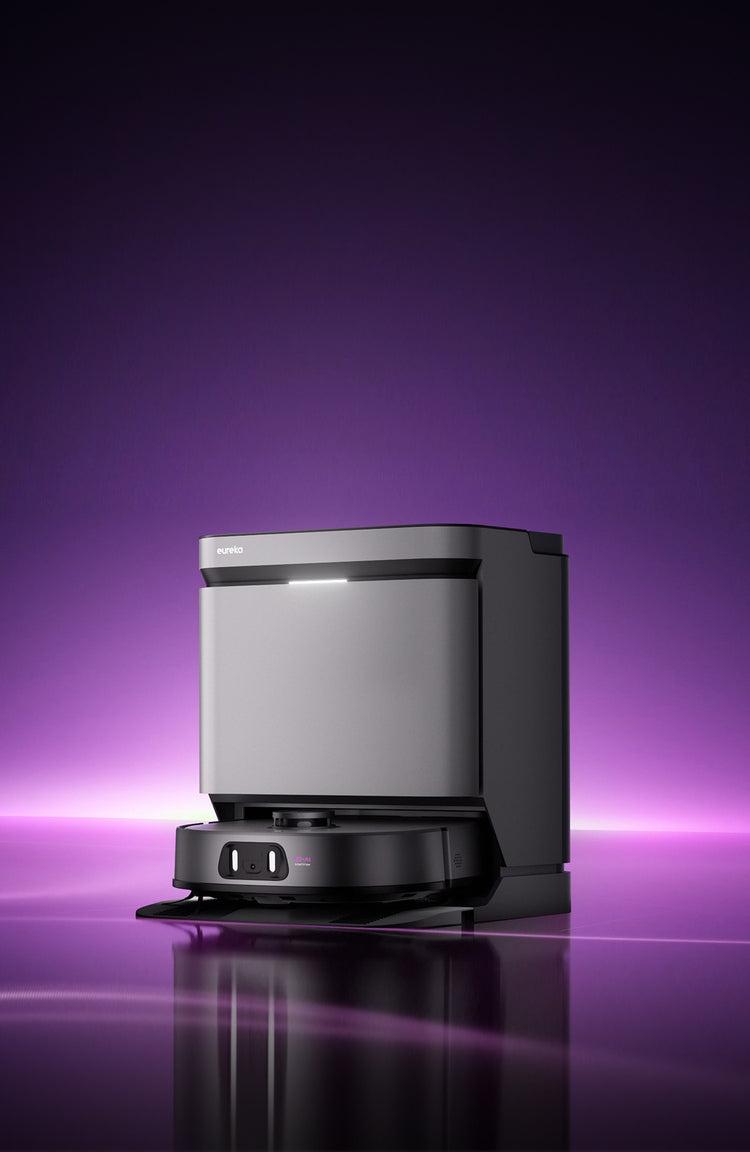
How Eureka Vacuums Work
Eureka Vacuum Troubleshooting starts with understanding how the vacuum works. A motor creates suction. Air flows through a path that includes the intake, hose, dirt cup or bag, filters, and exhaust. The brushroll agitates carpet fibers to free dirt while the suction pulls debris into the bin.
Key parts that affect performance include the motor, belt, brushroll, hose, filters, and seals. Knowing each part helps pinpoint problems fast. When you do Eureka Vacuum Troubleshooting, check airflow and moving parts first.
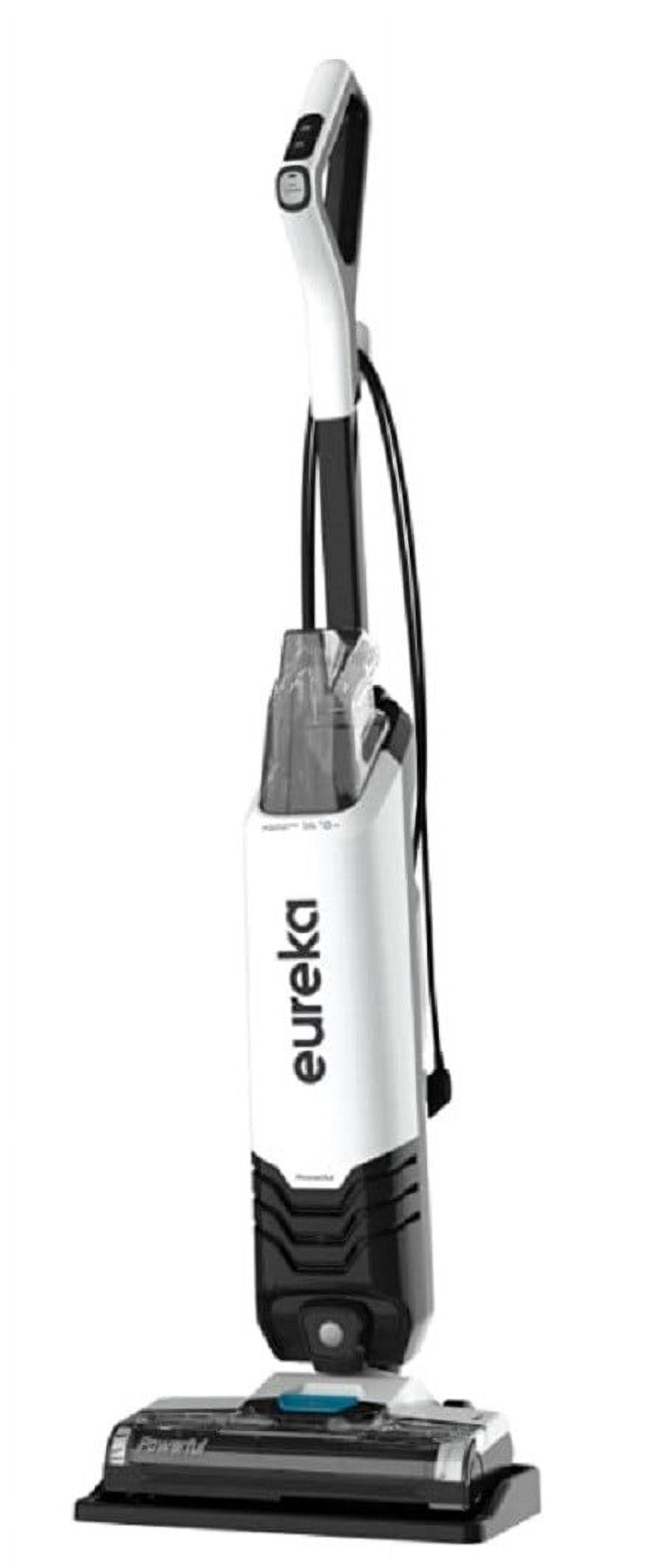
Common Problems and Likely Causes
When doing Eureka Vacuum Troubleshooting, you will see repeat issues. Here are the common ones and quick causes.
- No power
Possible causes: tripped circuit, faulty cord, switch failure, or dead motor. - Weak suction
Possible causes: clogged hose, full bin, blocked filters, or leaks. - Brushroll not spinning
Possible causes: broken belt, jammed brushroll, or motor issues. - Strange noises
Possible causes: foreign object in brush, worn bearings, or motor strain. - Burning smell
Possible causes: overheated motor, belt slipping, or electrical short. - Leak or dust escaping
Possible causes: damaged seals, missing filters, or cracked dust cup.
These items guide the initial checks in any Eureka Vacuum Troubleshooting session.
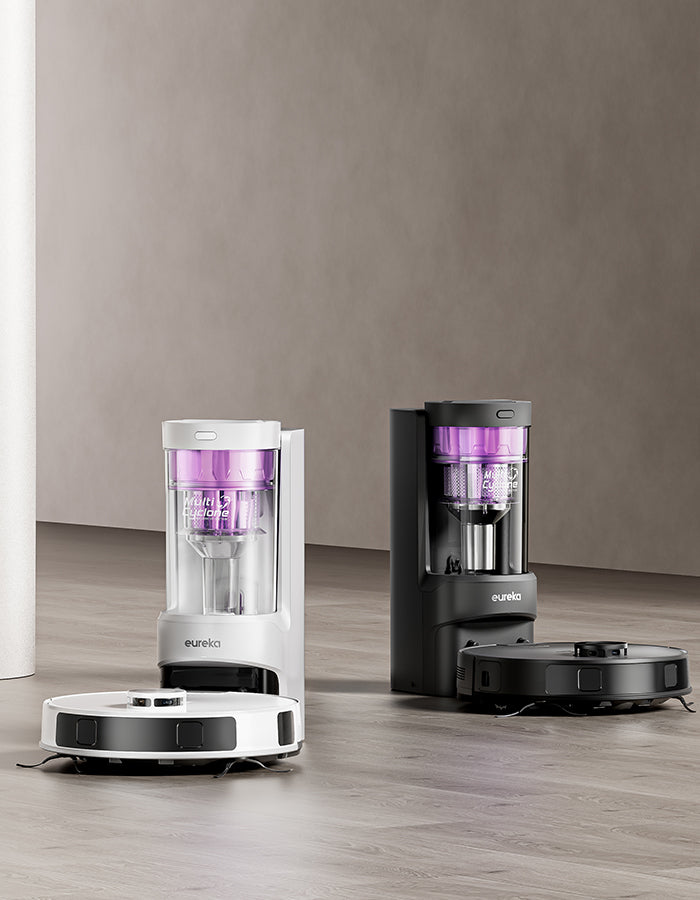
Step-by-Step Troubleshooting Guide
Follow these steps for structured Eureka Vacuum Troubleshooting. Work safely: unplug before you touch internal parts.
- Basic power check
- Ensure the outlet works by testing another device.
- Check the vacuum power switch and cord for visible damage.
- Inspect the dirt path
- Empty the dust cup or replace the bag.
- Look through the hose and wand for clogs.
- Check filters and airflow
- Remove and clean or replace pre-motor and post-motor filters.
- Reassemble and test suction.
- Examine the brushroll and belt
- Remove the base plate. Clear hair and debris from the brushroll.
- Inspect the belt for cracks or stretching; replace if worn.
- Listen and smell
- Run the vacuum briefly to note unusual noises or smells.
- If you detect a burning smell, stop immediately and inspect the belt and motor area.
- Test motor and seals
- If the motor hums but doesn't run, the start capacitor or motor may be failing.
- Check seals and the dust cup for cracks that reduce suction.
These steps cover most issues encountered in Eureka Vacuum Troubleshooting.

Parts to Inspect and Replace
In effective Eureka Vacuum Troubleshooting, knowing which parts wear out saves time. Common replaceable parts:
- Belts
Belts wear and slip. Replace every 6–12 months depending on use. - Filters
Replace or wash filters according to model instructions to keep suction high. - Brushrolls
Brush bristles wear and tangle with hair. Replace when bristles are worn. - Hoses and wands
Cracks, holes, or blockages reduce suction and must be replaced or cleared. - Seals and gaskets
Worn seals let air escape and cut suction. - Power cords and switches
Frayed cords and failing switches are safety issues and need replacement.
Always use the correct part for your model during Eureka Vacuum Troubleshooting to maintain performance and safety.
Maintenance Tips to Prevent Problems
Routine care reduces the need for Eureka Vacuum Troubleshooting. Follow these simple habits.
- Empty the bin before it is more than two-thirds full.
- Clean filters regularly and replace them as recommended.
- Remove hair from the brushroll every month.
- Check hoses and openings for blockages after heavy use.
- Inspect belts every 3–6 months and replace when worn.
- Store the vacuum in a dry place and avoid kinking the hose.
Small steps prevent bigger failures and extend the life of your Eureka.
When to Call a Professional
Eureka Vacuum Troubleshooting works for many issues, but some signs mean call a pro.
- Motor smells like burning or smokes during use.
- Electrical sparks, frayed cords, or repeated circuit trips appear.
- Motor hums but does not start after belt and capacitor checks.
- Internal components need complex disassembly beyond your comfort level.
- The vacuum is under warranty; professional service preserves coverage.
If you are unsure, stop and consult a certified technician to avoid damage or injury.
Personal Experience and Lessons Learned
I have repaired many Eureka vacuums for friends and clients. One common case: a model with weak suction turned out to have a small plastic cap lodged in the hose. Another time, a loud screech traced to a worn bearing in the brushroll. These fixes were cheap and quick.
Lessons I learned:
- Start with the simple checks first. Most issues are clogged or worn parts.
- Keep replacement parts on hand for frequent models you own.
- If you are unsure about electrical problems, get professional help.
These hands-on tips make Eureka Vacuum Troubleshooting faster and less stressful.
Costs and Replacement Parts
When planning Eureka Vacuum Troubleshooting, consider cost factors.
- Belts and filters: low cost, usually under $20.
- Brushrolls and hoses: moderate cost, $20–$60.
- Motors and electronic parts: higher cost, sometimes over $100.
- Professional repair labor: varies by shop and complexity.
Buy genuine parts when possible for best fit. Aftermarket parts can save money but check reviews and fitment. Keep receipts and warranty info before ordering repairs or parts.
Frequently Asked Questions of Eureka Vacuum Troubleshooting
Why does my Eureka lose suction after a few minutes?
Loss of suction often means a clogged filter or hose, or an overheating motor that reduces performance. Clean filters and clear blockages to restore flow.
How often should I replace the belt on my Eureka?
Replace the belt every 6–12 months with regular use or sooner if you see cracks or stretching. A worn belt causes the brushroll to stop turning and reduces cleaning power.
Can I wash all Eureka vacuum filters?
Some Eureka filters are washable and others are not. Check your model manual; washable filters should dry fully before reuse to avoid damage.
What causes a burning smell from my Eureka?
A burning smell usually means the belt is slipping or the motor is overheating. Stop use immediately and inspect the belt and brushroll area.
Is it worth repairing an older Eureka vacuum?
If the motor and housing are in good shape and parts cost less than replacement, repair is often worth it. For severe motor failures, replacement may be more cost-effective.
Conclusion
Eureka Vacuum Troubleshooting is mostly about steady checks, simple fixes, and regular care. Start with power, airflow, filters, and the brushroll. Replace worn belts and filters to restore performance, and call a pro for electrical or motor issues. Try the steps here to fix common faults and keep your Eureka running reliably. If this guide helped, subscribe for more appliance tips, share your Eureka story below, or ask a specific question so I can help further.

