

The Roomba s9+ usually won’t power on because of charging, battery, dock, or contact issues.
If your iRobot Roomba s9+ robot vacuum not powering on has you stuck staring at a silent machine, you are not alone. I have seen this problem come up in real homes more often than people expect, and the fix is usually simpler than it first looks. In this guide, I’ll walk you through the most common causes, what to check first, and the steps that can bring your Roomba s9+ back to life without guesswork.

36% off Today’s Exclusive Deals
Limited-time Exclusive Deals. Check current discount on Amazon.
Check Price on Amazon As an Amazon Associate I earn from qualifying purchases.
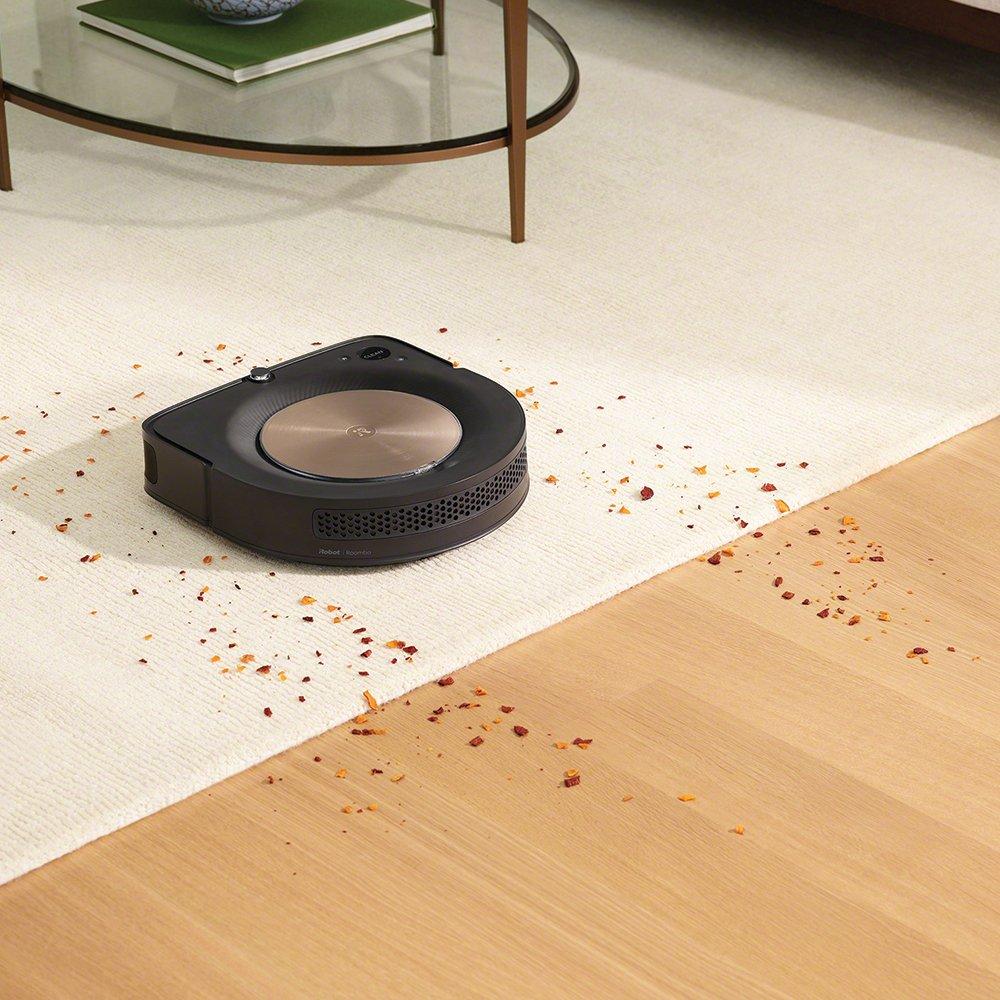
Why your iRobot Roomba s9+ robot vacuum not powering on
When an iRobot Roomba s9+ robot vacuum not powering on, the issue usually falls into one of a few buckets: no charge, poor charging contact, a drained or failing battery, a dock problem, or a software lockup. The good news is that the s9+ has a fairly straightforward power system, so a methodical check often solves it.
From my experience, many people assume the robot is broken when it is really just not getting power. Think of it like a phone that looks dead because the charger is loose. The robot may be fine inside, but the energy path is interrupted somewhere.
Common signs include:
- No lights at all when pressing the Clean button
- No response when placed on the Clean Base
- Dock lights on, but Roomba stays dark
- Battery icon never appears or flashes briefly
- The robot powers on only after being moved or reseated
First things to check when the Roomba s9+ will not turn on
Start with the simplest checks before you open anything or assume the battery is bad. This saves time and reduces the chance of damaging the robot.
Here is the order I recommend:
-
Confirm the Clean Base is plugged in
Make sure the dock is connected firmly to a working wall outlet. I have seen perfectly good Roombas “die” simply because a plug was half out of the wall. -
Check for dock indicator lights
If the Clean Base has no lights, the dock may not be receiving power. Try another outlet to rule out a home electrical issue. -
Reseat the Roomba on the dock
Lift the robot off and place it back on the dock carefully. The charging contacts on the robot and dock need to line up cleanly. -
Look for dirt on the charging contacts
Dust, pet hair, and grime can block power transfer. A quick wipe with a dry microfiber cloth often helps. -
Press and hold the Clean button
Hold it for a few seconds rather than tapping once. Sometimes the robot needs a firm restart signal. -
Let it charge for at least 1 to 2 hours
A deeply drained battery can appear dead at first. Give it time before deciding it is not powering on.
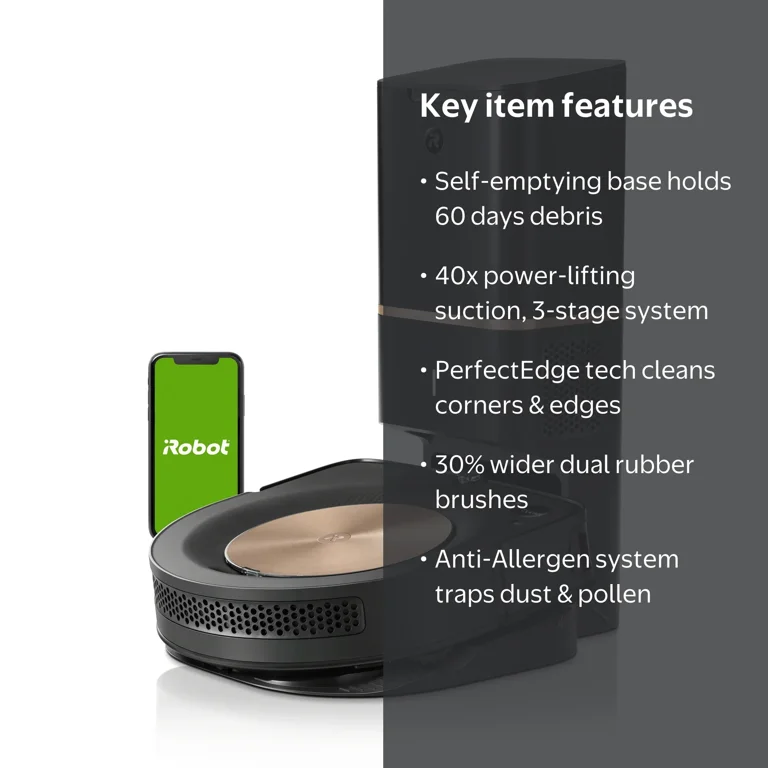
Charging problems that make the Roomba s9+ appear dead
Charging issues are the most common reason for an iRobot Roomba s9+ robot vacuum not powering on. The robot may have enough charge to keep memory alive, but not enough to start cleaning or light up normally.
Things that can cause charging trouble include:
- Dirty charging contacts on the robot
- Dirty charging contacts on the Clean Base
- Misaligned placement on the dock
- A bad wall outlet or power strip
- A loose power adapter connection
- A battery that is no longer holding a charge
A useful habit is to check the dock first. If the dock itself is not working, the robot cannot charge no matter how healthy the battery is. That is why I always test the outlet with another device before focusing on the vacuum.
Battery issues in the iRobot Roomba s9+
If the iRobot Roomba s9+ robot vacuum not powering on even after a full charge attempt, the battery may be the problem. Over time, rechargeable batteries lose capacity, especially if the vacuum sits unused for long periods or gets charged in poor conditions.
A weak battery may show these symptoms:
- The Roomba s9+ starts, then shuts off quickly
- It only turns on when first removed from the dock
- It charges very slowly
- It shows no sign of life after several hours on the dock
A battery does not always fail all at once. Sometimes it gets so weak that the robot seems completely dead one day and partially alive the next. That is why consistency matters when testing.
Practical tip from experience:
- Charge the vacuum on a known-good outlet for several hours
- Clean the contacts first
- Try a full reset before replacing the battery
- If the battery is old, replacement may be the most reliable fix
Clean Base and dock faults you should not overlook
Many owners focus on the robot and forget the dock. That is a mistake I made early on with a client setup, and it cost us an hour of unnecessary testing. The Clean Base is the lifeline for the s9+, and if it fails, the robot can look completely powerless.
Check the following:
- The power cord is fully inserted into the dock
- The wall outlet works with another device
- The dock indicator lights behave normally
- The floor area around the dock is clean and flat
- The robot sits squarely against the charging contacts
If the dock is warm, buzzing, or showing odd light behavior, unplug it for a minute and plug it back in. A simple power cycle can clear a temporary dock fault.
How to clean the charging contacts safely
Dirty contacts can stop charging even when everything else is fine. This is one of the fastest fixes for an iRobot Roomba s9+ robot vacuum not powering on.
Follow these steps:
- Power off the robot if possible
- Unplug the Clean Base from the wall
- Use a dry microfiber cloth to wipe the metal contacts on the robot
- Wipe the dock contacts the same way
- Remove stuck dust or pet hair around the contact area
- Place the robot back on the dock and wait a few minutes
Do not use water or sprays on the charging contacts. Moisture can cause more problems than it solves. If grime is stubborn, use a cotton swab with a tiny amount of isopropyl alcohol, then let everything dry fully.
Software glitches and frozen states
Sometimes the robot is not truly dead. It is just frozen. Like a phone that locked up, the Roomba s9+ may stop responding until you reset it.
A software issue can happen after:
- A failed update
- A sudden battery drain
- A docking error
- A stalled cleaning cycle
- A temporary internal glitch
If the robot has no lights but the battery and dock seem fine, a restart is worth trying. I have had cases where the vacuum looked dead, yet a reset brought it back immediately.
Try this:
- Remove the robot from the dock
- Hold the Clean button for about 20 seconds
- Release it and place the robot back on the dock
- Give it several minutes to respond
If that does not help, the app may also show whether the device is still communicating. Even if the robot does not light up, the app can sometimes provide a clue.
Step-by-step troubleshooting for a Roomba s9+ not powering on
Use this full troubleshooting path if the simple checks do not work.
-
Test the wall outlet
Plug in another device to confirm power. -
Check the Clean Base power connection
Make sure the adapter and cord are fully seated. -
Inspect the dock lights
No lights can point to a dock or power issue. -
Clean the robot and dock contacts
Use a dry cloth and remove any debris. -
Reseat the robot
Place it directly on the dock and wait. -
Charge for at least 2 hours
Deep discharge can need extra time. -
Try a restart
Hold the Clean button to force a reboot. -
Remove and inspect the battery if needed
If you are comfortable doing so, check for swelling, damage, or loose connections. -
Consider a battery replacement
If the battery is old or unreliable, replacement may be the best fix. -
Contact support or a repair pro
If the dock, battery, and contacts all look fine, there may be a deeper hardware issue.
Mistakes to avoid when the Roomba s9+ will not power on
A lot of frustration comes from rushing the process. Here are the mistakes I see most often:
- Charging the vacuum on a bad outlet and assuming the robot is faulty
- Using wet cleaners on the charging contacts
- Moving straight to battery replacement without checking the dock
- Expecting an empty battery to wake up instantly
- Ignoring small debris around the dock contacts
- Reinstalling the robot off-center on the base
One lesson I learned the hard way: a vacuum that looks dead is often just undercharged or poorly seated. Small details matter a lot with charging systems.
When to replace the battery or call for repair
If your iRobot Roomba s9+ robot vacuum not powering on after basic troubleshooting, battery replacement may be the next step. This is especially true if the battery is a few years old or the vacuum has been used heavily.
Replacement is worth considering when:
- The robot charges inconsistently
- It powers on only briefly
- It will not hold a charge
- There is visible battery swelling or damage
- The dock and contacts are confirmed working
Call for repair or support if:
- The Clean Base has no power despite a known-good outlet
- The robot shows signs of internal damage
- The battery compartment looks corroded
- The vacuum still will not respond after a reset and full charge attempt
For safety, do not keep using a battery that looks swollen or smells unusual. That is a sign to stop and get help.
How to prevent future power problems
Once your Roomba s9+ is working again, a few habits can help prevent the problem from returning.
- Keep the dock on a flat, hard surface
- Clean charging contacts every few weeks
- Leave space around the Clean Base
- Avoid unplugging the dock too often
- Let the robot charge fully after long use
- Check for battery wear if the vacuum is several years old
This is one of those cases where a little maintenance saves a lot of stress. A clean dock and healthy battery are like good shoes and a smooth road; the whole system works better.
Frequently Asked Questions of iRobot Roomba s9+ Robot Vacuum not powering on
Why does my Roomba s9+ have no lights at all?
No lights usually mean the robot is not getting power, the battery is fully drained, or the dock is not charging it. Start by testing the outlet, dock, and charging contacts before assuming the vacuum is broken.
How long should I charge a dead Roomba s9+ before troubleshooting further?
Give it at least 1 to 2 hours on a known-working dock before judging it. If the battery is deeply drained, it may need a while before it shows any response.
Can a dirty charging contact stop the Roomba s9+ from turning on?
Yes, absolutely. Even a thin layer of dust or hair can interrupt charging and make the robot seem dead.
Do I need to replace the battery if the Roomba s9+ will not power on?
Not always. A bad outlet, dock issue, or dirty contact can cause the same symptom, so test those first. Battery replacement makes sense only after the charging path has been verified.
What if my Roomba s9+ powers on only when I move it?
That often points to poor contact alignment or a weak battery. Clean the contacts, reseat the robot carefully, and check whether the battery is holding charge properly.
Conclusion
When an iRobot Roomba s9+ robot vacuum not powering on, the problem is often simpler than it seems. In many cases, the fix is a clean contact, a working outlet, a proper dock connection, or a battery that just needs more attention. If you move through the checks step by step, you can usually find the cause without wasting time or money.
The key is to stay methodical and not jump to the worst-case scenario. Try the easy fixes first, then work toward battery or hardware issues if needed. If this guide helped, take a few minutes to test your Roomba s9+ today, and leave a comment or explore more troubleshooting tips to keep it running strong.

