

Most Netgear Orbi issues resolve by rebooting, updating firmware, and repositioning satellites.
I’ve worked with home networks for years and have fixed hundreds of mesh systems, including Orbi. This guide on Netgear Orbi Router Troubleshooting explains causes, clear fixes, and real tips I learned from hands-on experience. Read on to diagnose problems fast and keep your Orbi mesh running smoothly.

36% off Today’s Exclusive Deals
Limited-time Exclusive Deals. Check current discount on Amazon.
Check Price on Amazon As an Amazon Associate I earn from qualifying purchases.
Understanding Netgear Orbi Router Troubleshooting
Netgear Orbi Router Troubleshooting starts with knowing what symptoms mean. Symptoms include slow Wi‑Fi, satellites not connecting, no internet on one band, odd LED colors, and login failures. Each symptom points to different causes: firmware bugs, placement and interference, ISP outages, or hardware faults. Knowing the root helps pick the right fix and saves time and stress.
Quick basic troubleshooting steps for Netgear Orbi Router Troubleshooting
Netgear Orbi Router Troubleshooting often begins with simple steps. Try these in order to fix most problems quickly.
- Power cycle the router and satellites. Unplug power for 30 seconds, then plug back in.
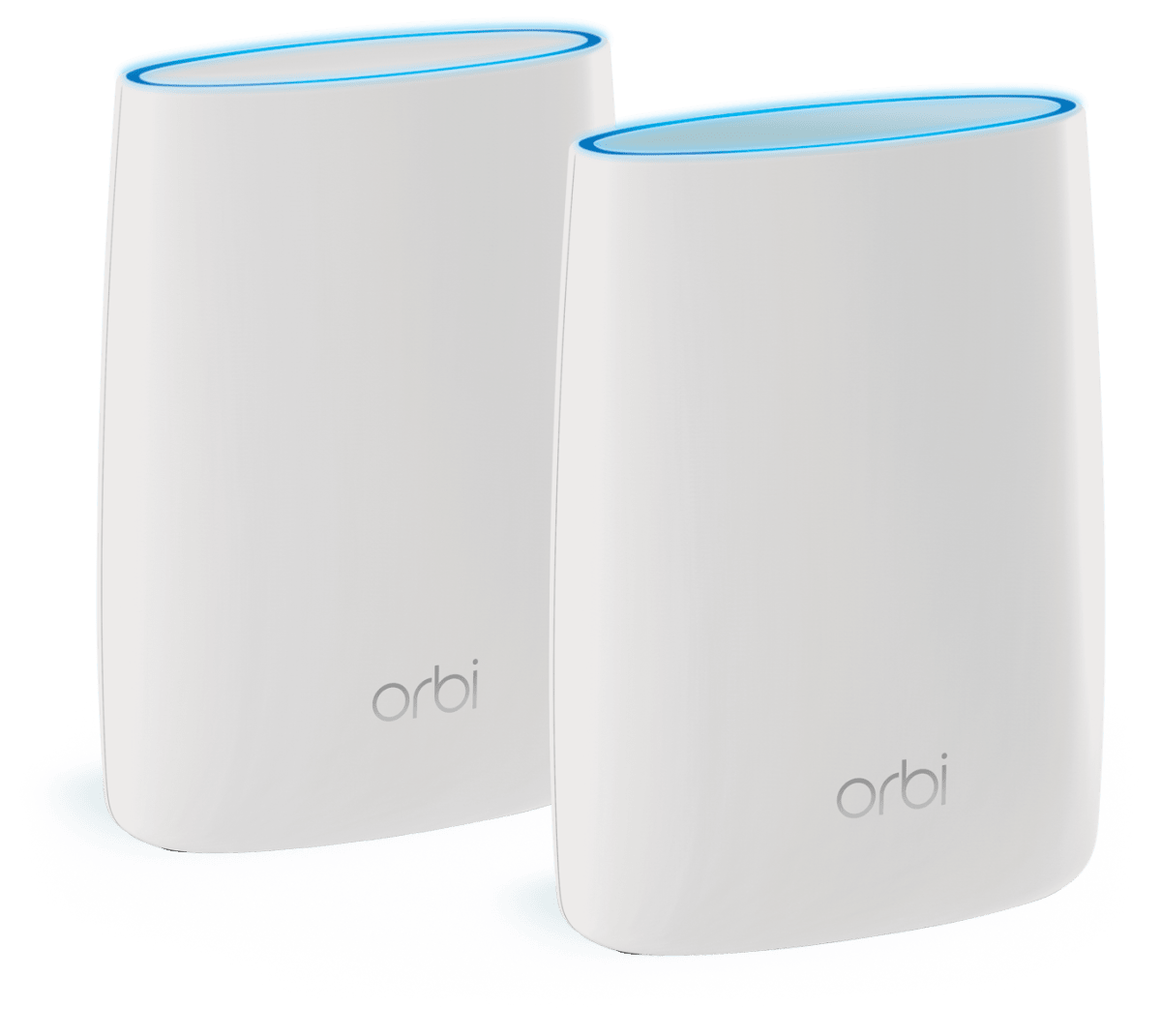
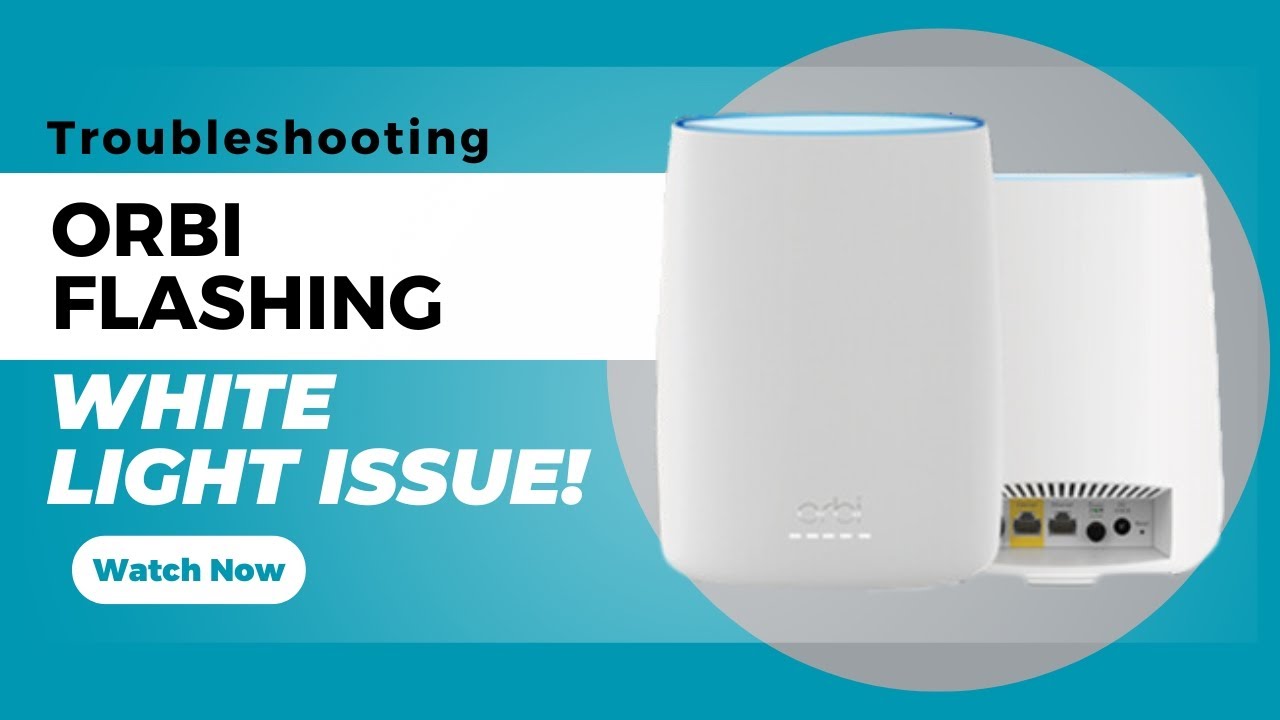
- Check LED status on the Orbi main unit and satellites for color codes.
- Verify Ethernet cables and modem link. Replace any damaged cable.
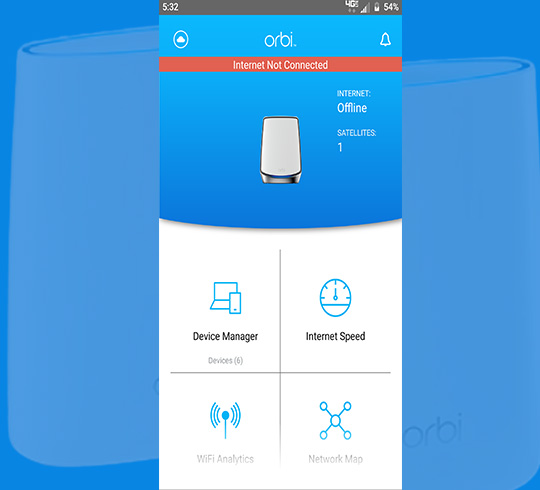
- Use the Orbi app or router web GUI to check connection and device list.
- Update firmware to the latest stable release. Do not interrupt the update.
- Reboot client devices and forget/reconnect Wi‑Fi if a single device is slow.
- Move satellites closer temporarily to test coverage and mesh backhaul.
- If nothing works, note settings and perform a factory reset as last resort.
These steps solve most common issues quickly. Keep notes on what you try to avoid repeating steps.

Common issues and fixes in Netgear Orbi Router Troubleshooting
Netgear Orbi Router Troubleshooting covers predictable problem patterns and fixes.
Wi‑Fi dropouts and intermittent speeds
- Cause: Interference, busy channels, or band steering problems.
- Fix: Move Orbi and satellites. Change channel settings or enable auto channel selection. Test 2.4 GHz versus 5 GHz performance.
Satellite won’t connect to router
- Cause: Weak backhaul signal or firmware mismatch.
- Fix: Place satellite nearer to the router, power cycle both, and update firmware on all units.
Slow internet despite good Wi‑Fi
- Cause: ISP slowdowns, modem issues, or QoS misconfiguration.
- Fix: Test with modem connected directly to a laptop. Disable QoS or traffic controls to test.
Cannot log into Orbi web GUI or app
- Cause: Wrong credentials, cached pages, or device IP conflicts.
- Fix: Clear browser cache, use the Orbi app, or reset admin password via the router interface.
DNS errors or sites not loading
- Cause: ISP DNS or router DNS relay issues.
- Fix: Set DNS manually to a public resolver in the Orbi settings for testing.
These fixes are practical and fast. I often start with placement and firmware checks first.
Advanced diagnostics and tools for Netgear Orbi Router Troubleshooting
Netgear Orbi Router Troubleshooting benefits from simple tools and tests. Use these to pinpoint issues.
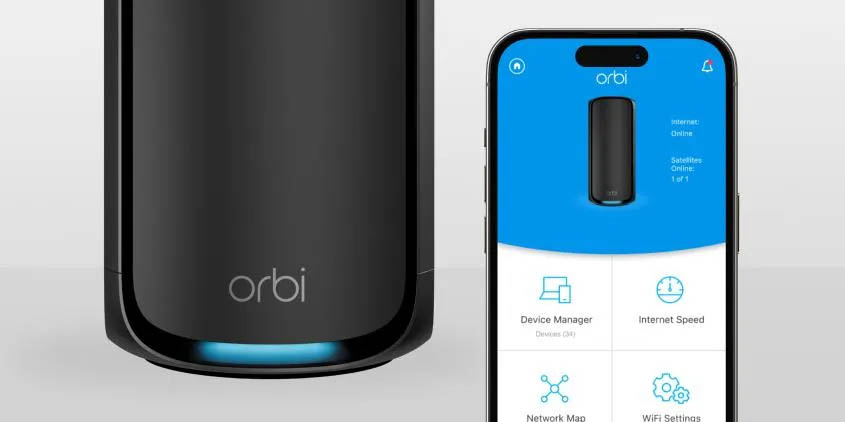
- Orbi app diagnostics and logs. Review the event log for repeated errors.
- Ping and traceroute from a connected PC to check ISP and route problems.
- Speed tests from wired and wireless clients to compare results.
- Check DHCP lease table for IP conflicts.
- Use an Ethernet backhaul between router and satellite to remove wireless backhaul as a variable.
- Look for firmware release notes that mention fixed bugs tied to your issue.
In my experience, logs and direct speed tests expose whether problems are local or on the ISP side. Small tests save hours.
Firmware, settings, and security in Netgear Orbi Router Troubleshooting
Netgear Orbi Router Troubleshooting requires careful firmware and setting management. Firmware fixes many bugs. Always do firmware updates during low-usage times and ensure a stable power source. Backup your configuration before major updates.
Security tips
- Change the default admin password immediately.
- Disable remote management unless you need it and protect it with a strong password.
- Keep guest networks isolated and limit guest access.
- Use WPA2 or WPA3 security depending on device support.
If an update causes new issues, you can revert or restore a backup configuration when available. I once updated a unit that introduced instability; restoring the prior config and applying a later patch fixed it.

Placement, network design, and optimization for Netgear Orbi Router Troubleshooting
Netgear Orbi Router Troubleshooting often ends up being a placement and design issue. Mesh systems need line-of-sight and balanced spacing.
Placement tips
- Place the main router in a central, elevated location.
- Keep satellites within two rooms or one large wall away for reliable backhaul.
- Avoid placing units near microwaves, baby monitors, or thick metal.
- If possible, use wired Ethernet backhaul for best speed and reliability.
Optimization tips
- Enable band steering to allow devices to pick the best band automatically.
- Reduce channel width on 2.4 GHz if interference is high.
- Use QoS only when necessary and tune it to priority devices.
Good placement alone often fixes coverage holes and unstable connections. I fixed many homes just by moving a satellite two feet.
Resets, backups, and recovery in Netgear Orbi Router Troubleshooting
Netgear Orbi Router Troubleshooting requires knowing when to reset and how to recover settings safely.
Soft reset and power cycle
- Use a soft reboot first. This keeps settings and often clears transient errors.
Factory reset and recovery
- Hold the reset button for 10 seconds to factory reset. This erases settings.
- Backup settings before reset. Save SSIDs, passwords, and custom DNS if used.
Recovery mode
- If the router is bricked during a firmware update, use the recovery process in the Orbi manual. Contact support for step‑by‑step help if unsure.
Always back up before major changes. A saved configuration reduces setup time after a reset.
When to contact Netgear support or replace hardware for Netgear Orbi Router Troubleshooting
Netgear Orbi Router Troubleshooting reaches its limits with hardware faults or unsupported firmware. Contact support when:
- LEDs show hardware fault patterns after basic tests.
- Units fail to boot or repeatedly lose settings.
- You tested with direct modem connection and still have no internet.
- The device is under warranty and diagnostics point to a hardware issue.
If units are more than 5 years old and performance lags modern speeds, consider replacement. Document tests you ran before calling support to speed up help and RMA.
Frequently Asked Questions of Netgear Orbi Router Troubleshooting
Why is my Orbi showing an orange or purple LED?
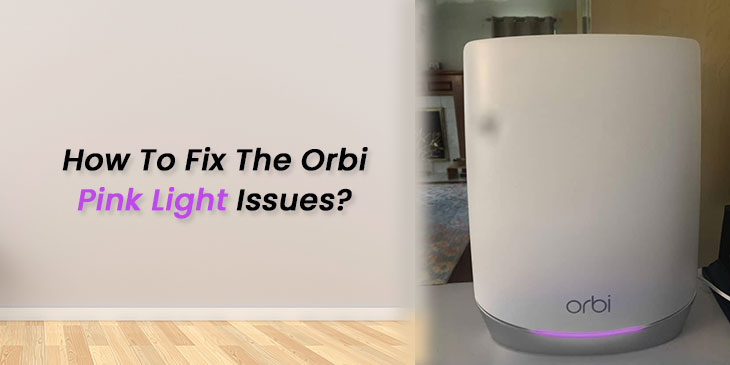
An orange LED usually means a weak connection between router and satellite, while a purple LED can indicate firmware update activity. Move the satellite closer and check firmware status in the Orbi app.
How often should I update Orbi firmware?
Update firmware when Netgear releases a stable update that addresses security or performance issues. Check monthly and schedule updates during low-usage times.
Will a factory reset fix my Orbi problems?
A factory reset can fix persistent configuration issues and software bugs. Backup settings first, because a reset erases custom settings and SSIDs.
Can I use Ethernet backhaul with Orbi satellites?
Yes. Ethernet backhaul gives the best speed and reliability and reduces wireless interference. Connect satellites by Ethernet to improve performance.
How do I know if the issue is my ISP or my Orbi?
Connect a laptop directly to the modem. If speeds and connections are still poor, the ISP likely has an issue. If direct connection is fine, focus on Netgear Orbi Router Troubleshooting steps.
Conclusion
Netgear Orbi Router Troubleshooting is a steady process of observation, simple fixes, and targeted tests. Start with power cycles, placement, and firmware updates, then move to logs and advanced diagnostics if needed. Keep backups, document changes, and call support when hardware seems faulty. Take action today: apply the quick steps above, test changes, and leave a comment with your Orbi issue so others can learn from your results.

