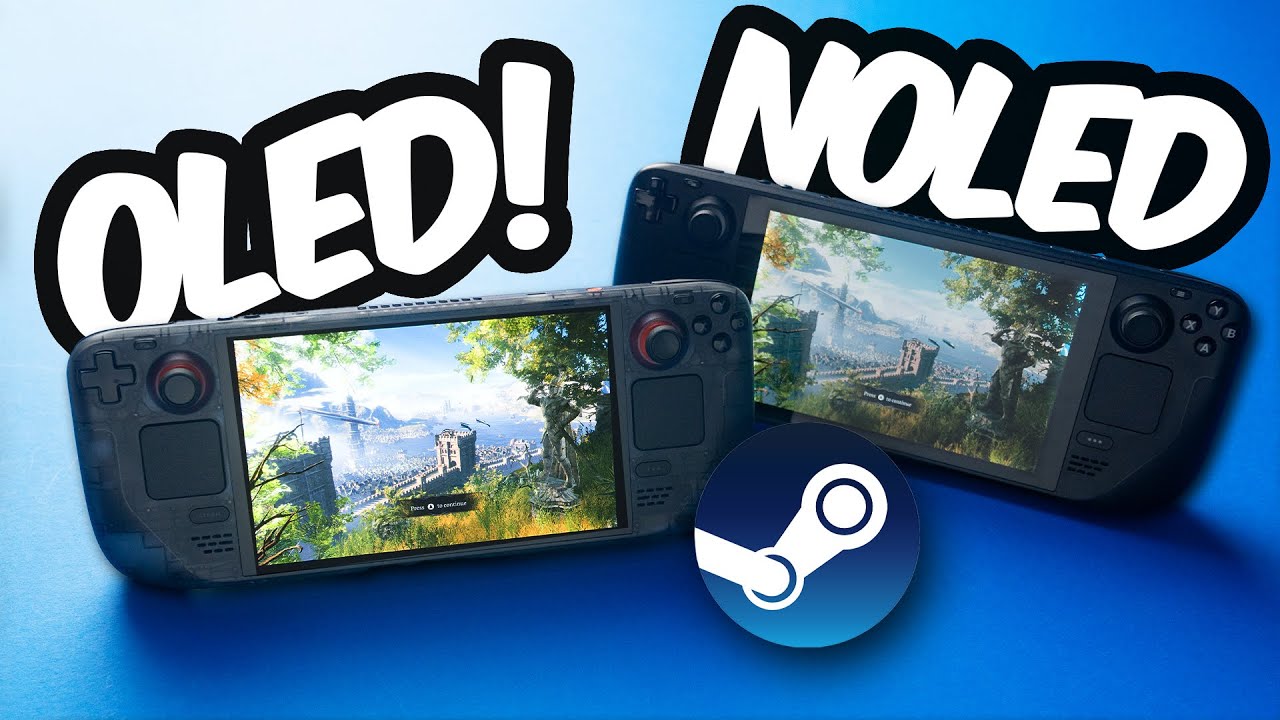
Gamers have more choices than ever for portable gaming, but the Steam Deck OLED stands out. Since its release, many wonder: is it worth the upgrade, or should you stick with the original LCD model—or skip it altogether? The answer depends on what matters to you: display quality, performance, battery life, or price. This guide breaks down the main differences, real-world experience, and what buyers often miss.
Steam Deck Oled Vs. Lcd: What’s Changed?
Valve didn’t just swap the screen. The OLED model brings upgrades that affect how you play, see, and feel your games.

36% off Today’s Exclusive Deals
Limited-time Exclusive Deals. Check current discount on Amazon.
Check Price on Amazon As an Amazon Associate I earn from qualifying purchases.| Feature | Steam Deck OLED | Steam Deck LCD |
|---|---|---|
| Display | 7.4″ OLED, HDR, 90Hz | 7″ LCD, SDR, 60Hz |
| Brightness | Up to 1,000 nits | Up to 400 nits |
| Battery | 50Wh | 40Wh |
| Weight | ~640g | ~669g |
| Wi-Fi | Wi-Fi 6E | Wi-Fi 5 |
| Price (512GB) | $549 | $449 (256GB LCD) |
The OLED screen is the headline feature, but the larger battery, lighter weight, and faster Wi-Fi also make a difference. Let’s look at each change and how it affects daily use.
Display Quality: Is Oled A Game Changer?
The jump from LCD to OLED isn’t just about brighter colors. OLED screens have:
- Deeper blacks and richer colors
- Higher refresh rate (90Hz vs. 60Hz)
- Better HDR support for more detail in dark and bright areas
Games look more vivid and realistic. For example, titles like *Cyberpunk 2077* and *Hades* pop with color, and dark scenes in horror games actually feel dark, not gray.
But the OLED also helps outside. The higher brightness means you can play in daylight with fewer reflections. If you often travel or use your Deck in bright rooms, this upgrade is noticeable.
Battery Life: How Much Better Is It?
Valve claims up to 50% longer battery life on the OLED model. Real-world tests show:
| Game/Task | LCD Deck | OLED Deck |
|---|---|---|
| Light indie game | 5-6 hours | 7-8 hours |
| AAA game (medium settings) | 2-3 hours | 3-5 hours |
| Streaming video | 6-7 hours | 8-9 hours |
Thanks to a bigger battery and more efficient OLED tech, you’ll spend less time charging and more time playing. This matters most on long trips or when you don’t have a charger nearby.
Performance: Any Speed Upgrades?
The OLED Deck uses the same processor and GPU as the LCD version. There’s no boost in raw power, so games run the same. However, the OLED’s Wi-Fi 6E is faster and more stable for downloads and streaming.
The 90Hz refresh rate can make menus and supported games feel smoother, but don’t expect every game to hit 90 FPS. Most Steam games will run at 30-60 FPS, depending on settings.
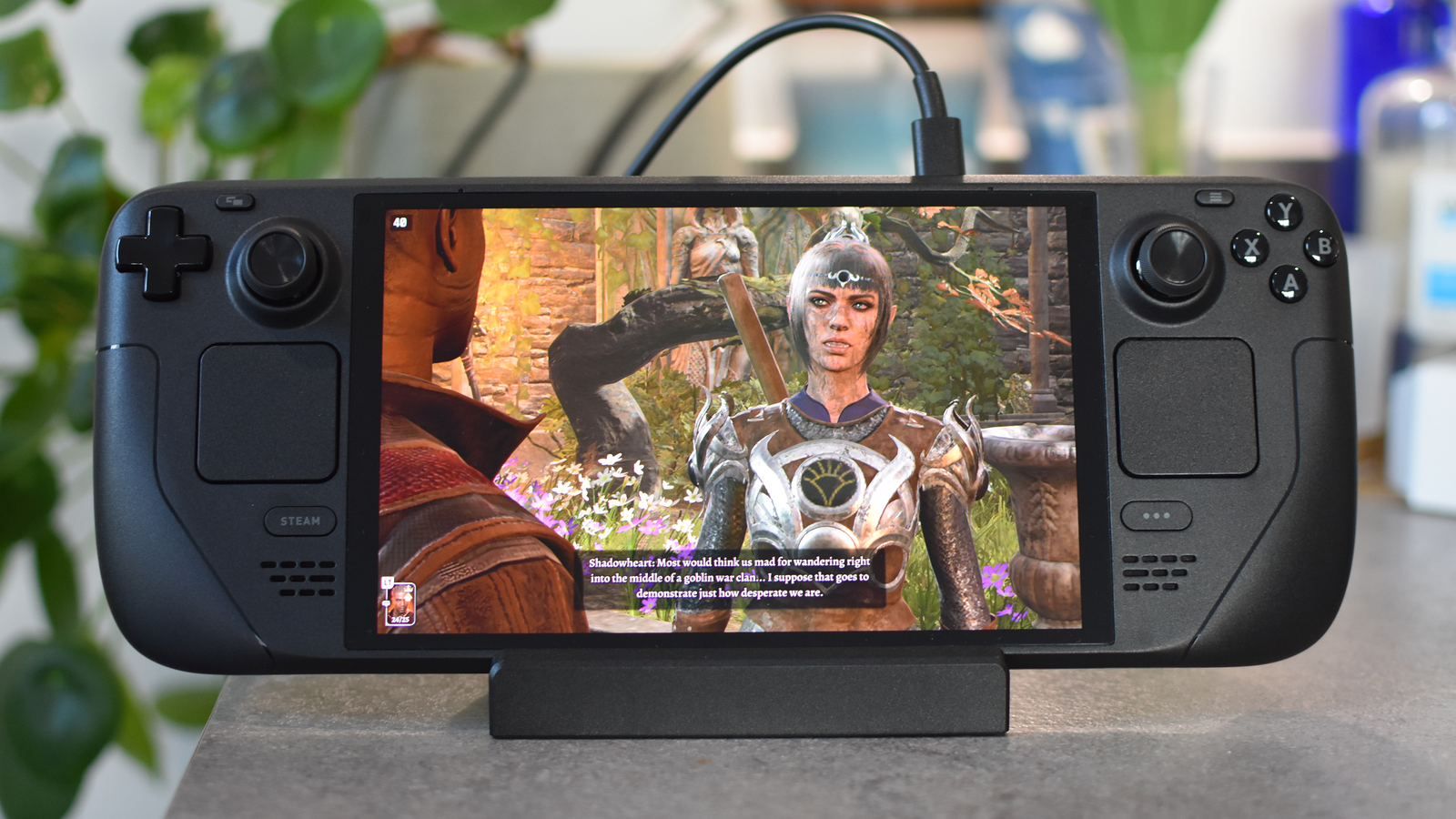
Comfort And Build: Small But Noticeable Changes
Valve trimmed about 30 grams from the OLED model. It’s not a huge drop, but the new Deck feels better balanced. The improved cooling system also means it runs cooler and quieter.
Another small upgrade: the new joystick caps and anti-glare coating on higher-end models. These details can reduce hand strain and screen glare, especially for long sessions.
Price Vs. Value: Is The Oled Deck Worth It?
With a $100 jump over the 256GB LCD model, is the OLED worth it? Here are factors to consider:
- Display quality: If you care about visuals, OLED is a big leap forward.
- Battery life: Frequent travelers or commuters benefit most.
- Resale value: The OLED model will likely hold value better.
- Storage: The 512GB and 1TB OLED models offer more space for large games.
But if you mostly play at home, rarely use HDR games, or are on a tight budget, the LCD Deck (especially used or discounted) is still a strong choice.
Non-obvious Insights: What Most Buyers Miss
Many reviews focus on the screen, but two less obvious points matter:
- OLED burn-in risk: Over many years, static images can “burn in” on OLED screens. Valve uses software tricks to reduce this, but it’s something to keep in mind if you leave HUDs or menus on-screen for hours.
- Upgradeable storage: Both LCD and OLED models let you swap the SSD, but the OLED’s larger base storage means fewer people will need to upgrade. If you want to tinker, this is a small cost-saving.
Also, the OLED model’s faster Wi-Fi helps when downloading huge games or streaming from a PC, which is something the original Deck sometimes struggled with.
Who Should Buy The Steam Deck Oled?
The OLED is best for:
- Players who want the best screen and longest battery life
- Gamers who travel often or play outside
- Those willing to pay for a premium experience
It’s less essential if:
- You only play short sessions at home
- You’re sensitive to price
- You’re happy with current LCD visuals
Frequently Asked Questions
What Is Oled Burn-in And Should I Worry About It?
OLED burn-in happens when static images stay on the screen too long and leave a faint mark. Valve uses software to move UI elements slightly and dim the display, so for most users, burn-in won’t be a problem unless you leave the same image on for days.
Does The Steam Deck Oled Run Games Faster Than The Lcd Model?
No, both models have the same processor and GPU. Game performance is nearly identical. The main difference is in display quality, battery life, and Wi-Fi speed.
Can I Upgrade The Ssd In The Oled Model?
Yes, the SSD is replaceable in both LCD and OLED Decks, but it’s a tricky process. Valve recommends only advanced users try this, and you could void your warranty if not careful.

Is The Steam Deck Oled More Durable Than The Lcd Version?
Build quality is similar, but the OLED screen is more prone to scratches if not protected. The included case helps, but a screen protector is a good idea.
Are There Alternatives To The Steam Deck Oled?
Yes, devices like the ASUS ROG Ally or Lenovo Legion Go offer similar power and sometimes better specs. However, the Steam Deck has the best Steam integration and community support. For more details, see the official Steam Deck site.
For gamers who value screen quality and battery life, the Steam Deck OLED is a strong upgrade. If these features matter to you and the price fits, it’s worth it. For everyone else, the LCD model is still a great entry into handheld PC gaming.