Is Brother Scanncut Sdx125 Worth It?
If you enjoy crafting, sewing, or creating custom designs, you may have heard about the Brother ScanNCut SDX125. This cutting machine promises to make your projects easier, faster, and more creative. But is it really worth the investment? Let’s explore what makes the SDX125 stand out, its main features, and whether it fits your needs.
What Is The Brother Scanncut Sdx125?
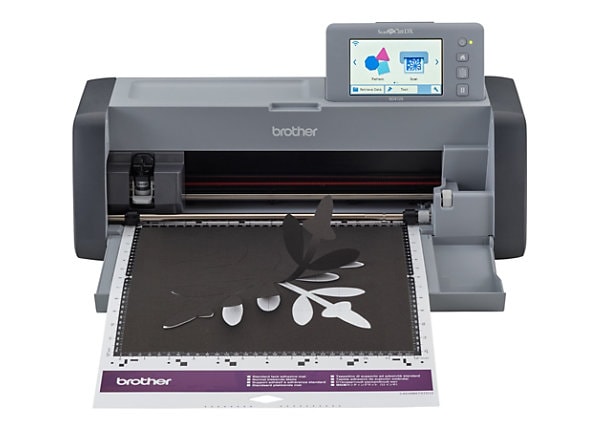
The ScanNCut SDX125 is a digital cutting machine designed for home crafters and small business owners. Unlike most cutting machines, it has a built-in scanner. This allows you to scan your own drawings, photos, or patterns and cut them directly—without needing a computer.

36% off Today’s Exclusive Deals
Limited-time Exclusive Deals. Check current discount on Amazon.
Check Price on Amazon As an Amazon Associate I earn from qualifying purchases.This feature is helpful if you want to turn your child’s artwork into stickers or cut your own hand-drawn templates for quilting. You don’t need to learn complicated software or upload files online. Everything happens right on the machine, which saves time and frustration.
Even for people who aren’t comfortable with computers, it’s easy to use the scanner.
Key Features
Here are the main features that set the SDX125 apart:
- Built-in Scanner: Scan images up to 12″ x 12″ and turn them into cut files. You can also use the scanner to preview placement, which helps avoid wasting materials.
- Automatic Blade Adjustment: The machine detects material thickness and adjusts the blade automatically. This reduces mistakes and makes switching materials simple. For example, if you move from paper to felt, the SDX125 adjusts without manual changes.
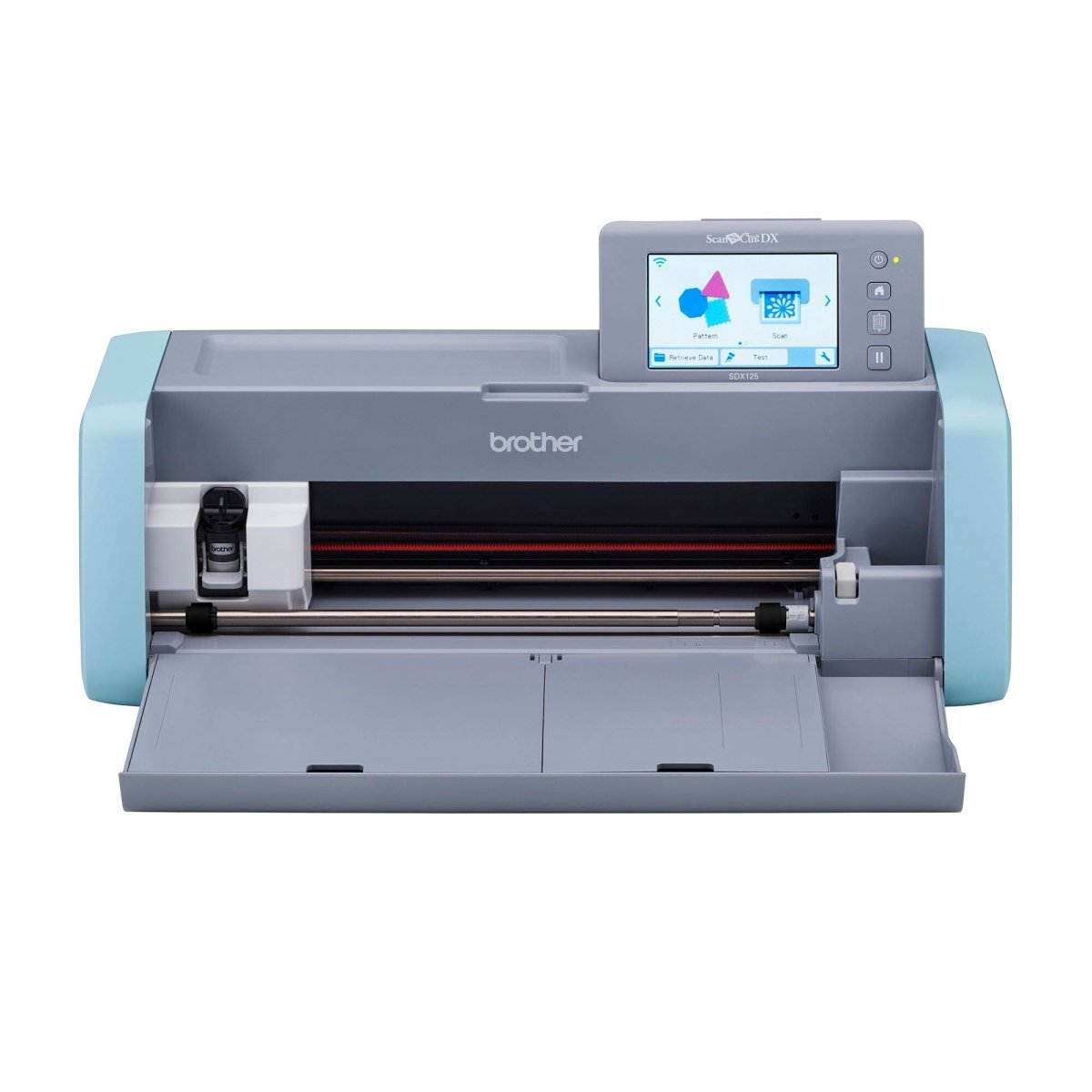
- Touchscreen Display: A 5-inch LCD screen makes navigation simple. The screen gives clear instructions and lets you edit designs right on the machine.
- 682 Built-in Designs: Includes patterns, fonts, and quilting blocks. These ready-made designs are useful for quick projects, or you can combine them to make unique crafts.
- Wireless Connectivity: Send designs from your phone or computer using Wi-Fi. You can download free designs from Brother’s website or share your own creations with friends.
Many machines need extra tools or software for these features. The SDX125 brings them together, making it easier to start crafting right away.
How Does It Compare?
To see how the SDX125 stands in the market, here’s a quick comparison with two popular models:
| Feature | Brother SDX125 | Cricut Maker | Silhouette Cameo 4 |
|---|---|---|---|
| Built-in Scanner | Yes | No | No |
| Auto Blade | Yes | No | Yes |
| Cutting Force | ~210g | 4,000g | 5,000g |
| Wireless | Yes | Yes | Yes |
| Price | $$ | $$$ | $$$ |
While the Cricut Maker and Cameo 4 are stronger for cutting thick materials, they lack the built-in scanner. This means you must digitize your art using a computer or smartphone before cutting. For some crafters, this is extra work. The SDX125 also costs less than these models, making it attractive for people who want advanced features without paying a premium.
Who Will Benefit Most?
The SDX125 is best for:
- Hobby crafters: Personalize cards, scrapbooks, and home decor. You can make custom stencils or stickers for parties.
- Quilters: Cut fabric and quilt blocks easily. The scanner helps with precise placement, so your shapes are accurate.
- Small businesses: Make stickers, T-shirts, and custom gifts. If you sell handmade products, the SDX125 lets you create unique designs quickly.
If you need to scan and cut your own hand-drawn designs, the SDX125 is unique. Most competitors do not include a scanner.
Even teachers and event planners find it useful for making decorations, labels, and learning tools. For people who want to add a personal touch to their crafts or gifts, the SDX125 makes it much easier.
Pros And Cons
Understanding the strengths and weaknesses is important.
Pros:
- No need for a computer to operate. This is great for people with limited tech skills.
- Can cut a wide range of materials, including fabric, paper, and vinyl. You can try new crafts without buying another machine.
- Quiet operation compared to older models. It won’t disturb others, even in shared spaces.
- Saves time with auto blade settings. You don’t have to guess or adjust manually, which avoids wasted materials.
Cons:
- Not as strong as the Cricut or Cameo for very thick materials. If you plan to cut leather or chipboard often, you may need another machine.
- Learning curve for beginners. The menus and options can be confusing at first, especially if you haven’t used a cutting machine before.
- Replacement accessories can be expensive. Mats and blades wear out with use, so plan for ongoing costs.
A non-obvious tip: Some users forget to clean the scanner glass, which can affect scan quality. It’s wise to check and clean it regularly.
Real User Experiences
Many users love the built-in scanner. For example, a teacher used it to scan her students’ art and turn them into stickers—something not possible with most machines. Others appreciate not needing a computer for every project.
Some crafters have used the SDX125 to create custom labels for jars or handmade cards for holidays. One quilter said it helped her cut dozens of fabric shapes for a large quilt in a fraction of the usual time.
However, a common complaint is that the learning curve can feel steep. Some users find the software less intuitive than Cricut’s Design Space.
Another insight: If you use unusual materials, it’s smart to test a small piece first. The auto blade works well, but not all materials behave the same.
How Much Does It Cost?
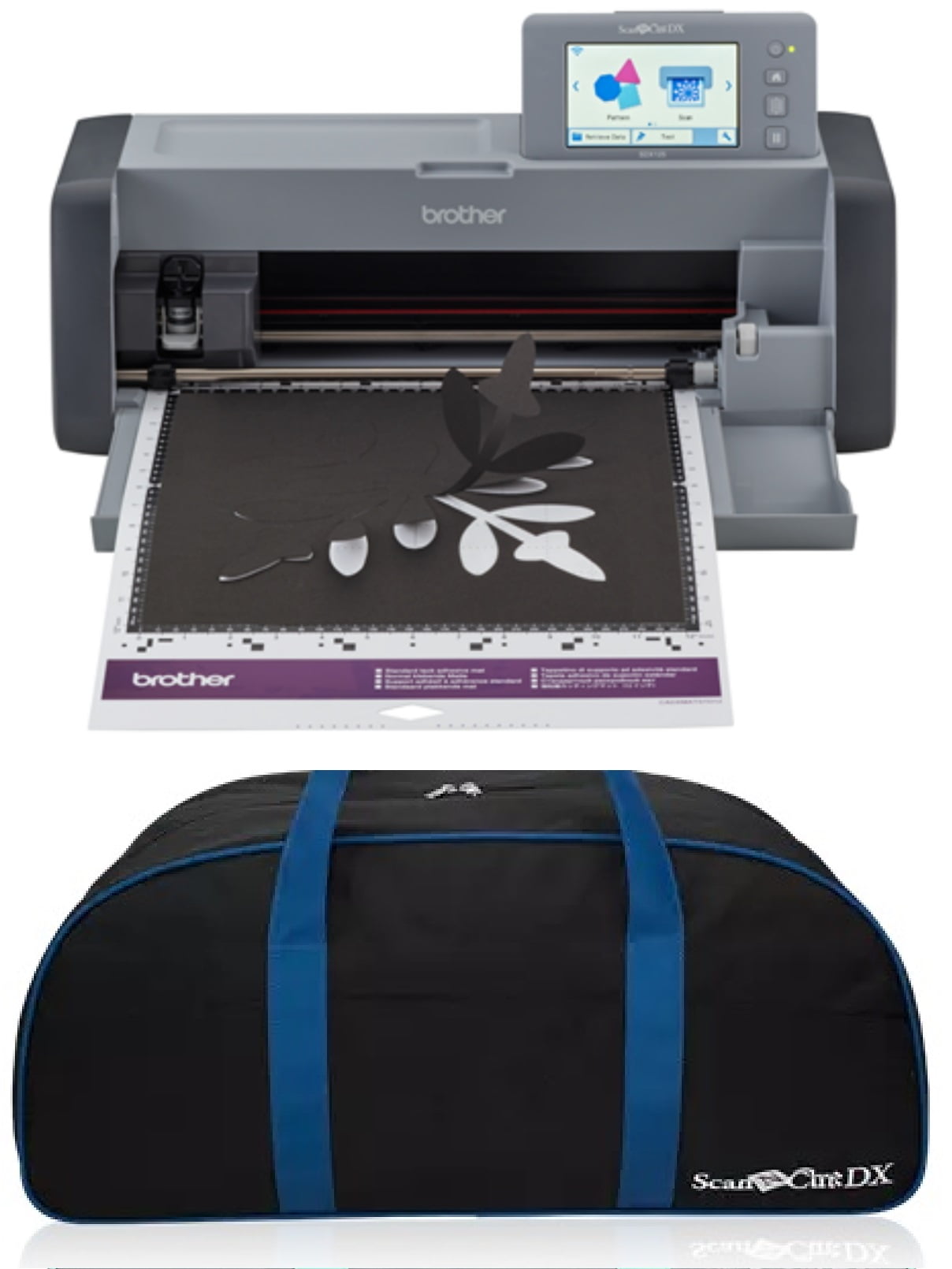
The SDX125 usually costs between $350 and $400, depending on sales and bundles. While this is not the cheapest option, you get more built-in designs and features compared to entry-level models.
Here’s a look at the typical cost breakdown:
| Item | Average Price |
|---|---|
| SDX125 Machine | $350-$400 |
| Replacement Blade | $10-$20 |
| Cutting Mats (2-pack) | $20-$30 |
You may also want to buy extra tools, such as spatulas, pens, or storage cases. Over time, these costs can add up. But compared to buying a scanner and cutting machine separately, the SDX125 is often more affordable.
What Beginners Often Miss
- You don’t need a computer: Many people think all cutting machines require a computer. The SDX125 can scan and cut directly. You can start right away, even if you don’t own a laptop.
- Material compatibility: While it can cut many materials, some thick or specialty materials might need multiple passes or won’t work at all. Always check the material list and do a test cut before starting a big project.
Another insight: The SDX125’s built-in designs can be edited on the touchscreen. Beginners often overlook this, but it allows you to change sizes, combine shapes, or add text without using extra software.
Is It Worth It?
If you want a cutting machine that can handle a variety of projects and you value a built-in scanner, the SDX125 offers good value. It is not the most powerful, but for most crafters, the balance of price and features is excellent.
If you work mainly with very thick materials or need commercial speed, you might prefer a more powerful (but more expensive) machine.
For more details on cutting machines, see the Wikipedia entry on cutting plotters.
Frequently Asked Questions
Can The Sdx125 Cut Fabric Without A Backing?
Yes, it can cut fabric, but you may need to use a fabric support sheet to prevent stretching or shifting. Brother offers these as accessories.
Some fabrics, like cotton, cut easily, but slippery materials may require extra care. Using the support sheet increases accuracy and prevents mistakes.
Is The Sdx125 Good For Beginners?
It’s friendly for beginners, but there is a learning curve. The automatic blade adjustment helps reduce mistakes, but you may need time to get used to the interface.
Practicing with simple shapes and reading the manual will help you learn faster. Brother also offers online tutorials to make learning easier.
Does It Work With Mac Or Pc?
You can send designs wirelessly from both Mac and PC. However, the machine itself does not need a computer for basic functions.
If you prefer editing designs on a computer, you can use Brother’s CanvasWorkspace software. It’s compatible with both systems.
What Materials Can It Cut?
It cuts paper, vinyl, sticker sheets, fabric, felt, thin leather, and more. For very thick materials, you may need to make several passes.
Always check the official material guide before starting. Trying new materials is fun, but testing a small piece first can prevent problems.
How Does The Scanner Work?
Place your image on the mat, scan it, and the machine creates a cut file. This is perfect for custom designs from hand drawings or photos.
You can adjust the scanned image, crop, or resize before cutting. This makes the SDX125 flexible for many creative projects.
The Brother ScanNCut SDX125 is not for everyone, but if you love crafting and want a unique, all-in-one machine, it’s a smart choice. Consider your budget, project needs, and how much you value the built-in scanner before deciding.