

The Roomba 694 usually won’t turn on because of a dead battery, poor charging contact, or a faulty dock.
The iRobot Roomba 694 Robot Vacuum not turning on can feel frustrating, especially when you expect a simple press of the Clean button to get things moving. I’ve seen this issue come up in real-world use many times, and most of the time the fix is basic once you know where to look. In this guide, I’ll walk you through the most common causes, the best troubleshooting steps, and the small mistakes that often keep a Roomba 694 silent.

36% off Today’s Exclusive Deals
Limited-time Exclusive Deals. Check current discount on Amazon.
Check Price on Amazon As an Amazon Associate I earn from qualifying purchases.
Why the iRobot Roomba 694 Robot Vacuum not turning on happens
When the iRobot Roomba 694 Robot Vacuum not turning on, the problem is usually not one single thing. It is often a power chain issue, which means one part of the charging or startup process is breaking down.
Think of it like a relay race. If the battery, charger, dock, or button fails to pass the baton, the vacuum never starts. The good news is that most of these issues are easy to test at home.
Common causes include:
- The battery is fully drained or no longer holding a charge
- The charging contacts are dirty or misaligned
- The Home Base is not plugged in correctly
- The power outlet is dead
- The vacuum is stuck in a temporary software or sleep state
- The battery needs to be reset or replaced
In my experience, the most common mistake is assuming the robot is broken right away. Many users skip the simple checks and miss something as small as dust on the charging contacts or a loose plug at the dock.
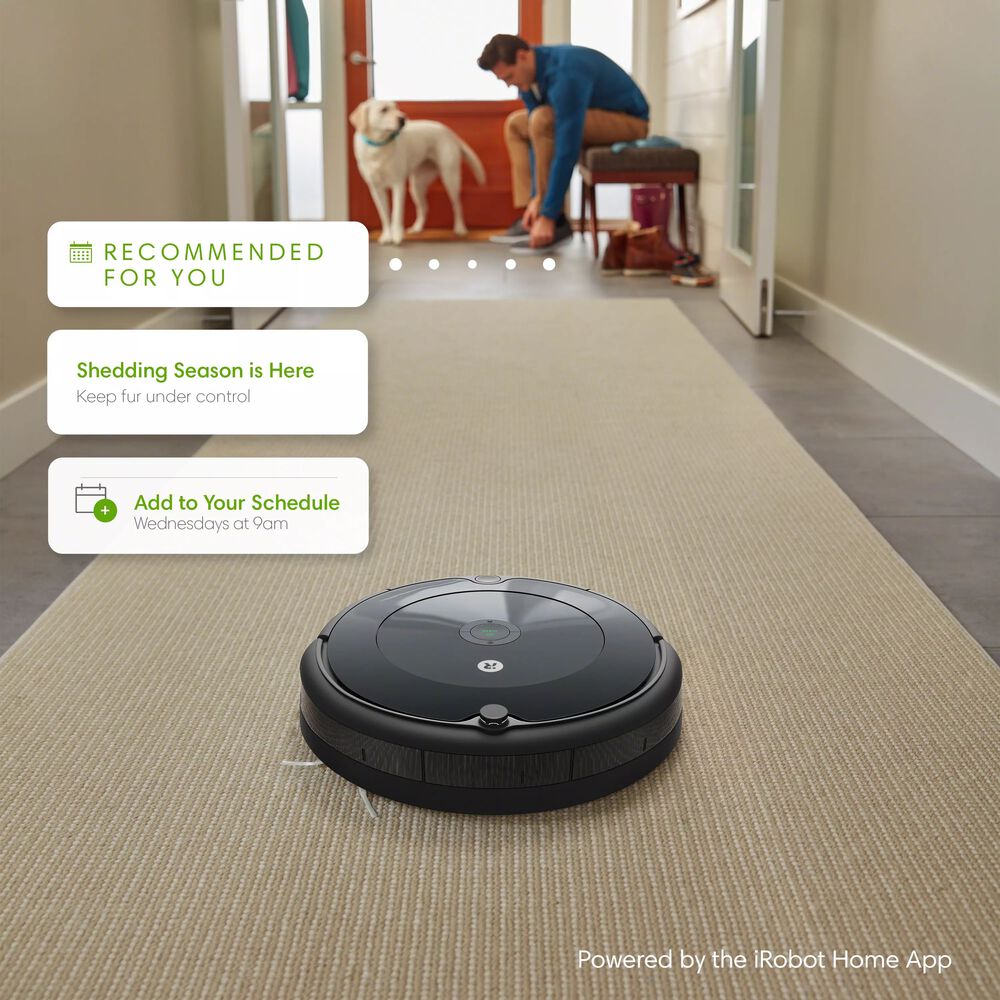
First checks when the Roomba 694 will not power on
Before digging into deeper fixes, start with the basics. These quick checks solve a surprising number of cases where the iRobot Roomba 694 Robot Vacuum not turning on.
Try these steps first:
-
Press and hold the Clean button for 2 to 3 seconds
Sometimes the button needs a firm press, not just a tap. -
Check the battery indicator
If there is no light at all, the battery may be deeply discharged. -
Confirm the Home Base has power
Make sure the dock is plugged in and the outlet works. -
Try a different wall outlet
A bad outlet can make the dock look faulty when it is not. -
Remove the robot from the charger and place it back
A poor charging seat can stop the battery from waking up.
If the robot gives no sign of life, stay calm. A Roomba 694 that seems dead can often recover after a proper recharge or contact cleaning.

Check the charging dock and power source
A big reason the iRobot Roomba 694 Robot Vacuum not turning on is that it never got a proper charge in the first place. The dock may look fine, but the problem can be at the wall outlet, adapter, or charging contacts.
Here is what to inspect:
- Make sure the power cord is firmly connected to the dock
- Verify the dock’s light, if present, shows normal operation
- Test the same outlet with another device, like a lamp
- Place the dock on a flat surface with enough clearance around it
- Keep the charging area away from moisture, direct sun, and clutter
I once helped troubleshoot a Roomba that “died” overnight, and the issue was just a loose plug behind the furniture. It was a simple fix, but it showed how easy it is to overlook the power path.
If the dock has power but the robot still will not turn on, move to the next step: the charging contacts.
Clean the charging contacts on the Roomba 694
Dirty charging contacts are one of the top reasons the iRobot Roomba 694 Robot Vacuum not turning on after being on the dock. Dust, pet hair, and skin oils can block the electrical connection.
Use these cleaning steps:
- Turn off the robot if it responds at all
- Unplug the dock before cleaning
- Wipe the charging contacts on the Roomba and the Home Base with a dry microfiber cloth
- If needed, use a cotton swab lightly dampened with rubbing alcohol
- Let everything dry fully before charging again
Do not use water or harsh cleaners. The goal is to remove grime, not damage the metal contacts.
A small amount of buildup can act like a wall between the charger and the battery. I like to compare it to trying to charge a phone with lint stuck in the port. The charger is there, but the connection just cannot happen.
Let the battery charge long enough
If the Roomba 694 battery is deeply drained, it may need a long charge before it shows any signs of life. When the iRobot Roomba 694 Robot Vacuum not turning on, many people expect instant feedback, but a deeply low battery can take time to wake up.
What to do:
- Place the robot on the Home Base
- Leave it connected for at least 2 to 3 hours
- If the battery was completely empty, let it charge overnight
- Check again the next day before assuming failure
The Roomba 694 uses a rechargeable battery that can lose performance over time, especially if it has sat unused for weeks. In that case, the battery may need a longer recovery charge or replacement.
If the unit still shows nothing after a long charge, the battery itself may be the issue.

Reset the Roomba 694 if it seems frozen
Sometimes the iRobot Roomba 694 Robot Vacuum not turning on is really a software or control issue. The robot may be stuck in a frozen state, even if the battery is fine.
A simple reset can help:
- Press and hold the Clean button for about 10 to 20 seconds
- Release when the light ring or indicators respond
- Place the robot back on the charger
- Wait a few minutes and try powering it on again
This does not erase normal cleaning behavior, but it can clear temporary glitches. I have seen this work after a robot failed to respond after a charging interruption or sudden power loss.
If a reset does not help, the battery or internal hardware may be the real cause.
Inspect the battery condition
The battery is one of the most important parts of the Roomba 694. If the iRobot Roomba 694 Robot Vacuum not turning on even after cleaning and charging checks, the battery may be worn out.
Signs of battery trouble include:
- The robot dies quickly after charging
- The robot will not light up at all
- Charging takes much longer than normal
- The battery has been in use for several years
- The robot only works right after being on the dock
Roomba batteries do not last forever. Like any rechargeable battery, they lose capacity over time. If your unit is older, a replacement battery may be the most practical fix.
When replacing the battery, make sure you use a compatible one designed for the Roomba 694. Using the wrong part can create new problems instead of solving the old one.

Look for physical damage or blockage
If the iRobot Roomba 694 Robot Vacuum not turning on after a move, drop, or rough cleaning session, inspect the body for damage. Even a small internal shift can affect the battery connection or power button.
Check for:
- Cracks in the housing
- Bent contacts
- Dirt packed around the wheels or brush area
- A stuck bumper
- Signs of liquid exposure
Also, make sure the vacuum is not jammed by debris. A motor or wheel stuck under hair or string may prevent normal startup behavior.
I have seen pets’ long hair wrap so tightly around the brush assembly that the unit acted completely dead. After cleaning the tangled parts, the robot came back to life like nothing happened.
When the Roomba 694 still won’t turn on
If you have tried the basics and the iRobot Roomba 694 Robot Vacuum not turning on still, the issue may be deeper. At that point, the charger, battery, or internal electronics may need more advanced testing.
Here is a smart order to follow:
- Test the wall outlet with another device
- Use a different outlet for the dock
- Clean all charging contacts again
- Try a full overnight charge
- Reset the robot
- Replace the battery if it is old or weak
If none of these steps work, the robot may need service. Internal board failures are less common, but they do happen, especially after water exposure or a strong impact.
If your unit is under warranty, check the coverage before buying parts. That can save both time and money.
How to prevent power problems in the future
Once you fix the iRobot Roomba 694 Robot Vacuum not turning on, a few habits can help prevent the same issue later. Good care goes a long way with robot vacuums.
Helpful prevention tips:
- Keep the charging contacts clean
- Store the dock on a stable, open surface
- Avoid letting the battery stay empty for long periods
- Clean hair and dust from the robot regularly
- Use the vacuum often so the battery stays active
- Keep liquids away from the unit and dock
I always tell people to treat the charger area like a parking spot, not a storage shelf. When the dock is buried under cords, shoes, or dust, the Roomba is much more likely to have charging trouble.
Consistent maintenance is boring, but it works.
Frequently Asked Questions of iRobot Roomba 694 Robot Vacuum not turning on
Why is my Roomba 694 completely unresponsive?
If your Roomba 694 is completely unresponsive, the battery may be drained too low to power the robot. Dirty charging contacts, a dead outlet, or a faulty dock can also stop it from waking up.
How long should I charge a Roomba 694 before deciding it is broken?
Give it at least 2 to 3 hours on the charger, and longer if the battery was fully empty. If there is still no response after an overnight charge, the battery or charger may need replacement.
Can a dirty charging dock stop the Roomba 694 from turning on?
Yes, dirty charging contacts can block the power connection. Even a thin layer of dust or grime can keep the battery from charging properly.
Does the Roomba 694 battery need to be replaced?
If the vacuum is several years old, or if it only works for a very short time after charging, the battery may be worn out. Replacing the battery is often the best solution when basic charging checks do not help.
What if the Clean button does nothing?
If the Clean button does nothing, try a reset and then place the robot on the Home Base. If it still gives no sign of life, the problem is likely power related rather than just a button issue.
Conclusion
When the iRobot Roomba 694 Robot Vacuum not turning on, the fix is often simpler than it first appears. Most cases come down to a drained battery, dirty charging contacts, a dock problem, or a temporary reset issue.
The best approach is to work step by step, starting with the outlet, dock, and contacts before assuming the vacuum is damaged. That method saves time, reduces guesswork, and often brings the robot back without costly repairs.
If your Roomba 694 still will not power on after these checks, it may be time to replace the battery or contact support for further help. Take the troubleshooting process one step at a time, and if this guide helped, feel free to share it or leave a comment with your experience.

