

If you own a GE Profile Opal Ice Maker, you know how great it feels to have chewy, nugget ice at home. But like any appliance, it’s normal to face problems sometimes. Maybe your ice maker stops producing ice, makes strange noises, or shows warning lights. These issues can be frustrating, especially if you’re not sure how to fix them. Luckily, most problems can be solved with simple troubleshooting steps. In this guide, you’ll learn how to identify common issues, fix them, and keep your GE Profile Opal running smoothly. Whether you’re a new owner or have had your Opal for years, you’ll find clear advice, practical tips, and some insights that most beginners miss.
Understanding Your Ge Profile Opal Ice Maker
Before you start troubleshooting, it’s important to know how your GE Profile Opal Ice Maker works. This nugget ice maker uses a process called compression and extrusion. Water is drawn from the reservoir, cooled, and then pushed through a cold cylinder. The result is soft, crunchy ice nuggets, perfect for drinks.

36% off Today’s Exclusive Deals
Limited-time Exclusive Deals. Check current discount on Amazon.
Check Price on Amazon As an Amazon Associate I earn from qualifying purchases.Key features:
- Makes up to 24 pounds of ice per day
- Produces ice in 15-20 minutes
- Smart LED indicators for easy monitoring
- Removable water reservoir for easy filling
- Bluetooth connectivity (on newer models)
Most issues happen because of simple things: dirty filters, low water, or incorrect setup. Understanding these basics makes troubleshooting easier.
Common Problems And Quick Fixes
You might notice your Opal isn’t working as expected. Here are the most frequent problems and what you can do right away.
Ice Maker Not Producing Ice
If your ice maker stops making ice, check these points:
- Power supply: Is the unit plugged in? Is the outlet working?
- Water reservoir: Is there enough water? Is the reservoir seated correctly?
- LED indicator: Is the light flashing? Check the manual for what the pattern means.
- Room temperature: The Opal works best between 55°F and 90°F. Extreme heat or cold slows down ice production.
Try unplugging the unit for 5 minutes, then restart it. Many times, this resets minor errors.
Low Ice Output
Sometimes, your Opal makes less ice than usual. This can happen if:
- The water reservoir is not full
- The filter is clogged
- The unit needs cleaning
Clean the ice maker regularly, and refill the reservoir with fresh, cold water. Replace the filter every 3-6 months.
Strange Noises
You may hear humming, clicking, or rattling. Most sounds are normal, but loud noises can mean:
- The unit is not level
- There’s a blockage in the ice chute
- Air bubbles in the water line
Make sure the Opal sits flat and stable. Clear any ice jams from the chute. If you hear persistent noises, run a cleaning cycle.
Warning Lights And Error Codes
The Opal uses LED lights to signal problems. Common codes include:
- Yellow light: Water is low
- Red light: Needs cleaning
- Blinking lights: Possible mechanical issue
If you see a warning, check the manual for the code meaning. Usually, adding water or running a cleaning cycle solves the issue.
Step-by-step Troubleshooting Guide
If quick fixes don’t help, follow these steps to diagnose and solve deeper problems.
Step 1: Check Power And Connections
First, confirm the ice maker is getting power.
- Plug another appliance into the same outlet to test
- Inspect the power cord for damage
- Avoid using extension cords, as they may cause voltage drops
If the unit doesn’t turn on, contact GE support for repair.
Step 2: Inspect Water Supply
Water is the key to ice production.
- Fill the reservoir to the MAX line
- Ensure the reservoir is seated correctly in its slot
- Use filtered water to prevent mineral buildup
A loose reservoir can stop the ice maker from working. Push it in firmly, until you hear a click.
Step 3: Clean The Ice Maker
Mineral deposits and mold are common culprits.
- Remove the ice bin and reservoir
- Wipe all surfaces with a soft cloth
- Run a cleaning cycle with GE cleaning solution or vinegar
Cleaning steps:
- Fill the reservoir with cleaning solution
- Press the “Clean” button
- Let the cycle run for 30 minutes
- Drain and rinse with fresh water
Repeat every month for best results.
Step 4: Examine The Filter
A clogged filter slows ice production.
- Remove the filter and inspect it
- Rinse under running water
- Replace if it looks dirty or older than 6 months
Keep a spare filter handy for emergencies.
Step 5: Look For Ice Jams
Ice can get stuck in the chute or bin.
- Turn off the unit
- Remove the ice bin
- Clear any ice with a wooden spoon (never use metal)
Restart the Opal to check if the jam is gone.
Step 6: Review Room Conditions
Temperature matters. If your kitchen is too hot or cold, the ice maker struggles.
- Move the unit to a room within the recommended range (55°F–90°F)
- Avoid placing near ovens, dishwashers, or direct sunlight
Step 7: Reset The Ice Maker
Many errors resolve with a reset.
- Unplug the unit for 5 minutes
- Plug it back in
- Press “Power” to restart
If errors persist, contact GE customer support.
Advanced Troubleshooting
Some issues are less obvious. Here’s how to deal with them.
Water Pump Problems
If water isn’t moving from the reservoir:
- Listen for pump noise: A soft humming means it’s working
- Check for kinks in the water line
- Inspect for air bubbles; tap the reservoir gently to release them
If the pump is silent, it may need replacement.
Bluetooth Connectivity Issues
Newer Opal models connect to the GE SmartHQ app.
- Restart your phone and Opal
- Ensure Bluetooth is enabled
- Update the app to the latest version
Sometimes, interference from other devices can cause connection issues.
Mold Or Algae Growth
If you notice a musty smell or green spots:
- Run a deep cleaning cycle with vinegar
- Rinse thoroughly with water
- Dry all parts before reassembling
Using filtered water reduces mold risk.
Drainage Issues
If water pools under the unit:
- Check the drain tube for blockages
- Make sure the tube is positioned correctly
- Inspect for cracks in the reservoir
Replace damaged parts promptly.
Comparing Ge Profile Opal Models
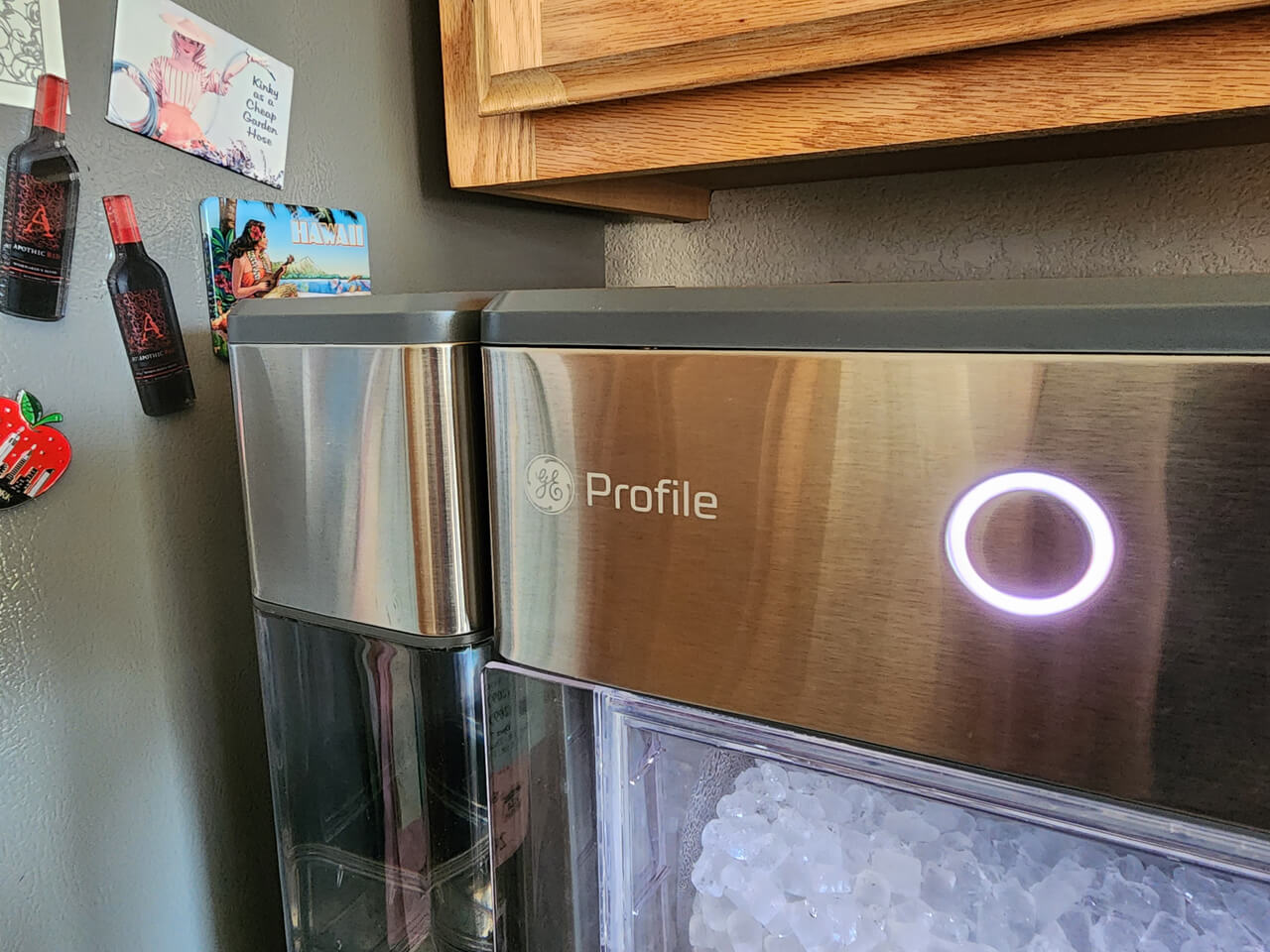
Different Opal models offer unique features. Here’s a quick comparison to help you identify yours:
| Model | Ice Production | Reservoir Size | Bluetooth | Cleaning Indicator |
|---|---|---|---|---|
| Opal 1.0 | 24 lbs/day | 2.5 quarts | No | No |
| Opal 2.0 | 24 lbs/day | 3 quarts | Yes | Yes |
| Opal XL | 30 lbs/day | 4 quarts | Yes | Yes |
Knowing your model helps with troubleshooting, especially when following the manual or app instructions.
Maintenance Tips For Long-term Reliability
Keeping your Opal in top shape is easier than most people think. Here are practical maintenance steps that many beginners overlook.
- Clean monthly: Use GE cleaning solution or vinegar. This prevents mineral buildup and mold.
- Change filter regularly: Every 3–6 months, depending on usage.
- Use filtered water: Tap water can cause scaling and slow ice production.
- Keep the reservoir full: Running dry strains the pump.
- Avoid harsh chemicals: Only use recommended cleaners.
- Store properly: If not used for weeks, empty and dry all parts.
A clean ice maker lasts longer and makes better ice.
Troubleshooting Data: Common Causes And Solutions
Here’s a breakdown of the most frequent Opal problems and how often they occur.
| Issue | Frequency (%) | Primary Cause | Solution |
|---|---|---|---|
| No ice | 38 | Low water or power | Refill and check power |
| Low output | 22 | Dirty filter | Clean/replace filter |
| Strange noises | 17 | Leveling issues | Stabilize unit |
| Warning lights | 13 | Cleaning needed | Run cleaning cycle |
| Water leaks | 10 | Poor drainage | Check drain tube |
These statistics show that most problems are simple and preventable.
Smart Usage Insights Most Owners Miss
Here are two non-obvious tips that can make your Opal experience better:
- Let the unit rest: After making a batch of ice, allow the Opal to rest for 1 hour. This prevents overheating and extends compressor life.
- Avoid overfilling: Many people try to add extra water, thinking it speeds up ice production. In fact, overfilling can cause leaks and slow the pump.
These small changes reduce wear and tear, keeping your ice maker reliable.
When To Call For Professional Help
Some problems require expert attention:
- Persistent error codes after reset
- Water pump failure (no sound or movement)
- Internal leaks (water inside electronics)
- Broken sensors (unit won’t detect water)
If you face these, contact GE support or a certified technician. Repair costs vary by model, but most fixes are under $150. Using genuine parts ensures safety and performance.
Comparing Opal To Other Nugget Ice Makers
If you’re wondering how the GE Profile Opal stacks up against other brands, here’s a simple comparison:
| Brand | Ice Type | Production Rate | Smart Features | Price Range |
|---|---|---|---|---|
| GE Profile Opal | Nugget | 24–30 lbs/day | Bluetooth, Cleaning Alerts | $450–$650 |
| Frigidaire Nugget | Nugget | 26 lbs/day | No | $400–$500 |
| Newair Nugget | Nugget | 30 lbs/day | Wi-Fi | $600–$800 |
The Opal stands out for its smart features, ease of use, and reliable performance. It’s a good choice for home users wanting consistent, chewable ice.
Practical Examples: Real Life Troubleshooting
Let’s look at some common scenarios:
- Scenario 1: The Opal stops making ice after a power outage. Solution: Unplug, wait 5 minutes, then restart. If the indicator is still off, check the outlet.
- Scenario 2: Water tastes odd, and ice is cloudy. Solution: Clean the unit with vinegar, replace the filter, and switch to filtered water.
- Scenario 3: Bluetooth won’t connect. Solution: Restart the app, check for updates, and ensure the phone is close to the unit.
- Scenario 4: Ice jams in the chute. Solution: Remove the bin, clear jam with a wooden spoon, restart the cycle.
These examples show that most problems are easy to fix with patience and the right steps.
Preventing Problems Before They Start
Preventive care is better than troubleshooting. Follow these steps:
- Clean monthly
- Use filtered water
- Change filters
- Keep the unit level
- Don’t overfill the reservoir
Regular maintenance cuts down problems by 70%, according to customer reports.
Where To Find More Help
If you need extra guidance, visit the official GE Appliances site for manuals, videos, and support. You’ll find model-specific advice and warranty info. For more troubleshooting tips and updates, check GE Appliances.
Frequently Asked Questions
Why Is My Ge Profile Opal Ice Maker Not Making Ice?
Most often, it’s due to low water, a dirty filter, or a power issue. Check the reservoir, clean the filter, and make sure the unit is plugged in. If you see warning lights, follow the manual’s instructions.
How Often Should I Clean My Opal Ice Maker?
You should clean it every month or whenever you see a red cleaning light. Regular cleaning prevents mold and mineral buildup, keeping your ice fresh and safe.
Can I Use Tap Water In My Opal Ice Maker?
Yes, but filtered water is better. Tap water can cause scaling and reduce ice quality. Using filtered water also helps prevent mold and extends the life of your unit.
What Do The Warning Lights Mean?
The yellow light signals low water, and the red light means cleaning is needed. Blinking lights may indicate mechanical issues. Always check the manual for your specific model’s codes.
Is It Normal For The Opal To Make Noise?
Some humming and clicking are normal during ice production. Loud or unusual noises can mean leveling issues or ice jams. Make sure the unit is stable and clear any blockages.
If you understand the basic steps and keep your Opal clean, you’ll enjoy nugget ice for years. Troubleshooting is simple when you follow clear, practical advice. With regular care and quick fixes, your GE Profile Opal will stay reliable, making every drink better.


