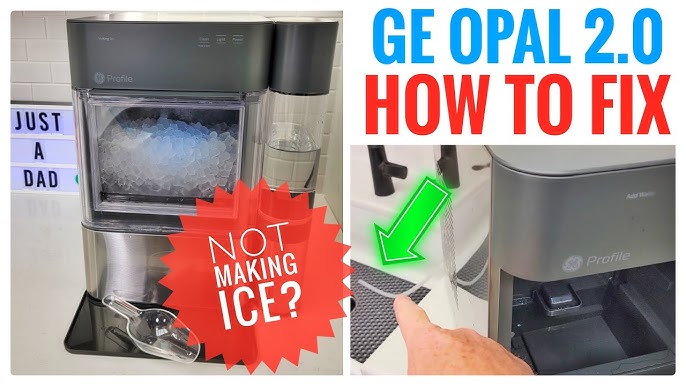
If you love soft, chewable ice in your drinks, you probably know the GE Profile Opal 2.0 Nugget Ice Maker. This machine is popular for making “sonic ice” right at home. But like any appliance, it can run into problems. When your ice maker stops working or acts strange, it can be frustrating. Getting it back to perfect shape isn’t always obvious, especially for beginners. This guide covers the 20 most common issues and solutions for the GE Profile Opal 2.0 Nugget Ice Maker, with clear steps and practical advice. You’ll learn how to fix problems like slow ice production, weird noises, and water leaks. Whether you’re a new owner or have used your Opal for years, this troubleshooting guide helps you enjoy nugget ice without stress.
Understanding Your Ge Profile Opal 2.0 Nugget Ice Maker
Before diving into troubleshooting, it helps to know how the Opal works. This ice maker uses a unique process to create soft, chewable nugget ice. It pulls water from a reservoir, freezes it into small flakes, and compresses them into nuggets. The Opal 2.0 features smart controls, Wi-Fi connectivity, and easy cleaning modes. While these features make it convenient, they also mean more things can go wrong. Common issues range from simple power problems to complex sensor errors. Many solutions are easy if you know what to look for.

36% off Today’s Exclusive Deals
Limited-time Exclusive Deals. Check current discount on Amazon.
Check Price on Amazon As an Amazon Associate I earn from qualifying purchases.20 Common Problems And How To Fix Them
The GE Profile Opal 2. 0 Nugget Ice Maker may face several issues. Here are the 20 most frequent problems, each with its own fix.
1. Machine Won’t Turn On
If your Opal doesn’t power up, first check the power cord. Make sure it’s plugged firmly into the outlet and the back of the machine. Try another outlet to rule out electrical issues. If the machine still won’t turn on, inspect the circuit breaker in your home. Sometimes, the breaker trips due to a surge. Resetting it can solve the problem. If none of these work, the internal fuse or control board might be faulty. Contact GE support for further help.
2. No Ice Production
When your Opal isn’t making ice, check the water reservoir. Is it empty or too low? Fill it with fresh, filtered water. Also, look for mineral buildup blocking the water lines. Cleaning the machine with a vinegar solution can clear deposits. If ice still isn’t produced, ensure the unit isn’t in cleaning mode. Restart the machine and let it cycle for 30 minutes. Sometimes, resetting solves hidden errors.
3. Slow Ice Production
If your Opal makes ice slowly, temperature is usually the cause. The machine needs proper ventilation. Make sure there’s at least 3 inches of space around it. High room temperatures, especially above 90°F (32°C), slow ice creation. Try moving the unit to a cooler spot. If water quality is poor, mineral buildup can also slow production. Clean the machine regularly to maintain speed.
4. Ice Melts Too Quickly
Nugget ice is designed to melt faster than cubes, but if it disappears right away, the internal bin temperature may be too high. Check if the ice bin is full and the machine is cycling properly. Make sure the Opal isn’t placed near direct sunlight or heat sources.
If the problem persists, inspect the insulation or cooling fan inside the unit. Dust or debris can block airflow and raise the bin temperature. Cleaning the fan area helps maintain coldness.
5. Water Leaks
Leaking water usually comes from the reservoir or drain tube. First, check the water tank for cracks. Inspect the drain tube at the back; it should be attached securely. Sometimes, leaks happen if the unit isn’t level. Adjust the feet so the Opal sits flat. If you see water pooling underneath, dry the area and test again. If leaks continue, contact GE for a replacement part.
6. Loud Or Strange Noises
The Opal makes some noise during ice production, but grinding, rattling, or clicking isn’t normal. Loud sounds often mean mineral buildup or a stuck auger. Run a cleaning cycle with vinegar to clear deposits. If the auger is jammed, unplug the machine and gently move it by hand.
Don’t force it—if resistance is high, contact support. Regular cleaning prevents most noise problems.
7. Wi-fi Connectivity Issues
The Opal 2.0’s Wi-Fi lets you control it from your phone, but sometimes it won’t connect. Check if your Wi-Fi is 2.4 GHz—the Opal doesn’t support 5 GHz networks. Move the machine closer to your router for a stronger signal. Restart both the ice maker and your router. If the app still won’t connect, delete and reinstall the GE SmartHQ app. Update your phone’s operating system if necessary.
8. App Not Responding
If your app freezes or won’t control the ice maker, check for software updates. Outdated apps often cause glitches. Log out and log back in to refresh the connection. If the app crashes, clear its cache or reinstall it. Ensure Bluetooth is enabled on your device, as the Opal sometimes uses Bluetooth for setup.
9. “add Water” Light Stays On
The “Add Water” light can stay lit even when the tank is full. Mineral buildup can block the water sensor. Clean the reservoir and sensor area with vinegar. Sometimes, the float sensor gets stuck. Remove and reinstall the float. If the light stays on, restart the machine. Persistent issues may need sensor replacement.
10. “cleaning” Light Won’t Turn Off
After a cleaning cycle, the “Cleaning” light should go off. If it doesn’t, check if you followed the cleaning instructions fully. Sometimes, leftover cleaning solution triggers the sensor. Rinse the tank thoroughly. Run another cleaning cycle with plain water. If the light is still on, unplug the machine for five minutes and restart it.
11. Ice Quality Is Poor
If your ice is soft, cloudy, or tastes odd, water quality is often the culprit. Always use filtered water. Hard water leads to mineral buildup and bad-tasting ice. Clean the machine every two weeks. Sometimes, old cleaning solution causes taste issues. Rinse thoroughly after cleaning.
12. Ice Maker Won’t Clean Properly
If your Opal won’t clean as expected, check the cleaning solution. GE recommends using vinegar or Opal cleaning solution. Make sure the reservoir is filled to the correct line. Follow the cleaning cycle instructions step by step. If buildup remains, repeat the cycle.
For tough deposits, let vinegar sit for 30 minutes before rinsing.
13. “bin Full” Light Stays On
The “Bin Full” sensor detects when ice is ready. If the light stays on but the bin is empty, the sensor may be blocked. Clean the sensor area and remove any ice stuck near it. If the sensor is faulty, it may need replacement. Restarting the machine often resets the sensor.
14. No Water Flow
When water isn’t moving from the tank to the ice maker, check for kinks in the water line. Remove and reinstall the tank to ensure a tight fit. Mineral buildup can block the water pump. Cleaning solves this issue. If the pump is faulty, you may hear a low humming noise but see no water movement.
Contact GE for a replacement pump.
15. Ice Maker Freezes Up
If the Opal freezes internally, it could be running too long without breaks. The auger or compressor may be overworked. Turn off the machine for an hour to let it thaw. Clean the ice bin and auger. Make sure the ambient temperature isn’t below 40°F (4°C), as this can cause freezing. Use the Opal only in recommended temperature ranges.
16. Low Ice Output
If you’re not getting enough ice, check the water reservoir and bin. Make sure the bin is empty before starting a new cycle. High mineral buildup slows production. Clean the machine thoroughly. Also, check for loose parts or weak connections inside.
The auger may need lubrication if it’s sticking. Don’t overload the machine with too much water—follow the fill line.
17. Ice Maker Won’t Stop
If your Opal keeps running and won’t turn off, the control board may be stuck. Unplug the machine for five minutes, then plug it back in. If it keeps running, check the app settings for scheduled cycles. Sometimes, the “Bin Full” sensor isn’t working, so the machine doesn’t know when to stop.
Clean or replace the sensor as needed.
18. Bad Smell From Ice Maker
A strange smell usually comes from old water, bacteria, or cleaning solution residue. Empty the water tank and clean it with vinegar. Let the solution sit for at least 30 minutes. Rinse thoroughly with fresh water. Clean the ice bin and internal parts.
If the smell persists, run several cycles with filtered water before using the ice.
19. Machine Overheats
If your Opal feels hot to the touch, it may be overheating. Make sure there’s enough space around the unit for ventilation. Clean the cooling fan and vents. Avoid placing the machine near heat sources. Overheating can damage internal parts, so let the unit cool down between cycles.
If overheating continues, contact GE support.
20. Display Or Control Panel Issues
If the Opal’s display isn’t working or buttons won’t respond, check for power issues first. Unplug and restart the machine. Clean the control panel with a damp cloth to remove residue. If the display flashes or shows error codes, consult the manual for meanings.
Some codes require professional repair. Don’t press buttons repeatedly—this can cause further damage.
Comparison: Ge Profile Opal 2.0 Vs Other Nugget Ice Makers
Here’s a quick look at how the Opal 2.0 compares to similar models:
| Feature | GE Profile Opal 2.0 | NewAir Nugget Ice Maker | Frigidaire Nugget Ice Maker |
|---|---|---|---|
| Ice Production (lbs/day) | 24 | 30 | 26 |
| Wi-Fi Enabled | Yes | No | No |
| Cleaning Cycle | Automatic | Manual | Manual |
| Noise Level | Low | Medium | Medium |
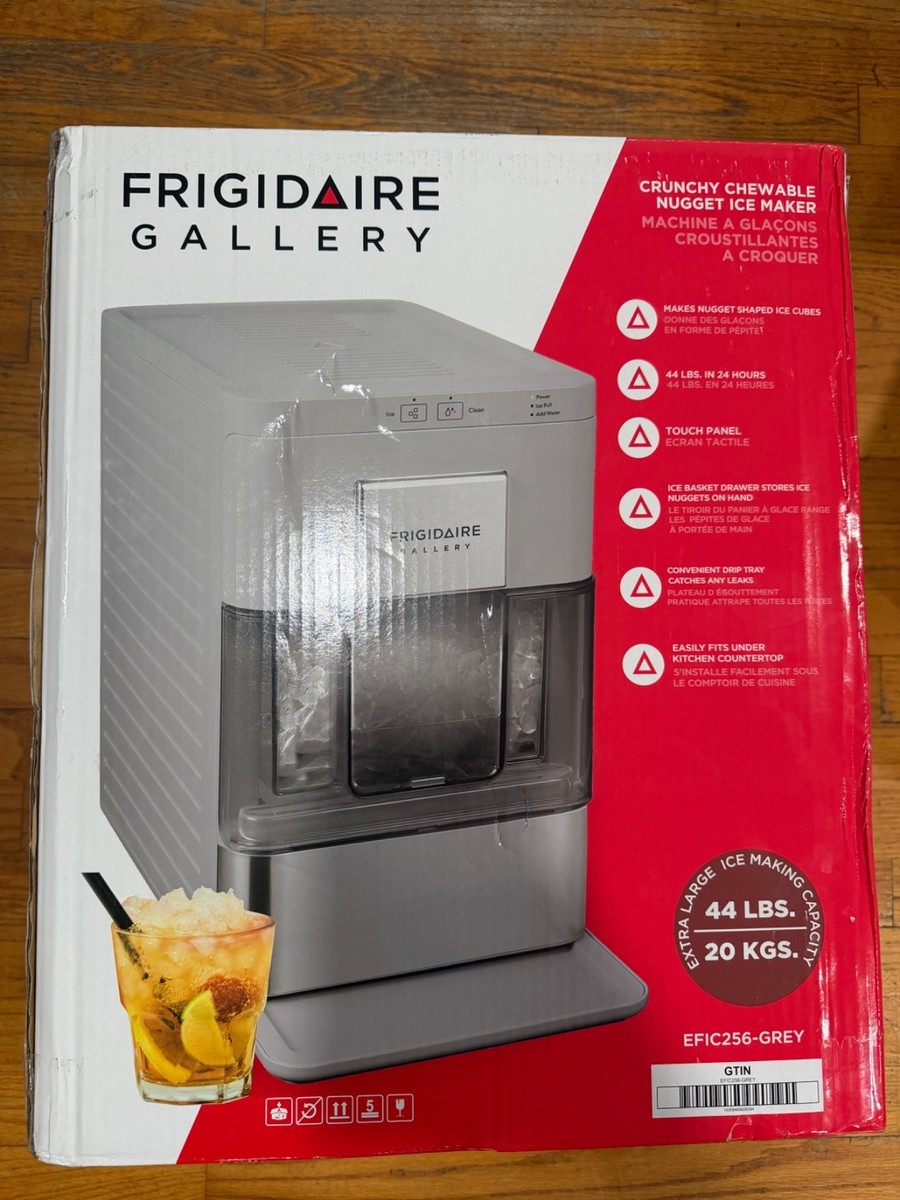
| Price (USD) | 499 | 499 | 379 |
The Opal 2. 0 stands out for its Wi-Fi features and automatic cleaning cycle, but other brands offer higher ice output for similar prices.
Cleaning And Maintenance Tips
Regular cleaning is essential for smooth operation and good ice quality. Here are the steps for proper maintenance:
- Weekly Cleaning: Run a cleaning cycle with vinegar or Opal cleaning solution. Rinse thoroughly.
- Monthly Deep Clean: Remove the ice bin and clean the auger and water tank. Let vinegar sit for 30 minutes to dissolve tough deposits.
- Check for Mineral Buildup: Look for white or chalky spots. Clean these areas to prevent blockage.
- Inspect Seals and Hoses: Make sure all connections are tight and free of leaks.
- Keep Vents Clear: Dust and debris can block air flow, causing overheating.
| Maintenance Task | Frequency | Time Required |
|---|---|---|
| Basic Cleaning Cycle | Weekly | 20 min |
| Deep Clean (Auger, Bin, Tank) | Monthly | 40 min |
| Inspect Seals & Hoses | Monthly | 10 min |
| Clear Air Vents | Weekly | 5 min |
Troubleshooting Workflow: Step-by-step
If your Opal 2.0 has a problem, follow this troubleshooting workflow:
- Identify the Issue: Is it power, ice production, water flow, or display?
- Check Simple Solutions: Power cord, water level, app updates, cleaning cycle.
- Clean the Machine: Run a cleaning cycle to clear mineral buildup.
- Inspect Sensors: Look for stuck or dirty sensors (Bin Full, Add Water).
- Restart Machine: Unplug for five minutes, then restart.
- Contact Support: If the issue persists, reach out to GE support.
This flow helps you solve most issues quickly without wasting time.
| Step | Action | Common Result |
|---|---|---|
| 1 | Identify Problem | Find root cause |
| 2 | Check Power & Water | Fix basic issues |
| 3 | Clean Machine | Remove buildup |
| 4 | Inspect Sensors | Reset indicators |
| 5 | Restart Machine | Clear errors |
| 6 | Contact Support | Get expert help |
Non-obvious Tips Beginners Often Miss
- Filtered Water Makes a Difference: Using filtered water not only improves ice quality but also reduces mineral buildup. This prevents long-term issues and extends the life of your Opal 2.0.
- Scheduled Cleaning Prevents Most Problems: Setting a regular cleaning schedule avoids many sensor errors and strange noises. Don’t wait for a problem—clean proactively.
- Let the Machine Rest: Running the Opal non-stop can overwork the compressor and auger. Letting it rest for an hour between cycles helps prevent freezing and overheating.
- App Features Can Solve Minor Issues: The SmartHQ app allows for remote resets and status checks. If you’re seeing persistent errors, sometimes resetting through the app works better than unplugging.
When To Call For Professional Help
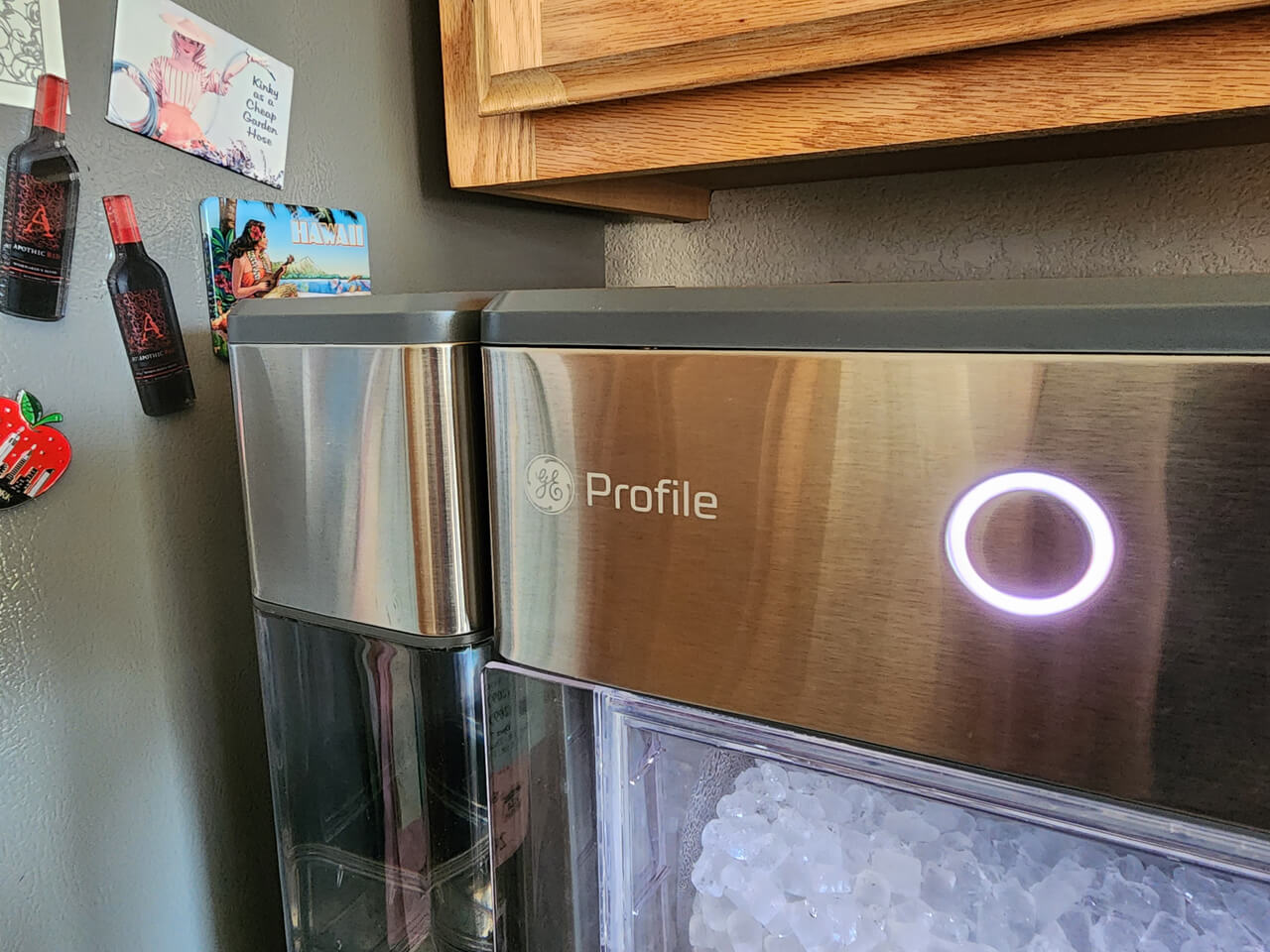
Some issues need expert repair. If you notice electrical smells, repeated error codes, or water leaks from inside the machine, stop using it and contact GE support. Internal parts like the control board, compressor, or auger motor are difficult to fix yourself.
Attempting repairs without proper tools can void your warranty.
You can find official troubleshooting guides and support at GE Appliances Official Site.
Frequently Asked Questions
Why Does My Opal 2.0 Keep Saying “add Water” When The Tank Is Full?
This usually means the water sensor is blocked by mineral buildup or the float is stuck. Clean the reservoir and the sensor area with vinegar, then restart the machine.
How Often Should I Clean The Opal 2.0 Nugget Ice Maker?
For best results, run a cleaning cycle every week. If your water is hard or the ice tastes odd, clean more often. Deep cleaning should be done monthly.
Can I Use Tap Water In My Opal 2.0?
You can use tap water, but filtered water is recommended. Tap water contains minerals that cause buildup and affect ice quality. Using filtered water reduces maintenance and keeps your ice clear.
What Should I Do If My Ice Maker Is Leaking?
First, check the water tank and drain tube for cracks or loose connections. Make sure the unit is level. If leaks persist, dry the area and contact GE support for repair or replacement parts.
How Do I Reset The Opal 2.0 Nugget Ice Maker?
To reset, unplug the machine for five minutes, then plug it back in. You can also use the SmartHQ app to reset remotely. This clears most basic errors.
If you follow these troubleshooting steps, your GE Profile Opal 2.0 Nugget Ice Maker should work smoothly for years. Regular cleaning, careful maintenance, and quick problem solving keep your nugget ice flowing and your drinks cool.