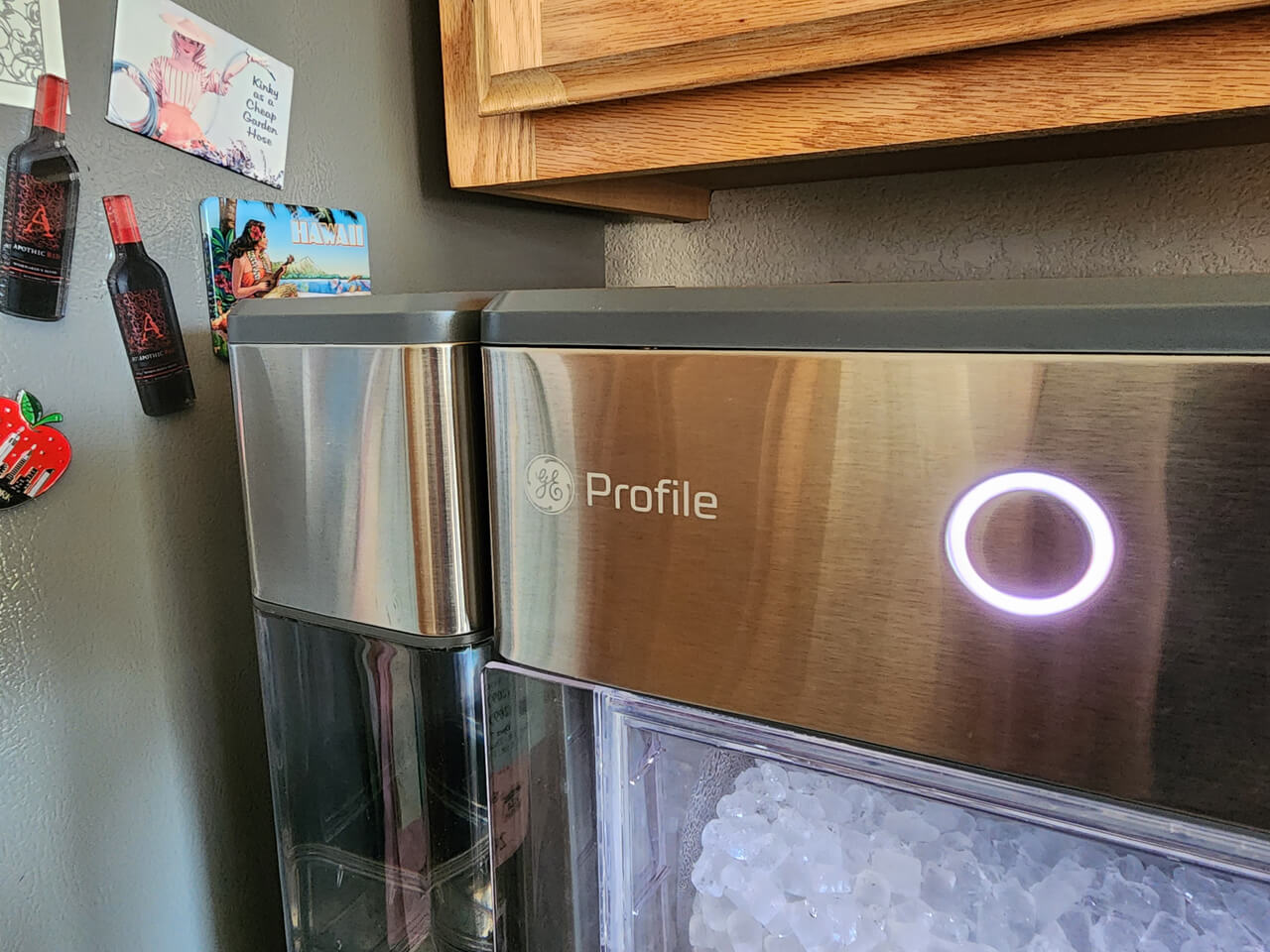
If you own a GE Opal Ice Maker, you probably love the soft, chewable nugget ice it makes. But what happens when your ice maker stops working as it should? Many people face common issues, from strange noises to no ice production at all. The good news is, you can fix most problems at home if you know what to check. With the right steps, you’ll get your favorite ice back without waiting for service calls. This guide will show you how to troubleshoot your GE Opal Ice Maker, avoid common mistakes, and understand when professional help is needed.
How The Ge Opal Ice Maker Works
Before fixing a problem, it helps to know how this machine operates. The Opal Ice Maker draws water from its reservoir, freezes it into thin layers, and then scrapes it into small nuggets. These nuggets are collected in the ice bin, ready for use. The machine uses sensors, pumps, and fans to keep the process running smoothly.

36% off Today’s Exclusive Deals
Limited-time Exclusive Deals. Check current discount on Amazon.
Check Price on Amazon As an Amazon Associate I earn from qualifying purchases.Understanding the basic cycle helps you spot where things might go wrong. For example, if there’s no water in the reservoir, the ice-making process can’t even start. If the sensors are dirty, the machine might think the bin is full even when it’s empty.
Common Problems And What They Mean
Most issues with the GE Opal Ice Maker fall into a few main categories:
- No ice production – The machine runs, but no ice appears.
- Low ice output – It makes less ice than usual.
- Strange noises – Grinding, buzzing, or clicking sounds.
- Lights flashing or error codes – The display shows warning lights or codes.
- Bad taste or smell – Ice tastes or smells strange.
- Leaks – Water on the counter or floor.
Let’s look at how to troubleshoot each problem.
No Ice Production
If your Opal isn’t making any ice, try these steps:
- Check the water reservoir. Is it filled to the correct line? The most common mistake is forgetting to add water or not seating the reservoir correctly.
- Inspect the water filter (if equipped). A clogged or old filter can block water flow. Replace it if needed.
- Clean the machine. Mineral buildup can stop the ice-making process. Run a cleaning cycle with a mixture of water and vinegar, then rinse well.
- Check for kinks in the water line. If you use an external water supply, make sure the hose isn’t pinched or bent.
- Reset the ice maker. Unplug the unit for five minutes, then plug it back in.
If none of these steps work, there may be an issue with the internal pump, the sensor, or the control board. These require professional repair.
Low Ice Output
Sometimes your Opal makes ice, but not as much as before. Try these actions:
- Clean the Opal thoroughly. Even small mineral deposits can lower ice output. Use the recommended cleaning solution or a vinegar-water mix.
- Check room temperature. The Opal works best between 55°F and 90°F (13°C–32°C). Too hot or too cold, and it can slow down.
- Allow for proper airflow. Make sure the back and sides of the machine have space. Don’t push it against a wall.
- Use distilled water. Hard tap water can cause mineral buildup, reducing efficiency.
Strange Noises
The Opal should be fairly quiet. If you hear unusual sounds:
- Rattling or grinding: May indicate ice jammed in the auger. Turn off the machine, unplug it, and gently remove any stuck ice.
- Humming or buzzing: Could be the compressor or fan. Some noise is normal, but if it’s much louder than usual, check for blockages or buildup.
- Clicking: Often the water pump cycling on and off. If it’s constant, inspect the water level and reservoir placement.
Here’s a quick comparison of normal and abnormal noise types:
| Noise Type | Normal? | Action Needed |
|---|---|---|
| Soft humming | Yes | None |
| Occasional clicks | Yes | None |
| Loud grinding | No | Check for jammed ice |
| Continuous buzzing | No | Check fan and compressor |
Lights Flashing Or Error Codes
The GE Opal uses indicator lights to signal issues. Common examples:
- Add Water Light Blinking: Check the reservoir and refill as needed.
- Cleaning Light On: The machine needs a cleaning cycle.
- Bin Full Light Stays On: The sensor may be dirty or blocked by ice.
If you see an error code, check the user manual for details. If the code won’t clear after unplugging and resetting, contact GE support.
Bad Taste Or Smell
If your ice smells or tastes bad, the cause is usually poor cleaning or bad water. Try these fixes:
- Clean the machine. Use a mix of water and vinegar or the official Opal cleaning solution. Rinse several times after cleaning.
- Switch to filtered or distilled water. Tap water with minerals or chlorine can affect taste.
- Clean the ice bin. Wash with warm, soapy water, then rinse well.
Tip: Do not use strong chemicals or bleach, as these can damage the ice maker and leave behind smells.
Water Leaks
Leaks are rare but can cause damage if not fixed quickly. Common causes:
- Reservoir not seated: Make sure it’s clicked fully in place.
- Cracked water reservoir or hoses: Inspect for damage and replace as needed.
- Overfilling: Only fill to the marked line.
Here’s a quick overview:
| Leak Location | Possible Cause | Solution |
|---|---|---|
| Under the machine | Loose reservoir or drain plug | Reseat or tighten part |
| From the sides | Cracked part | Replace damaged part |
| From water line | Kinked or broken hose | Straighten or replace hose |
How To Clean Your Opal Ice Maker
Regular cleaning is essential for good performance. Here’s how to do it right:
- Unplug the machine and remove all ice from the bin.
- Empty the water reservoir.
- Mix a cleaning solution of equal parts water and vinegar (or use the GE Opal cleaning kit).
- Pour the solution into the reservoir.
- Start the cleaning cycle by holding the “Clean” button until the indicator lights up.
- Let the cycle run, then drain the solution using the drain tubes.
- Rinse with fresh water by repeating the cycle with clean water only, at least twice.
- Dry all parts before reassembling.
Practical tip: Clean your Opal every 2–4 weeks, or more often if you notice scale buildup.
When To Call For Professional Help
Some issues require service. Call for help if:
- The machine does not power on, even after checking the outlet.
- Error codes remain after resetting and cleaning.
- There is a burning smell or signs of overheating.
- Internal components are visibly damaged.
Trying to fix electronic or refrigeration problems yourself can void your warranty and may be unsafe.

Preventing Common Mistakes
Many users make mistakes that lead to problems. Here are two things often overlooked:
- Not drying the machine after cleaning. Water left in the unit can cause mineral deposits or mold.
- Ignoring the cleaning schedule. Even if the ice looks fine, minerals build up over time.
Remember to check for software updates via the GE Profile Opal app. These updates can fix bugs and improve performance.
Quick Troubleshooting Checklist
If your ice maker isn’t working:
- Is the power cord plugged in securely?
- Is the water reservoir full and seated?
- Are all parts clean, especially the sensors and bin?
- Is the room temperature in the recommended range?
- Did you try unplugging and resetting?
- Any error codes or lights showing?
Often, the solution is as simple as adding water or cleaning the sensors.
Comparing The Opal To Other Ice Makers
How does the GE Opal stack up against other countertop ice makers? Here’s a simple comparison:
| Feature | GE Opal | Standard Countertop Maker |
|---|---|---|
| Ice Type | Nugget (chewable) | Bullet or cube |
| Cleaning Cycle | Automatic and manual | Mainly manual |
| Noise Level | Quiet | Varies |
| App Control | Yes (Opal app) | No |
| Price | Higher | Lower |
The Opal is popular for its ice quality and easy maintenance. But it does require more regular cleaning than simpler models.
Frequently Asked Questions
Why Is My Ge Opal Ice Maker Not Making Ice?
The most common reasons are low water, a clogged filter, or mineral buildup. Make sure the reservoir is full and seated, clean the machine, and check for kinks in the water line. If it still doesn’t work, reset the machine by unplugging it for five minutes.
How Often Should I Clean My Opal Ice Maker?
For best results, clean every 2 to 4 weeks. If you have hard water, clean more often. Regular cleaning keeps ice tasting fresh and prevents sensor problems.
Can I Use Tap Water In My Opal Ice Maker?
Yes, but using filtered or distilled water is better. Tap water with minerals can cause buildup and affect ice taste and machine life.
What Does The Flashing Light On My Opal Mean?
A flashing light usually means the machine needs water, cleaning, or there’s an error. Check the water reservoir, clean the sensors, and refer to the manual for error codes. If the problem continues, contact support or see the official GE Appliances Support.
How Do I Reset My Opal Ice Maker?
Unplug the machine from the wall, wait at least five minutes, then plug it back in. This resets the control board and often clears simple errors.
Caring for your GE Opal Ice Maker is mostly about regular cleaning and paying attention to warning lights. Most problems have quick fixes you can do at home. If you keep up with maintenance and know what to check, you’ll enjoy nugget ice for years to come. If you need more help, the official support team and user manual are reliable resources.