

Maytag dryer codes usually indicate sensor, door, power, or control board problems.
I’ve spent years repairing and diagnosing Maytag dryers in homes and rental units. This guide to Maytag Dryer Troubleshooting Codes explains what those blinking letters and numbers mean, how to test common parts, and what you can fix safely at home versus when to call a pro. Read on for clear steps, real-world tips, and a troubleshooting workflow that saves time and money.

36% off Today’s Exclusive Deals
Limited-time Exclusive Deals. Check current discount on Amazon.
Check Price on Amazon As an Amazon Associate I earn from qualifying purchases.
How Maytag Dryer Troubleshooting Codes Work
Maytag Dryer Troubleshooting Codes are short messages the dryer displays when it detects a fault. These codes help pinpoint issues fast.
Codes can appear as letters, numbers, or a mix. They come from sensors, control boards, and user-interface logic.
Understanding the categories of codes reduces guesswork. Typical categories include door errors, temperature and sensor errors, power interruptions, and control/electrical faults.
These categories guide safe, step-by-step troubleshooting and repair.

Common Maytag Dryer Troubleshooting Codes and What They Mean
Below are common types of codes you may see and practical checks. Each entry gives likely causes and simple tests you can do. These are typical across many Maytag models, but always consult your model’s manual for exact code definitions.
-
dE or dL — Door error
- Likely cause: Door not closed, latch misaligned, or door switch failed.
- What to do: Open and close the door firmly, inspect the latch, test the door switch with a multimeter if comfortable, or replace the switch if it fails continuity.
-
tE, tS, or TE — Temperature sensor or thermistor error
- Likely cause: Faulty thermistor, broken wiring, or a faulty control board reading.
- What to do: Check for lint blocking vents, test thermistor resistance with a multimeter, inspect wiring harness connections.
-
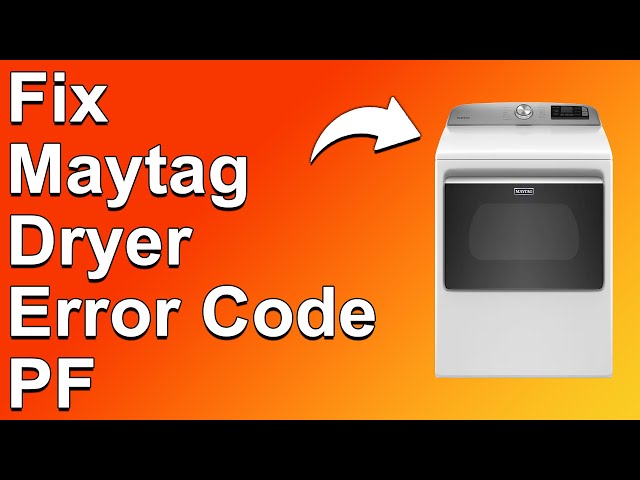
PF or Power Failure — Power interruption detected
- Likely cause: Recent power outage, tripped breaker, or loose wiring.
- What to do: Unplug or switch off the dryer for one minute, reset the breaker, and restart the dryer to clear the code.
-
F codes (e.g., F1, F70, F71) — Electronic or motor-related faults
- Likely cause: Motor overload, control board fault, or communication error between modules.
- What to do: Note the exact F-code pattern, unplug the dryer, inspect for burned connectors, and run a diagnostic if your model allows. Replace the component only after testing.
-
bE or BE — Button or panel error
- Likely cause: Stuck button, moisture on the panel, or faulty keypad.
- What to do: Dry the control panel, press each button to free any that feel stuck, and consider replacing the control panel if problems persist.
-
E1/E2/E3 — Sensor or heater circuit errors
- Likely cause: Open/shorted sensor, heater element fault, or wiring issues.
- What to do: Inspect the heater element for breaks, test continuity on sensors, and check wiring for damage.
-
dL or Lo — Door lock or low voltage
- Likely cause: Control thinks door is open or voltage is low.
- What to do: Confirm door is closed and power is stable. Try a reset.
Practical note: The same code can mean slightly different things across models. Use the dryer’s Service Mode or manual to confirm definitions for your particular Maytag model. Repeating these steps helps you narrow down root causes faster.

How to Enter Diagnostic Mode on Maytag Dryers
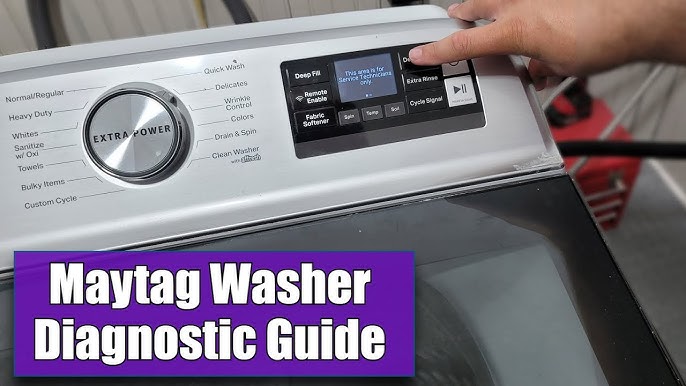
Diagnostic mode gives live error codes and test cycles. It’s key for accurate Maytag Dryer Troubleshooting Codes reading.
-
Prepare the dryer
- Unplug or switch off for 30 seconds, then restore power. Clear any pending errors.
-
Enter service mode (general method)
- Many models use a sequence like: press and hold specific cycle buttons while restoring power. Check your model manual for the exact steps.
- Once in service mode, the display shows stored error codes and test options.
-
Use diagnostic output
- Note the codes and run basic motor/heater tests. Record patterns or repeated entries for a tech if needed.
If you’re unsure, don’t force buttons or probes. Entering diagnostics incorrectly won’t usually harm the dryer, but following model-specific instructions prevents confusion.
Step-by-Step Troubleshooting Workflow
A consistent workflow makes troubleshooting efficient. Use these steps when dealing with Maytag Dryer Troubleshooting Codes.
-
Observe and record
- Write down the exact code and conditions when it appeared.
- Note noise, smell, or behavior (no heat, tumble only).
-
Power reset
- Unplug or flip the breaker for 60 seconds. Power cycles clear transient faults.
-
Visual inspection
- Check the lint trap, vent hose, and external vent for blockages.
- Inspect the door latch, seals, and visible wiring for damage.
-
Run diagnostic mode
- Pull stored codes and run basic component tests.
-
Test common parts
- Use a multimeter to check continuity of door switch, thermistor, heating element, and motor capacitors.
- Replace only the faulty part and retest.
-
Monitor after repair
- Run a full cycle and confirm the code does not return.
-
Gather evidence before calling service
- Save saved codes, photos of wiring, and parts tested to share with a technician.
This workflow applies to most Maytag Dryer Troubleshooting Codes. It reduces unnecessary part replacements and speeds up fixes.
Safety, Maintenance, and Preventive Care
Safety is crucial when troubleshooting Maytag Dryer Troubleshooting Codes. Always prioritize simple, low-risk checks first.
-
Unplug before repairs
- Always disconnect power before opening panels or testing with a multimeter.
-
Prevent fires and overheating
- Clean the lint trap after each use.
- Inspect and clean the vent path every 6–12 months. Restricted vents often trigger sensor and overheating errors.
-
Use correct replacement parts
- Use OEM or equivalent parts sized for your model to avoid new errors.
-
Keep a maintenance log
- Record dates of vent cleanings, part replacements, and persistent error codes for better diagnostics later.
From personal experience, a clogged outside vent caused misread temperature codes more than once. Cleaning the vent solved the problem without parts replacement.

When to Call a Technician
Some Maytag Dryer Troubleshooting Codes mean it’s time for professional help.
-
Repeated F codes or control board errors
- These often require advanced testing or board replacement.
-
Burnt smell or smoke
- Stop using the dryer and call service immediately.
-
Complex electrical faults
- If you find burned connectors or inconsistent power readings, contact a technician.
-
Warranty coverage
- If your dryer is under warranty, calling an authorized service provider protects coverage and ensures correct parts.
A technician can run advanced diagnostics and access service bulletins. Keep recorded codes handy to save time and money on the service call.
Frequently Asked Questions of Maytag Dryer Troubleshooting Codes
What does dE mean on my Maytag dryer?
dE typically indicates a door error. Check that the door closes fully, inspect the latch, and test the door switch for continuity.
How do I clear Maytag dryer error codes?
Unplug the dryer for 60 seconds or flip the breaker, then restore power. Run the diagnostic mode to confirm the code is cleared.
Why does my Maytag dryer show tE and not heat?
tE usually points to a temperature sensor issue. Clean vents, test the thermistor, and inspect wiring before replacing parts.
Can I fix F codes myself?
Some F codes are simple resets; others point to motor or control board issues. Test parts safely, but call a technician for complex electrical faults.
How often should I clean the vent to avoid codes?
Clean the lint screen after every load and inspect the vent path every 6 to 12 months. Heavier use may require more frequent cleaning.
Conclusion
Maytag Dryer Troubleshooting Codes are your dryer’s way of communicating problems. Learn the common codes, follow a simple diagnostic workflow, and do basic checks like cleaning vents and testing switches. These steps catch most issues early and prevent unnecessary repairs. If codes persist, share your recorded errors and tests with a technician to speed up repairs. Try the steps in this guide, leave a comment with your model and code, or subscribe for more appliance troubleshooting tips.

