

Most White Rodgers thermostat problems are simple fixes: power, batteries, wiring, or resets.
I have worked on HVAC systems and thermostats for years, and I wrote this guide to walk you through White Rodgers Thermostat Troubleshooting with clear steps, real tips, and safety checks. This article covers common faults, wiring, display and programming issues, Wi‑Fi problems, and when to call a pro. Read on to solve the issue fast and keep your system running smoothly.

36% off Today’s Exclusive Deals
Limited-time Exclusive Deals. Check current discount on Amazon.
Check Price on Amazon As an Amazon Associate I earn from qualifying purchases.
Common Issues and Quick Fixes
White Rodgers Thermostat Troubleshooting starts with spotting the most common signs. These are simple checks you can do without tools.
- Blank or dim display — Replace batteries or check the breaker. If batteries are new and display stays blank, check the furnace switch and breaker.
- Thermostat not calling for heat or cooling — Check that the mode is correct and the setpoint is different from room temperature. Also inspect the wiring and breaker.
- Heating or cooling runs constantly — Look for short-cycled equipment. Resetting the thermostat often helps, but also check the fan setting and the temperature differential.
- Incorrect room temperature — Calibrate the thermostat or check for drafts near the unit. A small temperature offset setting may fix this.
- Wi‑Fi or app connectivity fails — Power cycle the thermostat and router. Confirm the thermostat supports 2.4 GHz networks and re-enter the Wi‑Fi password.
These quick steps are the first line in White Rodgers Thermostat Troubleshooting. Start here before deeper checks.
Step-by-Step Troubleshooting Guide
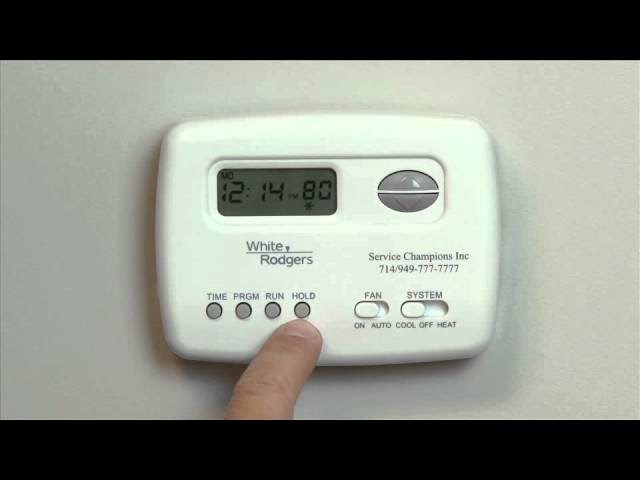
Follow this step-by-step checklist for consistent White Rodgers Thermostat Troubleshooting. Work slowly and keep safety in mind.
- Turn off power to the HVAC system at the breaker.
- Remove the thermostat cover and check for loose wires. Take a photo of the wiring before disconnecting anything.
- Replace the thermostat batteries even if the display seems fine. Weak batteries can cause odd behavior.
- Verify the C-wire or common power if your model needs it for Wi‑Fi or backlight.
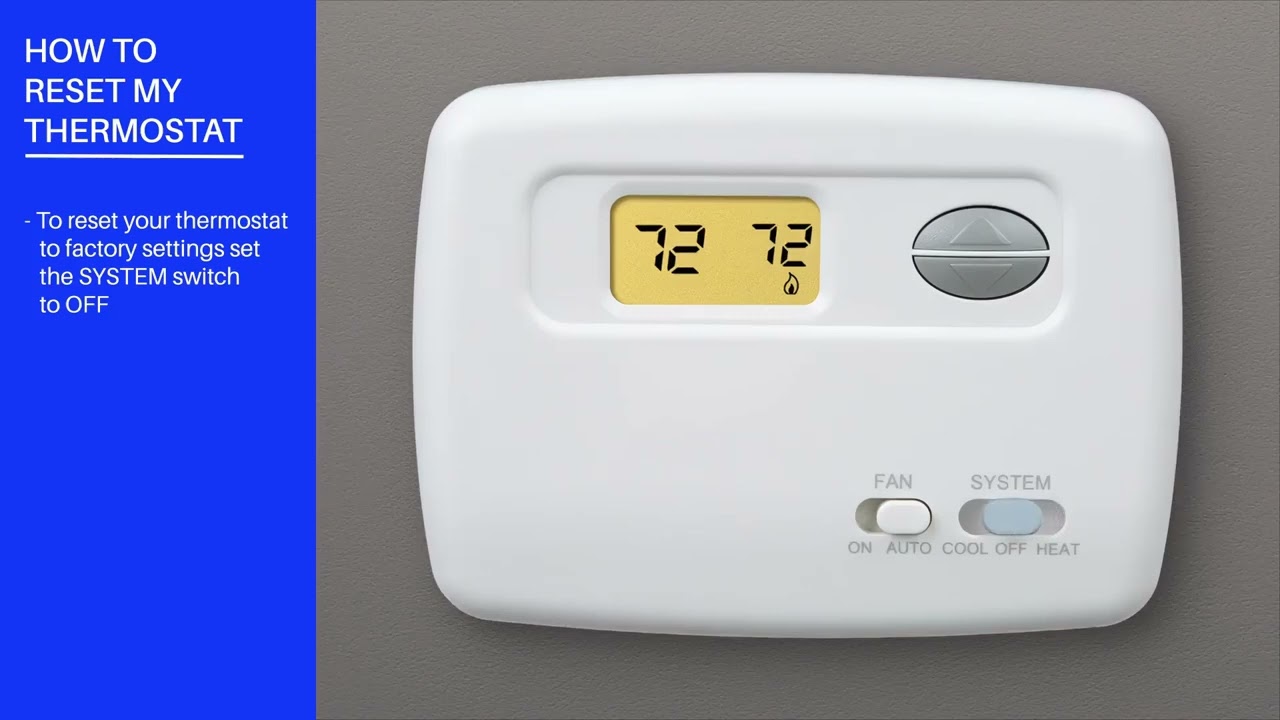
- Reset to factory settings if programming errors persist. Note your settings first.
- Test system control by adjusting the heat and cool setpoints to force a cycle. Listen for relays and furnace/AC response.
- Inspect the furnace and outdoor unit for error lights or safety switches.
- Reconnect Wi‑Fi through the app if your thermostat has smart features. Use 2.4 GHz networks and close-range setup.
- If wiring looks corroded or damaged, stop and call a licensed technician or electrician.
- Log steps and results so you can share them with a pro if needed.
From my experience, taking photos and notes saves time. I once spent an hour because I didn’t label wires. Labeling them immediately avoids mistakes during White Rodgers Thermostat Troubleshooting.
Wiring and Power Problems
Power and wiring are the most common root causes in White Rodgers Thermostat Troubleshooting. Address them carefully.
- C‑wire needs — Many modern White Rodgers models require a C-wire for steady power. Without it, the thermostat may lose configuration or Wi‑Fi regularly.
- Terminal labels — R, Rc, Rh, C, W, Y, G are standard. R or Rc is power from the transformer. C is common. W controls heat. Y controls cooling. G controls fan.
- Loose or corroded wires — Tighten connections and clean terminals. Replace damaged wire insulation.
- Shared transformers — Older systems sometimes share transformers between heat and AC. This can confuse heat/cool jumpers. Check the wiring diagram.
- Safety first — Always turn off power at the breaker or furnace switch before touching wires. If you are not comfortable, hire a professional.
Mistakes on wiring can damage equipment. When I first started, I tightened a screw that pushed a stranded wire out. A proper ferrule or re-strip fixed it, but I now double-check every terminal during White Rodgers Thermostat Troubleshooting.

Display and Programming Problems
Display or programming glitches often look worse than they are. White Rodgers Thermostat Troubleshooting includes simple resets and calibration.
- Frozen display or unresponsive buttons — Remove batteries and power cycle the unit. A brief wait often resolves software hangs.
- Incorrect schedule — Check the program settings and active schedule. Switch to manual mode to test immediate control.
- Temperature offset — Use the offset or calibration feature to align the thermostat reading with a trusted thermometer.
- Factory reset — Use the reset process in the manual if settings are irreparably wrong. Back up or note schedule settings first.
- Backlight issues — Replace batteries or confirm constant power presence via C-wire for full display brightness.
These fixes cover most display and program errors in White Rodgers Thermostat Troubleshooting. If the screen is cracked or the internal board is burnt, replacement is safer.
HVAC System Issues and Thermostat Interaction
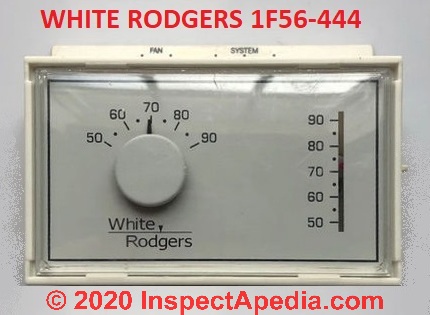
White Rodgers Thermostat Troubleshooting must include checks on the HVAC equipment. The thermostat often only points to the real issue.
- No response from furnace or AC — Listen for clicking relays when the thermostat calls for heat or cooling. No click often means a wiring or control board issue.
- Short cycling — Short cycles can damage compressors. Inspect the thermostat cycle settings, compressor lockouts, and system air pressure.
- Heat pump systems — Heat pumps use different control logic. Make sure your White Rodgers thermostat is compatible and set to the correct system type.
- Stage control problems — Multi-stage equipment requires matching thermostat capability. A single-stage thermostat may not run a two-stage system properly.
- Safety switch trips — Low refrigerant, clogged filters, or blocked vents can trip safety switches. Correcting airflow issues often stops thermostat errors.
If the HVAC system behaves irregularly after thermostat changes, revert and call an HVAC technician. In White Rodgers Thermostat Troubleshooting, the thermostat is often a messenger, not the root cause.

Wi‑Fi and App Connectivity
Smart White Rodgers thermostats add convenience but also new failure points. Address connectivity step-by-step.
- Network band — Many thermostats only support 2.4 GHz Wi‑Fi. Confirm your router is broadcasting that band.
- Signal strength — Move the router closer or use a Wi‑Fi extender if signal is weak near the thermostat.
- Credentials and firmware — Re-enter the network password carefully and ensure your thermostat firmware is up to date.
- App issues — Delete and reinstall the app if pairing fails. Make sure your phone’s Bluetooth or location services are enabled when required.
- Power stability — Wi‑Fi features need stable power. If the thermostat loses power, it will drop connection and may need re-pairing.
I once swapped a router overnight and lost thermostat connectivity. I restored it by reconnecting to the 2.4 GHz band and updating firmware. These are common steps in Wi‑Fi White Rodgers Thermostat Troubleshooting.
Maintenance and Preventive Tips
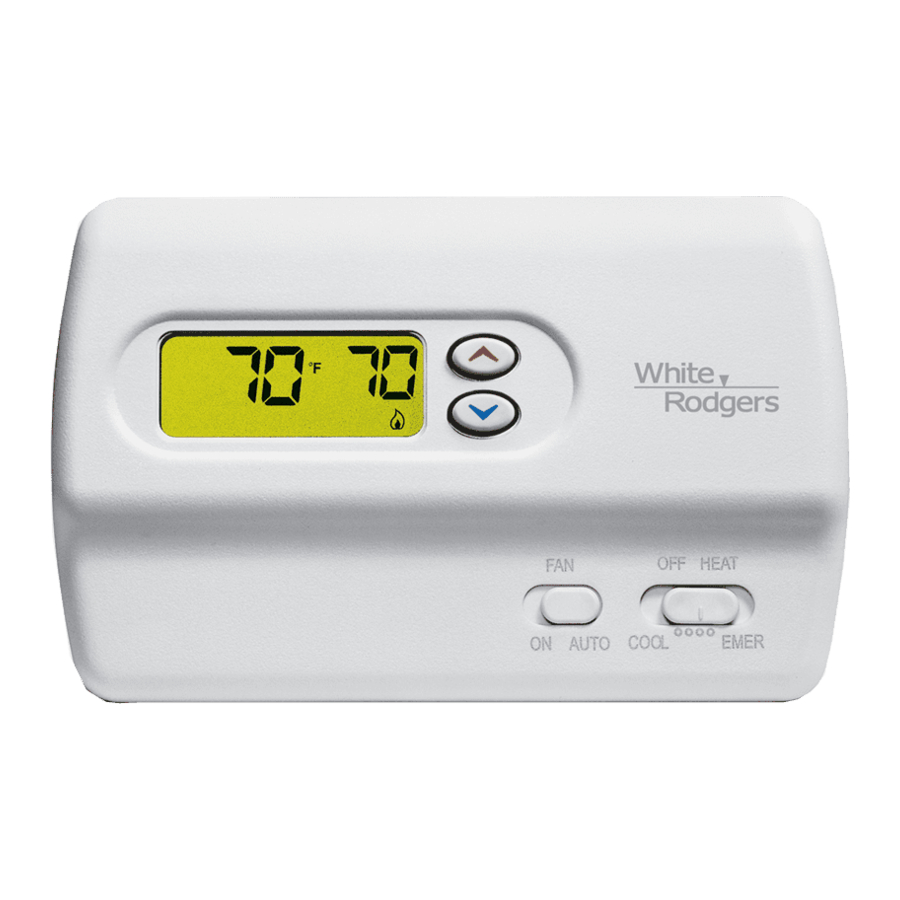
Regular care lowers the chance of future White Rodgers Thermostat Troubleshooting. Small actions prevent big headaches.
- Replace batteries every 6–12 months or when the low-battery icon shows.
- Clean around the thermostat. Dust can block vents and affect readings.
- Keep the thermostat away from direct sun, drafts, or heat sources. These skew temperature sensing.
- Label wires and keep a photo of the original wiring before replacement. This saves time if you swap units.
- Schedule yearly HVAC checks. Clean filters and check refrigerant levels to avoid related thermostat issues.
Preventive steps cut down the need for troubleshooting. I tell homeowners to mark a calendar for battery checks to avoid false errors during peak seasons.
When to Call a Professional
Some problems need trained help. Know when to stop and call a pro during White Rodgers Thermostat Troubleshooting.
- Burnt smell or visible damage on wiring or the thermostat base.
- Repeated loss of power or tripped breakers after fixing wiring.
- Complex wiring changes for heat pumps, multi-stage systems, or zone controls.
- HVAC equipment that won’t start despite correct thermostat calls.
- Safety device trips that you cannot identify or clear.
Calling a licensed HVAC technician or electrician avoids costly mistakes. Share your troubleshooting notes and photos to speed the repair process.
Frequently Asked Questions of White Rodgers Thermostat Troubleshooting
Why is my White Rodgers thermostat display blank?
A blank display usually means no power or dead batteries. Check the breaker, furnace switch, and replace batteries to confirm power.
How do I know if I need a C‑wire for my White Rodgers thermostat?
If your thermostat loses settings, backlight, or Wi‑Fi connection frequently, it likely needs a C‑wire. Check the model requirements or measure for constant 24V between R and C.
What does a short cycle mean and how do I fix it?
Short cycling is when HVAC equipment turns on and off too quickly. Check the thermostat settings, call for a system inspection, and fix airflow or refrigerant issues to stop it.
Can I reset my White Rodgers thermostat without losing settings?
A full factory reset will erase settings, so note schedules first. A soft reset or battery removal may fix minor issues without wiping preferences.
My thermostat won’t connect to Wi‑Fi. What should I try first?
Restart the router and the thermostat, confirm you’re using a 2.4 GHz network, and re-enter the Wi‑Fi password. If that fails, check firmware and signal strength.
Is it safe to change thermostat wiring myself?
Basic checks like tightening terminals or replacing batteries are safe when power is off. For wiring changes or where mains are involved, hire a licensed professional.
Conclusion
White Rodgers Thermostat Troubleshooting is mostly a series of simple checks: power, batteries, wiring, and resets. Work methodically, take pictures, and document steps. If an issue is electrical or complex, call an HVAC technician or electrician. Start with the quick fixes, apply the step-by-step guide, and use preventive care to avoid future problems. If this guide helped, try the steps now, leave a comment with your issue, or subscribe for more HVAC tips.

