

Most Ecobee issues are simple fixes: reboot, check wiring, update firmware, and test sensors.
I have spent years fixing smart thermostats and helping homeowners solve Ecobee Thermostat Troubleshooting problems. This guide pulls together hands-on tips, clear steps, and real examples so you can fix common errors fast and keep your system running well. Read on to learn simple checks, deeper fixes, and when to call for help.

36% off Today’s Exclusive Deals
Limited-time Exclusive Deals. Check current discount on Amazon.
Check Price on Amazon As an Amazon Associate I earn from qualifying purchases.
How Ecobee Thermostat Works
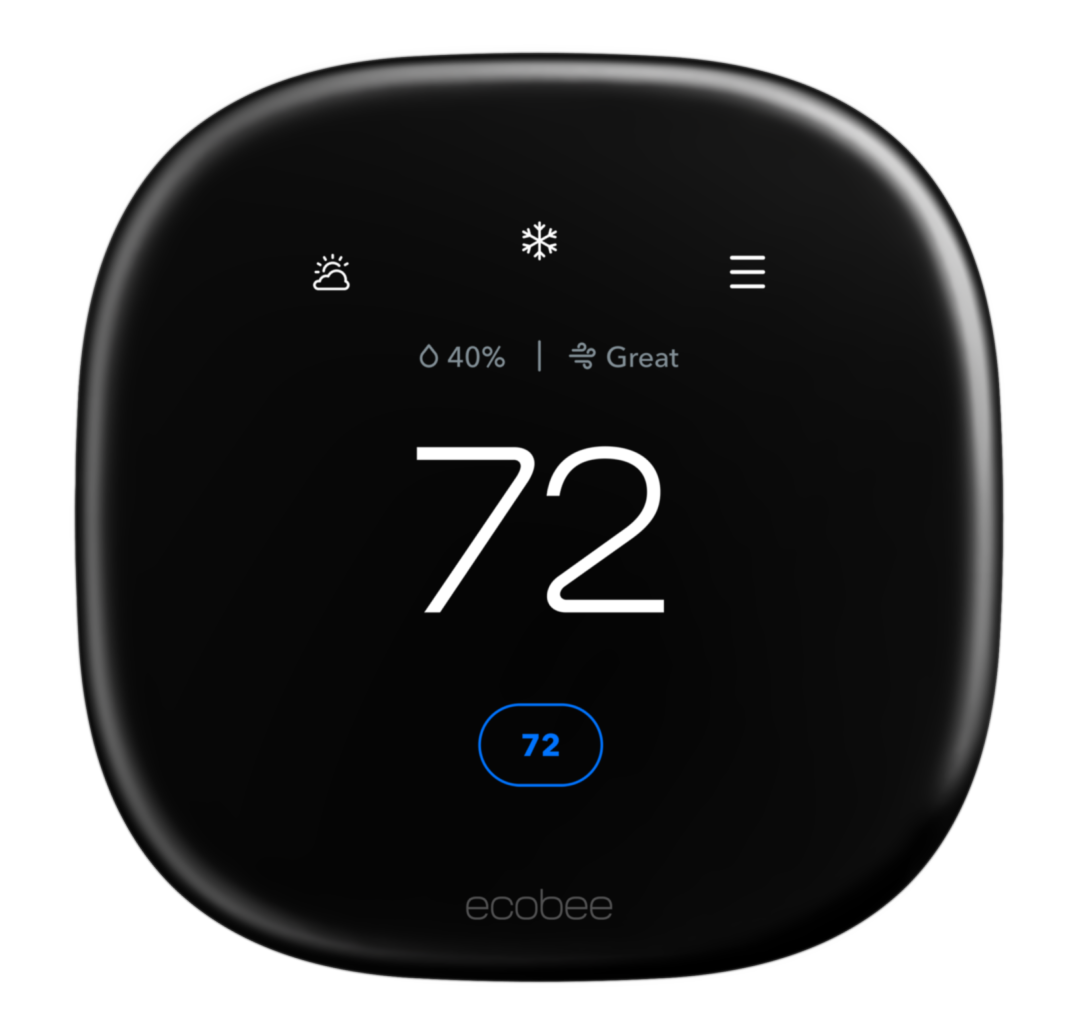
The Ecobee thermostat connects to your HVAC system and the internet. It reads temperature from the main unit and optional remote sensors. It then sends heating or cooling commands to your furnace, air conditioner, or heat pump.
The device runs firmware that manages schedules, energy reports, and SmartHome integrations. Many issues come from power, wiring, network, or sensor faults. Knowing how it works makes troubleshooting faster and safer.
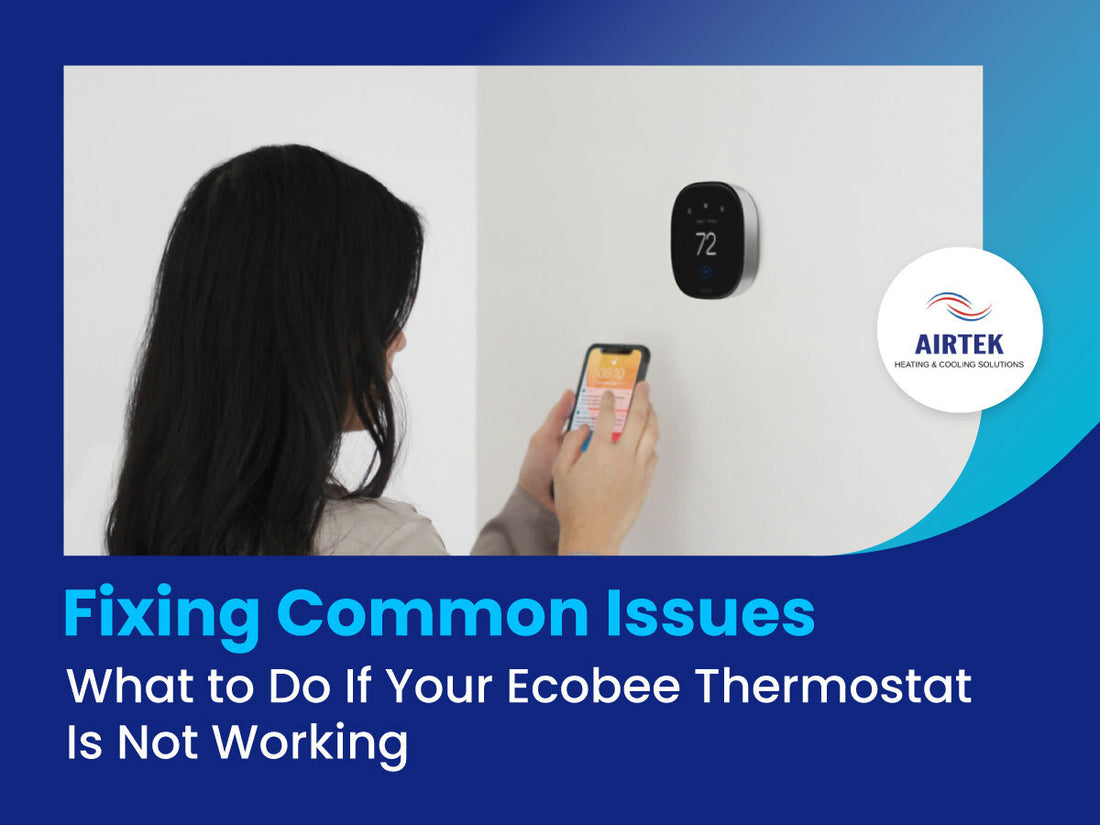
Common Ecobee Thermostat Problems
Power loss or blank screen
- The display is blank or the unit won’t boot. This often means no power or loose wiring.
No heat or no cool
- Thermostat shows a set point but HVAC won't run. Causes include wiring, blown fuses, or incorrect system type.
Wi-Fi or app won't connect
- The Ecobee is online but not reachable in the app. This can be router settings, firmware bugs, or account issues.
Incorrect temperature readings
- The room feels warm or cold despite the thermostat reading differently. Sensor placement or calibration is often to blame.
Short cycling, frequent HVAC runs
- The system turns on and off too often. This may be wiring issues, equipment faults, or wrong system settings.
Low battery or C-wire errors
- Messages about low power or C-wire needed appear. The thermostat may need a C-wire or Power Extender Kit.

Basic Ecobee Thermostat Troubleshooting Steps
- Reboot the thermostat
- Go to Settings > Reset > Restart. Wait two minutes and watch the device reboot.
- Check power and wiring
- Turn off power at the breaker. Remove the thermostat and inspect wires for loose or corroded ends.
- Verify HVAC power
- Make sure the furnace or air handler has power and the switch is on. Check the 24V transformer and inline fuses.
- Confirm system type and wiring labels
- In Settings, confirm the system matches your HVAC (gas, heat pump, dual fuel). Ensure wire labels match terminals.
- Test Wi-Fi and account
- Reconnect Wi-Fi in Settings. Sign out/in to the app or remove and re-add the thermostat in your Ecobee account.
- Update firmware
- Keep firmware current. Updates fix bugs that cause many Ecobee Thermostat Troubleshooting problems.
- Check remote sensors
- Remove batteries and reseat sensors. Replace old batteries and test sensor readings in the app.
- Factory reset as last resort
- Use Reset > Factory Reset only if other steps fail. Back up settings first.
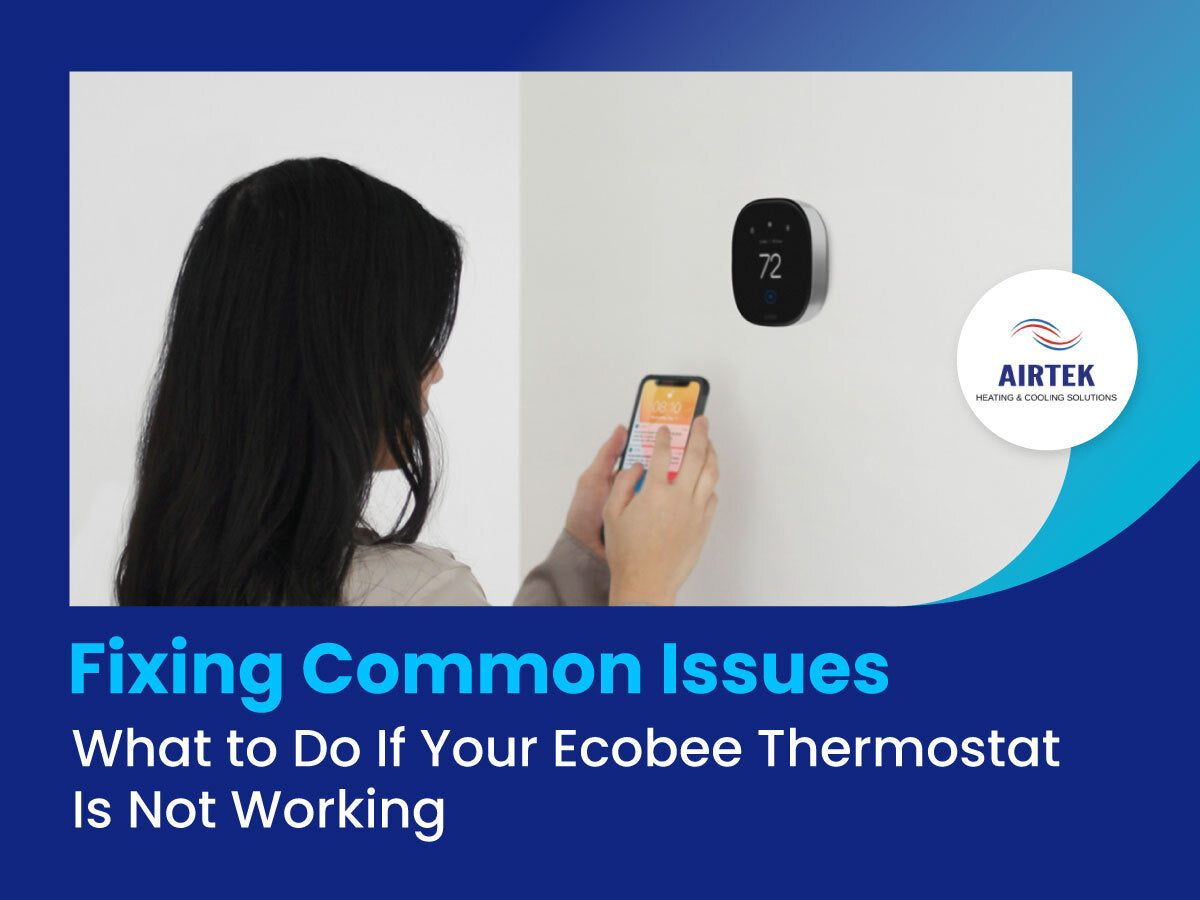
Advanced Ecobee Thermostat Troubleshooting
C-wire and power problems
- The C-wire supplies steady 24V power. If you see low power warnings, either install a dedicated C-wire, use the Power Extender Kit, or add a compatible adapter at the furnace. I’ve fixed stubborn low-power errors by running a new C-wire in less than an hour.
Firmware and compatibility checks
- Some HVAC features need the latest firmware. Also confirm the thermostat model supports your equipment, like two-stage heat or variable-speed fans.
Error codes and logs
- Ecobee shows error messages and diagnostic data. Note error codes and the system status screen before contacting support. These logs speed up diagnosis.
Heat pump and auxiliary heat issues
- Wrong staging or sensor placement can trigger unnecessary aux heat. Check heat pump balance and settings in Equipment > Heat Pump.
Integration glitches (Alexa, HomeKit, SmartThings)
- Disable and re-enable the skill or integration. Re-log into linked accounts and ensure permissions are allowed on both sides.
HVAC equipment faults
- If the furnace or AC trips safety switches, the thermostat may be fine. Check condensate overflow, pressure switches, or flame sensors. When in doubt, shut off power and call an HVAC pro.

When to Call Professional or Ecobee Support
Call support if the thermostat shows persistent error codes after basic fixes. Contact an HVAC technician if the furnace or AC fails to start, trips breakers, or shows safety faults. Use Ecobee support for account, firmware, or device replacement issues.
Document what you tried, note error codes, and take photos of wires and terminal labels. This saves time and helps the technician or support agent diagnose the problem.

Maintenance Tips to Prevent Future Issues
-
Check wiring yearly
- Inspect the thermostat and furnace wiring annually for loose wires.
-
Keep firmware updated
- Enable auto updates to get bug fixes and security patches.
-
Replace sensor batteries
- Change remote sensor batteries every 1–2 years or when low-battery alerts appear.
-
Clean around the thermostat
- Dust and drafts can skew readings. Keep vents and the area around the unit clear.
-
Test HVAC seasonally
- Run heat and cool tests before the season to catch issues early.
Personal Experience and Lessons Learned
I once fixed a home that had repeated Ecobee Thermostat Troubleshooting callbacks. The root cause was a mix of label errors and a weak C-wire. After labeling wires, adding a stable C connection, and updating firmware, the issues stopped. From that case I learned to always verify labels and power first. Small checks save hours and cost.

Frequently Asked Questions of Ecobee Thermostat Troubleshooting
How do I reset my Ecobee thermostat safely?
Use Settings > Reset > Restart for a soft reboot. For full reset, choose Factory Reset after backing up settings and schedules.
Why is my Ecobee saying C-wire is needed?
The thermostat needs steady 24V power. If the control circuit lacks a C-wire, you’ll see warnings. Add a C-wire or install the Power Extender Kit.
My Ecobee won’t connect to Wi‑Fi. What should I try?
Restart the router and the thermostat, then re-enter Wi‑Fi credentials. Check network band (2.4 GHz often works best) and ensure no MAC filtering blocks the device.
What causes incorrect temperature readings on Ecobee?
Sensor placement near vents, sunlight, or drafty doors can skew readings. Move sensors or use remote sensors to average temperatures.
When should I call an HVAC technician for Ecobee issues?
Call a pro when the furnace or AC won’t start, trips safety switches, or shows mechanical faults. If wiring looks burned or you see electrical issues, stop troubleshooting and call a tech.
Can firmware updates fix thermostat problems?
Yes. Firmware updates fix bugs, improve compatibility, and add features. Keep the unit updated to reduce common Ecobee Thermostat Troubleshooting issues.
Does Ecobee support two-stage or heat pump systems?
Many Ecobee models support two-stage and heat pump setups. Confirm your model and configure equipment type in settings for correct staging and aux heat control.
Conclusion
You can solve most Ecobee Thermostat Troubleshooting problems with a clear checklist: reboot, check power and wiring, verify sensors, update firmware, and document errors. Start with simple steps and move to advanced fixes only as needed. Try these tips, keep notes, and reach out for professional help when safety or complex HVAC faults appear. If this guide helped, share your experience, subscribe for more smart-home tips, or leave a question below.

