

Most AC capacitor issues are fixable by testing, replacing, or tightening connections quickly.
I have spent years diagnosing HVAC and appliance faults, and Ac Capacitor Troubleshooting is a common, solvable problem. This guide walks you through clear steps, real-world tips, and safety checks so you can identify capacitor faults, test parts, and decide whether to repair or replace with confidence.

36% off Today’s Exclusive Deals
Limited-time Exclusive Deals. Check current discount on Amazon.
Check Price on Amazon As an Amazon Associate I earn from qualifying purchases.
Understanding Ac Capacitor Troubleshooting
An AC capacitor stores and releases electrical energy to help motors start and run. When a capacitor fails, motors can hum, not start, or run weakly. Ac Capacitor Troubleshooting focuses on spotting these signs, testing the capacitor, and confirming the root cause without guessing.
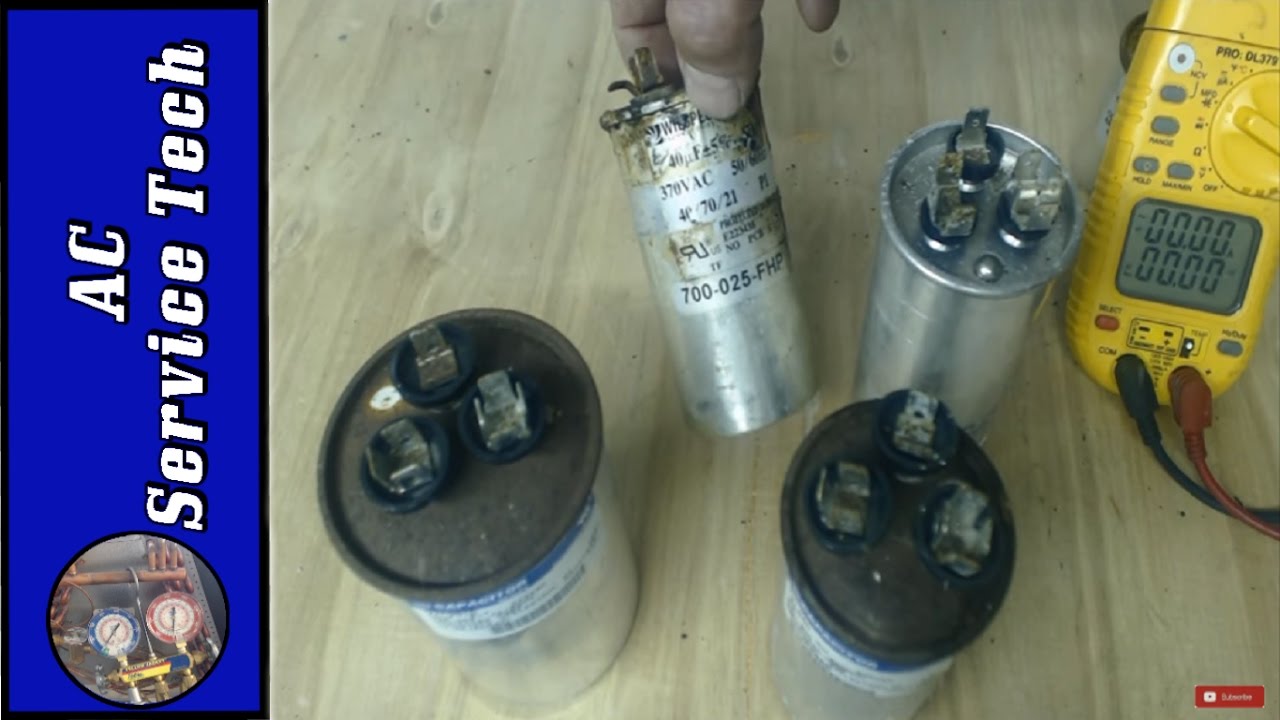
Capacitors come in start, run, and dual-run types. Each type has a rated microfarad (µF) value and voltage. Knowing the type helps you match replacements and interpret test results. Proper troubleshooting saves time and prevents unnecessary part swaps.

Common Symptoms of Capacitor Failure
- Humming or clicking from the unit
Motors may hum loudly. The compressor or fan may not start. - Intermittent starting or delayed start
The system may start after several tries or need a push. - Reduced cooling or weak airflow
HVAC struggles to reach set temperature or vents feel weak. - Visible signs on the capacitor
Bulging, leaking, rust, or broken terminals mean likely failure. - Tripping breakers or overheating
A bad capacitor can overwork the motor and trip safety devices.
Ac Capacitor Troubleshooting often starts with these visible and audible clues. Look for patterns: failure during hot days or only after long run times gives more context.
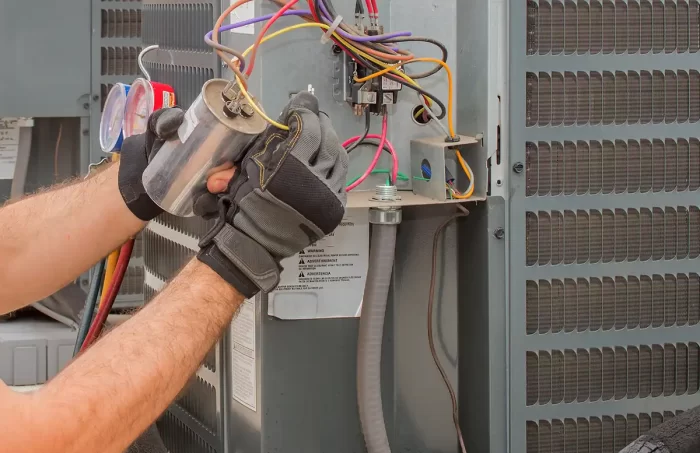
Step-by-step Ac Capacitor Troubleshooting Guide
- Prepare and observe
- Turn off power at the disconnect and main breaker. Wait a few minutes for caps to bleed down.
- Note symptoms and when they occur. Repeatable faults are easier to trace.
- Visual inspection
- Check for bulging, leaks, or rust. Tighten loose connections gently.
- A cracked case or oily residue usually means replace, not repair.
- Manual spin test for motors
- For fan motors, give a gentle spin with a stick. If it runs, the capacitor likely failed.
- If the motor locks up, the issue might be the motor or bearings.
- Voltage and capacitor discharge safety
- Always discharge the capacitor with an insulated screwdriver across the terminals or follow manufacturer method. Verify voltage is zero.
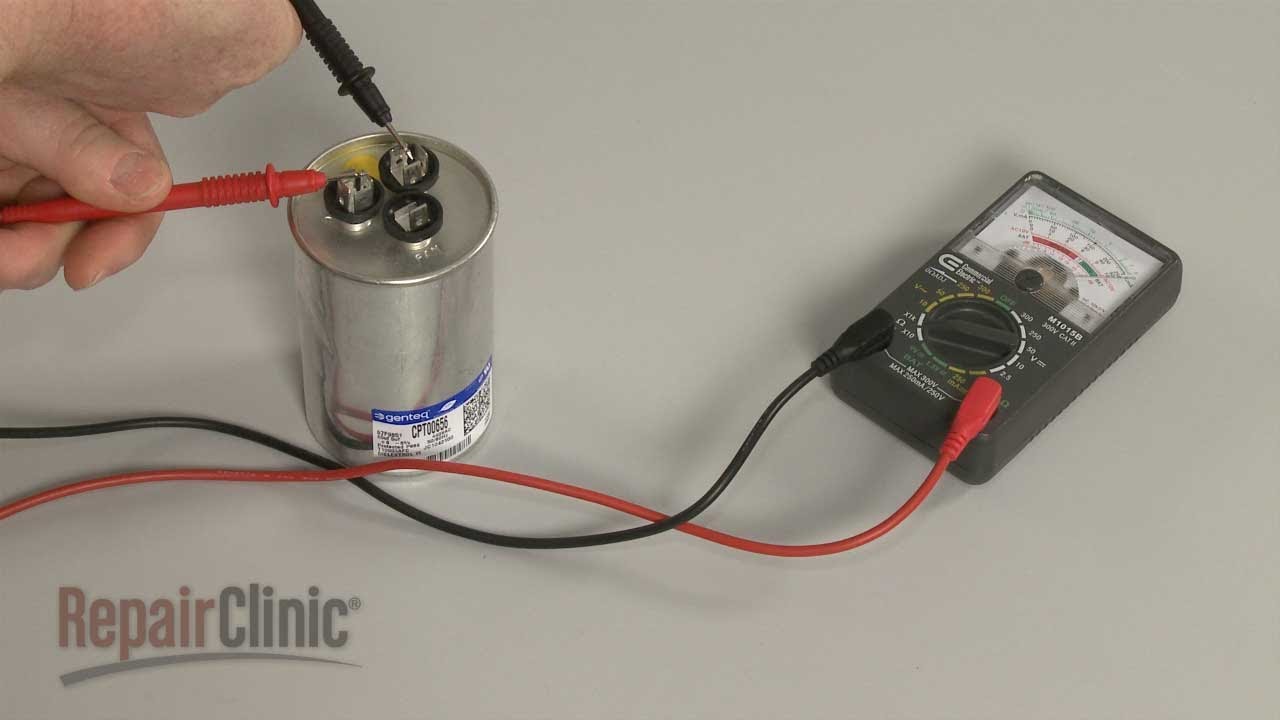
- Test with a multimeter (capacitance mode)
- Remove one lead and test the cap off the circuit. Compare measured µF to rated value. A reading more than 10% off is suspect.
- If your meter lacks capacitance mode, check for open or shorted readings on ohms mode as a rough check.
- Use a capacitor tester for best accuracy
- A dedicated tester gives quick pass/fail and ESR data. High ESR or low µF means replace.
- Swap with a known-good capacitor (if safe and available)
- This confirms diagnosis fast. Match µF and voltage ratings exactly when swapping.
- Re-check system after replacement
– Confirm proper start and run. Monitor for a few cycles to ensure stability.
Common pitfalls to avoid:
- Never test a capacitor while it is still connected.
- Don’t use a lower µF replacement; that can harm compressor life.
- Avoid guessing—measurements reduce risk and cost.
My experience: once I replaced a marginal capacitor that passed a rough test but showed 20% low µF on a bench tester. The unit ran perfectly afterwards and avoided a compressor failure.
How to interpret common test results
- Reading within ±5% of rated µF: good.
- Reading 5–10% low: borderline—monitor or replace if symptoms persist.
- Reading >10% low, open, or short: replace.
- High ESR or rapid loss on bench test: replace.

Tools and Safety for Ac Capacitor Troubleshooting
Essential tools:
- Insulated screwdrivers and tools
- Multimeter with capacitance mode
- Dedicated capacitor tester (recommended)
- Needle-nose pliers and nut drivers
- Safety glasses and insulated gloves
- Voltage detector for quick checks
Safety steps:
- Cut power at the breaker and disconnect switch.
- Discharge capacitors safely before handling.
- Use one hand when probing live circuits to minimize shock path.
- If unsure, call a licensed technician.
A note from my shop years: worn tool insulation caused a small shock once. After that, I doubled down on PPE. Never skip safety for speed.
Replacing vs Repairing Capacitors: When to Replace
- Replace when there is visible damage.
- Replace when capacitance is out of spec or ESR is high.
- Replace if the unit has repeated intermittent starts or overheating.
- Repair is not practical for typical electrolytic AC capacitors; replacement is low-cost and fast.
How to choose a replacement:
- Match microfarad (µF) rating exactly.
- Match or exceed the voltage rating.
- Use same type (run, start, or dual-run).
- Choose an HVAC-rated, non-polarized unit with proper terminals.
Keep spare capacitors for quick fixes. I carry common µF values in my truck. That practice cuts downtime for customers.

Preventive Maintenance to Avoid Capacitor Problems
- Regular visual checks during routine service visits.
- Keep electrical panels dry and free from corrosion.
- Ensure proper airflow and clean filters to reduce motor stress.
- Replace older capacitors proactively if they show any signs of decline.
- Keep system voltage stable; fluctuations shorten capacitor life.
Small preventive steps prevent sudden failures. A little maintenance goes a long way in Ac Capacitor Troubleshooting.
Frequently Asked Questions of Ac Capacitor Troubleshooting
What causes an AC capacitor to fail?
Capacitors fail from age, heat, voltage spikes, or moisture. Motors working hard and poor ventilation speed up wear.
Can I test a capacitor without removing it?
It is safer to test off the circuit. You can do basic checks in place, but remove it for accurate capacitance readings.
How long do AC capacitors last?
Typical life is 5–15 years depending on load, heat, and voltage quality. Heavy use or high heat shortens lifespan.
Is a bulging capacitor always bad?
Yes. Bulging or leaking indicates internal pressure or damage and needs replacement.
Can a bad capacitor damage the compressor?
A failing capacitor can force the compressor to work harder and overheat, risking long-term damage.
How much does a capacitor replacement cost?
Parts are usually low cost, but labor varies. Replacing a capacitor is one of the cheaper HVAC repairs.
Are all capacitors interchangeable?
Only if they match µF and voltage. Physical size and terminal type must also fit to avoid issues.
Can I reuse an old capacitor if it looks fine?
Don’t rely on appearance alone. Test capacitance and ESR to confirm health before reusing.
Conclusion
Ac Capacitor Troubleshooting is a clear mix of observation, measurement, and safe action. Spotting symptoms, testing with the right tools, and replacing when specs fail will keep systems running and avoid costlier repairs. Take one step today: inspect your unit, record symptoms, and use a meter or call a pro if you’re unsure. Leave a comment with your capacitor question or subscribe for more hands-on repair guides and troubleshooting tips.

