

Most Haiku fan issues start from power, remote, or app connection problems.
I have spent years fixing ceiling fans and teaching people how to keep their Haiku Fan performing at its best. This guide on Haiku Fan Troubleshooting covers causes, step-by-step fixes, preventive care, and when to call support. Read on for clear, practical solutions you can use today to get airflow back fast and safe.

36% off Today’s Exclusive Deals
Limited-time Exclusive Deals. Check current discount on Amazon.
Check Price on Amazon As an Amazon Associate I earn from qualifying purchases.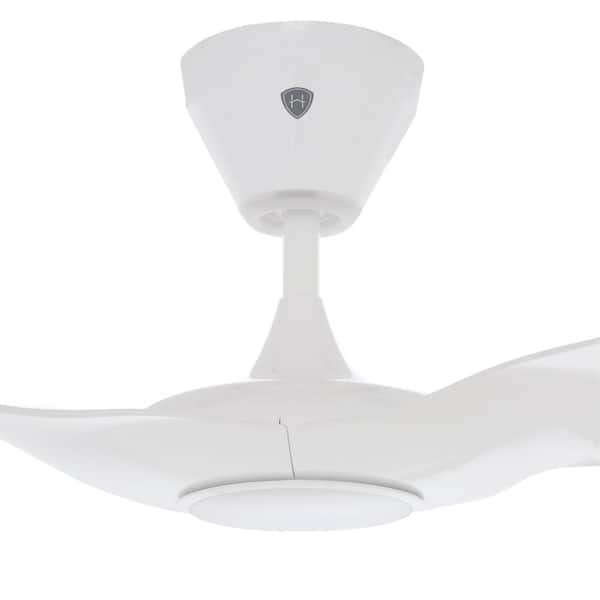
How Haiku Fans Work: Basics to Know
Haiku Fan Troubleshooting starts with understanding the fan. Haiku fans use a motor, integrated controls, remote or app, and often smart home connections. The motor is brushless and efficient. The controls link to the remote and to a hub or Wi-Fi for smart features. Knowing these parts makes troubleshooting faster and safer.

Tools and Safety Checklist Before Troubleshooting
Before you start Haiku Fan Troubleshooting, gather simple tools. Turn power off at the breaker when working on wiring or the canopy. Use a ladder that is stable and rated for your weight. Have a multimeter, screwdriver set, and soft cloth ready.
- Multimeter for checking voltage and continuity.
- Screwdrivers for canopy and remote battery access.
- New batteries for the remote and fresh Wi-Fi credentials.
- Ladder, gloves, and eye protection for safe access.
- Soft cloth and mild cleaner for blade and sensor cleaning.
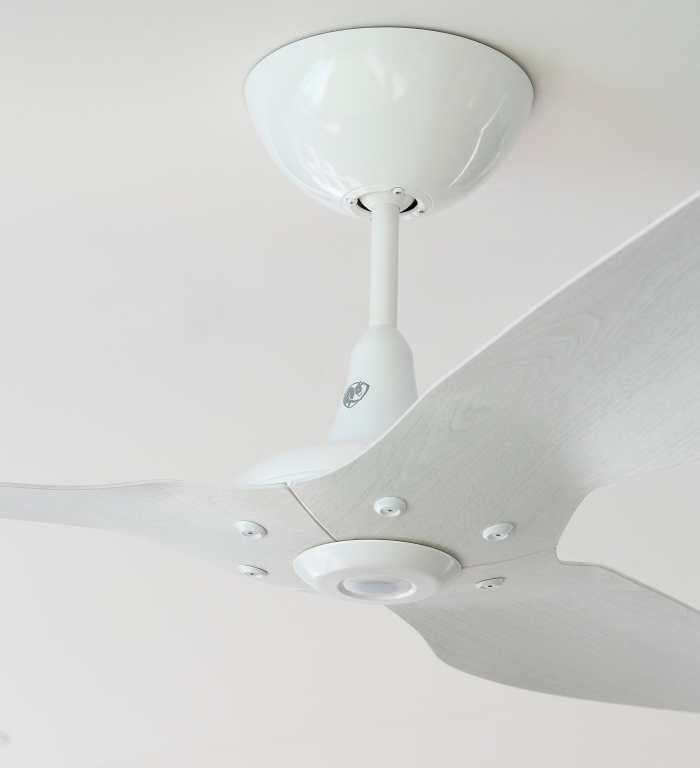
Step-by-Step Troubleshooting for Common Issues
Use short checks first. Perform these steps in order to isolate the problem quickly. Each section lists likely causes and practical fixes for Haiku Fan Troubleshooting.
Fan won’t turn on
Causes include power loss, loose wiring, or a tripped breaker.
- Check the breaker and wall switch. Reset the breaker if tripped.
- Confirm power at the canopy with a multimeter. If no power, stop and call an electrician.
- If power is present but fan is dead, try the remote or app. Replace remote battery and re-pair if needed.
- If still dead, contact support; the internal control board or motor may need service.
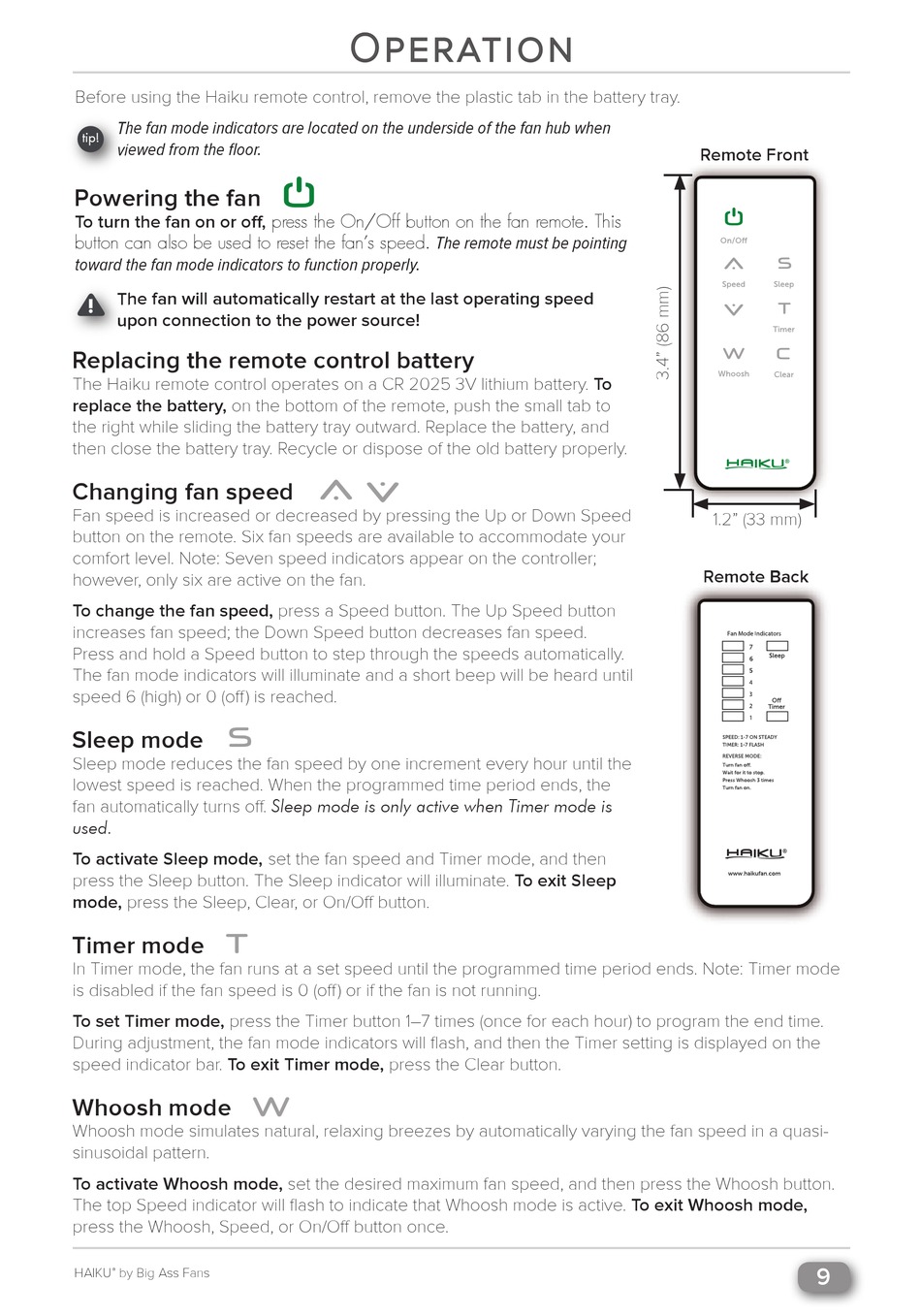
Remote not working or intermittent control
Remotes fail due to dead batteries, signal blockage, or lost pairing.
- Replace remote batteries with fresh ones.
- Stand within range and point at the fan. Remove obstacles between remote and fan.
- Re-pair the remote per the Haiku pairing steps in the quick start guide.
- If the remote still fails, test the fan with the app or wall control to isolate the issue.
Fan is noisy or makes buzzing sounds
Noise often comes from loose parts, imbalanced blades, or motor issues.
- Tighten canopy screws and blade screws. Loose nuts cause rattle.
- Clean blades and blade arms. Dust can shift balance.
- Check blade balance using a simple clip or weight kit. Adjust or swap blades to find a quieter setup.
- If the motor buzzes at specific speeds, try a full power cycle and firmware update via the app. Persistent motor noise may require repair.
Fan wobbles or vibrates
Wobble is usually a balance or mounting issue.
- Tighten blade and canopy fasteners.
- Check blade alignment visually. Small misalignments cause wobble.
- Use balancing weights on blades to fine-tune balance.
- Verify the downrod and mounting bracket are secure. For flush mounts, check canopy fit.
Smart features or app connectivity fail
Connectivity problems are common with networked fans.
- Confirm home Wi-Fi is online. Restart router if needed.
- Ensure the fan is in pairing mode and the phone is on the same network band required (2.4 GHz vs 5 GHz).
- Update the fan’s firmware from the app. Firmware often fixes bugs.
- Reboot the fan by turning its breaker off for 30 seconds, then back on.
- If pairing still fails, factory reset the fan following the manual, then attempt re-pairing.
LED or light module issues
Light troubles can be bulb, wiring, or driver failures.
- Check the light setting in the app or remote. Confirm the light isn’t set to 0% or off.
- Replace bulbs if the module uses replaceable bulbs. For integrated LEDs, check firmware and power.
- Inspect wire connectors in the canopy for loose or damaged connections.
- If the light flickers or fails after these checks, schedule technician service.

Preventive Maintenance and Care
Regular care reduces the need for Haiku Fan Troubleshooting. A short routine once every few months keeps the fan reliable.
- Clean blades with a soft cloth to prevent dust buildup.
- Tighten visible fasteners at the canopy and blade arms.
- Replace remote batteries annually or when signal weakens.
- Update firmware when the app prompts to keep features stable.
- Run the fan on different speeds occasionally to exercise the motor.

When to Call Support or a Technician
Some problems need a pro. Call support when you see electrical burning, smell smoke, or the fan won’t power despite correct wiring. Contact support under warranty to avoid voiding it. For motor or control board replacements, use authorized technicians for safe, covered repairs.
Signs to call support:
- No power at the fan but power at the switch.
- Strong burning smell or heat from the canopy.
- Visible wire damage or corroded connections.
- Persistent noise after basic fixes or internal component failure.
Common quick questions
How do I reset my Haiku fan?
Reset by following the manual’s restart sequence or by turning the circuit off for 30 seconds and then on. Some models include a specific button sequence in the canopy or remote to factory reset.
What if the Haiku fan remote is lost?
Use the app as a temporary control and pair a replacement remote per the user guide. You can also buy a compatible replacement remote from authorized dealers.
Can I install a Haiku fan myself?
If you have basic wiring skills and the right tools, you can install it yourself. If you are unsure about wiring or ceiling support, hire a licensed electrician.
Frequently Asked Questions of Haiku Fan Troubleshooting
How do I pair my Haiku fan with the app?
Follow the on-screen steps in the Haiku app while the fan is in pairing mode. If pairing fails, restart the fan and router, then try again.
Why is my Haiku fan slow to respond to the remote?
Low remote batteries or signal interference often cause slow response. Replace the batteries and remove obstacles between the remote and the fan.
Is it normal for a Haiku fan to pulsate at low speeds?
Some pulsing can occur when power or firmware issues exist. Try a firmware update and a full power cycle; persistent pulsing needs service.
How often should I balance Haiku fan blades?
Balance when you notice wobble or every 6–12 months as part of routine maintenance. Small adjustments quickly fix most imbalances.
Will warranty cover motor or smart module failures?
Warranty terms vary by model and date of purchase. Contact the seller or manufacturer with your serial number to confirm coverage.
Can I use a smart home hub with my Haiku fan?
Many Haiku fans support popular smart home systems. Check compatibility for your model and follow the hub’s pairing instructions.
What safety steps are essential during troubleshooting?
Always cut power at the breaker for wiring checks and wear safety gear when using a ladder. If you find exposed wires or damaged parts, stop and call a pro.
Conclusion
Haiku Fan Troubleshooting is easy when you follow simple steps: check power, test the remote and app, tighten parts, clean blades, and update firmware. Use the checklist and step-by-step fixes above to solve most issues fast and safely. If a problem looks electrical or the fan is under warranty, contact support or an authorized technician.
Try the recommended fixes today and bookmark this guide for future reference. If this helped, leave a comment with your problem or subscribe for more practical tips.

