

Most AirPods Pro issues are fixable with resets, firmware updates, and simple cleaning.
I’ve worked with audio gear and supported dozens of earbuds, so I know what helps and what wastes time. This Airpods Pro Troubleshooting guide shows clear steps, real tips, and easy checks to restore sound, fix pairing, and extend battery life. Read on for proven fixes, troubleshooting workflows, and friendly advice you can use right now.

36% off Today’s Exclusive Deals
Limited-time Exclusive Deals. Check current discount on Amazon.
Check Price on Amazon As an Amazon Associate I earn from qualifying purchases.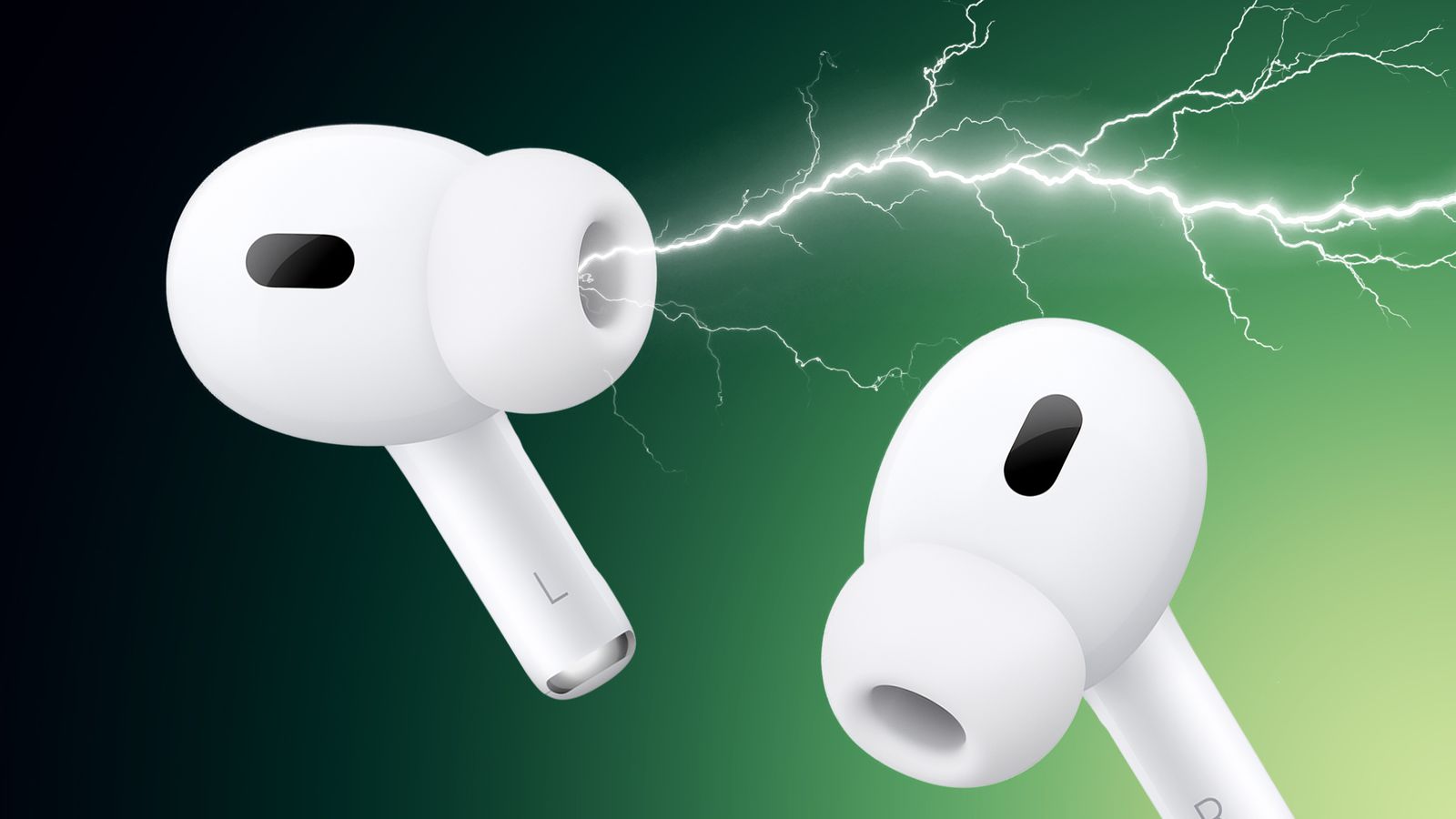
Common Airpods Pro Problems and Quick Fixes
Airpods Pro Troubleshooting starts with identifying the symptom. Common issues include no sound, uneven volume, poor noise canceling, fast battery drain, and pairing problems. Quick checks often fix the problem: clean the mesh, reset the case, update firmware, and check Bluetooth settings on your device.
- No sound in one bud: clean the speaker mesh and re-seat the Airpod in your ear.
- Poor noise canceling: ensure the silicone tip fits well and run a fit test if available.
- Fast battery drain: check for background audio sources and disable automatic ear detection.

Step-by-Step Airpods Pro Troubleshooting Guide
This structured workflow makes Airpods Pro Troubleshooting fast and efficient. Start with the easiest fixes and move to deeper steps only if needed.
- Reboot devices: turn off and on your phone, tablet, or computer.
- Reconnect: forget the AirPods in Bluetooth settings and pair again.
- Reset: press and hold the case setup button until the LED flashes amber then white.
- Update firmware: connect AirPods to a device with internet and keep them near it to trigger automatic updates.
- Test across devices: try another phone or computer to isolate the problem to the AirPods or the source device.
PAA-style question: How do I reset my AirPods Pro?
- Press and hold the setup button on the case for about 15 seconds until the light flashes amber, then white. Pair them again through Bluetooth settings.
PAA-style question: Why is one AirPod quieter?
- Clean debris from the grill, check audio balance in device accessibility settings, and try a reset if the issue persists.

Cleaning and Maintenance Tips for Airpods Pro Troubleshooting
Proper cleaning prevents many recurring issues. Dirt and earwax block sound and sensors. Keep a soft, dry, lint-free cloth, a small soft-bristled brush, and isopropyl alcohol for stubborn grime.
- Exterior cleaning: wipe the case and stems with a cloth.
- Mesh cleaning: gently brush the speaker mesh in a circular motion.
- Case port: use a toothpick or small brush to remove debris from the Lightning port and charging contacts.
- Avoid liquids: do not submerge the AirPods or case in water or cleaner.
From personal experience, a quick clean fixed low-volume issues more than once after months of daily gym use. I learned not to press hard on the mesh, which can push wax deeper.

Battery and Charging Issues — Airpods Pro Troubleshooting
Battery problems often seem worse than they are. Follow these steps to check and restore charging health.
- Check the case LED: amber means not fully charged; green shows a good charge.
- Clean contacts: both AirPod and case contacts must be clean for charging.
- Try a different cable or charger to rule out a bad adapter.
- Reset and charge overnight to allow the case and buds to sync battery states.
Limitations: battery wear is normal after many charge cycles. If capacity drops drastically, battery replacement or a new pair may be the best option.
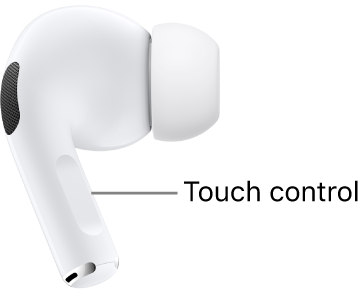
Connectivity and Sound Problems — Airpods Pro Troubleshooting
Wireless glitches come from interference, outdated software, or device settings. Try these targeted fixes.
- Move closer to the device and remove obstacles.
- Turn Bluetooth off and on to clear transient issues.
- Check audio balance and EQ settings on the source device.
- Disable other paired Bluetooth devices that may auto-connect and interfere.
I once fixed persistent audio dropouts by turning off Wi‑Fi scanning on a laptop. Small settings can make a big difference.

Firmware, Software, and Settings for Airpods Pro Troubleshooting
Software updates fix known bugs and improve performance. Firmware updates for AirPods are automatic but can be nudged.
- Keep your iPhone or primary device updated.
- Place the AirPods in the case, connect to power, and keep the case near the paired iPhone overnight to prompt firmware updates.
- Review device accessibility settings for audio routing and mono audio.
- If issues persist, back up device settings and try pairing with another device to confirm.
Note on trust: firmware updates come from the manufacturer and are the safest fixes for software-related issues.

When to Contact Apple or Replace Your Airpods Pro
Know when DIY ends and professional help begins. Contact support if you see physical damage, persistent hardware faults, or battery capacity far below expected lifespan.
- Warranty checks: verify AppleCare or warranty status before a repair.
- Diagnostics: Apple Support can run remote tests and offer repair or replacement paths.
- Replacement cases or buds: costs vary, so compare repair vs. replacement for older units.
If you’ve tried resets, cleaning, and firmware steps with no success, schedule a diagnostic. Transparency matters: repairs have limits, and replacement might be more cost-effective.
Frequently Asked Questions of Airpods Pro Troubleshooting
How do I force my AirPods Pro to reset?
Press and hold the setup button on the charging case for about 15 seconds until the status light flashes amber then white. Re-pair them with your device afterward.
Why is noise cancellation not working on my AirPods Pro?
Check silicone tip fit, clean the microphones, and update firmware. If the problem remains, toggle noise cancellation settings and test across devices.
My AirPod won't charge. What should I try?
Clean the charging contacts, try a different cable and power adapter, and reset the case. If it still won’t charge, the battery or contacts may need service.
How do I fix uneven volume between AirPods?
Check device audio balance in accessibility settings, clean the earbud mesh, and reset the AirPods if needed. Test with another device to isolate the source.
Can firmware updates fix playback issues?
Yes, firmware updates often address bugs that cause sound or connection problems. Keep your primary device updated and keep the AirPods near it while charging to allow updates.
Conclusion
You can fix most issues with proper Airpods Pro Troubleshooting steps: clean the parts, reset and re-pair, update firmware, and test across devices. Use the step-by-step checks in this guide before spending on repairs. Try these fixes, track what you changed, and reach out for support if hardware tests fail. If this guide helped, leave a comment or subscribe for more practical device tips.

