

Bose Wave Music System Troubleshooting solves common power, sound, and display faults quickly and clearly.
I have repaired and used Bose Wave units for years, so I know what usually fails and how to fix it. This guide covers Bose Wave Music System Troubleshooting from basic checks to deeper repairs. You will get clear steps, real-world tips, and simple tests to restore sound, power, CD, clock, and display issues. Read on to troubleshoot confidently and avoid common mistakes.

36% off Today’s Exclusive Deals
Limited-time Exclusive Deals. Check current discount on Amazon.
Check Price on Amazon As an Amazon Associate I earn from qualifying purchases.

Understanding the Bose Wave Music System and common issues
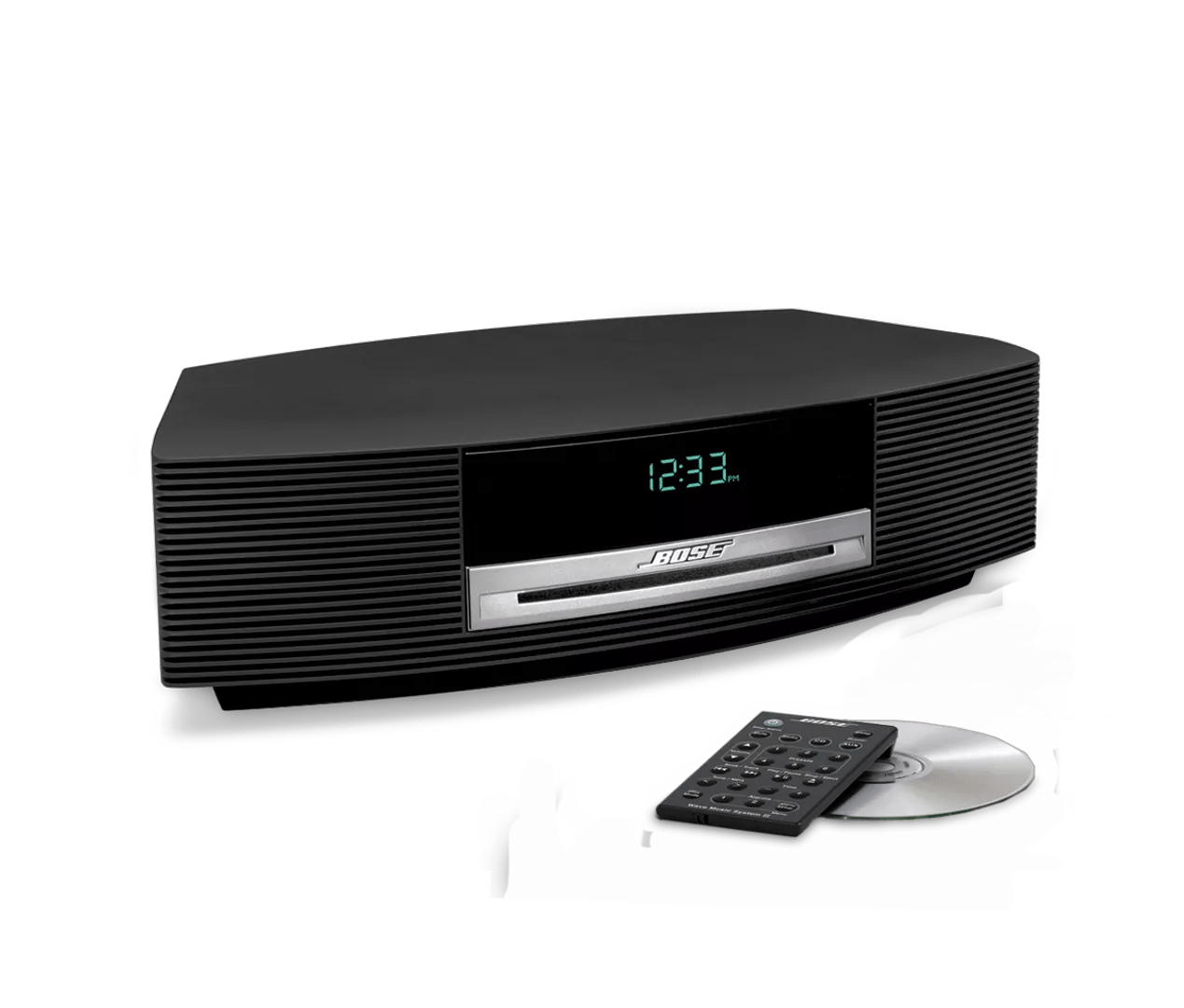
The Bose Wave is a compact, high-quality tabletop stereo. It delivers clear sound but can show a few repeat faults as it ages. Common problems include no power, no sound, distorted audio, CD failures, remote issues, and blank or flickering displays. Knowing common failure patterns helps you fix problems faster and avoid unnecessary parts replacement.
- Typical fault: no power or unit won't turn on.
- Typical fault: no sound though unit powers up.
- Typical fault: static, crackle, or low volume.
- Typical fault: CD won't read or eject.
- Typical fault: clock or display problems and remote not responding.

Quick diagnostic checklist for Bose Wave Music System Troubleshooting
Start with a short list of checks that solve most issues. These steps are safe and do not void warranty for most users.
- Check power source. Make sure wall outlet works by testing with another device.
- Inspect the power cord. Look for frays, kinks, or loose connections.
- Reset the system. Unplug for 60 seconds, then plug back in.
- Test with a different input. Try radio, CD, and an AUX source to isolate the problem.
- Replace remote batteries and test direct buttons on the unit.
These five steps fix a large share of problems quickly. I use them every time before moving to deeper troubleshooting.
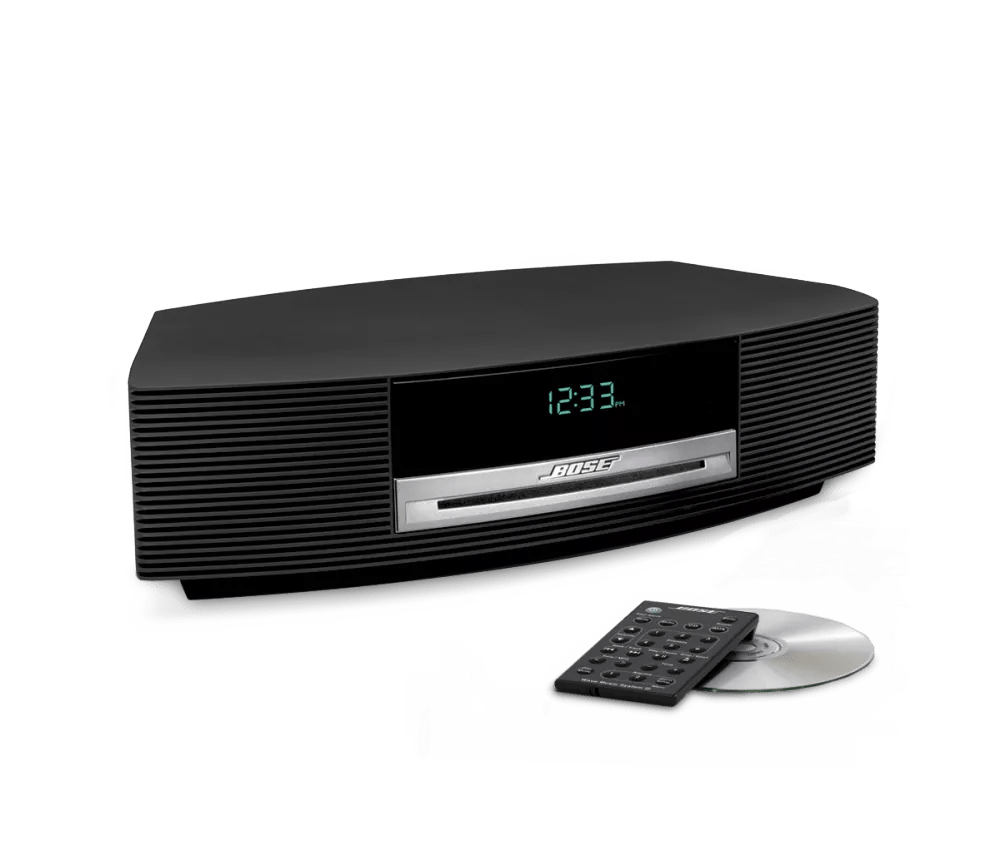
Power and startup problems: step-by-step fixes
Power issues are the most common complaint in Bose Wave Music System Troubleshooting. Follow these safe steps to find the cause.
- Check the outlet and surge protector. Plug the Wave directly into a known working outlet.
- Inspect the power cord and AC adapter. If the adapter gets hot or the cord has exposed wires, stop using it.
- Try a hard reset. Unplug the unit for 5 minutes, then plug it back in while holding the power button if present.
- Look for blown internal fuses. Some models have user-accessible fuses in the plug or base. If comfortable, test with a multimeter.
- Test with another compatible adapter. If you have a spare with the same specs, try it to confirm adapter failure.
I once brought a dead Wave into my workshop. The wall outlet was the real issue. After swapping cords and outlets, the unit powered up. Always rule out the simple items first.
Audio problems: no sound, low sound, or distortion
Audio faults often come from inputs, settings, or aging capacitors. Here is how to diagnose and fix them.
- Confirm input source. Switch between CD, FM/AM, and AUX to see if only one source is affected.
- Check volume, mute, and tone settings. Ensure volume is above minimum and mute is off.
- Test with headphones or external speakers if supported. This isolates the internal amplifier.
- Clean speaker grills and ports. Dust can muffle sound.
- Listen for distortion at low and high volumes. Distortion across sources may indicate amplifier or speaker issues.
- For hiss or crackle, clean contacts, and try a different power outlet to reduce ground noise.
Practical tip: if sound fades in after warm-up, aging capacitors may be the cause. That is a repair for a technician or hobbyist with soldering skills.
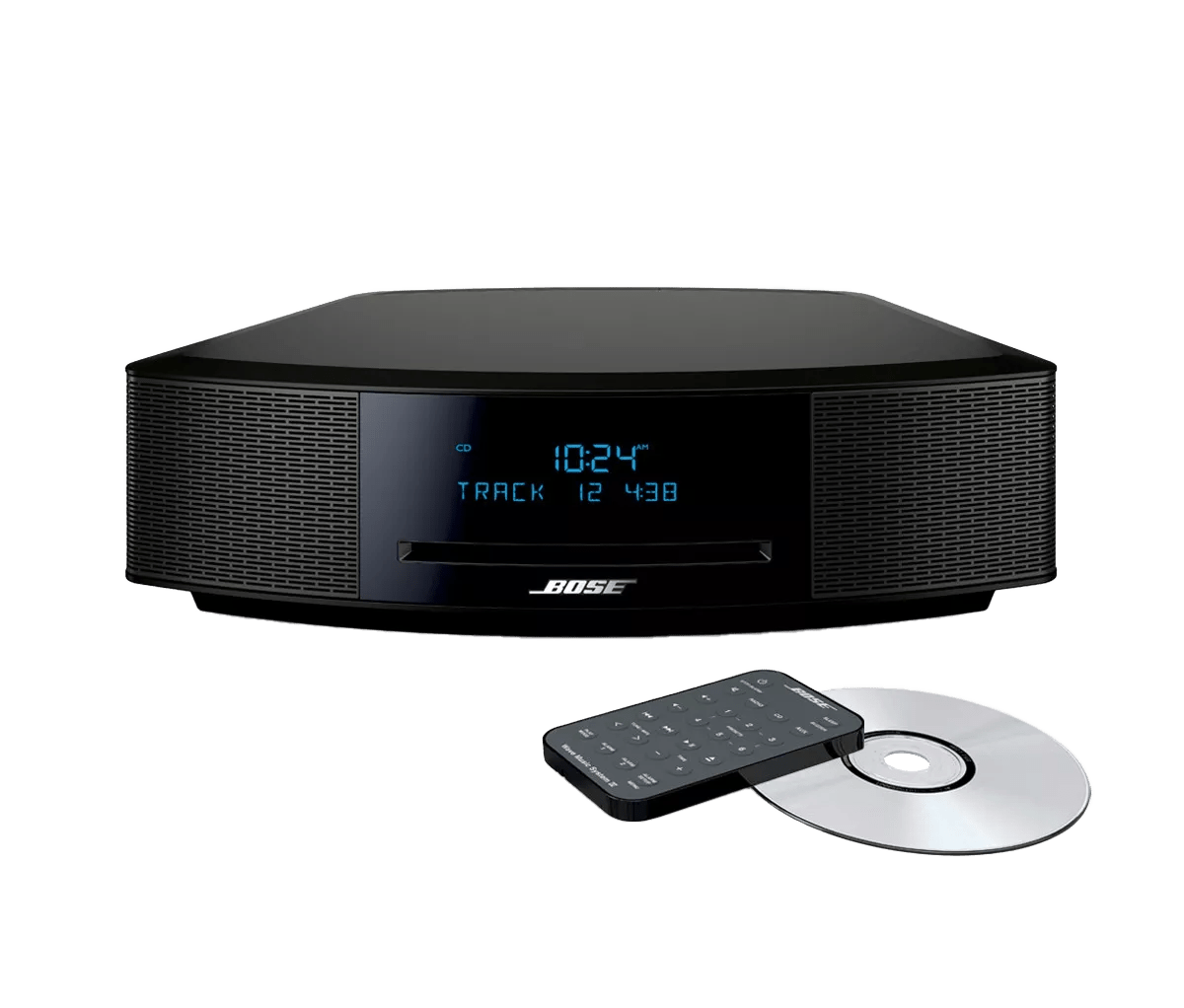
CD and media problems: read, eject, and playback fixes
CD issues are mechanical and often predictable. These steps often restore playback without parts.
- Check disc condition. Clean fingerprints and scratches with a soft cloth from center outward.
- Try a different known-good CD. If the second CD works, the original disc is the issue.
- Power-cycle the unit and try eject. Hold eject for several seconds if standard press fails.
- Gently clean the laser lens with a lens-cleaning disc or a specialty swab. Avoid harsh rubbing.
- Inspect the drive mechanism near the tray for obstructions or debris.
- If the tray won’t open, use the manual release if available or consult a service manual.
From experience, a simple lens clean fixes many read errors. Avoid cheap cleaners that spin too fast and can move debris into the mechanism.

Display, clock, and remote control issues
Display or remote faults are usually simple to solve and rarely require board-level repairs.
- Replace batteries in the remote and re-pair if needed.
- Clean remote sensor area on both remote and unit.
- Reset the clock following the manual steps for your model.
- For dim or blank displays, try a reset and inspect for moisture or corrosion.
- If the display shows random characters, a firmware glitch may be the cause; reset or update firmware if available.
I have replaced remote batteries for many users who thought the unit was broken. Always try fresh batteries first.
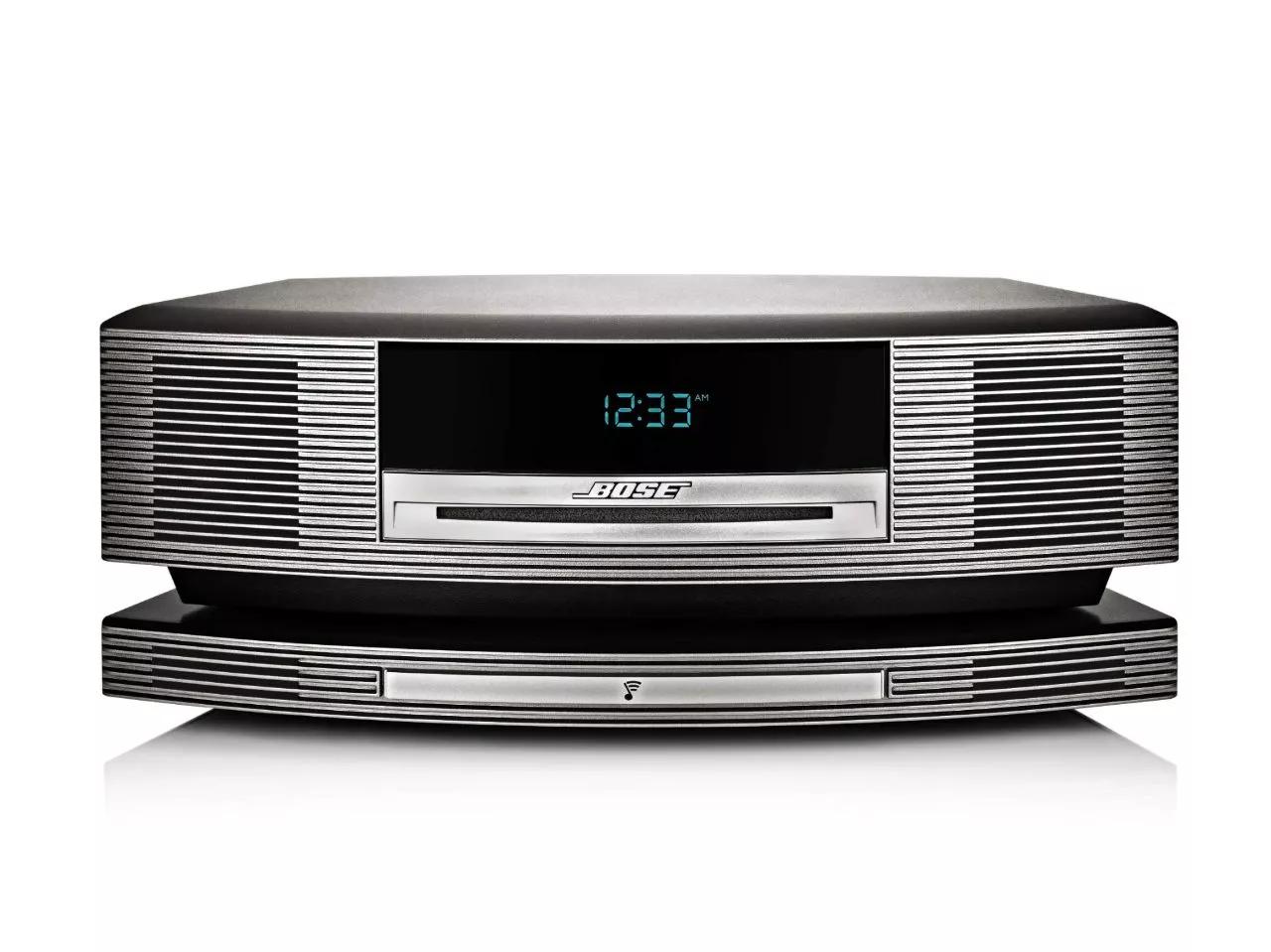
Wireless and connectivity problems
Some Wave models support auxiliary inputs or Bluetooth adapters. Troubleshoot connectivity like this.
- Confirm Bluetooth adapter power and pairing mode if used.
- Remove old pairings and re-pair device to eliminate pairing conflicts.
- Test AUX input with a known-good cable and source.
- For noisy connections, try a different cable and test other ports.
- Update or power-cycle connected devices to clear temporary faults.
Many people forget their phone is connected to a different speaker. Check the source device settings when testing Bluetooth.

When to repair, replace parts, or contact a professional
Not all fixes should be DIY. Know when to stop and when to seek help to avoid more damage.
- DIY fixes to try: power cycle, cord check, battery replacement, lens cleaning, reset.
- Call a technician for: internal fuse replacement, soldering, capacitor replacement, complex mechanical rebuilds.
- Replace the unit if repair costs near a new refurbished model price.
- Contact official support for warranty-covered repairs and genuine parts.
I once tried to replace a motor gear and ended up needing a new tray mechanism. The repair cost exceeded value. Know the value of your unit before deep repairs.
Maintenance tips to prevent future issues
Regular care extends the life of your Wave and cuts down on the need for Bose Wave Music System Troubleshooting.
- Keep the unit away from heat, direct sun, and moisture.
- Dust the vents and top with a soft cloth weekly.
- Use surge protection to prevent damage from spikes.
- Rotate CDs and avoid cheap burned discs that can jam the drive.
- Schedule a gentle inspection yearly if you use the unit a lot.
Small habits prevent most headaches. A little care saves a lot of troubleshooting time.
Two to three quick PAA-style questions
How do I reset my Bose Wave Music System?
Press and hold the power button or unplug the unit for 60 seconds, then plug it back in and power on. This simple reset often clears minor software glitches.
Why does my Bose Wave show no display but still play audio?
A dim or blank display can be a display driver or backlight issue; try a reset and check for loose connections. If audio works, prioritize display inspection or professional service.
Can I fix a CD tray that won't open?
Try power-cycling the unit, then use any manual eject procedure in the manual. If the tray is locked mechanically, a technician may need to disassemble it.
Frequently Asked Questions of Bose Wave Music System Troubleshooting
What should I check first when my Wave won't turn on?
First check the wall outlet and power cord, and try unplugging the unit for one minute before plugging it back in.
How do I fix poor sound quality on my Wave?
Test different sources, clean speaker grills, and reset the unit; if the issue persists, aging capacitors or the amplifier may need repair.
My CD won't read—can I fix it myself?
Yes, try cleaning the disc and the laser lens, and test with another disc; if the drive still fails, service may be required.
The remote won't work—how do I troubleshoot it?
Replace the batteries, ensure no obstructions between remote and unit, and test unit buttons directly to isolate the issue.
When is it time to replace my Bose Wave instead of repairing?
If repair costs approach the price of a refurbished or newer model, or if multiple components fail, replacement is usually more cost-effective.
Conclusion
This guide gives clear, step-by-step help for Bose Wave Music System Troubleshooting so you can diagnose and resolve common problems. Start with simple checks, use safe cleaning and reset steps, and call a professional for internal repairs. Try the tips now, protect your unit with basic care, and leave a comment with your issue if you need tailored help. Subscribe for more practical repair guides and share your own troubleshooting wins.

