

Dyson stick vacuum troubleshooting often fixes issues with suction, brushbar, battery, and filters.
I have spent years repairing and testing stick vacuums. This guide on Dyson Stick Vacuum Troubleshooting draws on hands-on experience, service tips, and clear steps you can use today. Read on for practical checks, easy fixes, and smart maintenance advice to keep your unit running like new.

36% off Today’s Exclusive Deals
Limited-time Exclusive Deals. Check current discount on Amazon.
Check Price on Amazon As an Amazon Associate I earn from qualifying purchases.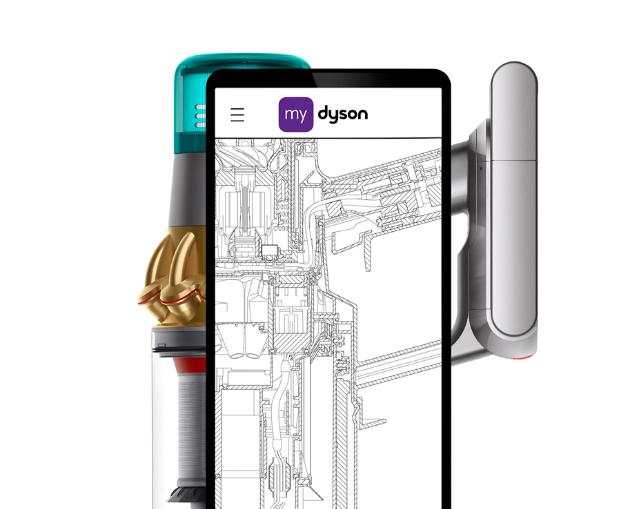
Why your Dyson Stick Stops Working: Common Causes and First Checks
A Dyson Stick can pause or lose power for a few clear reasons. Common causes include a drained battery, clogged airflow, blocked brushbar, or a motor safety cut-out. Start with simple checks before you call for help.
Quick first checks
- Make sure the battery is charged and the charger is connected.
- Empty the dust bin and inspect the filter for visible dirt.
- Look at the brushbar for hair or threads wrapped around it.
- Listen for unusual sounds when you switch the vacuum on.
Why these matter
- A clogged airflow reduces suction fast.
- Hair on the brushbar stops rotation and raises motor strain.
- Low battery or bad contacts cause intermittent power loss.
Dyson Stick Vacuum Troubleshooting tip
- Start from power and work toward suction. Fix the easy stuff first to avoid unnecessary repairs.

Source: youtube.com
Step-by-Step Dyson Stick Vacuum Troubleshooting Checklist
Follow this checklist from quick fixes to deeper inspections. Each step is short and clear.
-
Charge and test
- Plug in the charger and let the battery reach a full charge.
- Try turning on the vacuum after charging for at least three hours.
-
Empty and clean
- Empty the bin into the trash.
- Wipe the bin rim and seal with a dry cloth.
-
Check filters
- Remove the filter(s) and tap gently to remove dust.
- Wash washable filters in cold water following Dyson’s instructions and let them air dry for 24 hours.
-
Inspect brushbar and wand
- Remove visible hair and threads from the brushbar.
- Check the wand for large clogs using a flexible tool or wooden spoon.
-
Test suction at the inlet
- Block the inlet with your hand briefly to feel suction strength.
- A big drop in suction means a blockage or filter issue.
-
Run the vacuum and listen
- Note any clicking, grinding, or loud motor noise.
- Unusual sounds often point to worn bearings or foreign objects.
Practical order helps you find the issue fast. Work top to bottom. That makes Dyson Stick Vacuum Troubleshooting efficient for all skill levels.

Battery, Charging, and Power Issues
Batteries fail gradually. You may see shorter run time or no power at all. Battery faults are common in older machines.
Symptoms of battery problems
- Short run time compared to new.
- Vacuum turns off mid-clean.
- Charger light does not indicate full charge.
Quick fixes
- Check the charger and cable for damage.
- Clean the battery contacts on both charger and vacuum.
- Try a full charge cycle after a long idle period.
When to replace
* If run time is far below specs after a full charge.
- If the battery gets very hot while charging.
- If the charger light blinks in patterns that indicate a fault.
Personal note
I replaced batteries on several older sticks. After replacement, runtime and suction consistency improved immediately. If you choose replacement, use genuine or high-quality OEM-style units.
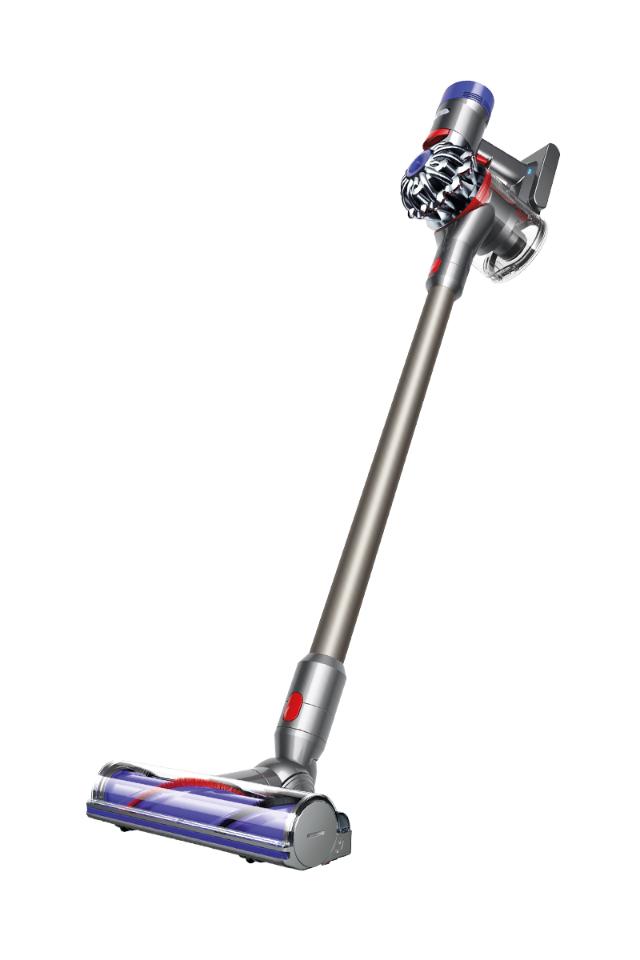
Brushbar, Roller, and Suction Loss
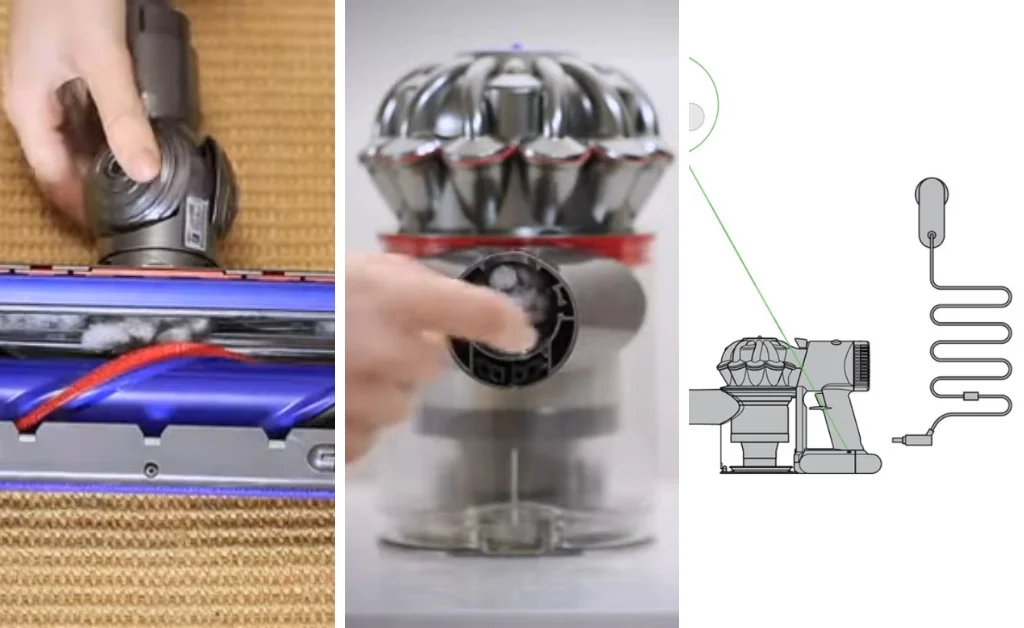
A stuck brushbar is one of the top reasons a stick vacuum seems broken. Hair, strings, and debris wrap around the roller. That causes friction and reduced performance.
How to clear the brushbar
- Turn off and remove the head if your model allows it.
- Cut and pull away hair and threads with scissors.
- Check the end caps for trapped objects and remove them.
Suction loss troubleshooting
- Check for blockages in the wand, hose, and head.
- Inspect the inlet and outlet ports for clogs.
- Replace a worn or cracked hose.
Simple test
- Run the vacuum with the head off. If suction improves, the head or brushbar is the cause.
Real-world tip
I once cleared a child's toy from a wand that caused low suction. The vacuum hummed but had almost no pull. A quick visual check fixed it in minutes.
Filters, Dust Bin, and Airflow Management
Clean filters and a clear bin matter more than many owners realize. Poor airflow raises motor heat and reduces suction.
Filter care
- Remove filters and tap them to dislodge dust.
- Wash only if your model allows it and dry for 24 hours.
- Replace non-washable filters per the manual.
Dust bin tips
- Empty the bin after each heavy use.
- Check the bin seal and clear any residue around the rim.
- Inspect the bin release for broken clips or cracks.
Airflow checks
- Follow the airflow path from the inlet to the motor.
- Use a torch to look for trapped debris in tight spots.
- Remember: good airflow equals steady suction.
Personal insight
I learned the hard way that a dusty pre-filter will cut runtime and heating. Cleaning filters regularly kept my stick vacuum running cool and strong.
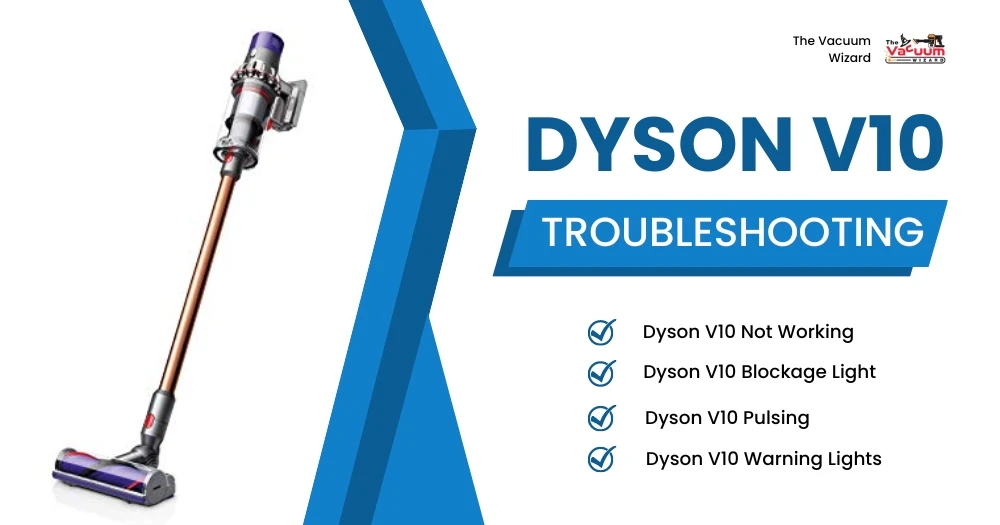
Advanced Diagnostics, Error Codes, and When to Seek Professional Help
Some issues need a deeper look. Motor faults, electronics failures, and severe battery degradation call for pro help.
Signs you need a technician
- Burning smell or smoke from the vacuum.
- Persistent motor noise after cleaning brushbar and filters.
- Error lights or codes that persist after resets.
DIY checks before service
- Perform a reset by removing the battery (if possible) and waiting one minute.
- Try a different charger and cable to rule out charger faults.
- Record any error lights and patterns for the technician.
PAA-style questions (common quick queries)
How long should a Dyson stick battery last?
Most batteries last 2 to 4 years depending on use. Heavy, daily use shortens battery life.
Why does my stick vacuum lose suction after a few minutes?
A clogged filter or blocked airflow often causes this. Clean filters and check the wand for obstructions.
Can I fix a brush motor myself?
You can remove debris and test the motor, but motor replacement is best done by a technician if under warranty.
When to replace vs repair
- Replace if repair cost approaches or exceeds a new unit price.
- Repair if a single part like a brushbar or battery fixes the issue affordably.
I recommend keeping records of service and part changes. That helps if you contact support or sell the unit later.
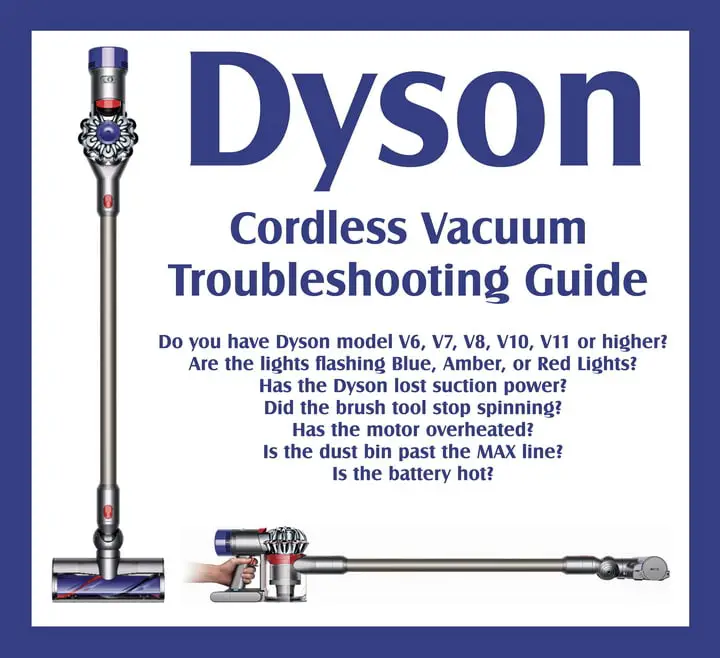
Maintenance Schedule to Avoid Future Issues
Regular care prevents many common faults. A small routine pays off with longer life and steady performance.
Weekly
- Empty the bin.
- Inspect brushbar for hair.
Monthly
- Wash washable filters and let dry.
- Check for airflow blockages in the wand.
Every 6 to 12 months
- Replace non-washable filters per the manual.
- Consider professional service for deep motor cleaning.
Real tip
I set a calendar reminder. Routine checks took only ten minutes. The vacuum worked better and I saved on parts.
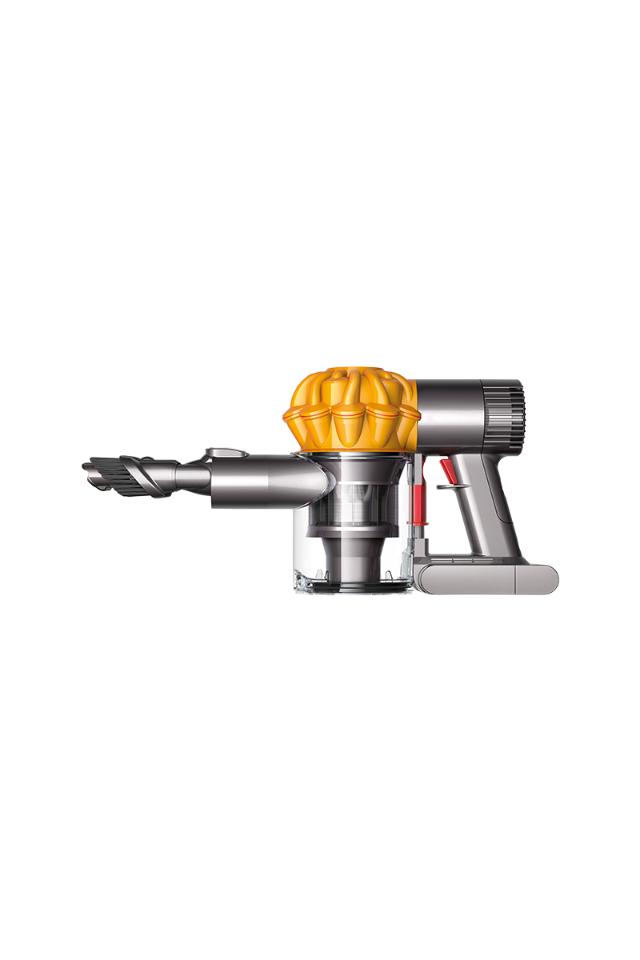
Frequently Asked Questions of Dyson Stick Vacuum Troubleshooting
How do I restore suction on my Dyson stick vacuum?
Clean filters, empty the dust bin, and remove blockages from the wand and head. If issues persist, check the brushbar and battery.
Why does my Dyson stick make a loud noise?
Loud noise often comes from trapped debris in the motor or brushbar bearings. Turn off the unit and inspect for obstructions before running again.
Can I wash all Dyson filters?
Only some Dyson filters are washable. Check your model manual. Washable filters must fully air dry for 24 hours before use.
What does a blinking light on my Dyson stick mean?
A blinking light usually signals a fault such as low battery or motor issue. Consult your manual for code patterns and try basic resets first.
Is it worth repairing an old Dyson stick vacuum?
Yes, if the fault is a single replaceable part like the battery or brushbar motor. Consider replacement when repairs exceed the cost of a new unit.
How often should I replace the battery?
Replace the battery when run time falls well below original specs or if the battery fails charging. Expect 2 to 4 years under typical use.
Conclusion
Dyson Stick Vacuum Troubleshooting is mostly about clear checks, simple cleaning, and timely part replacement. Start with power and airflow checks, then move to brushbar and filters. Keep a small maintenance routine. That prevents most issues and keeps your vacuum reliable.
Take action today: run the quick checklist, clean the key parts, and note any persistent errors. If you need help, contact a qualified technician or consider battery replacement. Share your experience or ask questions below to keep the conversation going.

