

Most common Inse vacuum issues are simple clogs, worn filters, battery faults, or brush jams.
I’ve spent years repairing and testing cordless vacuums, and this guide dives deep into Inse Vacuum Troubleshooting. I will walk you through causes, step-by-step fixes, maintenance tips, and real-world advice so you can fix common problems fast and safely. Read on to get confident diagnosing and repairing your Inse vacuum with clear, practical steps.

36% off Today’s Exclusive Deals
Limited-time Exclusive Deals. Check current discount on Amazon.
Check Price on Amazon As an Amazon Associate I earn from qualifying purchases.

How an Inse Vacuum Works and Why Troubleshooting Helps
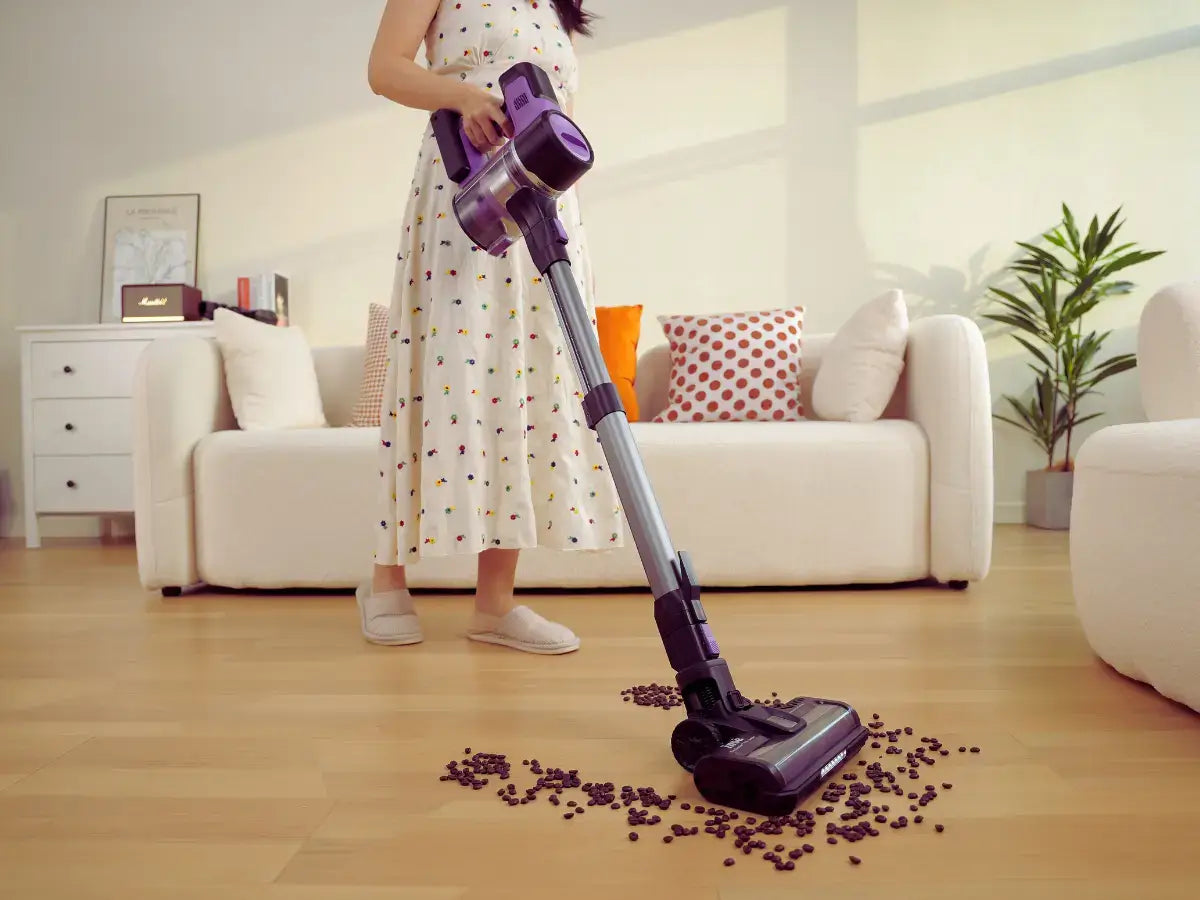
An Inse vacuum is a compact cordless cleaner with a motor, dust bin, filter, brush roll, and a rechargeable battery. These parts must work together for good suction and brush action. Knowing how each part works makes Inse Vacuum Troubleshooting faster and more accurate. This section gives a short technical view so your fixes target the real cause.
Common Problems and Their Likely Causes
Most Inse Vacuum Troubleshooting starts with these common issues. Below are symptoms and the usual reasons behind them.
- Not turning on
- Battery drained, poor contact, or faulty switch are common causes.
- Weak suction
- Clogged filter, full dust bin, or blocked hose reduce airflow.
- Brush roll not spinning
- Hair wrap, belt wear, or motor fault can stop rotation.
- Strange noises or burning smell
- Debris in the motor or worn bearings often cause noise and odor.
- Battery not charging or holding charge
- Charger fault, battery aging, or contact corrosion are likely.
I use this checklist when I troubleshoot any Inse vacuum. It speeds diagnosis and reduces unnecessary part swaps.

Quick Troubleshooting Checklist
When you need a fast fix, follow these simple checks. Each step takes a few minutes and often resolves common faults.
- Confirm the battery is charged and seated correctly.
- Empty the dust bin and clean the filter.
- Inspect the intake, hose, and brush roll for clogs or hair.
- Check the brush roll for rotation and the belt for wear.
- Try a different power outlet and charger to rule out charging issues.
These quick steps solve many problems on the spot. If the issue persists, move to deeper diagnostics.
Deep Troubleshooting Steps (Step-by-Step)
If quick checks fail, use a systematic approach to dive deeper.
- Remove power source and disassemble safely.
- Clean or replace the primary and HEPA filters. Clogged filters cut suction drastically.
- Inspect the brush roll and bearings. Remove hair and any trapped threads.
- Check the motor housing for debris or signs of overheating.
- Test battery voltage with a multimeter and check charger output if available.
I once fixed a stubborn Inse vacuum by finding a tiny shard of glass lodged in the intake. Thorough inspection saved the motor and kept repair costs low. Always document what you try so you don’t repeat steps.
Maintenance Tips to Prevent Problems
Regular care prevents many common Inse Vacuum Troubleshooting scenarios. Small habits extend life and performance.
- Empty the bin after each major clean to avoid airflow restriction.
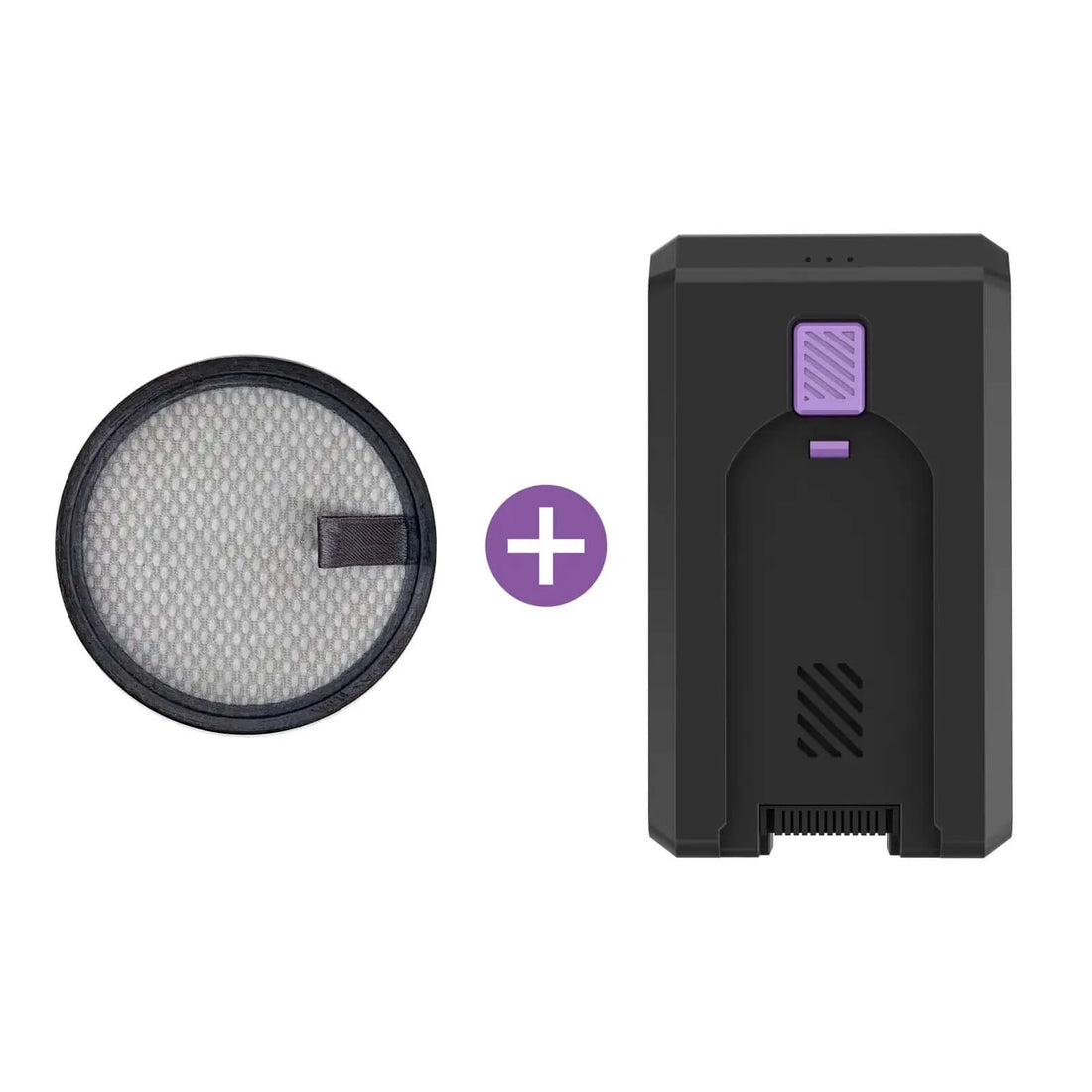
- Rinse washable filters monthly and replace non-washable ones per guidelines.
- Trim hair from the brush roll weekly to avoid belts slipping.
- Store batteries cool and avoid deep discharge to prolong battery life.
- Schedule a basic inspection every three months for heavy users.
Good maintenance cuts failures and makes troubleshooting simpler when issues arise.
Parts, Replacements, and Warranty Guidance
Knowing what parts wear out helps you plan repairs. Filters, brush rolls, belts, and batteries are the usual items.
- Replace filters every 3 to 6 months depending on use.
- Swap brush rolls when bristles flatten or bearings fail.
- Replace batteries after 12 to 24 months if runtime falls sharply.
- Keep receipts and register the product to use warranty benefits.
If your Inse vacuum is under warranty, contact support before attempting major repairs. Unauthorized repairs may void coverage.
When to Contact Professional Support
Some problems need trained repair or replacement.
- Electrical failures, burning smells, or smoke require professional attention.
- Motor replacement or complex board fixes are best handled by technicians.
- If the unit is under warranty, official service keeps claims intact.
- Professional repair costs can still be lower than full replacement in many cases.
Prepare a short description of symptoms, model number, serial number, purchase date, and steps you already tried. This speeds up support and improves repair outcomes.
Personal Experience: Lessons from Real Repairs
I’ve repaired dozens of Inse and similar cordless vacuums over the years. These lessons cut down repair time and frustration.
- Always start with the filter and bin. Most suction problems stem from simple clogs.
- Use a soft brush and compressed air for delicate parts. Harsh cleaning can damage sensors.
- Keep a small parts kit: spare filters and belts save time and often fix the problem on the first try.
- Don’t ignore small smells or noises. They are early warnings of bigger failures.
One error I made early on was replacing a motor before checking the brush roll. The motor was fine; hair had jammed the brush. That mistake taught me to always inspect mechanical parts first.
PAA-Style Troubleshooting Questions
How do I fix my Inse vacuum if it won’t turn on?
Check the battery charge and seating first. Clean the contacts and try a known-good charger to rule out a charging issue.
Why is my Inse vacuum losing suction?
Most loss of suction comes from a full bin or clogged filters. Clean the filters and the air path before assuming a motor fault.
Can I wash the filters in my Inse vacuum?
Many Inse models have washable filters, but check the manual. Rinse gently, air dry fully, and reinstall only when dry.
Frequently Asked Questions of Inse Vacuum Troubleshooting
What steps should I take first for Inse vacuum troubleshooting?
Start with power and airflow checks. Charge the battery, empty the dust bin, and clean filters before deeper diagnostics.
How often should I replace Inse vacuum filters?
Replace non-washable filters every 3 to 6 months with regular use. Washable filters should be rinsed monthly and replaced if they degrade.
Why does the brush roll stop spinning on my Inse vacuum?
Hair, string, and debris usually jam the brush roll or wear the belt. Remove the roll, clean it, and inspect the belt for damage.
How long do Inse vacuum batteries typically last?
Batteries usually last 12 to 24 months depending on charge habits and usage. Avoid full deep discharges to extend battery life.
Is it safe to repair the motor myself on an Inse vacuum?
Minor cleaning is safe, but motor or electrical repairs carry risk and may void warranties. Seek professional help for motor issues or if you’re unsure.
My Inse vacuum smells like burning—what should I do?
Stop using it immediately and unplug the charger. Burning smells often mean motor strain or overheating; contact support or a technician.
Can I buy replacement parts for my Inse vacuum easily?
Yes, common parts like filters and brush rolls are widely available. Use the model number to ensure compatibility and check warranty status before buying.
Final Thoughts
You now have a clear, practical roadmap for Inse Vacuum Troubleshooting. Follow simple checks first, use systematic steps for deeper issues, and maintain your unit regularly to avoid most problems. If you hit complex electrical or motor faults, seek professional service to protect your warranty and safety. Try the steps here and share your results or questions below—your feedback helps others fix their vacuums faster and smarter.

