

Most Intellichlor issues stem from low salt, poor flow, or a worn cell.
I have worked with pool systems and Pentair Intellichlor troubleshooting for years. This guide brings step-by-step fixes, clear causes, and hands-on tips so you can diagnose and solve Intellichlor issues fast. Read on to learn practical checks, error-code meanings, and maintenance routines that keep your salt chlorine generator healthy and reliable.

36% off Today’s Exclusive Deals
Limited-time Exclusive Deals. Check current discount on Amazon.
Check Price on Amazon As an Amazon Associate I earn from qualifying purchases.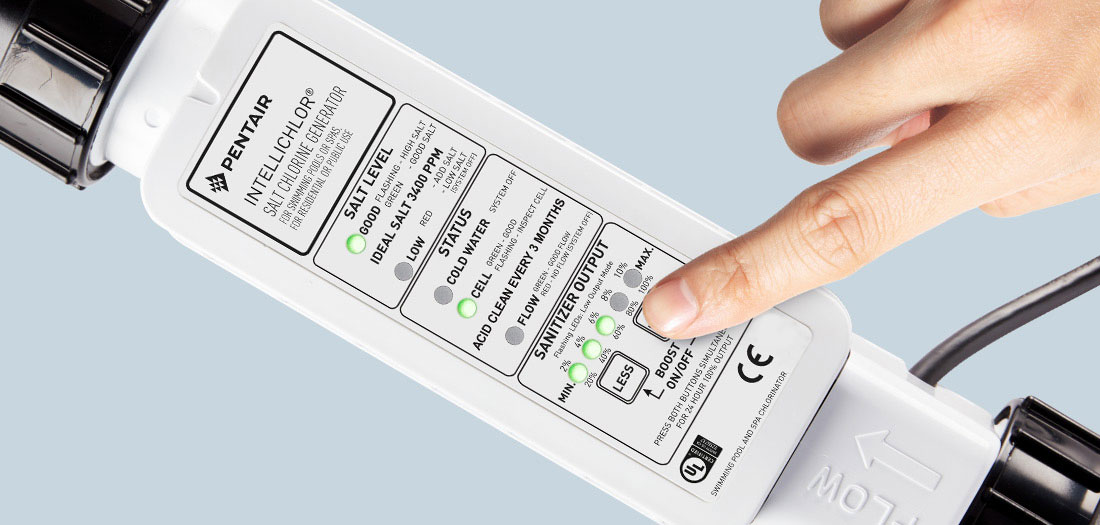
How Pentair Intellichlor works
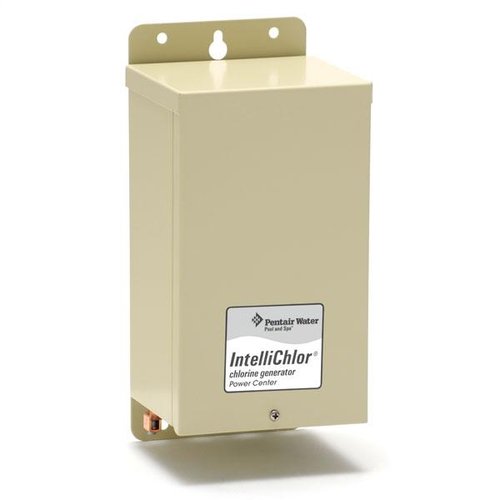
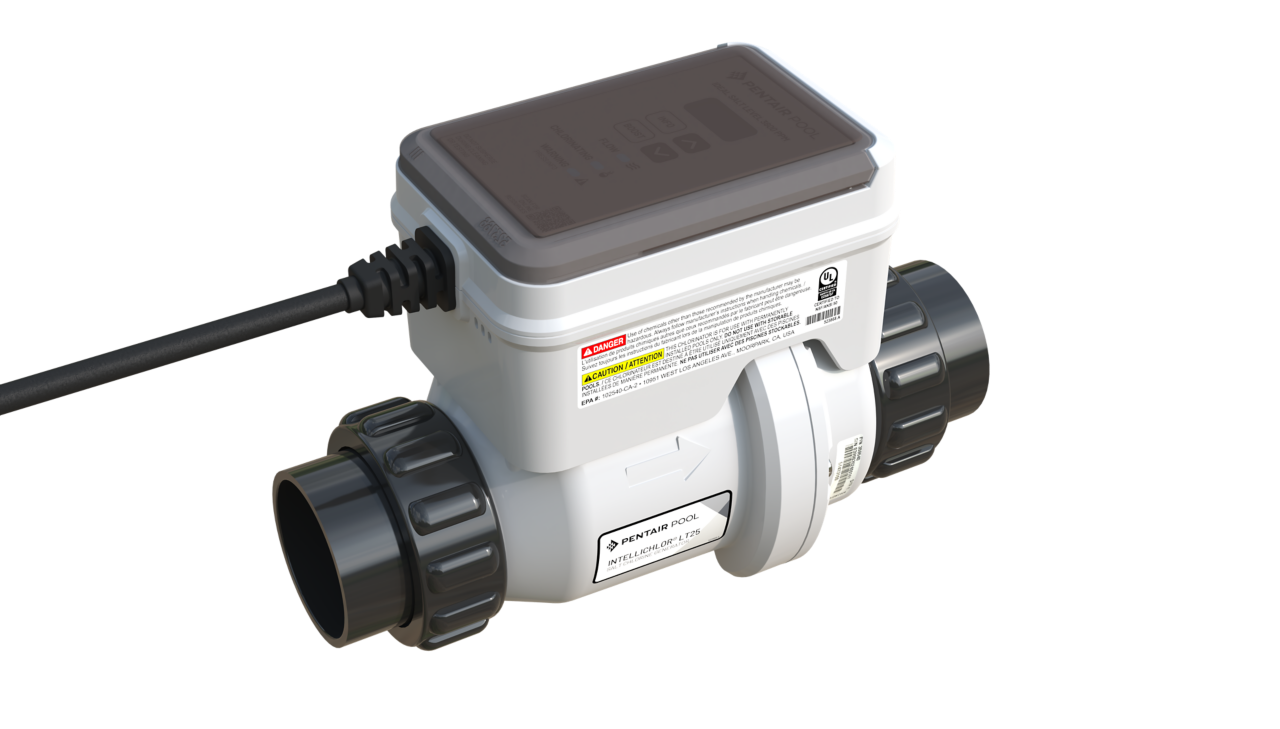
The Pentair Intellichlor system makes chlorine by running pool water through a salt cell. Electricity passes through the salt water and creates chlorine gas that disinfects the pool. The control module measures flow and cell output to manage production. Understanding this basic flow helps you find where things break during Pentair Intellichlor troubleshooting.
Common problems and causes
Most failures point to a few repeat issues. Low salt, restricted flow, and aged cells are the top culprits. Electrical faults and dirty sensors can also stop chlorine production. Below are common problems and quick causes to look for.
- No chlorine output
- Salt too low, power to system off, or failed cell.
- Low chlorine production
- Weak cell life or partial flow restriction.
- System shows flow error
- Blocked pump, clogged filter, or faulty flow switch.
- Error lights or codes
- Control board alerts to specific faults that need decoding.
- Rapid cell scaling
- High calcium or poor water balance accelerates scale.
Source: reddit.com
- High calcium or poor water balance accelerates scale.
Step-by-step Pentair Intellichlor Troubleshooting guide
Start with the basics. Turn off power. Inspect visible wiring and the cell for heavy scale.
- Check salt level first
- Test salt with a meter or kit. Correct range is usually 2500–4500 ppm depending on model.
- Verify water flow
- Run the pump. Clean skimmer and pump baskets. Backwash or clean the filter if needed.
- Inspect the cell
- Look for white scale buildup on plates. Clean with a mild acid solution if manufacturer allows.
- Reset and test
- Power cycle the unit. Watch indicator lights and test chlorine after a day.
- Check sensors and connections
- Tighten loose connectors. Replace corroded terminals and check fuse or breaker.
From personal experience, I once replaced a perfectly good cell because I missed a tiny flow restriction. Lesson learned: always confirm flow before swapping parts. During Pentair Intellichlor troubleshooting, patience and a checklist save time and money.
PAA-style question: How fast should salt levels change after adding salt?
Salt dissolves in a few hours with the pump running, and full system balance may take a day. Retest after circulation and adjust in small amounts.
PAA-style question: Can you clean a cell instead of replacing it?
Yes. Many cells clean well with a manufacturer-approved acid soak. If output stays low after cleaning, replacement is next.

Error codes and how to fix them
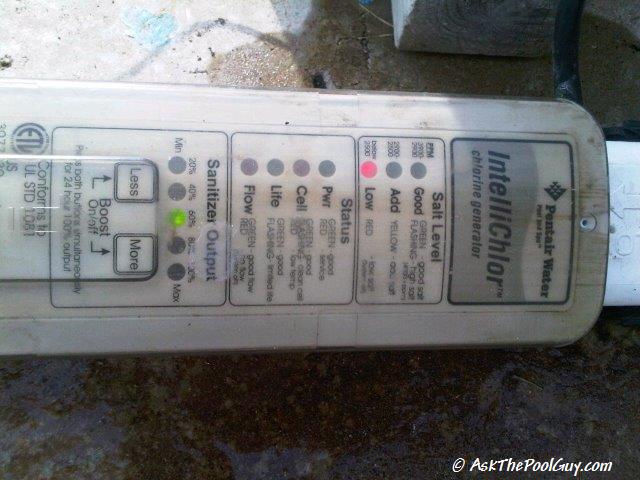
Error codes point the way. Read the control panel and compare the code to the manual. Here are common codes and fixes for Pentair Intellichlor troubleshooting.
- Flow error
- Check pump, flow switch, and plumbing. Clear blockages and ensure correct pump speed.
- Low salt warning
- Add salt to reach the correct ppm. Dissolve and circulate before retesting.
- Cell output low
- Clean the cell and retest. Replace the cell if cleaning does not restore output.
- Ground fault or electrical error
- Turn off power and check wiring to the module. Call a licensed electrician for persistent faults.
- Communication fault
- Inspect cable connections between module and sensor. Replace damaged cables and reboot.
Source: pentair.com
- Inspect cable connections between module and sensor. Replace damaged cables and reboot.
Maintenance tips to prevent problems
A short maintenance routine prevents most faults. Do these checks monthly in season.
- Test salt and chlorine weekly
- Keep salt in the correct range to avoid overworking the cell.
- Inspect cell plates monthly
- Light scale can be cleaned to restore output quickly.
- Keep water balance in range
- pH, total alkalinity, and calcium hardness affect cell life.
- Run the pump regularly
- Proper circulation prevents flow errors and keeps salt evenly mixed.
- Record output and errors
- Simple logs reveal trends before failure occurs.

Source: youtube.com
- Simple logs reveal trends before failure occurs.
When to call a pro and warranty notes
Call a certified service tech when electrical issues, persistent error codes, or module failures occur. If the control board shows repeated faults after basic checks, a pro can test voltages and diagnose deeper problems. Check the unit’s warranty before major repairs; many Intellichlor parts and modules have limited warranties that can cover replacements. Be ready to show purchase date and maintenance records for warranty claims.
Frequently Asked Questions of Pentair Intellichlor Troubleshooting
What salt level should I keep for Pentair Intellichlor Troubleshooting?
Keep salt in the range specified by your model, typically 2500–4500 ppm. Test regularly and add salt slowly while circulating the water.
How often should I clean the Intellichlor cell?
Clean the cell when scale is visible or when output drops noticeably, often once per season. Use the manufacturer-approved method to avoid damage.
Can a low-flow condition permanently damage the cell?
Yes. Running with poor flow for long periods can cause heat or scale damage. Fix flow issues quickly to protect the cell.
Is a failing control module repairable?
Sometimes. Minor electrical faults and connector issues are repairable. For complex board failures, replacement is often safest and faster.
How long does an Intellichlor cell usually last?
Typical life is 3–7 years depending on use and water chemistry. Good maintenance extends life and lowers replacement costs.
Will adding extra salt speed up chlorine production?
No. Too much salt will not increase production and can cause corrosion or other issues. Maintain the recommended range for best results.
What are quick checks before calling service?
Confirm power, pump run status, salt level, and visible cell condition. These simple checks solve many problems and can save a service call.
Conclusion
You can solve most Pentair Intellichlor troubleshooting issues with steady checks, proper salt levels, and routine cleaning. Start with salt and flow, inspect the cell, and use error codes as a guide. Keep a simple log and act on small warnings before they grow into repair bills. Take action today: test your salt and flow, note any recurring errors, and consider a pro for electrical faults. If this helped, leave a comment or subscribe for more pool care tips.

