

Owning a Black and Decker portable washer can make laundry much easier, especially when you live in a small space or move often. These compact machines help save time, water, and energy. But like any appliance, they sometimes have problems. When your washer stops working as expected, it can be stressful and confusing. Many people feel lost because they don’t know where to start troubleshooting.
This article will guide you through common Black and Decker portable washer issues, how to fix them, and ways to keep your machine running smoothly. You will learn step-by-step solutions, real examples, and when to call for professional help. Even if you are not a technical person, you will find simple explanations and practical advice here.

36% off Today’s Exclusive Deals
Limited-time Exclusive Deals. Check current discount on Amazon.
Check Price on Amazon As an Amazon Associate I earn from qualifying purchases.By the end, you will feel more confident about diagnosing and solving problems with your washer.
Understanding Your Black And Decker Portable Washer
Before you start troubleshooting, it’s helpful to understand how your portable washer works. These machines are designed for flexibility. You can connect them to a kitchen or bathroom faucet and drain them into a sink or tub. Most models have a control panel with settings for different wash cycles, water levels, and spin speeds.
Key components include:
- Control panel for selecting cycles and settings
- Water inlet hose for filling the washer
- Drain hose for emptying water
- Agitator or impeller to move clothes
- Pump to remove water
- Motor for spinning and washing
Knowing these parts will help you spot problems and understand the solutions described below.
Common Problems And How To Troubleshoot
When your Black and Decker portable washer stops working, it can be due to simple issues or more complex faults. Let’s break down the most common problems and how to solve them.
1. Washer Will Not Start
This is a frequent complaint. If your machine does nothing when you press the power button, try these steps:
- Check the power supply. Make sure the washer’s plug is secure in the outlet. Try another appliance in the same outlet to see if it works.
- Inspect the power cord. Look for cuts, frays, or damage.
- Reset the machine. Unplug the washer for at least 60 seconds, then plug it back in and try again.
- Check the lid switch. Many models won’t start unless the lid is fully closed. Listen for a click when you close the lid.
- Look for error codes. Some models display a code if there’s a problem. Check your manual for code meanings.
If none of these steps work, the issue could be with the control board or internal wiring, which may need professional repair.
2. Washer Fills Slowly Or Not At All
If water is not entering the washer or takes a long time, consider these causes:
- Faucet is off or has low pressure. Make sure the water supply is turned on fully.
- Kinked or blocked inlet hose. Straighten the hose and check for blockages.
- Clogged inlet filter. Many machines have a small filter where the hose connects. Remove and rinse it under water.
- Faulty water inlet valve. If all else fails, the valve inside the washer may be stuck or broken.
Example:
Suppose the washer suddenly stops filling. Check if a recent move bent the hose behind the machine. Straightening it often restores normal flow.
3. Washer Will Not Drain
A washer that doesn’t drain can leave clothes soaking wet and cause a mess.
- Check the drain hose. Remove any kinks or blockages.
- Clean the pump filter. Some models have a small filter inside the machine near the pump. Refer to your manual for the location.
- Make sure the drain is not clogged. If you drain into a sink, ensure the sink is not blocked.
- Listen for the pump. If you hear no sound, the pump may have failed.
Non-obvious Insight:
Sometimes, small items like socks or coins get trapped in the pump. If you hear a humming sound but no water drains, an object might be stuck inside.
4. Washer Leaks Water
Leaks can come from several places:
- Loose hoses. Check both ends of the inlet and drain hoses. Tighten as needed.
- Damaged hose. Replace if you see cracks or holes.
- Door or lid seal. Inspect the rubber gasket for dirt or damage.
- Too much detergent. Extra suds can overflow and cause leaks.
Data Example:
A study by the Association of Home Appliance Manufacturers found that over 30% of portable washer leaks are due to user error—mainly loose hoses or too much detergent.
5. Washer Is Noisy Or Vibrates
Portable washers can shake, especially during the spin cycle.
- Load is unbalanced. Pause the cycle and redistribute clothes evenly.
- Floor is uneven. Move the washer to a flat, stable surface.
- Loose parts. Check for screws or panels that may have come loose during transport.
- Foreign objects. Look for coins or buttons in the drum.
Non-obvious Insight:
Washing single heavy items, like a blanket, can cause the washer to thump or “walk” across the floor. Always wash items of similar size together.
6. Clothes Come Out Still Dirty
If clothes are not clean after a wash:
- Do not overload. Filling the washer too full reduces cleaning power.
- Use enough detergent. Too little soap can leave dirt behind.
- Check water temperature. Some stains need warm or hot water.
- Clean the drum. Residue and buildup inside the drum can reduce cleaning ability.
7. Error Codes On Display
Many newer Black and Decker washers show error codes for common problems. These can help you find the issue faster.
Example error codes:
- E1: Water supply problem
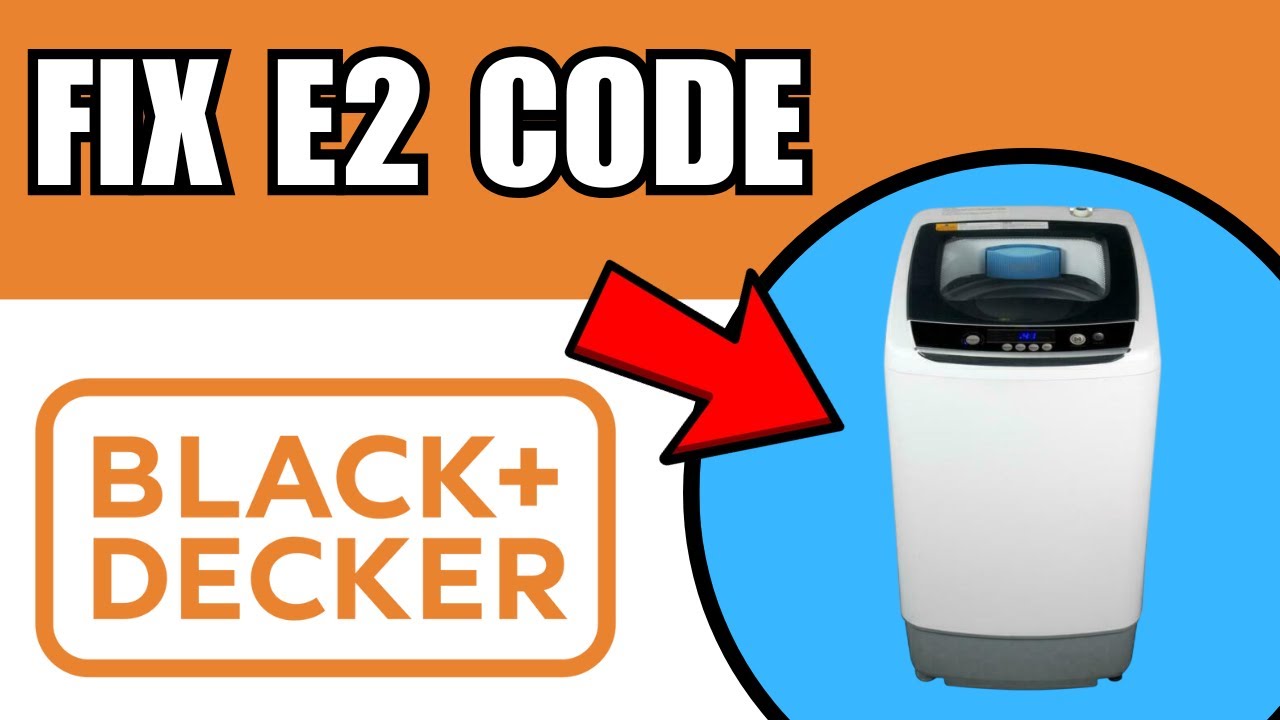
- E2: Drain problem
- E3: Unbalanced load
- E4: Lid not closed
Refer to your model’s manual for a full list and solutions.

Diy Fixes: What You Can Safely Try
Some repairs are safe for most users. Others require a technician. Here’s what you can try at home.
Cleaning The Filter
A clogged filter can cause draining problems. Here’s how to clean it:
- Unplug the washer.
- Find the filter (usually near the bottom or inside the drum).
- Open the cover and remove lint or debris.
- Rinse the filter under running water.
- Replace the filter and cover.
Resetting The Washer
When the washer acts strangely, a reset can help:
- Unplug the machine for one minute.
- Plug it back in.
- Hold the power button for 5 seconds (if your model supports it).
Checking Hoses
Loose or damaged hoses cause leaks and filling issues. Inspect both the inlet hose and drain hose regularly. Replace any that show signs of wear.
Rebalancing Loads
If the washer shakes, pause the cycle, open the lid, and redistribute the clothes. Make sure items are spread out evenly.
When To Call A Professional
Some problems are best left to a technician:
- The washer still won’t start after basic checks.
- You see burning smells, smoke, or hear loud grinding noises.
- The control panel is unresponsive.
- The motor, pump, or internal wiring may be damaged.
If your machine is under warranty, contact Black and Decker support or an authorized repair center. Attempting major repairs yourself may void the warranty.
Preventive Maintenance Tips
Caring for your portable washer reduces breakdowns and extends its life.
Regular Cleaning
- Run an empty hot wash with a cup of white vinegar once a month to remove buildup.
- Wipe the drum, door seal, and detergent drawer to prevent mold.
Check Hoses And Connections
- Inspect hoses for cracks or leaks every few months.
- Make sure all connections are tight before each use.
Use The Right Detergent
Use HE (high-efficiency) detergent, which produces fewer suds and works well with portable washers. Too much soap causes poor rinsing and leaks.
Don’t Overload
Follow the manufacturer’s load recommendations. Overloading strains the motor, decreases cleaning power, and increases wear.
Comparing Black And Decker Portable Washers To Other Brands
If you’re troubleshooting often, you might wonder how Black and Decker compares to other portable washers. Here’s a quick look:
| Brand | Average Capacity (cu ft) | Typical Noise Level (dB) | Common Problems |
|---|---|---|---|
| Black and Decker | 1.6 | 72 | Draining, Noise, Leaks |
| Magic Chef | 1.5 | 75 | Filling, Error Codes |
| Panda | 1.7 | 70 | Spin, Lid Switch |
| Costway | 1.8 | 74 | Leaks, Unbalanced Loads |
As you see, Black and Decker washers are similar to competitors in size and noise. Their main problems are draining and leaks, which are often easy to fix at home.

Troubleshooting Quick Reference Table
For fast help, use this quick reference:
| Problem | Likely Cause | First Steps |
|---|---|---|
| Not starting | Power, lid switch, fuse | Check plug, lid, reset |
| No water | Hose, filter, valve | Straighten hose, clean filter |
| No drain | Pump, hose, blockage | Clean filter, check hose |
| Leaking | Hose, detergent, seal | Tighten hose, reduce soap |
| Noisy | Load, floor, objects | Rebalance, level washer |
Keep this table handy for fast diagnosis.
Safety Precautions
When working with any electrical appliance, safety is key:
- Always unplug the washer before cleaning or checking inside.
- Never touch wet electrical parts.
- Do not try to repair internal wiring unless you have training.
- Use only recommended replacement parts.
Tip: If you’re unsure, call a technician. Mistakes with electricity can be dangerous.
Real-world Examples
Sometimes, seeing real problems helps you understand your own situation.
Case 1: Washer Not Draining
Maria, a college student, found her Black and Decker washer full of water after a cycle. She unplugged it, checked the drain hose, and found her roommate’s sock stuck inside. Once removed, the washer worked perfectly.
Case 2: Error Code E3 (unbalanced Load)
John noticed his machine stopped with an E3 error. He realized he had put a heavy towel in with light shirts. After rearranging the load and restarting, the cycle completed without problems.
Case 3: Leaking During Fill Cycle
Sarah’s washer leaked every time she started a load. She discovered the inlet hose was only finger-tight, not fully screwed on. Tightening the hose fixed the leak.
These real-life examples show that most problems have simple causes and solutions.
How To Read Error Codes
Error codes can be confusing. Here is a general guide for Black and Decker portable washers:
| Error Code | Meaning | Action |
|---|---|---|
| E1 | No water or slow fill | Check hose, faucet, filter |
| E2 | Draining problem | Clean drain hose and filter |
| E3 | Unbalanced load | Redistribute clothes |
| E4 | Lid open | Close lid fully |
Always check your model’s manual for specific codes and solutions.
Where To Find Help And Parts
If you need a replacement part (like a hose, filter, or pump), buy from a trusted retailer or the official Black and Decker website. Avoid cheap, unbranded parts that may not fit or last.
For detailed troubleshooting, you can also visit the official Black and Decker support page for manuals and guides.
Frequently Asked Questions
Why Does My Black And Decker Portable Washer Keep Stopping Mid-cycle?
This often happens due to unbalanced loads or the lid not being fully closed. Make sure clothes are evenly spread and the lid is tightly shut. Error codes on the display can also tell you what’s wrong.
How Can I Reduce Noise During The Spin Cycle?
Place the washer on a level, stable floor and avoid washing just one heavy item. Spreading clothes evenly inside the drum also helps reduce vibration and noise.
What Detergent Should I Use In My Portable Washer?
Use HE (high-efficiency) detergent, as it creates fewer suds and rinses out more easily. Always follow the amount recommended in your user manual.
Is It Safe To Use Hot Water In My Black And Decker Portable Washer?
Most models support both cold and warm water, but not all are designed for very hot water. Check your manual to see the maximum temperature your model can handle.
How Often Should I Clean The Filter?
Clean the pump or lint filter every 2–4 weeks, or more often if you notice draining problems. This keeps water flowing smoothly and prevents odors.
A well-cared-for portable washer can last for many years and save you countless trips to the laundromat. By understanding common issues and following simple troubleshooting steps, you can fix most problems yourself and keep your laundry routine running smoothly. For complex issues, professional help and official support are just a call or click away.

