

If you own a Kenmore Elite washer, you probably appreciate its smart features and high performance. But even reliable machines can have problems now and then. When your washer stops working, leaks, or shows error codes, it’s frustrating and can disrupt your whole routine. The good news is that many issues are simple to troubleshoot and fix yourself—no special skills or expensive tools needed. This guide will help you find the real cause of common Kenmore Elite washer problems and offer practical solutions. With the right approach, you can often get your washer running again in less time than it takes to make a service call.
Understanding Your Kenmore Elite Washer
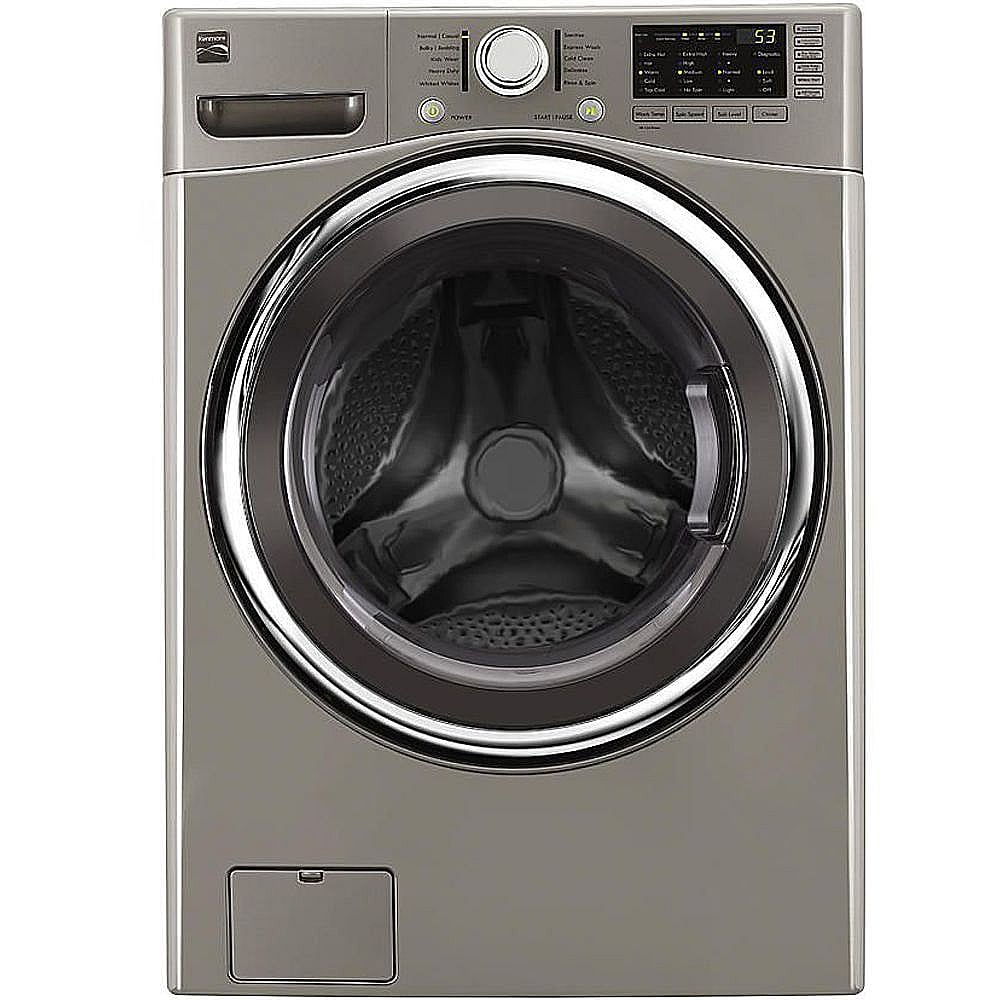
Kenmore Elite washers are known for their modern design, energy efficiency, and advanced washing cycles. They come in both front load and top load models, each with unique features and control panels. Most models include electronic displays, load sensors, and smart wash technology, which can make troubleshooting a bit different from basic machines.

36% off Today’s Exclusive Deals
Limited-time Exclusive Deals. Check current discount on Amazon.
Check Price on Amazon As an Amazon Associate I earn from qualifying purchases.Knowing your model number is essential when searching for parts or technical support. You can usually find the model number on a sticker inside the door or on the back of the washer. Having your owner’s manual nearby can also help, especially when you need to look up specific error codes or settings.
Key Features And Technologies
- Direct Drive Motors: Less noise, fewer moving parts, and greater durability.
- Smart Sensors: Adjust water and energy use based on load size.
- Multiple Wash Cycles: From delicate to heavy-duty, for all fabric types.
- Digital Error Codes: Help you pinpoint issues quickly.
Understanding these features makes troubleshooting easier because you can tell if the problem is mechanical, electrical, or related to the control software.
Common Kenmore Elite Washer Problems
No washer is perfect. Even the best models face certain issues after regular use. Here are some of the most common problems Kenmore Elite owners experience:
- Washer won’t start
- Washer not spinning or agitating
- Washer not draining
- Leaking water
- Washer making strange noises
- Washer displaying error codes
- Door or lid won’t lock or unlock
- Bad odors inside the washer
- Clothes not coming out clean
- Washer vibrating or moving during spin
Below, you’ll find detailed steps for troubleshooting each of these issues.
Washer Won’t Start
A washer that does nothing when you press Start can be caused by several things. Here’s how to narrow it down:
Check Power Supply
- Make sure the washer is plugged in securely.
- Try a different outlet or test the outlet with another device.
- Check your home’s circuit breaker panel for a tripped breaker.
Inspect The Door Or Lid Switch
Kenmore Elite washers will not start if the door or lid switch is faulty or not closed. Gently press the door closed until you hear a click. On top load models, listen for a soft “snap” when closing the lid.
Control Panel Lock
Some models have a control lock or child lock feature. Look for a lock symbol on the display. Hold the unlock button (usually for 3–5 seconds) to release the control.
Timer Or Start Button Issues
If the timer knob or start button is stuck or unresponsive, unplug the washer for one minute, then plug it back in. This resets the control board and often fixes electronic glitches.
Non-obvious tip: If you hear a faint humming but nothing happens, the washer may be trying to lock the door. Inspect the lock mechanism for damage or obstructions.
Washer Not Spinning Or Agitating
When your washer fills with water but won’t spin or agitate, these steps can help:
Unbalanced Loads
Too many or too few clothes can cause balance problems. Rearrange the load or remove some items, then try again.
Drive Belt Or Motor Problems
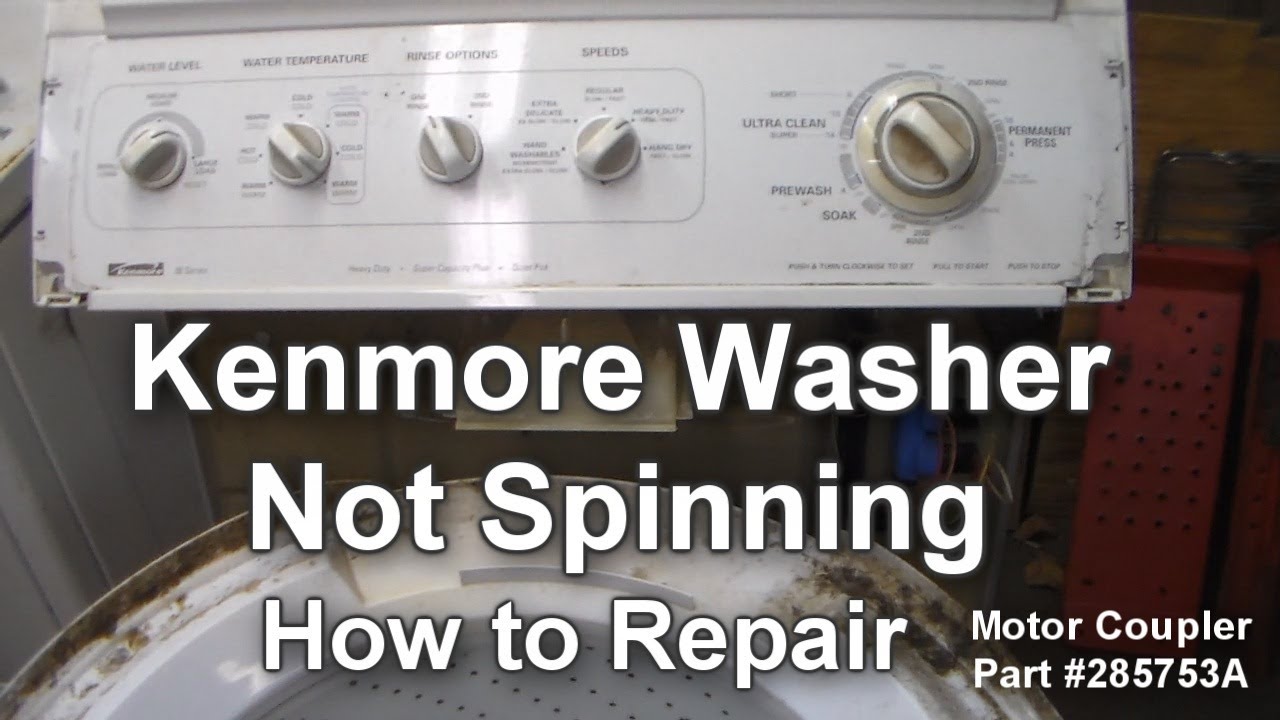
If the washer makes motor sounds but doesn’t move, the drive belt or motor coupling might be broken. For front loaders, remove the back panel to inspect the belt. For top loaders, you’ll need to check below the drum.
Lid Switch Failure
If the lid switch isn’t working, the washer won’t spin for safety reasons. Test the switch by pressing it with a pen or your finger while the lid is open. If it doesn’t click or feel springy, it may need to be replaced.
Faulty Control Board
If everything else checks out and the washer still won’t spin, the electronic control board may be faulty. This usually requires professional service, but sometimes disconnecting power for 5 minutes can reset the system.
Washer Not Draining
A washer stuck full of water is a common headache. Here’s how to troubleshoot:
Check For Clogs
- Remove the drain hose from the back and inspect for lint, coins, or other obstructions.
- Check the drain pump filter, usually located behind a small door at the front bottom of front load models.
Inspect The Pump
If you hear a humming or grinding noise, the drain pump may be jammed. Small objects like socks or hairpins often cause this. Carefully remove the pump cover and check for blockages.
Kinked Or Damaged Drain Hose
A bent or kinked drain hose can stop water from leaving the washer. Straighten the hose and make sure it’s not squashed behind the machine.
Drain Cycle Settings
Some washers have a special drain or spin cycle. Try running this manually to clear water if the main cycle stops.
Beginner insight: Many people forget to clean the drain pump filter every few months. A clogged filter is a frequent cause of slow draining.
Leaking Water
Seeing water on the floor is stressful, but most leaks are easy to trace.
Hoses And Connections
- Check both the fill hoses (at the wall and washer) for tightness and cracks.
- Look for leaks at the drain hose connection.
Door Or Gasket Issues
For front load washers, debris in the door gasket (the rubber seal) is a common cause. Wipe the gasket and check for tears or trapped objects.
Detergent Use
Using too much or the wrong type of detergent creates excess suds, causing leaks from the door or detergent drawer. Always use HE (High Efficiency) detergent in the recommended amount.
Internal Leaks
If you see water dripping from underneath, the internal water pump or tub seal may be leaking. These parts can wear out over time and may need professional replacement.
Washer Making Strange Noises
Loud thumping, grinding, or squealing noises often signal a mechanical problem.
Foreign Objects
Coins, buttons, or small items can get stuck in the drum or pump. Check the drum, filter, and pump housing.
Worn Drive Belt Or Bearings
A squealing noise usually means the drive belt is worn. Grinding can signal bad drum bearings. Both issues require opening the washer’s back or bottom panel.
Suspension Springs Or Shock Absorbers
If your washer shakes or bangs during spin, worn suspension springs (top load) or shock absorbers (front load) could be the cause. These parts keep the drum balanced.
Loose Parts
Sometimes, screws or fasteners inside the cabinet work loose. Tighten any you can see, especially around the drum and motor.
Washer Displaying Error Codes
Kenmore Elite washers use digital codes to report problems. Understanding these codes can save you time and money.
Most Common Error Codes
- F21 or F02: Drain problem
- F11: Motor control error
- F06: Drive motor error
- OE: Water overflow error
- DL: Door lock error
Your owner’s manual lists all the codes for your model. If you don’t have the manual, you can usually find code lists online.
How To Respond
- Unplug the washer for one minute to clear temporary glitches.
- Fix the issue (e.g., clean the drain filter for F21) and restart the cycle.
- If codes keep appearing, the control board, motor, or sensor may need professional service.
Advanced tip: Some error codes can be triggered by power surges. If you have frequent electrical problems in your home, consider using a surge protector.
Door Or Lid Won’t Lock Or Unlock
Modern washers use electronic locks to keep the door closed during cycles for safety.
Door Lock Failures
If the door won’t lock, check for:
- Obstructions in the door latch area
- Bent or misaligned latch pins
- Faulty door lock actuator (may need replacement)
Door Won’t Unlock
If the cycle is finished but the door stays locked, try unplugging the washer for 5 minutes. This resets the lock. If it still won’t open, use the manual release (usually a small pull tab behind the lower front panel).
Power Outages
A sudden power loss during a cycle can leave the door locked. Wait for power to return, then start a drain or spin cycle.
Non-obvious insight: Forcing the door open can damage the lock and control board. Use manual release or reset power first.
Bad Odors Inside The Washer
Front load washers are especially prone to musty smells due to their airtight design.
Cleaning The Gasket And Drum
- Wipe the door gasket and drum regularly with a mild cleaner.
- Leave the door open after each wash to let air circulate.
Run A Cleaning Cycle
Most Kenmore Elite models have a tub clean or sanitize cycle. Use this with a washing machine cleaner tablet once a month.
Check For Standing Water
Remove and clean the detergent drawer and drain pump filter. These areas can trap water and bacteria.
Detergent Use
Using too much detergent leaves residue that feeds mold and bacteria. Always use the recommended amount.
Clothes Not Coming Out Clean
If your clothes are still dirty or soapy after a cycle, something is wrong.
Overloading
Putting too many clothes in the washer reduces cleaning performance. Fill the drum loosely, not packed tight.
Wrong Detergent
Always use HE detergent to prevent excess suds and buildup.
Incorrect Cycle Selection
Heavy stains need longer, hotter cycles. Use the right setting for your laundry type.
Maintenance
Clean the drum and filter regularly to prevent dirt and residue buildup.
Beginner mistake: Many users forget to clean the detergent drawer. Buildup here can block detergent from entering the drum.
Washer Vibrating Or Moving During Spin
A washer that “walks” across the floor can be dangerous and noisy.
Leveling The Washer
Make sure the washer sits flat on the floor. Adjust the feet so the machine doesn’t rock.
Load Balance
Too many heavy items (like towels) on one side can cause vibration. Balance the load before starting the spin cycle.
Worn Suspension Parts
If the problem continues, the shock absorbers (front load) or suspension rods (top load) may need replacement.

Comparison: Kenmore Elite Vs Other Brands
To help you understand if your troubleshooting is typical, here’s a comparison of common issues across leading washer brands.
| Issue | Kenmore Elite | LG | Samsung | Whirlpool |
|---|---|---|---|---|
| Not Draining | Drain pump or filter clog | Drain pump, filter | Drain pump, hose | Drain pump, hose |
| Leaking Water | Door gasket, hoses | Door gasket, hoses | Hoses, detergent drawer | Hoses, tub seal |
| Noisy Operation | Belt, bearings | Bearing, motor | Bearing, motor | Belt, suspension |
| Error Codes | Display panel | Display panel | Display panel | Display panel |
Maintenance Tips To Prevent Problems
A little routine care can prevent most washer issues.
Monthly Checklist
- Clean the drum and door gasket
- Run a tub clean cycle
- Remove and rinse the detergent drawer
- Check the drain pump filter
Every 6 Months
- Inspect hoses for cracks or leaks
- Level the washer if it has moved
- Look for loose screws or vibration in the cabinet
Yearly
- Replace old hoses (especially if you see bulging or wear)
- Check and clean the vent on combo washer-dryer models
Pro tip: Consider using a surge protector to protect the electronic control board from power surges.
When To Call For Professional Help
While you can solve many problems yourself, some require a qualified technician.
- Water leaking from the bottom (may be a tub or pump issue)
- Repeated error codes after resetting power
- Washer won’t turn on at all (possible control board failure)
- Electrical burning smells or smoke
Attempting complex repairs without proper tools can be risky. For covered repairs, check your warranty or extended service plan.
Replacement Parts And Model Compatibility
Kenmore Elite washers use specific parts that may differ from other Kenmore models. Always use the correct part number for your model.
| Part | Common Issue | DIY Replace? | Estimated Cost |
|---|---|---|---|
| Door/Lid Switch | Washer won’t start/spin | Yes | $15–$40 |
| Drain Pump | Not draining, error codes | Yes (basic tools) | $50–$120 |
| Drive Belt | No spinning, noise | Yes | $10–$30 |
| Shock Absorbers | Vibration, walking | Yes (with guidance) | $30–$70 |
| Control Board | Washer won’t start, error codes | No (pro repair) | $120–$250 |
When buying parts, check compatibility with your exact model number. Many online stores and local appliance shops can help you find the right match. For reliable parts, consider using the official Sears PartsDirect website or similar trusted sources.
Common Troubleshooting Mistakes To Avoid
Even experienced users make errors when trying to fix washers. Here are mistakes to watch out for:
- Ignoring error codes: Always look up and address codes as they appear.
- Skipping basic checks: Start with power, door/lid, and hose inspections before opening the cabinet.
- Using too much detergent: This causes leaks, odor, and poor cleaning.
- Forcing doors or panels: If something won’t open, there’s likely a lock or fastener you missed.
- Not unplugging the washer: Always disconnect power before repairs to prevent shocks.
Useful Resources For Kenmore Elite Owners
If you need more detailed guides, diagrams, or videos, several resources can help:
- Official Kenmore Elite owner’s manuals (available online)
- Sears PartsDirect for part diagrams and ordering
- Appliance repair forums for step-by-step guides
- YouTube channels with repair tutorials
For general washing machine information, you might find this Wikipedia page on washing machines helpful.
Frequently Asked Questions
Why Does My Kenmore Elite Washer Keep Showing The F21 Error Code?
The F21 error means your washer isn’t draining properly. Usually, the drain pump or filter is clogged. Clean the filter and check the drain hose for blockages. If the code returns, the drain pump may need replacement.
How Often Should I Clean The Drain Pump Filter?
Clean the drain pump filter every 2–3 months, or more often if you wash heavily soiled items. Regular cleaning prevents blockages, odors, and error codes.
What Type Of Detergent Should I Use In My Kenmore Elite Washer?
Always use HE (High Efficiency) detergent. Regular detergent creates too many suds, which can damage your washer and cause leaks or error codes.
Why Is My Washer Vibrating So Much During Spin?
Excessive vibration is often due to an unbalanced load, the washer not sitting level, or worn shock absorbers/suspension rods. Balance your load, adjust the feet, and replace worn parts if needed.
What Should I Do If My Washer Won’t Turn On At All?
First, check the power outlet and circuit breaker. Make sure the door or lid is closed and the control lock is off. If these steps don’t help, the control board or timer may be faulty and may need professional repair.
If you take a careful, step-by-step approach, most Kenmore Elite washer problems can be diagnosed and fixed at home. Regular cleaning and maintenance will keep your washer running smoothly for years, saving you time and repair costs. When in doubt, don’t hesitate to seek professional help—especially for electrical, control board, or major mechanical issues.
With a little knowledge and attention, your Kenmore Elite will keep your laundry routine simple and stress-free.

