

Xfinity Router Troubleshooting fixes common home network outages quickly and often without a technician.
I’ve spent years helping friends and clients restore fast, stable Wi‑Fi, and this guide covers practical Xfinity Router Troubleshooting from first checks to advanced fixes. You’ll get clear steps, real-life tips I’ve tested, and simple explanations so you can diagnose and resolve common Xfinity Router Troubleshooting issues confidently.

36% off Today’s Exclusive Deals
Limited-time Exclusive Deals. Check current discount on Amazon.
Check Price on Amazon As an Amazon Associate I earn from qualifying purchases.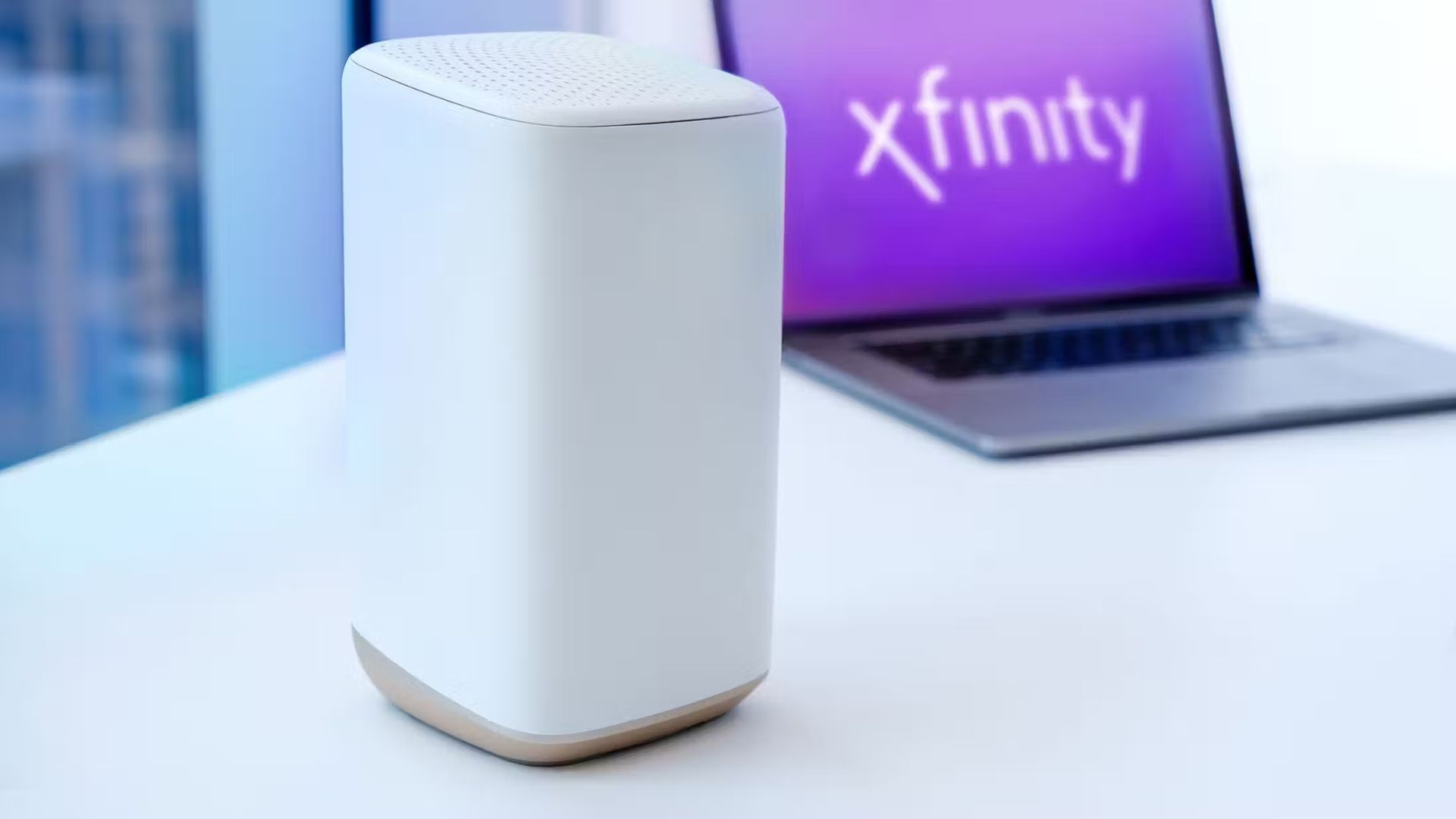
How an Xfinity Router Works: simple overview and why it matters
An Xfinity router connects your home devices to the internet through a modem or gateway. It manages local Wi‑Fi, assigns IP addresses, and routes traffic between devices and the internet.
Knowing how the router works helps with Xfinity Router Troubleshooting. For example, slow Wi‑Fi can come from radio interference, firmware problems, or overloaded device lists. When you understand these parts, you can target fixes faster.
Common Xfinity Router Problems and Causes
Here are the typical issues people face and the usual reasons behind them.
- No internet or intermittent connection
- Cause: modem offline, service outage, or coax cable problem.
- Slow Wi‑Fi speeds in parts of the home
- Cause: poor placement, interference, or outdated firmware.
- Devices fail to connect or keep dropping
- Cause: IP conflicts, too many devices, or wrong Wi‑Fi password.
- Guest network or parental controls not working
- Cause: misconfigured settings or firmware bugs.
- Frequent router restarts or overheating
- Cause: hardware failure, old unit, or blocked vents.
Real-life example: I once helped a small office with constant dropouts. The issue was a loose coax connector at the wall. Tightening it and rebooting fixed the connection immediately.

Quick Fixes and First Steps for Xfinity Router Troubleshooting
Start here for fast wins. These steps help most users recover basic connectivity.
- Check for outages
- Visit your account app or outage map to confirm service status.
- Power cycle modem and router
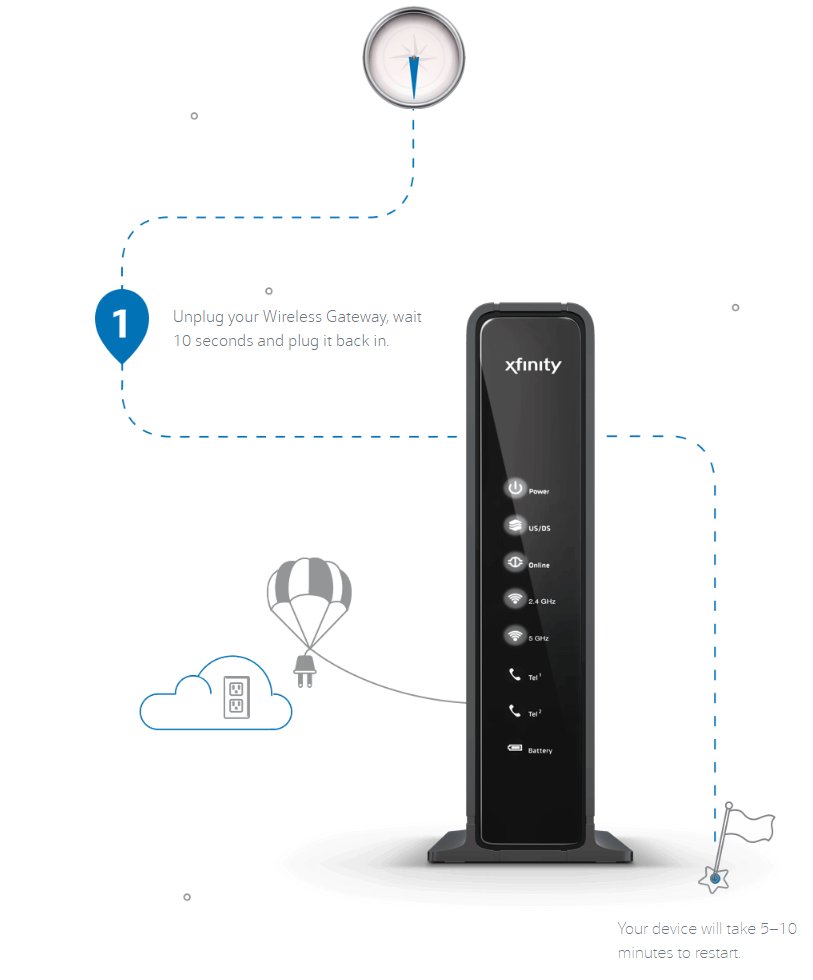
- Unplug both devices, wait 30 seconds, then plug them back in.
- Inspect cables and connections
- Make sure coax, Ethernet, and power cables are snug and damage‑free.
- Restart the device giving trouble
- Reboot phones, laptops, or smart devices that can’t connect.
- Move closer to the router
- Test signal strength near the router to rule out distance issues.
- Check router lights
- Solid online indicators usually mean good connection; blinking lights often show sync or service issues.
- Update device Wi‑Fi settings
- Re-enter the Wi‑Fi password or forget and reconnect to the network.
I recommend doing steps in this order. In many cases, these quick fixes resolve Xfinity Router Troubleshooting issues within minutes.
Advanced Troubleshooting Techniques for Xfinity Router Troubleshooting
When quick fixes fail, use these deeper steps to diagnose complex problems.
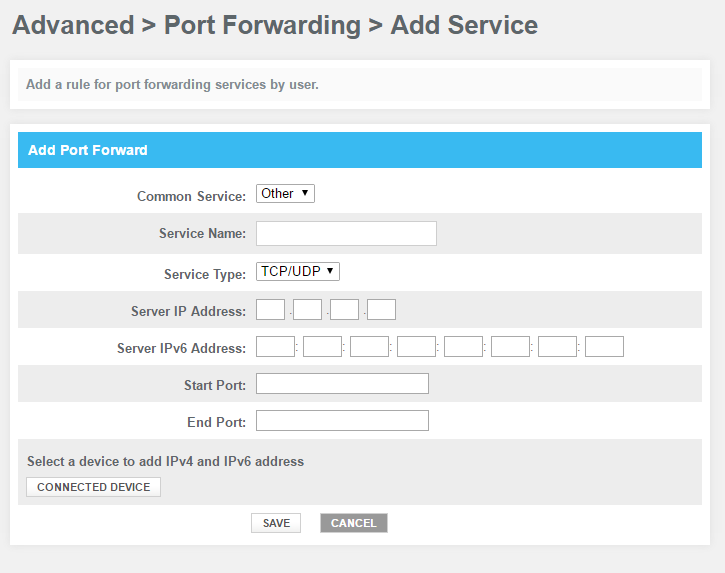
- Access router admin page
- Log into the gateway at 10.0.0.1 or via the Xfinity app to see device lists, logs, and settings.
- Check firmware and perform upgrades
- Outdated firmware can cause stability issues. Update when available through the admin interface.
- Change wireless channel and band
- Switch 2.4 GHz channels to 1, 6, or 11 to reduce interference and use 5 GHz for faster speeds close to the router.
- Adjust DHCP and static IP settings
- Assign static IPs to fixed devices to avoid conflicts and improve reliability.
- Use QoS and bandwidth controls
- Prioritize video calls and work apps to keep performance consistent during heavy use.
- Examine logs for recurring errors
- Logs can show repeated disconnects, authentication failures, or hardware faults.
- Test with a wired connection
- Plug a laptop directly into the gateway to separate Wi‑Fi problems from internet or modem issues.
- Factory reset as a last resort
- Backup settings first. A reset clears misconfigurations and can resolve persistent firmware glitches.
Personal tip: When troubleshooting a mesh setup, test each node on its own network and power cycle them one at a time. I found a faulty mesh node masquerading as a router problem; replacing that node stopped the drops.

When to Reset, Replace, or Contact Xfinity Support
Decide the next step based on the problem and tests you’ve run.
- Reset the router when
- You’ve tried quick fixes and advanced settings without success and you suspect corrupted settings.
- Replace the router when
- The device is older than three to five years, overheats, or shows hardware faults despite resets.
- Contact Xfinity support when
- Your tests show no signal from the modem, the outage map shows service issues, or a technician is needed for line tests or replacements.
Warranty and replacement details vary. Keep your gateway model and recent troubleshooting notes handy when you call support. This speeds up diagnosis.
Preventive Tips to Avoid Future Xfinity Router Troubleshooting
Simple habits reduce future problems and keep your network healthy.
- Place the router centrally and off the floor
- Good placement improves coverage and reduces dead spots.
- Keep firmware current
- Set automatic updates if possible.
- Use strong, unique passwords
- Secure network settings to prevent unauthorized access.
- Reboot periodically
- A monthly reboot can clear memory leaks and minor bugs.
- Reduce interference
- Move away from microwaves, cordless phones, and large metal objects.
- Monitor device count
- Disconnect unused devices and consider a guest network for visitors.
From experience, labeling cables and keeping a small log of changes helps when problems recur. It saves time and avoids repeating bad steps.

Quick Answers People Ask (PAA-style)
How do I reset my Xfinity router safely?
Press and hold the reset button for 10 seconds or use the admin page to perform a factory reset. Back up settings before a reset to restore custom configurations later.
Will replacing my router speed up my internet?
A newer router can improve Wi‑Fi performance and range, but it won’t increase your subscribed internet plan speed. Check your plan speeds before assuming hardware is the only limit.
Can a firmware update fix connection drops?
Yes, firmware updates often address bugs and security issues that cause instability. Install updates and monitor performance for improvement.

Frequently Asked Questions of Xfinity Router Troubleshooting
What should I do if my Xfinity router light is red?
A red light usually means a connection or hardware issue. Power cycle the gateway, check cables, and if the light stays red, contact Xfinity support for line tests or replacement.
How do I update Xfinity gateway firmware?
Use the Xfinity app or router admin page to check for updates. If automatic updates are enabled, the gateway may update itself during low‑traffic hours.
Why is my wireless speed slower than my plan speed?
Wireless speed depends on distance, interference, device capability, and router settings. Test with a wired connection to isolate Wi‑Fi limits from internet plan limits.
How do I fix frequent Wi‑Fi drops on phones?
Forget the network on your phone, reboot it, and reconnect with the correct password. If drops continue, check router logs, update firmware, and test other devices.
Can I use my own router with Xfinity service?
Yes, you can use a compatible router and put Xfinity modem in bridge mode, or use your own gateway. Ensure compatibility and disable double NAT when bridging to avoid conflicts.
How do I improve Wi‑Fi in remote rooms?
Add a mesh system, Wi‑Fi extender, or run Ethernet to remote access points. Repositioning the main router also helps reduce obstacles and dead zones.
Conclusion
You now have a clear, practical roadmap for Xfinity Router Troubleshooting from quick checks to advanced fixes. Prioritize simple steps first, document what you try, and escalate to resets or support when needed. Take one step at a time and you’ll solve most issues without stress.
Try the recommended checks today, note what changes, and share your results or questions below to get more targeted help.

