

Restarting your modem and checking Spectrum outage maps fixes most connection issues quickly.
I have spent years diagnosing home and small-office networks and helping customers with Spectrum Internet Outage Troubleshooting. This guide walks you through clear, step-by-step fixes, explains causes, shares expert tips, and gives real-world examples so you can get back online fast and avoid repeat outages.

36% off Today’s Exclusive Deals
Limited-time Exclusive Deals. Check current discount on Amazon.
Check Price on Amazon As an Amazon Associate I earn from qualifying purchases.
Understanding Spectrum Internet Outages
Spectrum Internet Outage Troubleshooting starts with knowing what an outage is and how it looks. An outage can be a total loss of internet, slow speeds, or intermittent drops. Outages may be local to your house, your neighborhood, or a wider regional problem.
When you know the scope, you can act faster. Local issues need different steps than provider-level outages. This guide covers both and helps you decide when to fix things yourself and when to contact Spectrum.

Common Causes of Spectrum Internet Outages
Spectrum Internet Outage Troubleshooting requires knowing likely causes. Common sources include:
- Network maintenance or an ISP-side outage affecting many customers.
- Damaged coax cable, loose connectors, or faulty splitters outside or inside your home.
- Old or failing modem or gateway equipment.
- Power loss or surge damage to the modem or router.
- Wi-Fi interference or router misconfiguration causing the appearance of an outage.
- Account or billing issues that suspend service.
- Physical infrastructure problems after storms, construction, or wildlife damage.
Knowing these causes helps you narrow the problem quickly. Start with the simple checks before moving to advanced diagnostics.
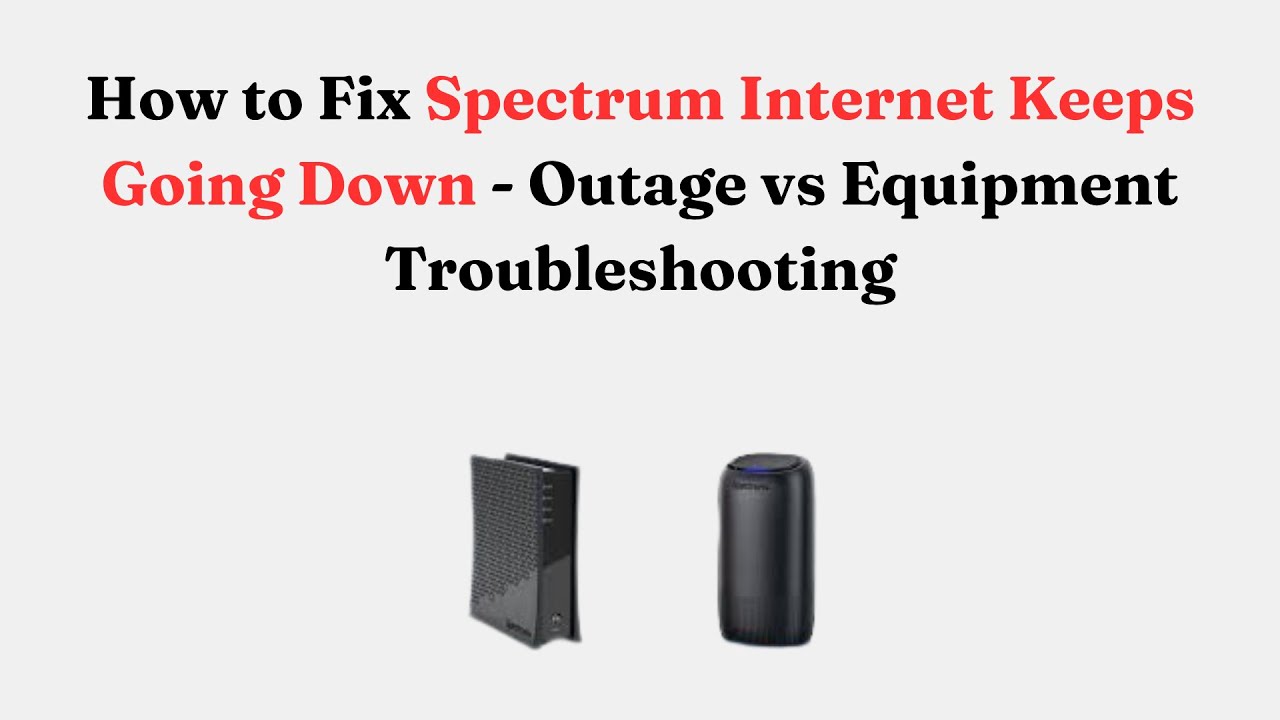
Quick Troubleshooting Steps (Fast fixes for common problems)
Use these simple steps for Spectrum Internet Outage Troubleshooting. Work from quick fixes to deeper checks.
- Check Spectrum outage status
- Visit Spectrum’s outage map or use the Spectrum app to see reported outages.
- Ask neighbors or check social media if others have the same issue.
- Power cycle your modem and router
- Unplug power for 30 seconds, plug modem back in, wait until lights stabilize, then plug router back in.
- Wait 5–10 minutes for reconnection.
- Inspect physical connections
- Ensure coax and Ethernet cables are tight. Remove splitters temporarily to test.
- Check device connections
- Test with a wired laptop to rule out Wi‑Fi issues.
- If wired works, focus on the router and wireless settings.
- Check modem/router lights
- Solid online lights mean connection to Spectrum is good. Blinking or red lights signal issues.
- Run a speed test and ping
- Use a wired device to test. Slow speeds or packet loss show deeper network issues.
- Restart devices
- Reboot your computer, phone, and smart home devices to clear local network caches.
- Check account status
- Log in to your Spectrum account to confirm there are no service holds.
- Try a factory reset only as last resort
- Backup custom settings first. A reset can fix configuration faults but will erase settings.
These steps solve many common outages within minutes. If the issue persists, proceed to diagnostics below.

Advanced Troubleshooting and Diagnostics
If basic fixes fail, deeper Spectrum Internet Outage Troubleshooting can help diagnose hardware or infrastructure problems.
- Check modem signal levels
- Log into the modem’s status page and note downstream and upstream power and SNR. Values far from recommended ranges indicate line issues.
- Run ping and traceroute
- Use ping to measure packet loss and traceroute to see where packets fail. This helps identify whether the problem is local, at the ISP, or beyond.
- Swap equipment
- If possible, test with a known-good modem or router to isolate faulty hardware.
- Inspect splitters and wiring
- Remove unnecessary splitters and replace corroded connectors. Old splitters degrade signal.
- Firmware and settings
- Update router and modem firmware. Check for incorrect DNS or MTU settings.
- Bridge mode and double NAT issues
- If you use a separate router, put the Spectrum gateway in bridge mode to avoid double NAT and connection drops.
- Monitor for intermittent faults
- Use a continuous ping or monitoring tool for a few hours to detect flapping connections or time-based outages.
Document findings before calling support. This speeds up resolution when Spectrum needs to escalate the issue.
When to Contact Spectrum Support
Spectrum Internet Outage Troubleshooting reaches its limit when the problem is on Spectrum’s side or hardware needs replacement. Contact support if:
- The outage affects many neighbors or the outage map shows a known issue.
- Your modem shows no upstream/downstream signals or persistent red lights.
- You see frequent drops after basic and advanced troubleshooting.
- You need a signal refresh, account re-provisioning, or a technician visit.
- You prefer a technician for outside coax repairs or line checks.
Prepare this information before calling:
- Account number and service address.
- Modem model and MAC address.
- Results of speed tests, ping, and traceroute.
- Modem signal levels and light behavior.
Clear evidence and a calm summary help support resolve issues faster.

Preventing Future Outages and Best Practices
Good habits reduce the chance of future outages and simplify Spectrum Internet Outage Troubleshooting.
- Use quality coax and replace damaged cables promptly.
- Avoid unnecessary splitters and use high-quality splitters when needed.
- Keep firmware updated on modem and router.
- Use a UPS for your modem/router to handle short power blips.
- Place your router centrally and away from interference sources.
- Replace equipment older than 4–6 years to avoid hardware failure.
- Keep contact and billing info up to date to prevent service holds.
- Consider a backup connection like a mobile hotspot for critical work.
A little prevention saves time and stress when connectivity matters most.
Personal Experience and Lessons Learned
I once helped a small office where the internet dropped every afternoon. The team first blamed Spectrum. After three days of troubleshooting, I found a loose outdoor coax connection that made the link fail when the sun heated the cable. Tightening and replacing the connector fixed it. Lesson learned: environmental and physical checks matter.
I also recommend logging when outages occur. Record time of day, events like storms, and device behavior. These notes helped me spot patterns and get faster fixes from technicians.

Tools, Glossary, and PAA-style Questions
Helpful tools for Spectrum Internet Outage Troubleshooting
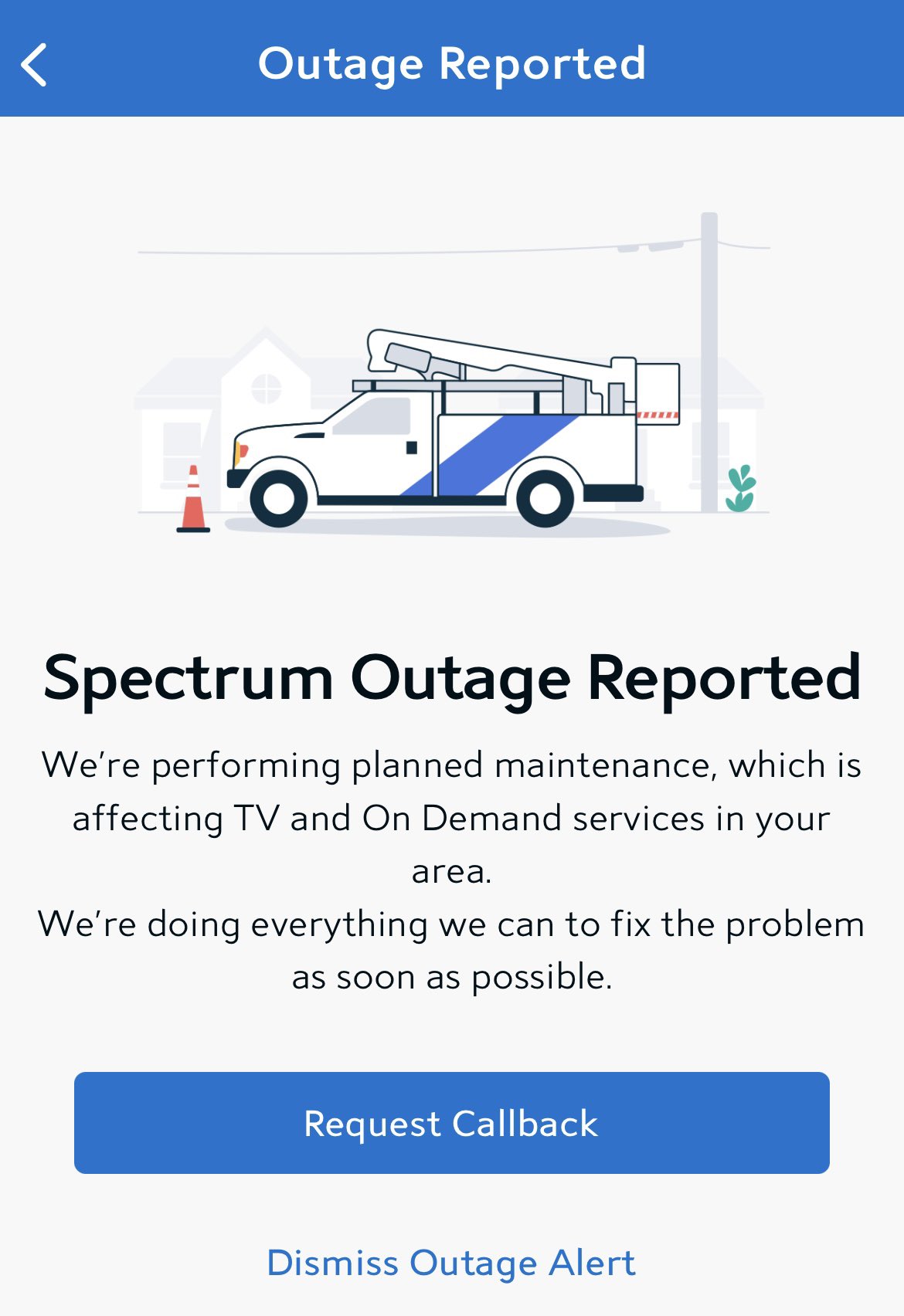
- Spectrum outage map and support app.
- Speed test tools for wired connections.
- Ping and traceroute utilities on your computer.
- Modem/router admin page for signal and log checks.
- Basic cable tester and quality coax connectors.
Key terms to know
- DOCSIS: Protocol used by cable modems.
- SNR: Signal-to-noise ratio.
- Downstream/Upstream: Data sent to and from your home.
- CMTS: Headend equipment that talks to many modems.
- DHCP: How devices get IP addresses.
PAA-style questions
- How long does a Spectrum outage usually last?
- Outage length varies; small issues can be fixed in minutes, while widespread outages may take hours to a day depending on repair needs.
- Can I fix a Spectrum outage by restarting my modem?
- Often yes; power cycling clears temporary faults and re-establishes the connection to Spectrum’s network.
- What is the best way to tell if the problem is mine or Spectrum’s?
- Check the outage map, ask neighbors, and test with a wired device; ISP-wide outages show up for multiple users and on the outage map.
Frequently Asked Questions of Spectrum Internet Outage Troubleshooting
What should I do first when my Spectrum internet drops?
Power cycle the modem and router, check the outage map, and test a wired device to rule out Wi‑Fi issues.
How long does Spectrum take to restore service during an outage?
Small fixes can be minutes to hours; major repairs or storms can take longer. Spectrum updates their outage status as work progresses.
Can a bad coax connector cause intermittent outages?
Yes. Loose, corroded, or damaged coax connectors often cause packet loss and intermittent drops and should be replaced.
Is it safe to reset my modem to factory settings?
Yes, but only after backing up settings and noting login info. A factory reset erases custom configurations.
Will Spectrum send a technician for a modem issue?
Spectrum may send a technician if remote diagnostics show a line or hardware problem that you can’t fix yourself.
Conclusion
Spectrum Internet Outage Troubleshooting is about quick checks, smart diagnostics, and knowing when to escalate. Use the step-by-step fixes, monitor signals, and keep equipment up to date to reduce downtime. Start with power cycles and outage maps, then move to deeper tests only if needed. Take action today: run a quick health check on your modem and cables, note any recurring patterns, and save your Spectrum account info for faster support. Share your experience or questions below to help others troubleshoot better.

