

Most Beltone hearing aid issues can be fixed with simple checks, cleaning, or a quick reset.
I have worked with hearing aid users and audiologists for years, and I know how frustrating a malfunctioning device can feel. This guide on Beltone Hearing Aid Troubleshooting pulls together practical fixes, step-by-step checks, and real-world tips to help you solve common problems fast. Read on to learn clear steps you can try at home, when to update software, and when to call your provider for help.

36% off Today’s Exclusive Deals
Limited-time Exclusive Deals. Check current discount on Amazon.
Check Price on Amazon As an Amazon Associate I earn from qualifying purchases.
Understanding Beltone Hearing Aid Troubleshooting
Beltone Hearing Aid Troubleshooting means finding and fixing problems that affect sound, comfort, or connectivity. These problems can come from batteries, earwax, moisture, settings, or app links. Fixes range from simple cleaning to firmware updates.
I write from direct experience helping people test and restore hearing aids. I focus on easy-to-follow steps you can do yourself. If a DIY step feels risky, stop and contact a professional.
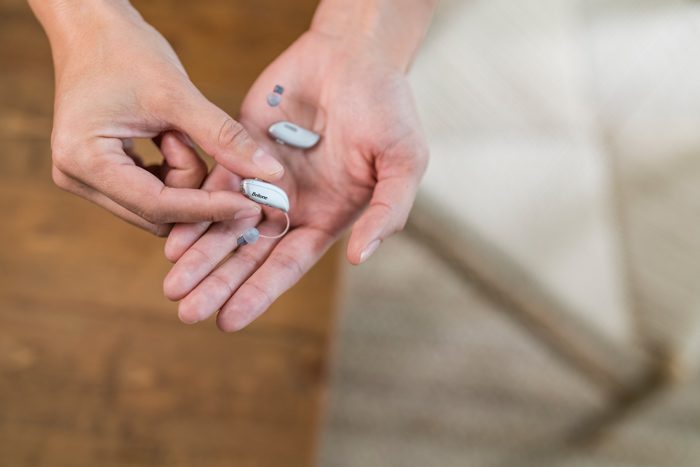
Common issues with Beltone hearing aids
Here are common problems you will see and what they usually mean.
- No sound or intermittent sound. This often means dead batteries, poor battery contact, or a blocked microphone.
- Weak or distorted sound. Could be earwax in the speaker, wrong program, or low battery.
- Feedback (whistling). Usually caused by a loose fit, earwax, or a damaged dome/tip.
- Static, buzzing, or crackling. May be moisture, bad wiring, or electronic faults.
- Connectivity problems with Beltone apps. Bluetooth pairing issues or outdated firmware cause this.
- Rapid battery drain. Could be a defective battery, an app constantly connected, or a short circuit from moisture.
- Comfort problems or occlusion. Incorrect dome size or poor ear mold fit leads to discomfort.
- Physical damage. Drops, heavy moisture, or obvious cracks require professional repair.
Each of these can be fixed at home in many cases. Keep these causes in mind as you troubleshoot Beltone Hearing Aid Troubleshooting.
Step-by-step Beltone Hearing Aid Troubleshooting guide
Follow this checklist in order. Work calmly and use a clean surface with good light.
- Visual check
- Look for debris, earwax, or moisture.
- Inspect tubing, domes, and microphones.
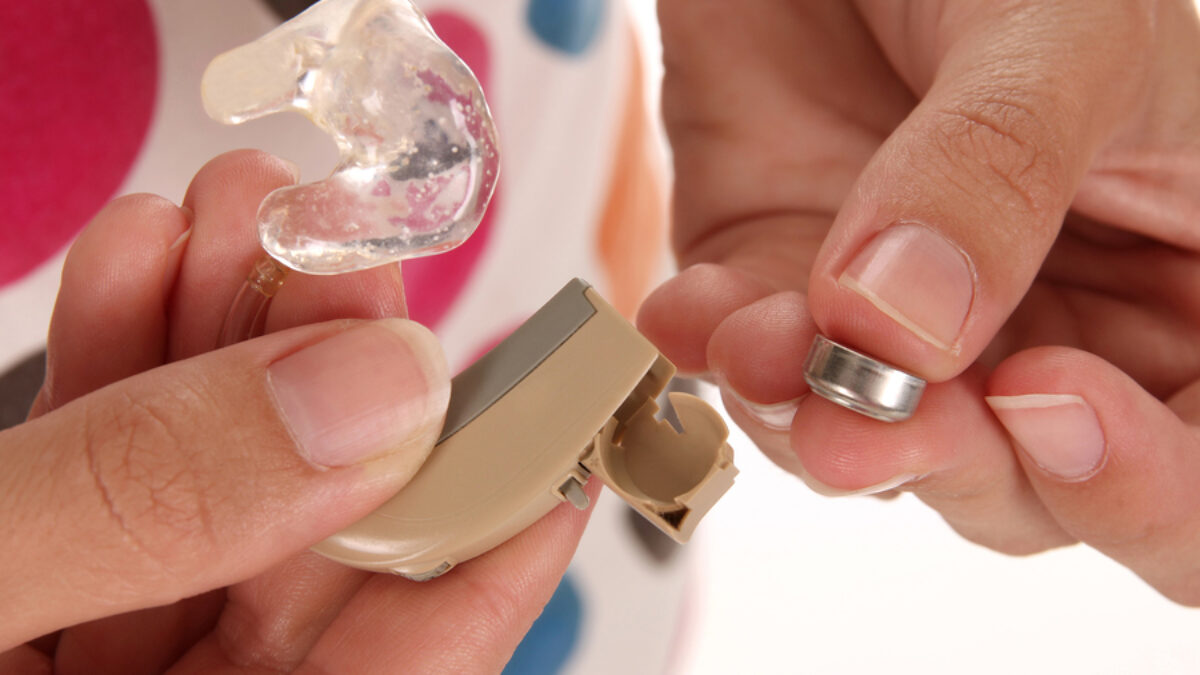
- Battery and power
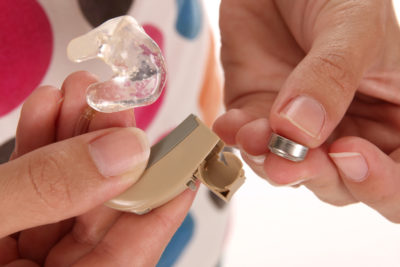
- Replace with fresh batteries or fully charge rechargeable units.
- For disposable batteries, open the battery door for 30 seconds after insertion to allow contact.
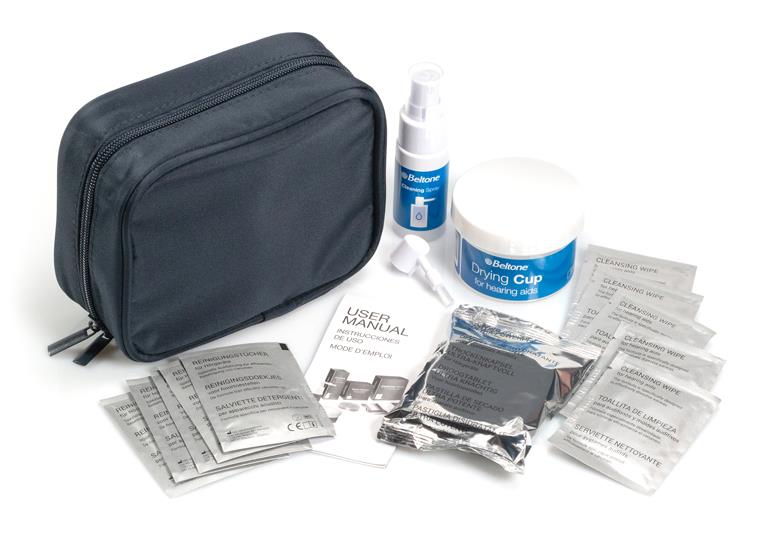
- Clean the device
- Wipe the casing with a soft, dry cloth.
- Remove wax with the tool that came with your Beltone aid. Avoid pushing wax deeper.
- Check the earmold or dome
- Replace domes if torn or clogged.
- For custom earmolds, check the vent and tubing.
- Test without the app
- Turn off wireless features and try the device alone.
- If sound returns, the issue may be app or Bluetooth related.
- Reset the hearing aid
- Turn off and back on. For rechargeable Beltone models, hold the power for the reset sequence described in your manual.
- Pair again with your phone after reset.
- Update firmware and app
- Open the Beltone app and check for updates.
- Install updates with the hearing aids near your phone.
- Swap sides or devices
- If you have two aids, swap left and right to see if the issue follows one device.
- Isolate environment
- Try in a quiet room. Electrical interference or strong Wi‑Fi can cause noise.
- Keep a log
- Note when problems happen, what you tried, and any changes.
After these steps, many users resolve their issues. If problems persist, move to advanced checks or contact support.
Advanced troubleshooting and diagnostic tips
When basic steps fail, use more targeted checks.
- Microphone block test
- Use a small straw or tissue near each microphone to see if sound drops. If not, microphone may be faulty.
- Program and memory checks
- Cycle through programs in the app or on the aid. Incorrect program settings can mute or reduce sound.
- Wireless interference
- Turn off nearby Bluetooth devices to test interference.
- Moisture removal
- Use a dedicated hearing aid dehumidifier overnight. Avoid heat sources like hair dryers.
- Deep wax or vent block
- A professional cleaning can clear hard-waxed obstructions that you cannot remove at home.
- Diagnostics via app
- Some Beltone apps show battery health and connection logs. Use those to spot patterns.
If an internal component is faulty, advanced diagnostics by an audiologist can confirm the issue. Note which tests you ran to speed up service.

Maintenance and prevention
Regular care reduces the need for Beltone Hearing Aid Troubleshooting.
- Daily care
- Wipe down devices after use with a dry cloth.
- Store in a cool, dry place each night.
- Weekly care
- Clean domes and open vents gently.
- Replace wax guards if your model uses them.
- Battery tips
- For disposable batteries, remove the tab only when ready to use.
- For rechargeable aids, avoid leaving them discharged for long periods.
- Avoid moisture
- Remove aids before showering, swimming, or heavy sweating.
- Use a drying box if you live in a humid area.
- Software hygiene
- Keep your Beltone app and phone OS updated.
- Back up settings if your app allows it.
A small routine goes a long way toward reducing common faults and the need for advanced Beltone Hearing Aid Troubleshooting.
When to contact a professional
Call your Beltone provider or audiologist if you see any of these issues.
- Persistent no sound after fresh batteries and resets.
- Moisture inside the case or internal corrosion.
- Physical damage from drops or pet chewing.
- Sudden major hearing change while using the aid.
- Repeated failures after firmware updates.
Document steps you tried before the visit. This helps technicians diagnose faster and reduces service time.
Personal experience and practical tips
I once helped a client whose Beltone hearing aid whistled loudly in public. We tried domes, cleaning, and a reset. The real culprit was a cracked dome that let feedback escape. Replacing the dome solved it.
Lessons I learned:
- Small parts like domes and wax guards wear out and cause most problems.
- Keep spare domes and batteries on hand.
- Log problems right away. Patterns are easier to see over a week.
Be patient when troubleshooting. A calm test sequence avoids mistakes and saves time. My best tip: try the simple checks first and keep notes.

People also ask
How do I reset my Beltone hearing aid?
A basic reset is to turn the aid off and on. For models with rechargeable cases, place the aid in the charger, wait a few seconds, then remove and try again; follow the manual for model-specific reset steps.
Why does my Beltone hearing aid whine or whistle?
Whistling usually means fit or wax issues. Clean the dome, ensure a snug fit, and replace damaged domes to stop feedback quickly.
Can Bluetooth problems be fixed at home?
Often yes. Restart your phone and hearing aids, forget and re-pair devices in phone settings, and keep apps updated to fix most Bluetooth issues.

Frequently Asked Questions of Beltone Hearing Aid Troubleshooting
How often should I clean my Beltone hearing aid?
Clean your Beltone hearing aid daily with a dry cloth and inspect domes and vents weekly. Regular care prevents common failures and keeps sound clear.
Why is my Beltone hearing aid making static noises?
Static can come from moisture, wireless interference, or a loose microphone. Dry the device, test in a different room, and check connections to reduce noise.
My Beltone app won't connect. What do I do?
Restart your phone, ensure Bluetooth is on, and follow the app pairing steps. If that fails, uninstall and reinstall the app or check for firmware updates for the aid.
How long do Beltone hearing aid batteries last?
Disposable batteries typically last 3 to 14 days depending on use. Rechargeable models last a full day on a charge and lifetime varies by model and usage.
Is it safe to clean the microphones myself?
Yes, with care. Use only the provided tools and a soft brush. Avoid liquids and do not open the casing. If unsure, have a professional clean it.
Conclusion
Beltone Hearing Aid Troubleshooting is a mix of routine care, simple checks, and the right sequence of tests. Start with visual inspections, battery checks, and cleaning. Use app and reset steps when needed. If problems persist, reach out to your provider with a clear list of steps you tried.
Take action today: try the basic checklist, keep a log of issues, and schedule a professional check if a problem won’t go away. Share your experience below or contact your Beltone provider to get fast help.

