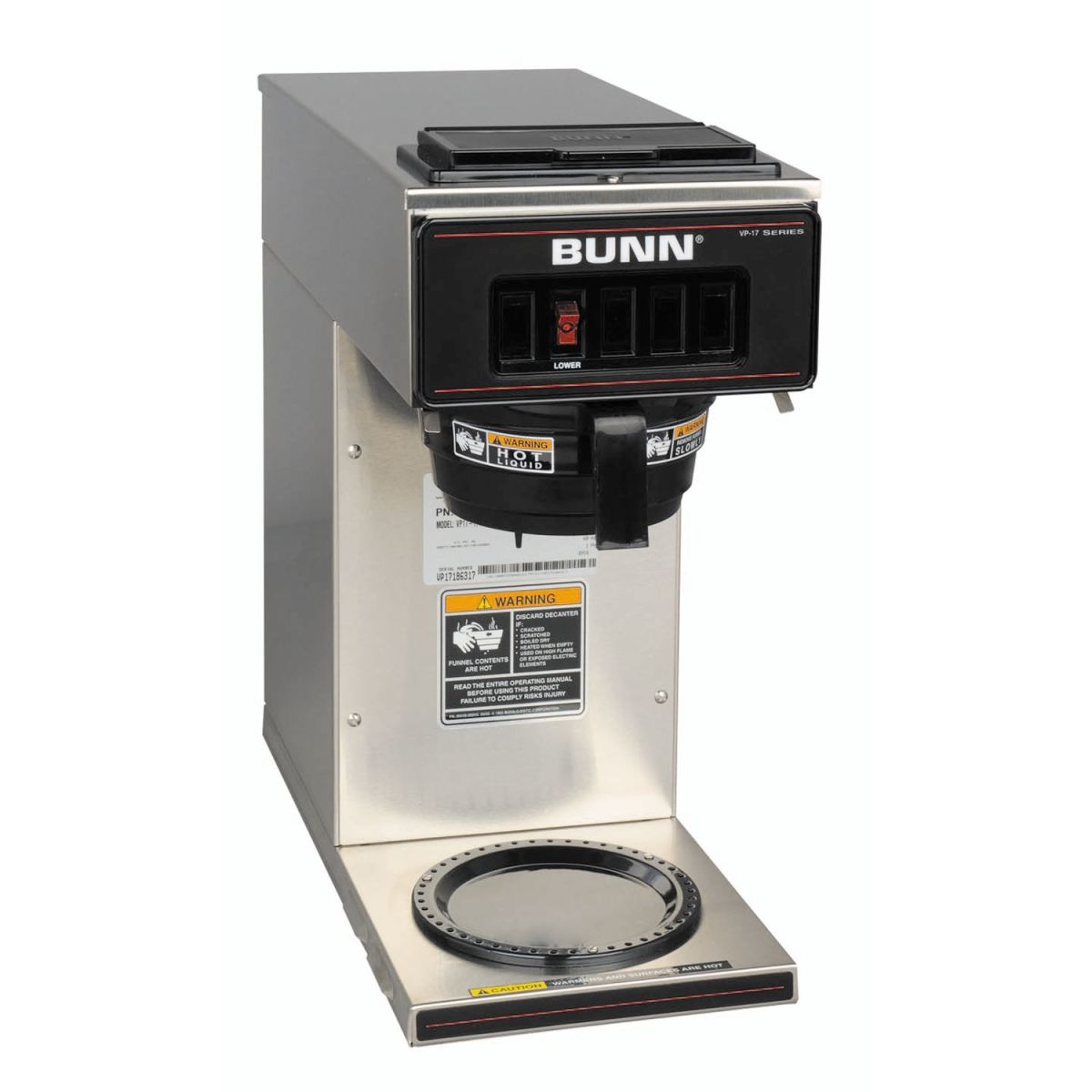
Bunn Commercial Coffee Maker Troubleshooting
Coffee is essential in many workplaces, restaurants, and hotels. The Bunn commercial coffee maker is a trusted machine for busy environments. When problems happen, coffee service can stop, causing frustration for staff and guests. This guide helps you identify, fix, and prevent common issues with Bunn commercial coffee makers. You’ll learn practical steps, real examples, and expert tips to keep your coffee flowing.
Understanding Your Bunn Commercial Coffee Maker
Before fixing problems, it’s smart to know how your Bunn machine works. Bunn commercial models use a hot water tank, a spray head, and a brewing system. When you pour water in, it goes to the tank, heats up, then flows over the coffee grounds.

36% off Today’s Exclusive Deals
Limited-time Exclusive Deals. Check current discount on Amazon.
Check Price on Amazon As an Amazon Associate I earn from qualifying purchases.Common types include:
- Pour-over models: You add water manually.
- Automatic models: Connected to water lines.
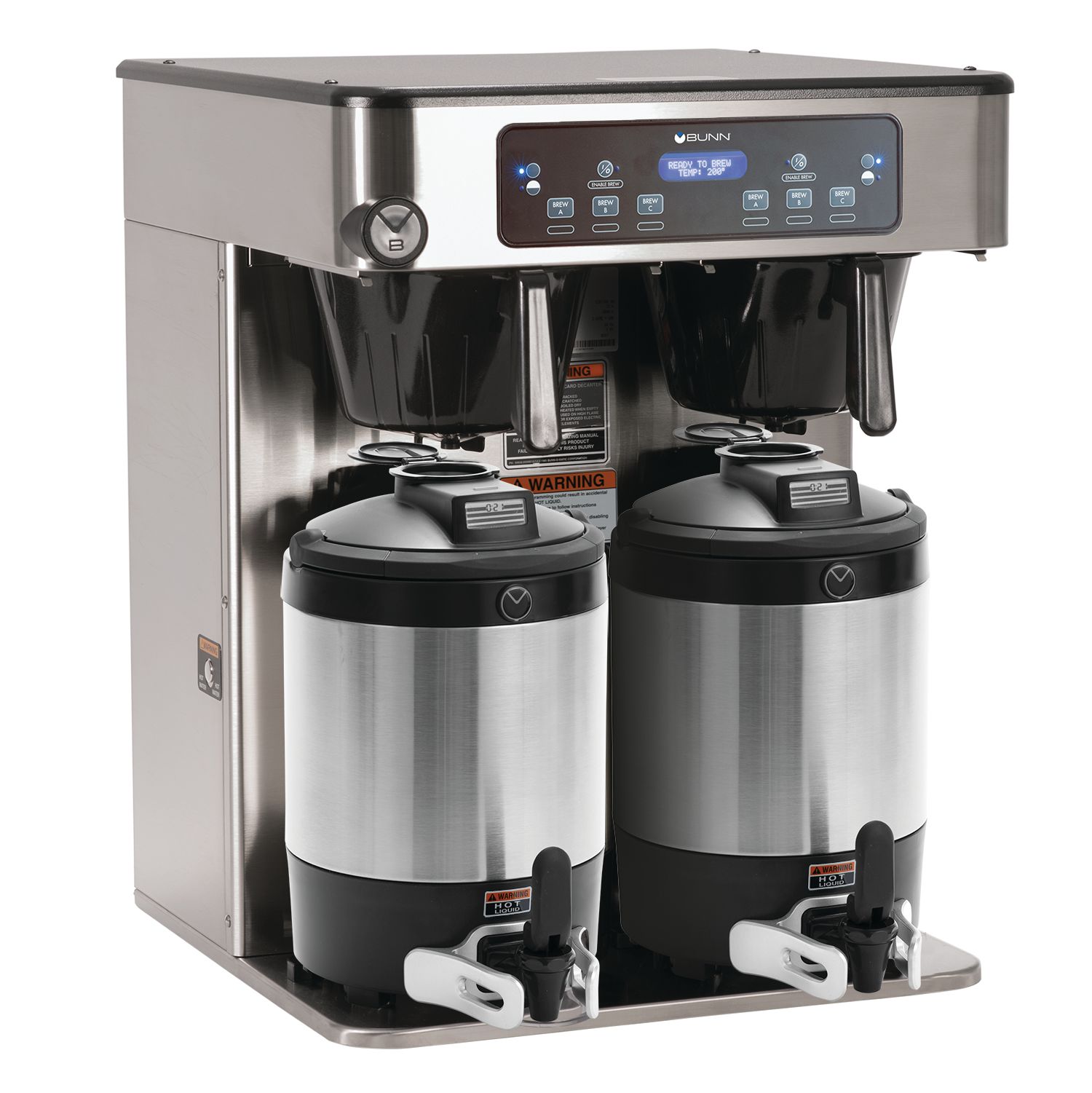
- Thermal carafe models: Keep coffee hot without a hot plate.
Knowing your model helps you find the right solution. Always check your user manual for details specific to your machine.
Most Common Bunn Coffee Maker Problems
1. Machine Won’t Power On
If your Bunn coffee maker doesn’t turn on, check these steps:
- Is the power cord plugged in securely?
- Is the outlet working? Test with another device.
- Is the circuit breaker switched on?
Sometimes, a loose cord or bad outlet is the real cause. If these steps don’t work, the problem could be inside the machine, such as a blown fuse. Only trained technicians should open the machine for electrical repairs.
2. Coffee Maker Not Heating Water
When your machine doesn’t heat water:
- Check if the heater switch is on.
- Is the thermostat set correctly?
- Is the machine plugged in for enough time? Some models need up to 15 minutes to preheat.
If water stays cold, the heating element might have failed. This part wears out after years of use. Replacing it usually fixes the issue.
3. Water Leaks
Leaking water is a common issue. Look for leaks around these areas:
- Water tank: Cracks or loose seals.
- Spray head: Improper installation or damaged gasket.
- Pipes or tubing: Clogs or old hoses.
If you see water under the machine, turn it off and unplug it. Inspect seals and tubes for damage. Replace worn parts to stop leaks.
4. Slow Brewing
When brewing slows down:
- Is the spray head clogged?
- Are the filters blocked?
- Is there scale buildup from hard water?
Cleaning the spray head and removing mineral deposits can improve speed. Regular maintenance prevents slow brewing.
5. Bad Tasting Coffee
If your coffee tastes off:
- Are the coffee grounds fresh?
- Is the water tank clean?
- Has the machine been descaled?
Old coffee, dirty tanks, or mineral buildup can make coffee taste bad. Clean all parts and use quality water for best flavor.

Step-by-step Troubleshooting For Bunn Commercial Models
Power And Electrical Issues
If your coffee maker won’t start:
- Check power supply: Plug in and test outlet.
- Inspect power cord: Look for frays or damage.
- Reset machine: Some models have a reset button.
- Check fuse: If you have electrical experience, check internal fuse. Otherwise, call a technician.
Most issues are simple, but some require professional help. Never open the machine unless you’re trained.
Heating Problems
If water stays cold:
- Switches: Make sure heater and brew switches are on.
- Thermostat: Adjust settings as needed.
- Heating element: If the machine stays cold, this part may need replacement.
For automatic models, check water supply. Low water pressure can cause heating problems.
Water Leaks
To fix leaks:
- Turn off and unplug: Safety first.
- Check tank and tubing: Look for cracks, loose fittings, or worn hoses.
- Spray head gasket: Tighten or replace if leaking.
- Valve: Inspect inlet valve for leaks.
Replace damaged parts. If leaks continue, call a Bunn technician.
Brewing Speed
When brewing slows:
- Clean spray head: Remove and wash thoroughly.
- Descale machine: Use a Bunn-approved descaling solution.
- Check filters: Replace clogged filters.
Automatic models: Check water line for clogs.
Coffee Taste
For better coffee:
- Clean tank and carafe: Wash daily.
- Descale regularly: Monthly for hard water areas.
- Use fresh coffee: Stale beans make poor coffee.
- Check water quality: Use filtered water if possible.
Cleaning And Maintenance Tips
Keeping your Bunn coffee maker clean prevents most problems. Dirty machines cause leaks, slow brewing, and bad taste.
Daily Cleaning
- Empty and rinse carafe.
- Wipe machine exterior.
- Clean spray head with warm water.
Weekly Cleaning
- Wash tank and internal parts.
- Clean filter basket.
- Inspect tubing for buildup.
Monthly Descaling
Hard water causes scale buildup. Descale monthly using Bunn’s recommended solution. Follow instructions carefully to avoid damage.
Cleaning Comparison Table
Here’s a simple guide to cleaning frequency:
| Part | Cleaning Frequency | Cleaning Method |
|---|---|---|
| Carafe | Daily | Warm soapy water |
| Spray Head | Weekly | Remove and rinse |
| Water Tank | Monthly | Descale solution |
| Filter Basket | Weekly | Wash with brush |
| Exterior | Daily | Wipe with damp cloth |
Sticking to this schedule keeps your machine reliable.
Diagnosing Hard-to-find Problems
Some issues are tricky. Here’s how to spot them:
Machine Shuts Off During Brewing
This can happen if:
- Overheating: Heat sensor shuts off machine for safety.
- Loose wiring: Internal wires may need repair.
- Faulty thermostat: Needs replacement.
If you notice this, unplug and wait 30 minutes. If it happens again, call a technician.
Coffee Overflow
Overflowing coffee happens when:
- Too much water: Use correct amount.
- Clogged filter: Replace filter.
- Improper spray head: Install correctly.
Always follow Bunn’s instructions for water and filter size.
No Water Dispense
If water doesn’t flow:
- Check water line: For automatic models, ensure supply is on.
- Clogged tubing: Clean out hoses.
- Valve stuck: May need replacement.
Manual models: Make sure you’re pouring enough water.
Troubleshooting By Model Type
Pour-over Models
- Always pour water slowly.
- Clean spray head and tank regularly.
- Check for loose power cords.
Automatic Water Line Models
- Inspect water line connections.
- Test water pressure (should be at least 20 psi).
- Clean inlet valve monthly.
Thermal Carafe Models
- Keep carafe lid tight for best heat retention.
- Descale carafe and machine monthly.
Model Comparison Table
Here’s a quick look at different Bunn commercial models:
| Model Type | Water Source | Maintenance Needs |
|---|---|---|
| Pour-Over | Manual | Daily cleaning, tank descaling |
| Automatic | Plumbed water line | Line inspection, valve cleaning |
| Thermal Carafe | Manual or automatic | Carafe cleaning, descaling |
Knowing your model’s needs prevents mistakes.
Replacement Parts And Repairs
When parts wear out, replace them quickly. Common replacement parts include:
- Spray heads
- Heater elements
- Thermostats
- Carafes
- Filter baskets
Always buy genuine Bunn parts for best results. Using unofficial parts may void your warranty.
Repair Or Replace?
Repairs are good when:
- The machine is under warranty.
- The issue is small (like a loose spray head).
Replace the machine when:
- Repair costs are high.
- The machine is old (over 5 years).
- Multiple parts fail often.
A well-maintained machine can last over 10 years. Track repairs and costs to decide when to upgrade.
Preventing Future Problems
Stopping problems before they start saves money and stress. Here’s how:
- Train staff: Show everyone how to use and clean the machine.
- Schedule maintenance: Make a calendar for cleaning and descaling.
- Inspect regularly: Check hoses, gaskets, and water supply monthly.
- Use filtered water: Reduces scale buildup and improves taste.
- Keep records: Write down any issues and repairs.
Many businesses skip regular checks. This leads to bigger repairs later. Investing in maintenance keeps your coffee maker reliable.
Non-obvious Insights Beginners Miss
Many first-time users overlook these points:
- Water quality matters: Hard water causes scale, which slows brewing and damages parts. Use filtered water if possible.
- Spray head placement: If the spray head isn’t installed tightly, water leaks or coffee tastes weak. Always check after cleaning.
- Preheating time: Bunn machines need a few minutes to heat up. Brewing too early leads to cold coffee.
Another tip: Record cleaning dates. This helps spot patterns and prevent future issues.
Real-world Example
A hotel in Chicago had slow brewing and bad-tasting coffee. Staff used tap water and rarely cleaned the spray head. After switching to filtered water and weekly spray head cleaning, coffee improved and brewing sped up. The maintenance log helped them keep track and prevent new issues.
Data Table: Common Symptoms And Causes
Here’s a quick reference for diagnosing problems:
| Symptom | Possible Cause | Solution |
|---|---|---|
| Machine won’t turn on | Power supply, fuse | Check outlet, replace fuse |
| Water cold | Heating element | Replace element |
| Leaking water | Cracked tank, gasket | Replace part |
| Slow brewing | Scale buildup | Descale |
| Bad taste | Dirty parts, old coffee | Clean and use fresh coffee |
Use this chart for fast troubleshooting.
When To Call A Technician
Some repairs need a professional. Call a technician if:
- Electrical parts fail.
- Machine keeps shutting off.
- Leaks continue after replacing parts.
- You smell burning or see smoke.
Bunn has authorized service centers in many cities. Check their website for local technicians. Always use professionals for electrical or complex repairs.
Helpful External Resource
For more advanced troubleshooting and part diagrams, visit the official Bunn Commercial Support site. They offer manuals and guides for all commercial models.
Frequently Asked Questions
What Should I Do If My Bunn Coffee Maker Won’t Start?
First, check the power cord and outlet. Test the outlet with another device. Make sure the machine’s switches are on. If it still won’t start, the fuse may need replacement. For electrical issues, always call a technician.
Why Does My Bunn Coffee Maker Brew Slowly?
Slow brewing usually means scale buildup or a clogged spray head. Clean the spray head weekly and descale the machine monthly. Check filters and hoses for blockages.
How Often Should I Descale My Bunn Coffee Maker?
If you use hard water, descale every month. In areas with soft water, every 2–3 months is enough. Descaling prevents mineral buildup and keeps brewing fast.
Can I Use Any Replacement Parts For My Bunn Coffee Maker?
Only use genuine Bunn parts. Other parts may not fit or work well. Using unofficial parts can void your warranty and cause new problems.
What Is The Best Way To Clean The Spray Head?
Remove the spray head and rinse it with warm water. Use a small brush to remove any buildup. Clean weekly for best results.
Keeping your Bunn commercial coffee maker in top shape is easier than most people think. Regular cleaning, proper use, and quick troubleshooting help you avoid costly downtime. With these practical steps, your coffee service will stay smooth and reliable—making both customers and staff happy.