

Most Dirt Devil issues come from clogs, worn belts, dirty filters, or battery problems.
I have spent years fixing home vacuums and teaching people easy repairs. This guide on Dirt Devil Vacuum Troubleshooting explains common faults, clear tests, and simple fixes. Read on to learn how to diagnose problems fast, save money, and keep your Dirt Devil running well.

36% off Today’s Exclusive Deals
Limited-time Exclusive Deals. Check current discount on Amazon.
Check Price on Amazon As an Amazon Associate I earn from qualifying purchases.
Understanding Dirt Devil Vacuum Troubleshooting
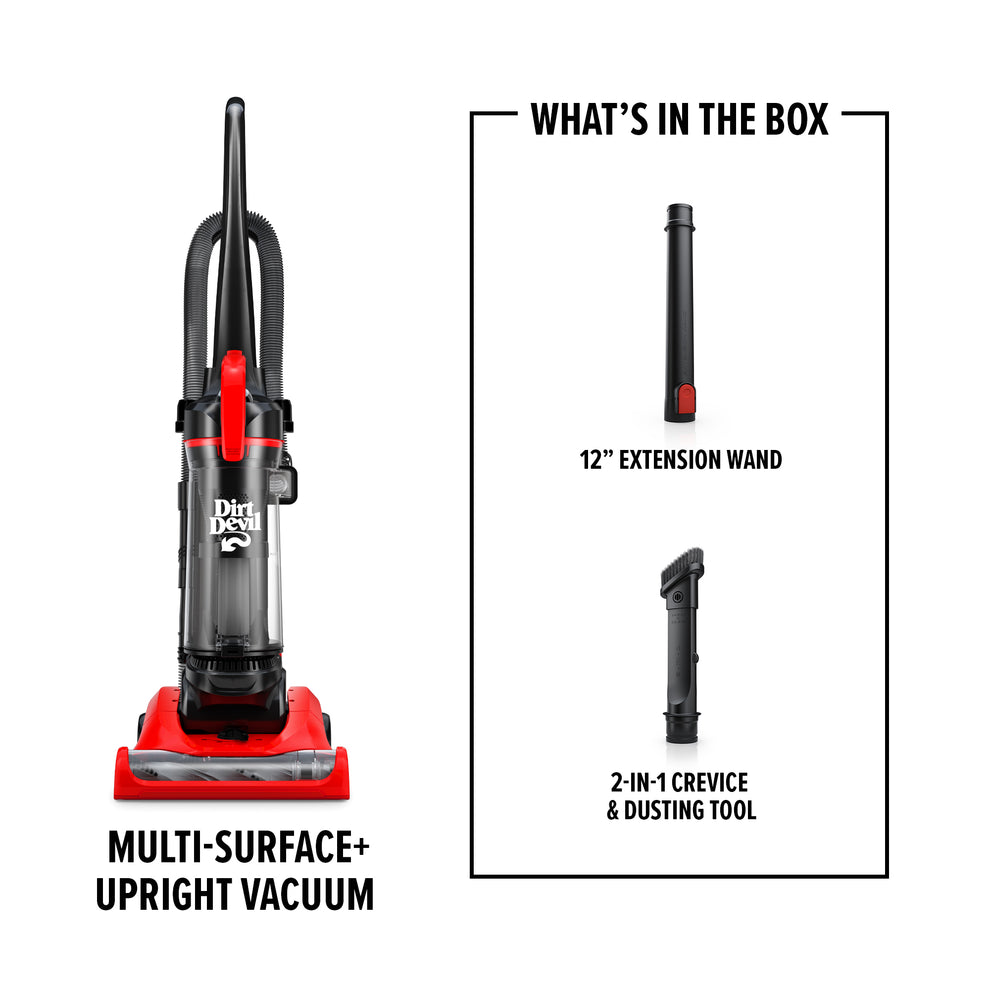
Dirt Devil Vacuum Troubleshooting means finding why a vacuum acts up and fixing it. The brand makes many models: uprights, canisters, sticks, and cordless hand vacs. Each model has shared parts like filters, belts, motors, and brush rolls. Knowing basic checks speeds repairs and prevents repeat issues.
Common Problems and Causes
Most Dirt Devil machines show similar signs when they need attention. Below are common issues and likely causes.
- Won't turn on
- Could be a bad power cord, blown fuse, dead battery, or faulty switch.
- Weak suction
- Often caused by a full bin, clogged hose, or dirty filter.
- Brush roll not spinning
- Usually a broken belt, jammed bearings, or motor fault.
- Strange noises or burning smell
- May be a clogged motor, belt slipping, or debris stuck in the fan.
- Dust escaping or poor filtration
- Happens when filters or seals are damaged or not installed right.
These patterns help you narrow down the problem quickly for effective Dirt Devil Vacuum Troubleshooting.

Step-by-Step Troubleshooting Guide
Follow these steps when you start Dirt Devil Vacuum Troubleshooting. Work from simple to complex. Always unplug or remove batteries before you inspect parts.
- Check power and switches
- Plug into a different outlet and test. Replace batteries in cordless models.
- Inspect the cord and plug
- Look for cuts, breaks, or loose prongs. Replace if damaged.
- Empty the dust cup or change the bag
- A full bin cuts suction and stresses the motor.
- Clean or replace filters
- Washable filters need drying fully. Replace pleated filters per the manual.
- Check hoses and air paths
- Remove attachments and look for clogs. Use a long tool or compressed air carefully.
- Examine the brush roll and belt
- Clear hair and fibers. Replace a broken or stretched belt.
- Test suction at the hose
- Block the hose opening briefly with your hand to feel suction change. If weak, check motor and seals.
- Listen for motor strain or smell
- A hot motor or burning smell signals you should stop and get help.
- Try a reset or error code check
- Some models have reset buttons or indicator lights. Consult the manual.
- When in doubt, consult a pro
- Motor or electrical repairs often need a trained technician.
These clear steps make Dirt Devil Vacuum Troubleshooting manageable for most owners.

Model-Specific Tips
Different Dirt Devil models have quirks to know for smart troubleshooting.
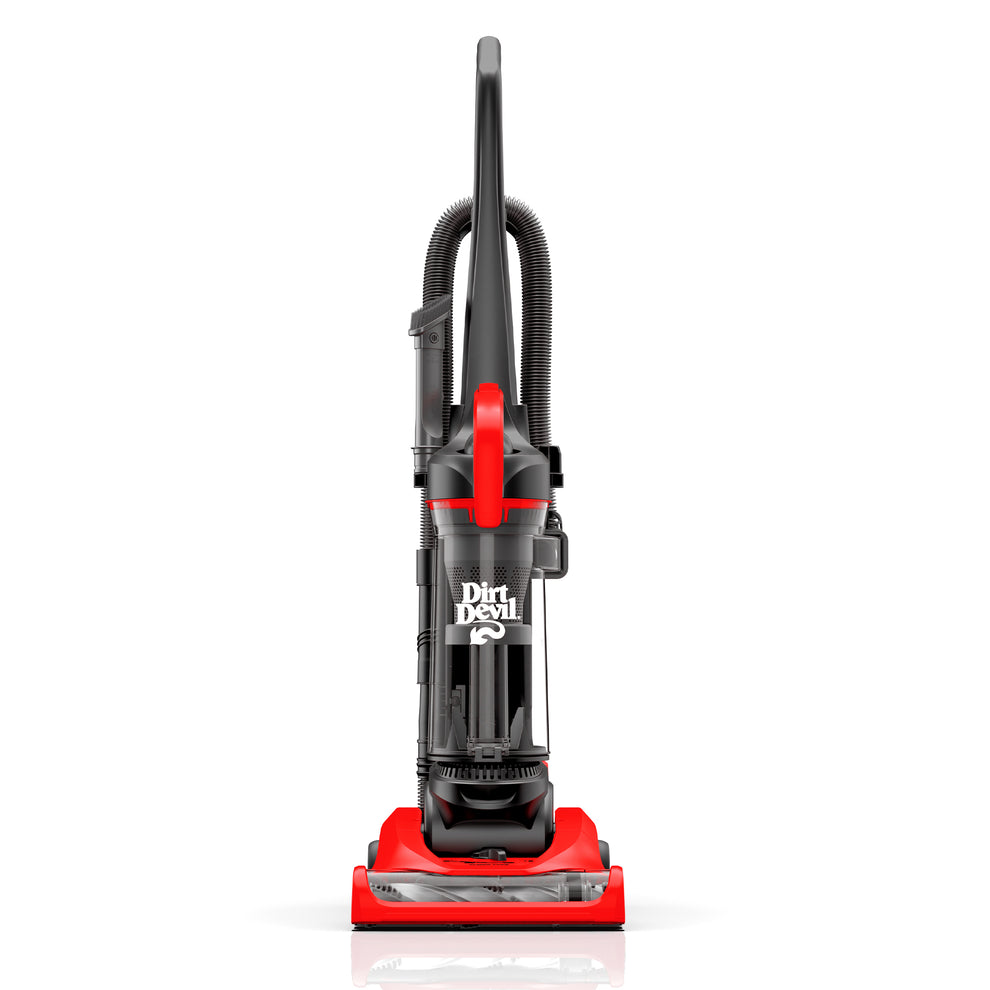
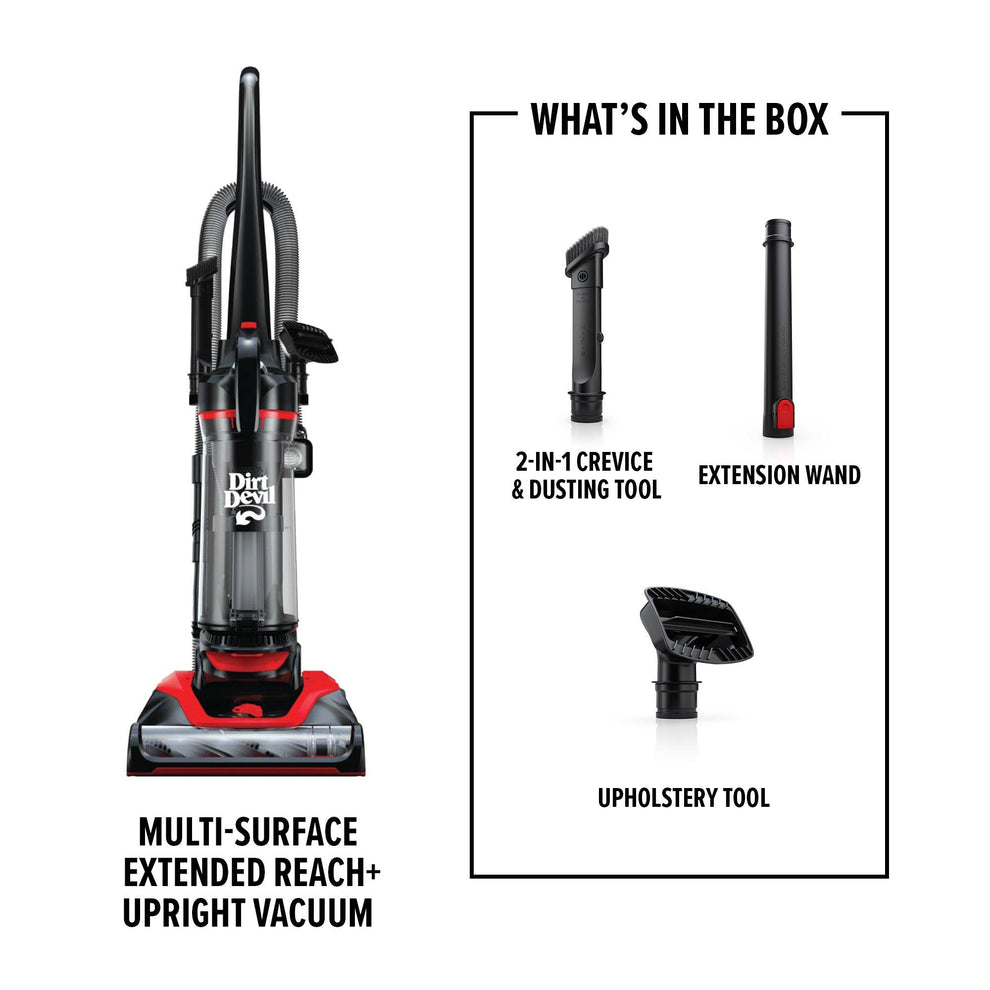
- Upright cleaners
- Brush roll access is easy. Check belts often and clear hair.
- Canister vacuums
- Hoses kink more. Inspect hose ends and seals for leaks.
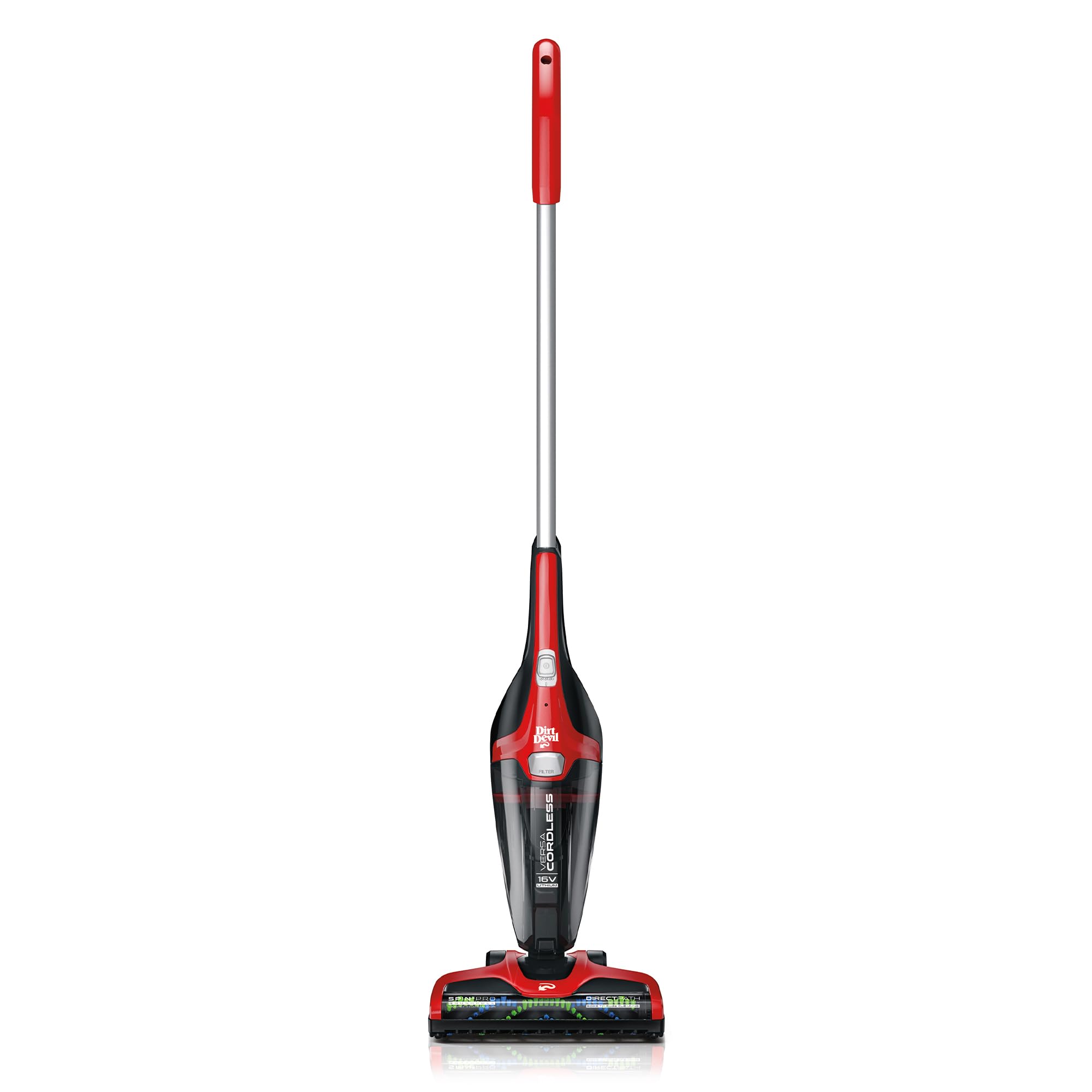
- Stick and cordless models
- Battery health matters. If runtime drops, test with a fresh battery.
- Handheld vacs
- Small filters clog fast. Clean after each use to maintain suction.
Knowing your model speeds Dirt Devil Vacuum Troubleshooting and keeps repairs targeted.
Replacing Parts and DIY Repairs
Many fixes are small and cheap. You can change belts, filters, and brush rolls at home. Use parts made for your model for best fit.
- Belts
- Common to wear every 1–3 years. Cost is usually low.
- Filters
- Replace per schedule or when dirty. Expect low to moderate cost.
- Brush rolls
- Clean regularly; replace if bristles are worn or damaged.
- Hoses and seals
- Small tears reduce suction. Replace or patch as needed.
Safety tips for DIY:
- Unplug or remove batteries first.
- Keep screws and parts labeled.
- Only open the vacuum if the manual allows it.
DIY helps lower repair bills but know your limits when it comes to motors and wiring.
Maintenance Best Practices to Avoid Problems
Regular care prevents many common faults and streamlines Dirt Devil Vacuum Troubleshooting later on.
- Empty the dust cup after each use
- Prevents blockages and odor.
- Clean filters on schedule
- Washable filters should dry fully before reuse.
- Remove hair from brush roll weekly
- Keeps belts from slipping and motors from overworking.
- Check hoses monthly
- Look for small clogs, cracks, or loose seals.
- Store batteries correctly for cordless models
- Keep them cool and charged per the manual.
A small routine saves time and money.
When to Repair vs Replace
Deciding to repair or buy new depends on age, cost, and performance.
- Repair when:
- The issue is a simple part like a belt or filter.
- The vacuum is under five years and otherwise healthy.
- Replace when:
- Motor failure costs more than a new unit.
- Batteries no longer hold charge in costly cordless models.
- The machine is old, heavy, or lacks features you need.
As a rule, if repairs exceed half the price of a new vacuum, consider replacement.
Safety Tips During Troubleshooting
Safety keeps you and the vacuum safe while you troubleshoot.
- Always unplug or remove batteries before disassembly.
- Never run the vacuum with a missing filter or open motor housing.
- Avoid liquids unless the model is rated for wet pickup.
- Use recommended parts and torque screws lightly.
- When in doubt about electrical repairs, call a certified technician.
Safety-first habits reduce risk and improve repair outcomes.
Personal Experience and Lessons Learned
I have cleaned dozens of Dirt Devil vacuums in homes and rentals. Most fixes are simple. A sticky brush roll was often just hair wrapped around bearings. A clogged hose fixed many "motor" complaints. I learned to always test suction at the hose first. That step saved hours of needless disassembly and helped me teach others easy Dirt Devil Vacuum Troubleshooting tips that work in real life.
PAA-Style Questions
How do I restore suction on my Dirt Devil vacuum?
Start by emptying the bin and cleaning or replacing filters. Then check hoses and the brush roll for clogs.
Why does my Dirt Devil smell like burning?
A burning smell often means the belt is slipping or the motor is overloaded by a blockage. Turn off the machine and inspect belts and airflow.
How often should I change filters on a Dirt Devil?
Wash or replace filters every 3 months with regular use, or sooner if you have pets or allergies. Follow your model's manual for exact intervals.
Frequently Asked Questions of Dirt Devil Vacuum Troubleshooting
What should I do if my Dirt Devil won’t turn on?
First, check the outlet and power cord for visible damage. If the cord is fine, test with a new battery for cordless models or consult a technician for internal electrical faults.
How do I unclog a Dirt Devil hose?
Remove the hose and look through both ends. Use a long, flexible tool or compressed air to clear debris, and reattach securely.
Can I wash all Dirt Devil filters?
Not all filters are washable. Rinse pre-motor foam filters only and let them dry completely. Replace HEPA or pleated filters per the manual.
Why is the brush roll not spinning even though the vacuum runs?
Likely causes are a broken or slipped belt, hair wrapped around the brush, or a seized bearing. Inspect and replace the belt if needed.
How long should a Dirt Devil battery last?
Battery life varies, but expect 1–3 years for regular use. Reduced runtime often means the battery needs replacing.
Is it safe to run a Dirt Devil with a torn hose?
No. A torn hose reduces suction and may allow debris into the motor. Replace or properly seal the hose before use.
How can I stop dust from escaping the vacuum?
Make sure all filters are in place and in good condition. Check seals and latches on the dust bin and replace worn gaskets.
Conclusion
Dirt Devil Vacuum Troubleshooting is easy when you follow simple checks and routine care. Start with power, suction paths, and filters, then move to belts and brush rolls. Small repairs save money and extend your vacuum's life. Try the steps here, keep a small parts kit, and share your wins or questions below. Subscribe or comment to get more hands-on tips and troubleshooting guides.

