

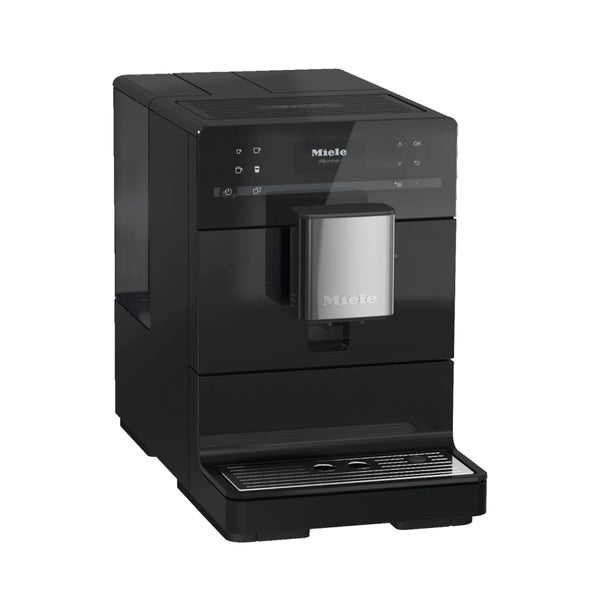
Owning a Miele coffee maker is a joy for coffee lovers who want reliable, high-quality coffee at home. These machines are known for their durability, smart features, and rich taste they deliver. However, like any other appliance, even a Miele coffee maker can have issues now and then. When your morning coffee routine is interrupted, it’s important to know how to troubleshoot common problems quickly and safely. This guide will help you understand and solve the most frequent issues users face, and give you confidence to handle your Miele coffee maker like a pro.
Understanding Your Miele Coffee Maker
Before diving into troubleshooting, it’s useful to know how your Miele coffee maker works. Most models use a combination of pumps, grinders, water heaters, and electronics to deliver a perfect cup of coffee. They often come with a digital display, automatic cleaning cycles, and options for different coffee styles.

36% off Today’s Exclusive Deals
Limited-time Exclusive Deals. Check current discount on Amazon.
Check Price on Amazon As an Amazon Associate I earn from qualifying purchases.Key components include:
- Water reservoir
- Bean hopper and grinder
- Milk system (for cappuccino/latte models)
- Brewing unit
- Drip tray and waste container
Knowing these parts helps you locate problems faster.
Common Problems And How To Fix Them
Let’s look at the most frequent issues and their solutions. Each problem is explained step by step for easy understanding.
1. Machine Won’t Turn On
If your Miele coffee maker doesn’t power up, check these areas first.
- Power supply: Make sure the power cord is plugged in and the outlet works. Try plugging another device into the same outlet.
- Power switch: Some models have a main switch on the back or side. Confirm it’s in the “on” position.
- Fuse or circuit breaker: If the machine still won’t start, check your home’s breaker box for a tripped circuit.
Non-obvious tip: If you have a power surge protector, it can sometimes block enough current to stop the coffee maker from working. Plug the machine directly into the wall to test.
2. Coffee Tastes Weak Or Bitter
The taste of your coffee depends on several factors.
- Grind size: If the grind is too coarse, coffee tastes weak. Too fine, and it’s bitter. Adjust the grinder for your taste.
- Water hardness: Miele machines let you set water hardness. If it’s set wrong, flavors can be off. Use test strips (often included) to adjust.
- Cleaning cycle: Old coffee oils can spoil taste. Run the cleaning program often.
Extra insight: Many users forget to descale. Hard water builds up minerals, making your machine less effective. Descale every 200 uses or as the display suggests.
3. Grinder Not Working Or No Beans Detected
If your machine says “fill beans” but you just did, the grinder may be stuck.
- Foreign objects: Sometimes a stone or hard object is mixed with coffee beans. Empty the hopper and check for debris.
- Oily beans: Oily beans can clog the grinder. Use medium-roast, dry beans for best results.
- Clean the grinder: Follow your manual for cleaning. Never use water—only a brush.
Pro tip: Let the hopper run completely empty every few weeks. This prevents buildup and lets you check for problems.
4. Water Not Dispensing Or Low Pressure
When there’s no water flow, check these:
- Water tank seating: Make sure the tank is placed correctly.
- Blocked lines: Mineral deposits can block lines. Run a descaling cycle.
- Pump noise: If you hear the pump but no water comes out, air might be trapped. Remove the tank, fill it, and try again.
Often missed: Some models have a small water filter. If clogged or expired, it can stop water flow. Replace as needed.
5. Milk Frother Not Working
For cappuccino or latte fans, a non-working frother is frustrating.
- Clogged pipes: Milk can dry in the system. Run the milk cleaning program daily.
- Connections: Make sure all hoses are tightly attached.
- Milk type: Skim and non-dairy milks froth differently. Whole milk works best.
Non-obvious: After use, rinse the milk system immediately. Dried milk is much harder to clean and can cause bacteria growth.
Error Messages And What They Mean
Miele coffee makers display error messages to guide you. Below is a quick reference for common errors.
| Error Message | What It Means | Quick Fix |
|---|---|---|
| Fill Water Tank | Water tank is empty or not seated | Refill and reseat tank |
| Empty Waste Container | Drip tray or grounds bin is full | Empty, rinse, and replace containers |
| Descale Machine | Mineral buildup detected | Run descaling cycle with proper solution |
| Clean Brewing Unit | Brewing unit needs cleaning | Remove and rinse under water, let dry |
| Check Grinder | Grinder jammed or empty | Clear hopper, check for debris |
If you see an error not listed, check your user manual or visit the official Miele support site.
Regular Cleaning And Maintenance
Keeping your Miele coffee maker clean prevents many problems. Neglecting cleaning is a top reason for breakdowns.
Daily Cleaning Tasks
- Rinse the drip tray and waste container
- Run the milk cleaning cycle (if used)
- Wipe exterior with a damp cloth
Weekly Cleaning Tasks
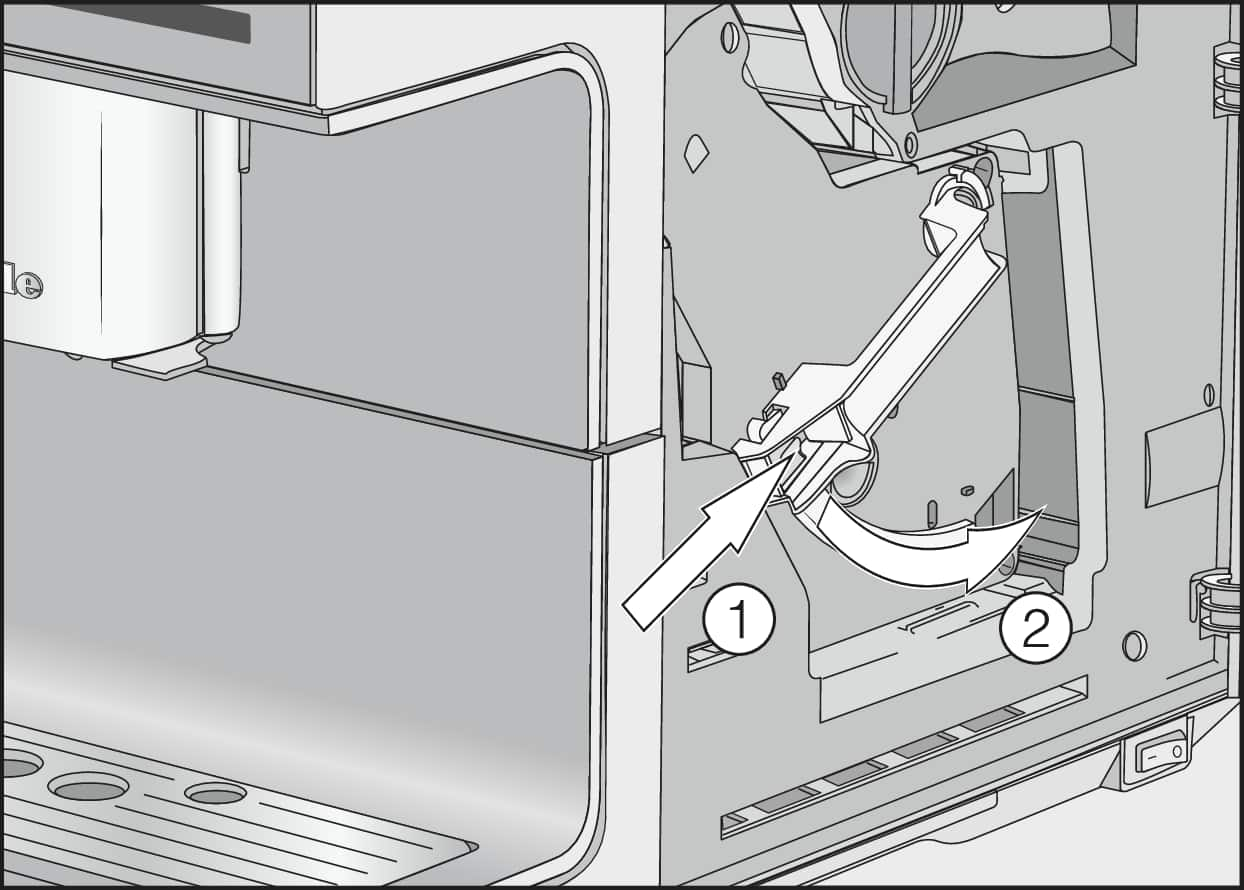
- Clean the brewing unit: Remove and rinse in warm water. Let it air dry before reinserting.
- Clean the water tank: Prevents algae and mold.
- Wipe inside the bean hopper: Use a dry cloth only.
Monthly Tasks
- Descale the machine: Use Miele’s recommended descaler, not vinegar, which can damage seals.
- Deep clean milk system: Disassemble hoses and connectors for soaking.
Practical tip: Set reminders for these tasks. Many Miele machines let you schedule cleaning cycles.
Advanced Troubleshooting Steps
Sometimes, basic steps don’t solve the problem. Here’s what to try next.
Resetting The Machine
A reset can clear software glitches.
- Turn off the machine and unplug it for one minute.
- Plug it back in and turn on.
- Check if the issue remains.
Updating Firmware
Some Miele models allow firmware updates through Wi-Fi or USB. New updates can fix bugs or improve performance.
How to update:
- Check the Miele website for your model’s firmware.
- Follow instructions carefully. Never unplug during an update.
When To Call For Service
If you notice these signs, professional help is safest:
- Strange smells or smoke
- Repeated tripping of circuit breakers
- Leaks from the machine base
- Persistent error messages after resets
Trying to fix these issues yourself can void your warranty.
Comparing Miele Coffee Maker Models
Not all Miele coffee makers are the same. Here’s a simple comparison of popular models and their features.
| Model | Grinder Type | Milk System | Cleaning Programs | Touch Display |
|---|---|---|---|---|
| CM6350 | Steel Conical | Automatic | Yes | Yes |
| CM5300 | Steel Conical | Manual Steam Wand | Yes | No |
| CM7750 | Ceramic | Automatic | Advanced | Yes |
Extra tip: Some models can remember coffee preferences for different users. If you share the machine, set up your own profile to keep your taste settings.
Common Mistakes To Avoid
Many issues are caused by simple mistakes. Watch out for these:
- Using flavored or oily beans: These can clog the grinder.
- Ignoring cleaning reminders: Skipping even one can lead to expensive repairs.
- Using tap water with high minerals: Always use filtered or softened water if your area has hard water.
- Forgetting to empty the drip tray: Overflow can cause leaks and mess.
- Using the wrong cleaning products: Only use Miele-recommended cleaners.
Data: How Often Do Miele Coffee Makers Need Service?
Regular service keeps your machine running well. Here’s a typical schedule based on user reports.
| Usage (Cups/Day) | Service Needed | Average Time Between Services |
|---|---|---|
| 1-2 | Basic cleaning, Descale | 12-18 months |
| 3-5 | Basic + Milk System cleaning | 8-12 months |
| 6+ | Full service (pro checkup) | 6-8 months |
Insight: Heavy users should schedule professional service more often. It can catch wear early and extend machine life.

When To Replace Parts
Some parts wear out over time.
- Water filter: Replace every 2-3 months or as shown on display.
- Gaskets and seals: If you see leaks or hear hissing, call for service.
- Grinder burrs: If coffee gets weaker and grinder is loud, burrs may be worn.
Always use genuine Miele parts to avoid damage.
Useful Resources
For more details, Miele’s official site is an excellent source. Manuals, cleaning guides, and troubleshooting help are updated regularly. Visit the Miele Coffee Machines page for support.
Frequently Asked Questions
Why Does My Miele Coffee Maker Keep Asking To Empty The Waste Container?
This usually means the drip tray or grounds bin is full. Remove, empty, and rinse both. Make sure you put them back correctly—if not, the sensor may not reset.
Can I Use Any Type Of Coffee Beans In My Miele Machine?
For best results, use medium-roast, dry beans. Avoid oily or flavored beans, as they can clog the grinder and cause jams.
How Often Should I Descale My Miele Coffee Maker?
Descale every 200 cups or as soon as the machine requests it. If you have hard water, descale more often to prevent mineral buildup.
My Machine Makes Noise But Doesn’t Brew Coffee. What’s Wrong?
This could be a blocked water line, air in the pump, or a jammed grinder. Check the water tank, run a cleaning cycle, and inspect the bean hopper for debris.
Is It Safe To Clean Parts In The Dishwasher?
Many removable parts are dishwasher-safe, but always check your manual first. Not all parts can handle dishwasher heat—especially plastic components.
A little attention and regular maintenance can keep your Miele coffee maker running smoothly for years. Knowing how to troubleshoot common issues saves time, money, and frustration, making every cup as satisfying as the first. If you ever feel unsure, Miele customer support and authorized service centers are ready to help.

