

Most Nuheat thermostat issues are simple fixes: check power, wiring, Wi‑Fi, and firmware.
I have worked with radiant heat systems and thermostats for years, and I know how frustrating a cold floor or a blank screen can feel. This Nuheat Thermostat Troubleshooting guide walks you through clear steps, common causes, practical fixes, and smart prevention tips. Read on for easy checks, safe wiring tips, and real-world fixes that save time and money.

36% off Today’s Exclusive Deals
Limited-time Exclusive Deals. Check current discount on Amazon.
Check Price on Amazon As an Amazon Associate I earn from qualifying purchases.
Nuheat Thermostat Troubleshooting: Common issues and what they mean
Common problems are easy to spot. The thermostat screen may be blank, the floor may not heat, or the thermostat may lose Wi‑Fi. Each problem has a set of likely causes. This section lists the top issues and quick meanings so you know what to try first.
- Blank screen often means no power or tripped breaker.
- Heating not turning on can be a wiring, sensor, or program issue.
- Wi‑Fi or app connection problems usually point to network or firmware issues.
- Erratic temperature readings may signal a bad floor sensor or loose connection.

Initial power and display checks
Start with the basics. These checks are fast and safe for most homeowners. They catch the majority of Nuheat thermostat failures.
- Check the circuit breaker and any local fuses. Reset if tripped.
- Look for a loose wiring panel cover or a tripped GFCI that controls the heating circuit.
- Confirm the thermostat display brightness setting. It may be dim or off.
- Remove the thermostat from its wall plate to see if wires are loose or disconnected.
If power is present at the wall but the display stays blank, the thermostat may be faulty or the internal fuse may be blown. I once found a mid-wall switch feeding the floor relay was off. That one small reset fixed the whole system.
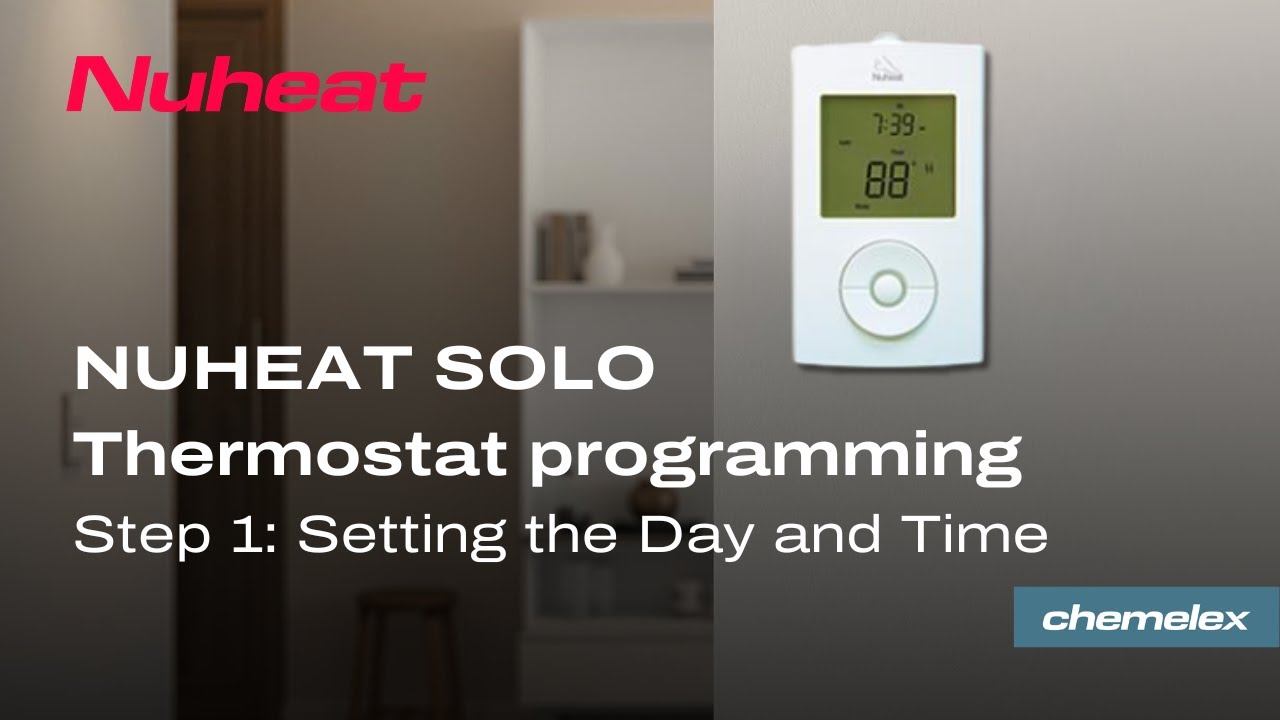
Wiring, relays, and ground checks
Wiring errors are a top cause of Nuheat thermostat problems. Incorrect wiring can stop heat or cause error codes. Use these steps before calling an electrician.
- Turn off power at the breaker before touching wires.
- Verify wire connections match the wiring diagram in the thermostat manual.
- Check the relay or contactor that controls the heating mats for proper operation.
- Inspect the ground and sensor wires for corrosion or breaks.
If you are not comfortable with wiring, contact a licensed electrician. A safe check is always better than a risky fix.

Wi‑Fi, app sync, and firmware fixes
Many Nuheat thermostats rely on Wi‑Fi for remote control and updates. A lost connection can look like a thermostat failure. Try these quick network steps.
- Restart your router and the thermostat to refresh connections.
- Ensure the thermostat is in range of your Wi‑Fi signal and on the correct band (2.4 GHz for many devices).
- Check the app for firmware update prompts and apply updates when safe.
- Re-add the thermostat in the app if it shows offline, following the on-screen pairing steps.
From my experience, simple router settings or an older firmware version cause most app issues. Updating firmware solved a stubborn connectivity problem for me within 10 minutes.
 calibration, and false readings”
style=”max-width: 100%; height: auto; border: 2px solid black; border-radius: 10px; display: block; margin: 0 auto;”
loading=”lazy”
/>
Sensor problems, calibration, and false readings
The floor sensor is key for Nuheat thermostat accuracy. A bad sensor can show wrong temps or prevent heating.
- Inspect the floor sensor wiring for pinched or damaged cable.
- Use the thermostat’s diagnostic mode to read sensor resistance values and compare to expected ranges.
- Recalibrate the thermostat if readings drift or if installation was recent.
- Replace the sensor if diagnostics show open or shorted readings.
Simple resistance checks can tell you if the sensor is healthy. Keep a basic multimeter on hand for this step.

Reset, restore, and firmware recovery
When basic fixes fail, a reset often helps. Use these steps to reset safely and avoid data loss.
- Soft reboot the thermostat by using the restart option in the settings menu.
- Backup schedules or note settings before a factory reset.
- Perform a factory reset if the thermostat remains unresponsive. Re-enter schedules after reset.
- Use firmware recovery steps if an update failed. Follow the app or manual instructions exactly.
I recommend soft reboots first. I have saved many settings by doing a restart instead of a full factory reset.

Advanced troubleshooting and safety steps
For persistent or complex faults, use a methodical approach. Safety is a top priority here. If you are unsure, stop and call a pro.
- Log error codes and symptoms before calling support for faster help.
- Use a voltmeter to confirm voltage levels at thermostat terminals are correct.
- Inspect floor mats only with the power off. Do not cut or probe the mat.
- Keep a record of past fixes and dates to help technicians diagnose recurring issues.
Proper logging and a calm, stepwise process speed up repairs and save money.

Maintenance tips to avoid Nuheat thermostat problems
Regular checks prevent many thermostat issues. Simple habits extend life and reduce service calls.
- Test the thermostat seasonally before cold months.
- Keep the firmware updated when safe.
- Ensure router placement gives stable Wi‑Fi to the thermostat.
- Label thermostat terminals clearly after any wiring work.
A small maintenance routine once per year prevents many common failures. It pays off in comfort and peace of mind.

When to call Nuheat support or a pro
Some issues need expert help. Use these signs to decide when to call.
- Repeated tripping of breakers or unexplained electrical smells.
- Thermostat shows internal error codes after resets.
- Sensor or mat damage found during inspection.
- Wiring issues beyond a homeowner’s comfort or code compliance needs.
Keep your system manual, serial numbers, and error code logs handy when you call support. This makes service faster.
Quick PAA-style questions
How do I reset my Nuheat thermostat?
Soft reboot via settings first. If that fails, back up schedules and perform a factory reset per the manual.
Why won't my Nuheat thermostat connect to Wi‑Fi?
Often due to network band mismatch, router distance, or outdated firmware. Restart devices and check network settings.
Can a bad floor sensor stop heating?
Yes. A short or open sensor can prevent the thermostat from enabling heat to protect the mat.
Frequently Asked Questions of Nuheat Thermostat Troubleshooting
What should I check if the Nuheat thermostat screen is blank?
Check the circuit breaker and GFCI outlet. Remove the thermostat from the wall to inspect wiring and power to the unit.
How do I know if the floor sensor is faulty?
Run a resistance test with a multimeter. If the reading is out of range or shows open/short, the sensor may be faulty.
Will a firmware update fix connectivity problems?
Often yes. Firmware updates patch bugs and improve connectivity. Update when prompted and ensure stable power during the process.
Is it safe to work on thermostat wiring myself?
Basic checks like verifying power are safe. For complex wiring or code concerns, hire a licensed electrician to avoid risk.
Why does the thermostat show incorrect temperature?
This may be due to sensor misplacement, faulty sensor, or loose wiring. Check sensor location and diagnostics in the thermostat menu.
Conclusion
This Nuheat Thermostat Troubleshooting guide walks you through common causes, safe fixes, and steps to avoid future problems. Start with power and wiring checks, then move to Wi‑Fi, sensors, and firmware. Keep a log, back up settings, and call a pro when safety or complex wiring is involved. Use these steps to restore comfort quickly and keep your floors warm. If this helped, try the fixes, subscribe for more tips, or leave a comment about your issue so others can learn from your experience.

