

Most Linear garage remotes fail from dead batteries, signal interference, or lost programming.
I have spent years fixing garage doors and remotes. This article covers Linear Garage Door Remote Troubleshooting in plain language. You will get step-by-step checks, real tips from field work, and clear ways to decide when to call a pro. Read on to solve common remote problems fast and safely.

36% off Today’s Exclusive Deals
Limited-time Exclusive Deals. Check current discount on Amazon.
Check Price on Amazon As an Amazon Associate I earn from qualifying purchases.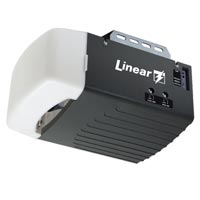
How Linear Garage Door Remote Works
A Linear garage door remote sends a small radio signal to a receiver near the opener. The receiver then tells the opener to move the door. Knowing these parts makes troubleshooting faster.
Key parts to know:
- Remote transmitter sending code.
- Receiver or wall unit on the garage opener.
- Antenna on the receiver.
- Opener control board that accepts the signal.
Understanding this flow helps with Linear Garage Door Remote Troubleshooting. If one part fails, the whole system can stop working. I often test each part in order to find the fault quickly.
Common Problems and Causes
Most calls involve a few repeat issues. These are quick to check and fix.
Typical problems:
- Remote does nothing when pressed.
- Remote works only at short range.
- Remote opens sometimes and not others.
- Wall control works but remote does not.
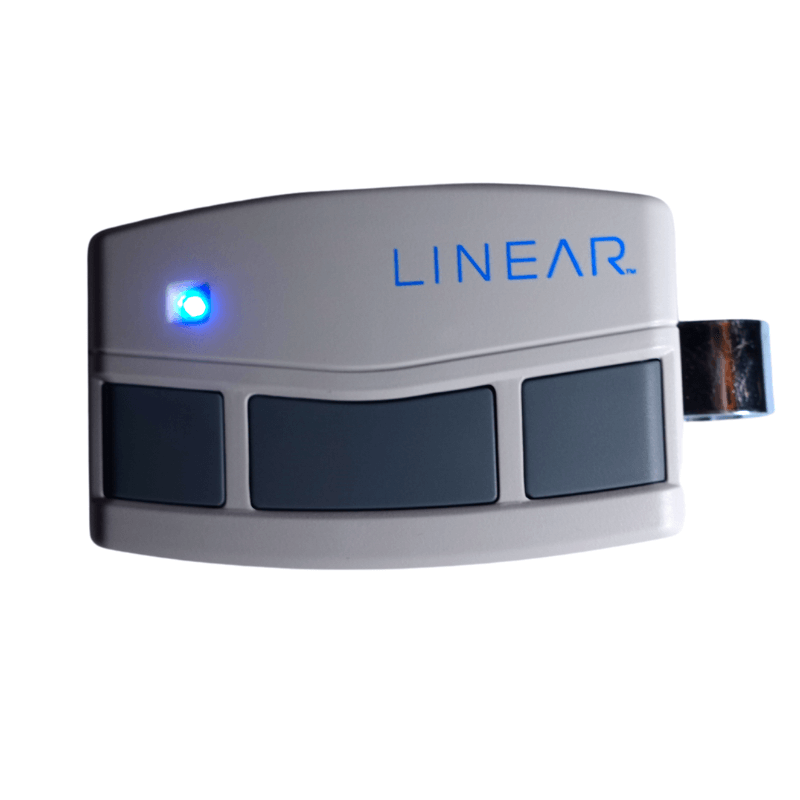
- LED on the remote is dim or not lighting.
Common causes include battery failure, lost programming, antenna damage, and radio interference. Linear Garage Door Remote Troubleshooting targets these causes in a logical order. In my experience, batteries and programming account for over half of all failures.
Step-by-Step Troubleshooting Guide
Follow this order. Each step is simple and keeps things safe.
- Check the batteries
- Replace with fresh batteries. Use the correct battery type.
- Test the remote LED. A dim or no LED often means a weak battery.
- Test the wall button
- Press the wall control. If it opens the door, the opener and motor are fine.
- If the wall button fails, stop and check power to the opener.
- Try the spare remote
- If another remote works, the issue is with the original remote.
- Reposition and test range
- Stand closer to the opener and press the remote. If it works near the opener, this suggests range or antenna issues.
- Check the opener antenna
- Look for a hanging antenna. Ensure it points down and is not cut or wrapped.
- Clear interference
- Move nearby electronics or test at different times. Interference can be intermittent.
- Reprogram the remote
- Follow the Linear pairing steps in the manual. This often fixes lost programming.
These steps cover most Linear Garage Door Remote Troubleshooting needs. Work from simple fixes to complex ones. That saves time and reduces unnecessary parts replacement.

Reprogramming and Syncing a Linear Remote
Resetting or reprogramming can restore function fast. Steps vary by model but follow a common pattern.
General reprogramming steps:
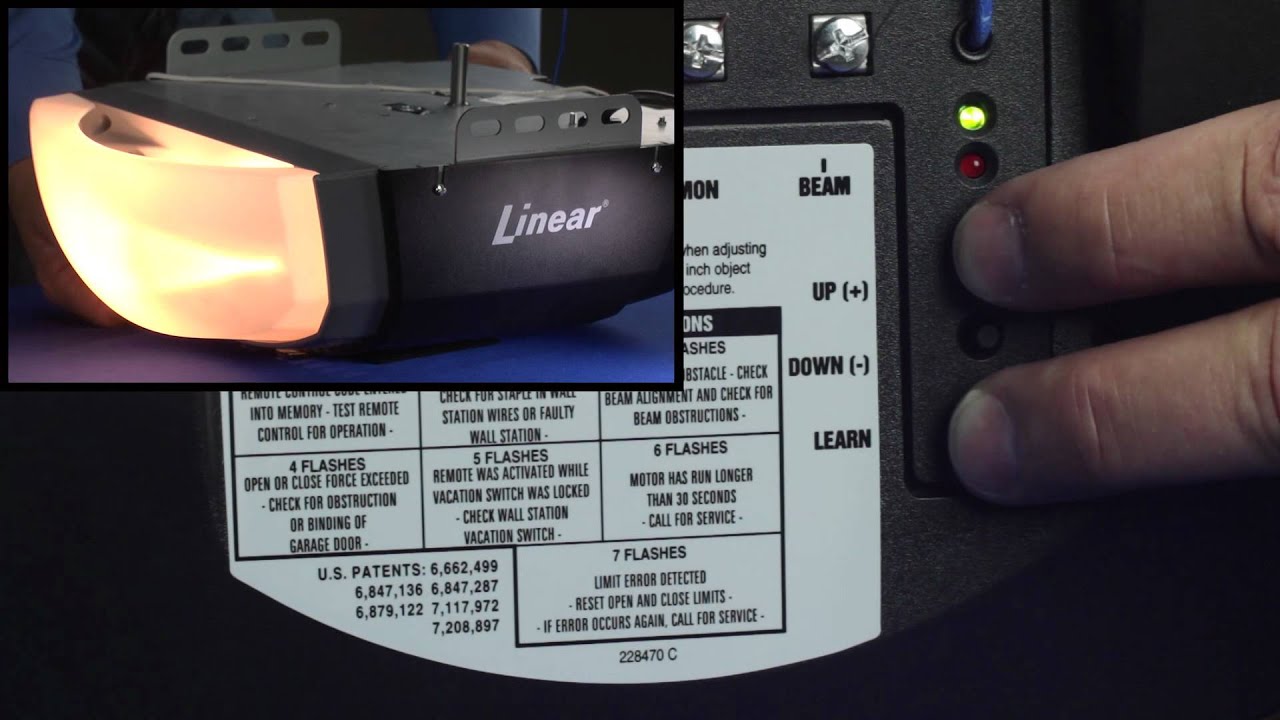
- Locate the learn or program button on the opener control board.
- Press the program button until an indicator lights or blinks.
- Press the remote button to sync; watch for the opener light or click.
- Test the remote after syncing.
If the remote fails to reprogram, try a fresh battery and retry. If reprogramming repeatedly fails, a receiver or remote hardware problem might exist. Linear Garage Door Remote Troubleshooting often ends with reprogramming as the fix.
Receiver, Antenna, and Interference Issues
The receiver and antenna are the unsung parts. They sit on the opener and get hit by weather, wires, and yard tools.
What to check:
- Antenna position and damage.
- Nearby metal objects that can block signal.
- New devices in the home that use similar frequencies.
- Wiring to the receiver and signs of rodent damage.
Interference can come from LED lights, Wi-Fi gear, or even a neighbor’s device. Move or turn off suspect items when testing. In one job, switching an LED floodlight off fixed a remote that worked only sometimes.

Maintenance, Batteries, and Best Practices
A little care prevents many problems. Keep your remotes and opener in good shape.
Maintenance tips:
- Replace batteries yearly or when performance drops.
- Clean remote contacts gently with rubbing alcohol.
- Keep the opener and antenna free of dust and cobwebs.
- Store remotes away from heat and direct sun.
I recommend keeping one spare remote battery in the garage for quick swaps. Simple routine checks make Linear Garage Door Remote Troubleshooting easier and less stressful.
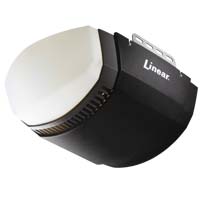
When to Call a Professional
Some issues need a trained hand. Know when to stop and call help.
Call a professional if:
- The opener shows electrical faults or smoke.
- You suspect a damaged control board.
- Reprogramming and hardware swaps do not fix the problem.
- You are uncomfortable working near live wiring or the motor.
A pro can test signal strength, replace boards, and ensure safety. I suggest choosing a technician who can show proof of experience with Linear systems.

Personal Experiences and Practical Tips
I have repaired dozens of remotes and seen patterns repeat. Here are real lessons from the field.
What I learned:
- Always test the wall button first. It narrows the problem fast.
- Carry spare batteries and a small screwdriver. They save trips.
- Mark remote buttons and note the model for quick ordering.
- If a remote is older than 10 years, consider replacement; parts wear out.
One job stands out. A homeowner thought the opener failed. It was a dead battery in an unused remote used by a family member. After a quick swap, all remotes worked. Small checks win big.
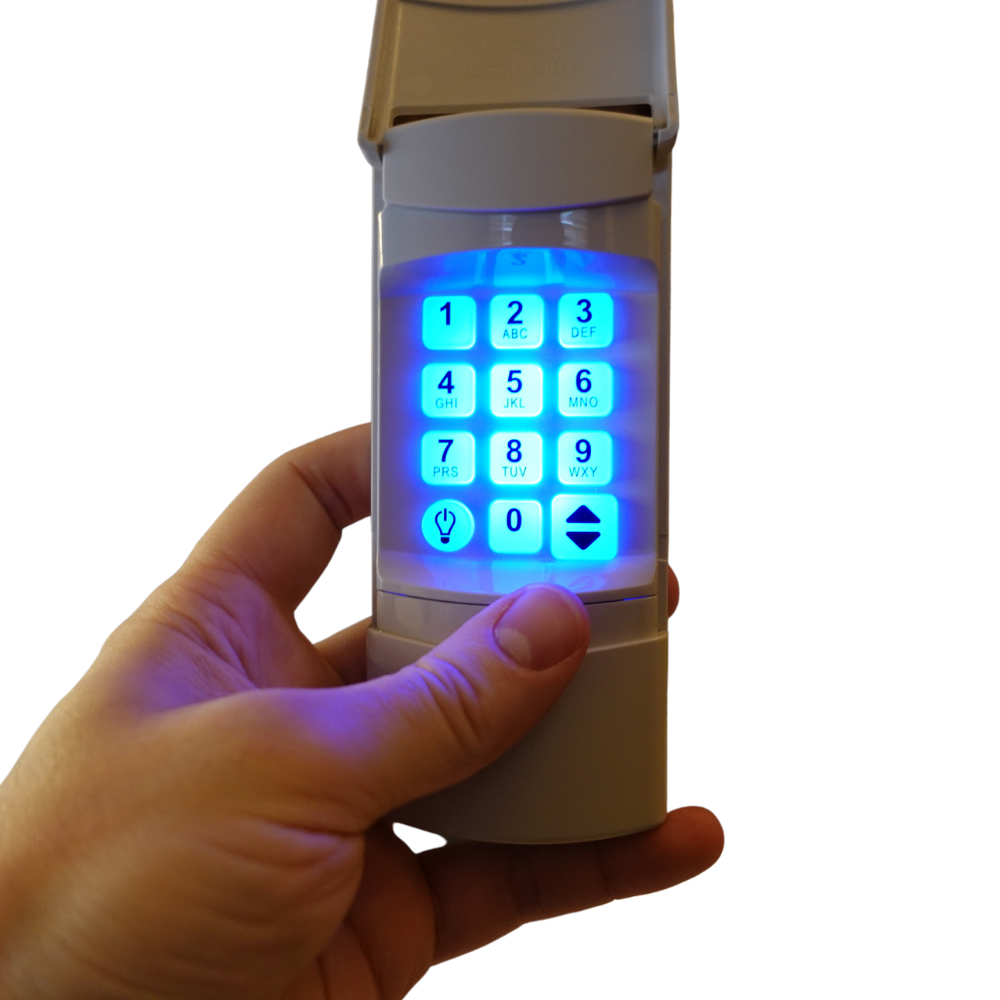
Tools and Safety Checklist
Keep a small kit ready. It speeds up troubleshooting and keeps you safe.
Recommended items:
- Fresh batteries for your remote model.
- Small Phillips and flat screwdrivers.
- Multimeter for basic voltage checks.
- Ladder with stable footing for safe antenna inspection.
- Gloves and safety glasses for electrical work.
Always unplug or disconnect power before touching wiring. If unsure, get a pro. Safety first when doing Linear Garage Door Remote Troubleshooting.
Frequently Asked Questions of Linear Garage Door Remote Troubleshooting
How do I know if my Linear remote battery is bad?
If the LED is dim or does not light, the battery is likely weak. Replace the battery and test again.
Can interference be fixed without replacing parts?
Yes. Move or turn off suspect electronics and test range. Repositioning the antenna also often helps.
How long do Linear remotes usually last?
Remotes can last many years, but batteries and buttons wear out first. Expect 5–10 years with normal use.
Will reprogramming erase other remotes?
Some openers clear all codes when reset, while others allow adding without erasing. Check your model’s steps before starting.
Why does the remote work only near the opener?
This usually points to antenna damage, weak transmitter, or strong interference. Test the antenna and replace batteries first.
Conclusion
This guide gives clear steps for Linear Garage Door Remote Troubleshooting. Start with simple checks: batteries, wall button, and reprogramming. Move to antenna and interference checks if needed. Use the tools and tips here to save time and avoid unneeded repairs.
Take action now: try the battery and wall-button checks first. If that fails, follow the step-by-step reprogram and antenna checks. If you need help, reach out to a qualified technician. Share your experience or ask a question below to get tailored advice.

