

Most Rexton hearing aid problems resolve with simple troubleshooting and regular maintenance.
I have spent years troubleshooting hearing aids in clinics and at home. I know Rexton Hearing Aid Troubleshooting inside out. This article walks you through clear, step-by-step fixes, preventive care, and when to call a pro. Read on for practical help you can use right now.

36% off Today’s Exclusive Deals
Limited-time Exclusive Deals. Check current discount on Amazon.
Check Price on Amazon As an Amazon Associate I earn from qualifying purchases.
Common Rexton Hearing Aid Problems
Rexton Hearing Aid Troubleshooting often begins with a short list of familiar symptoms. These include no sound, weak sound, intermittent sound, feedback whistling, poor Bluetooth connection, and strange noises. Many problems are due to batteries, earwax, moisture, or simple settings. Knowing the common causes makes troubleshooting faster and less stressful.

Quick Checks Before Troubleshooting
Before deep troubleshooting, run quick checks that solve most issues fast.
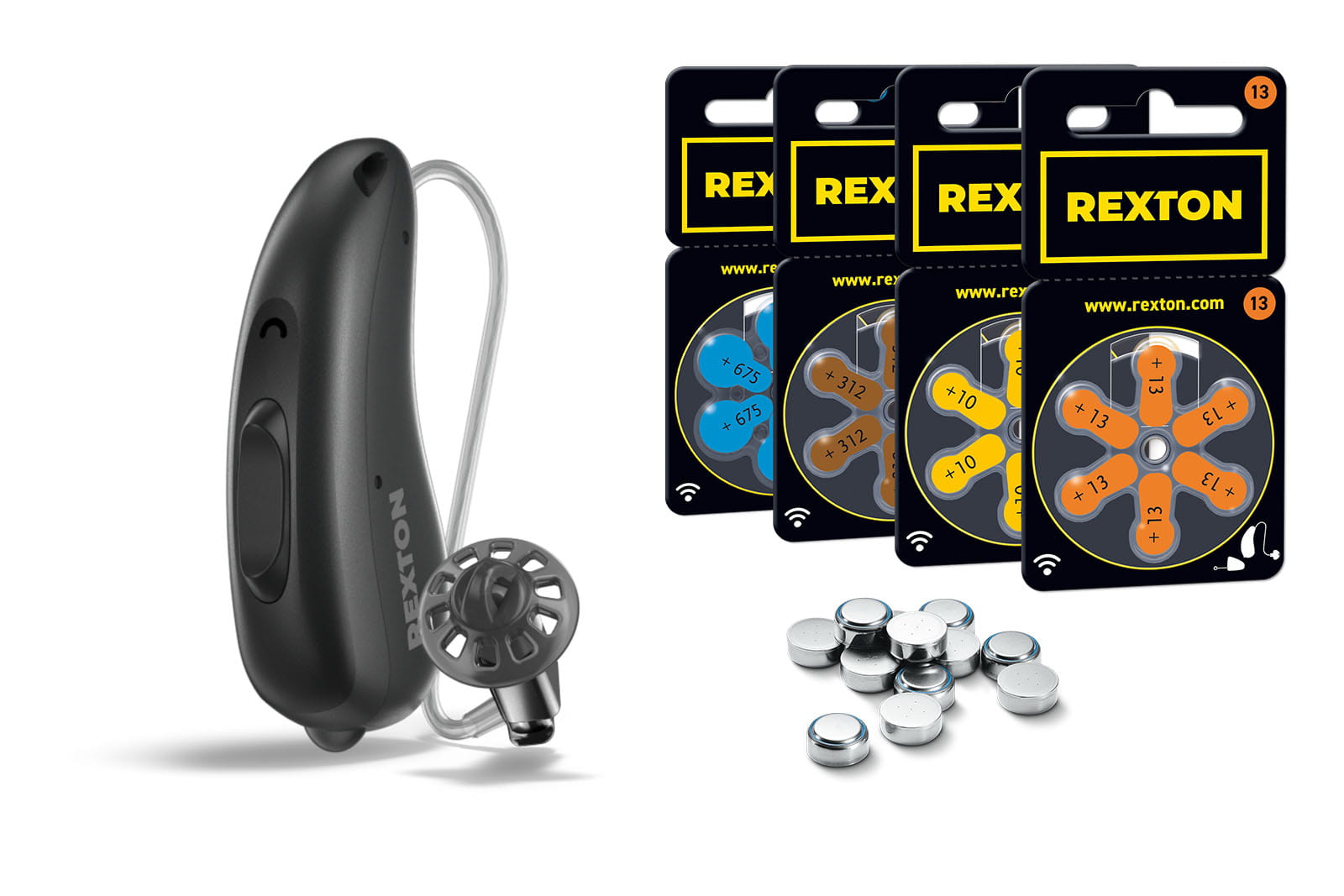
- Check the battery door and battery type. Rechargeable models need charging; disposable batteries must be fresh.
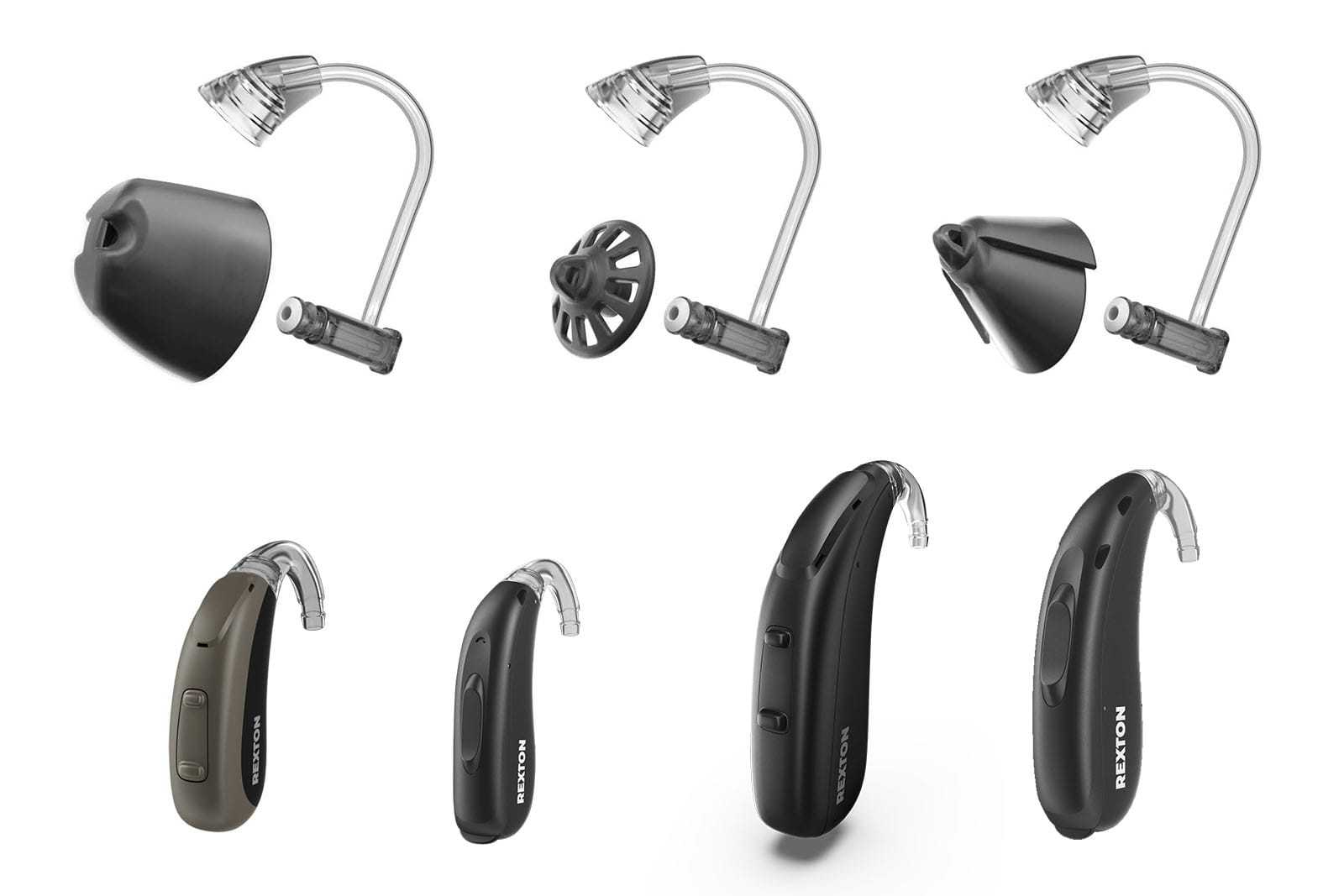
- Inspect the microphone and receiver openings for earwax or debris.
- Ensure the hearing aid is switched on and the program setting is correct.
- Reboot the device by turning it off and waiting 10 seconds, then on.
- Verify volume and mute settings in the Rexton app or on the device.
These quick steps fix many cases of Rexton Hearing Aid Troubleshooting in minutes. If the problem persists, move to a structured process.
Step-by-Step Rexton Hearing Aid Troubleshooting Guide
Follow this step-by-step guide for systematic Rexton Hearing Aid Troubleshooting.
-
Power and Battery
- Replace or recharge the battery. Use recommended battery types.
- Inspect contacts for corrosion or dirt. Clean gently with a dry cloth.
- If rechargeable, allow a full charge cycle before testing.
-
Sound and Volume Checks
- Test with a known audio source or hand-clap near the microphone.
- Adjust volume slowly. If sound is distorted at low volume, stop and test with fresh battery.
-
Wax and Blockage
- Remove earwax guards and clean receivers per Rexton instructions.
- Use a wax pick or brush supplied with the aid. Never push debris deeper.
- Replace wax guards as needed. Blockage is a frequent cause of weak sound.
-
Feedback and Whistling
- Refit the earpiece or dome to ensure a snug seal.
- Reduce volume slightly and reposition the aid.
- If feedback continues, a wax blockage or a poor fit is likely.
-
Moisture and Condensation
- Dry aids overnight in a dry box or with desiccant.
- Do not use heat guns or hair dryers. Heat can damage electronics.
- For persistent moisture issues, consider a humidity-resistant case.
-
Connectivity and App Issues
- Restart Bluetooth on both phone and hearing aid.
- Update the Rexton app and device firmware if available.
- Re-pair the device following the app prompts.
-
Reset and Software Troubleshooting
- Restore factory settings if multiple checks fail. Document custom settings first.
- Reconfigure programs after reset.
- Contact support if firmware update fails.
I have fixed many Rexton Hearing Aid Troubleshooting cases using this checklist. One client’s intermittent sound turned out to be a worn wax guard. Replacing it restored clarity immediately.

PAA-Style Questions (Common Quick Questions)
How do I know if the Rexton aid battery is dead?
If sound drops suddenly or the device shuts off, try a fresh battery or full recharge. Batteries often die without warning.
What causes sudden feedback in Rexton aids?
Feedback usually comes from a poor seal, earwax, or a damaged dome. Check fit and clean the receiver.
Can software updates fix sound problems?
Yes. Firmware and app updates can fix bugs and improve connectivity. Always back up custom settings before updating.
Advanced Issues and Repairs
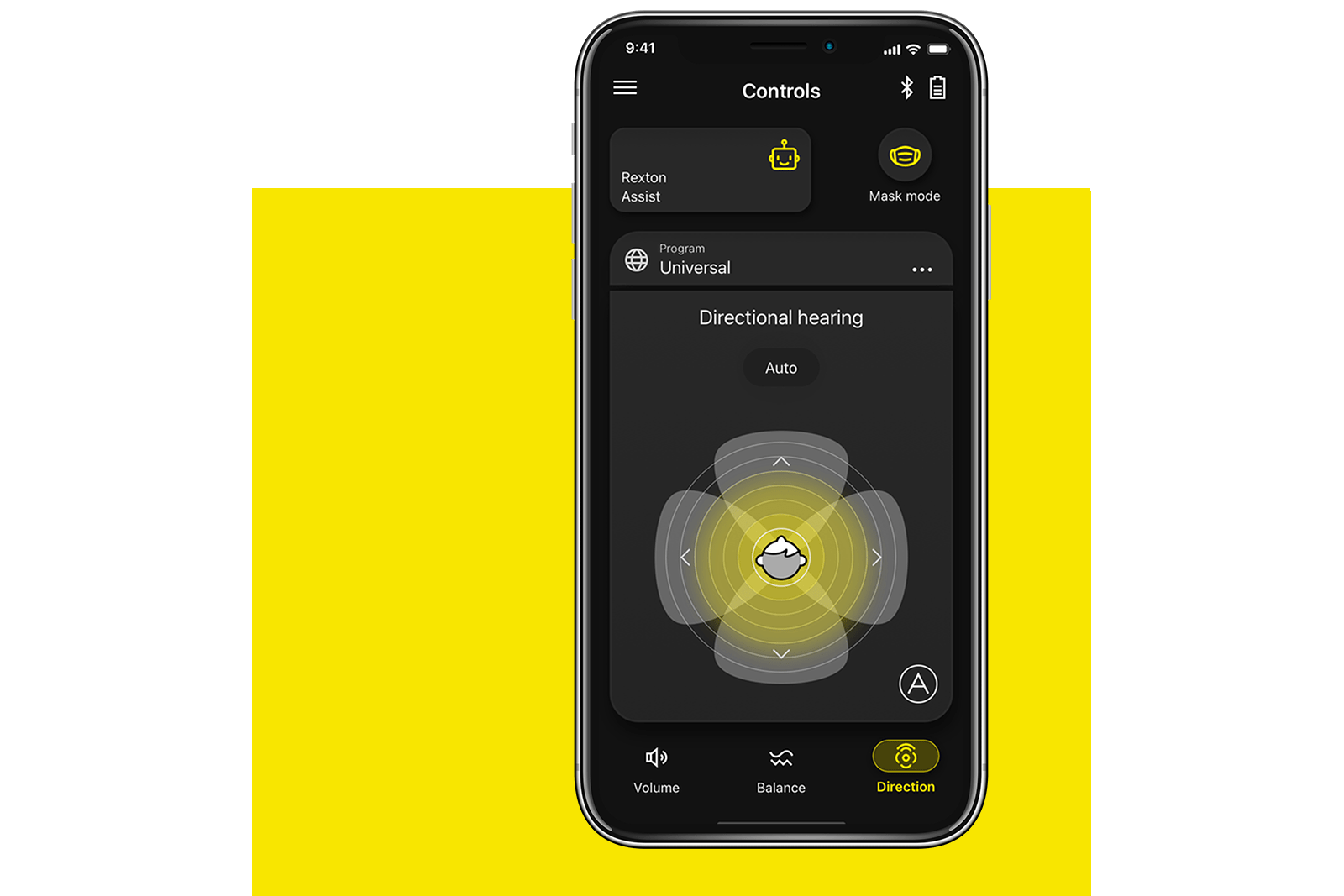
Some problems need more than basic fixes. These include receiver failure, microphone damage, internal moisture corrosion, and circuit faults.
- Receiver replacement
- Tests show poor output across frequencies. A repair tech can replace the receiver.
- Microphone issues
- Directional microphones may fail. Symptoms include muffled or one-sided sound.
- Internal corrosion
- If exposed to moisture for long, boards can corrode. Professional repair is required.
- Physical damage
- Cracked shells or broken switches need part replacement.
I once worked on a Rexton device with intermittent broadband noise. After bench testing, the technician found a loose solder joint under stress. Reflowing the joint fixed the issue. Advanced repairs should be left to certified Rexton technicians to avoid voiding warranties.
Rexton Software, Apps, and Connectivity
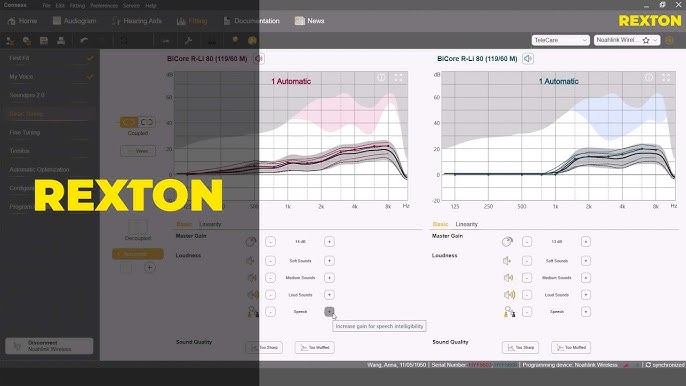
Modern Rexton Hearing Aid Troubleshooting often involves apps and Bluetooth.
- Update the Rexton app
- App updates improve pairing and program control.
- Re-pair devices
- Remove device from phone Bluetooth list, then re-pair via the app.
- Check Bluetooth permissions
- Ensure location and microphone access are allowed if required by the app.
- Firmware updates
- Firmware can address bugs, connectivity, and sound tuning.
If pairing fails repeatedly, test with another phone to isolate whether the phone or the hearing aid is the issue. I advise keeping one phone paired and using it for diagnostics.
Maintenance Tips to Prevent Problems
Regular care reduces the need for Rexton Hearing Aid Troubleshooting.
- Daily
- Wipe the aid with a dry cloth after use.
- Open battery door at night to dry and conserve battery.
- Weekly
- Inspect and clean wax guards and tubing.
- Check fit and comfort.
- Monthly
- Run a full charge cycle for rechargeable models.
- Update the app and check for firmware updates.
- Seasonal
- Service the aids annually with a clinician for deep cleaning and tuning.
Good maintenance saved one user months of issues. Simple daily care kept the aids reliable and extended their lifespan.
When to Seek Professional Help
Not all Rexton Hearing Aid Troubleshooting should be DIY. Seek professional help when:
- The aid shows no response after battery and basic checks.
- You suspect internal moisture or corrosion.
- Physical damage or broken parts are present.
- Sound remains distorted after cleaning and resets.
- The device is under warranty and a repair may be covered.
A certified hearing professional can run diagnostic tools and repair items safely. They can also recalibrate your settings for better hearing outcomes.
Frequently Asked Questions of Rexton Hearing Aid Troubleshooting
How do I reset my Rexton hearing aid?
Most Rexton models reset via the app or by cycling the battery power. Check your manual for model-specific steps.
Why does my Rexton hearing aid make static noises?
Static often indicates moisture, a weak battery, or interference. Try drying the aid and installing a fresh battery.
How often should I clean wax guards?
Clean or replace wax guards every 1 to 4 weeks depending on earwax buildup. Regular checks prevent sound blockage.
Can I update Rexton firmware myself?
Yes, through the Rexton app when updates are available. Follow on-screen instructions and ensure the device has adequate charge.
What if my Rexton aid falls in water?
Turn it off, remove batteries or stop charging, dry thoroughly, and get professional service. Immediate action can reduce damage.
Conclusion
Rexton Hearing Aid Troubleshooting is a mix of quick checks, careful cleaning, and targeted fixes. Start with batteries and wax guards. Move to app and connectivity checks. Leave complex repairs to a certified technician. Act quickly and keep routine maintenance to prevent most issues. Try the steps here, and if you still need help, schedule a professional check. Share your experience or questions below to help others and stay informed.

