

When your Ionchill ice maker stops working as expected, it can disrupt your daily routine. Whether you use it for parties, offices, or home refreshment, a reliable ice maker is essential. But like any appliance, issues can arise, from slow ice production to strange noises. Many problems are simple to fix if you know where to look. This guide will help you troubleshoot your Ionchill ice maker, covering the most common issues, practical solutions, and some insights even experienced users often miss. You’ll also find comparison tables and a FAQ section at the end to answer quick questions.
Understanding Your Ionchill Ice Maker
Before troubleshooting, it’s important to know how your Ionchill ice maker operates. This machine uses a water reservoir, cooling coils, and a motor to freeze and release ice cubes. It typically produces a batch of ice in 7–10 minutes, depending on the ambient temperature and water quality. Ionchill models are compact, portable, and designed for easy maintenance, but even small machines require regular care.

36% off Today’s Exclusive Deals
Limited-time Exclusive Deals. Check current discount on Amazon.
Check Price on Amazon As an Amazon Associate I earn from qualifying purchases.Key Features
- Fast ice production: 7–10 minutes per batch
- Portable design: Lightweight and easy to move
- Self-cleaning function: Reduces buildup
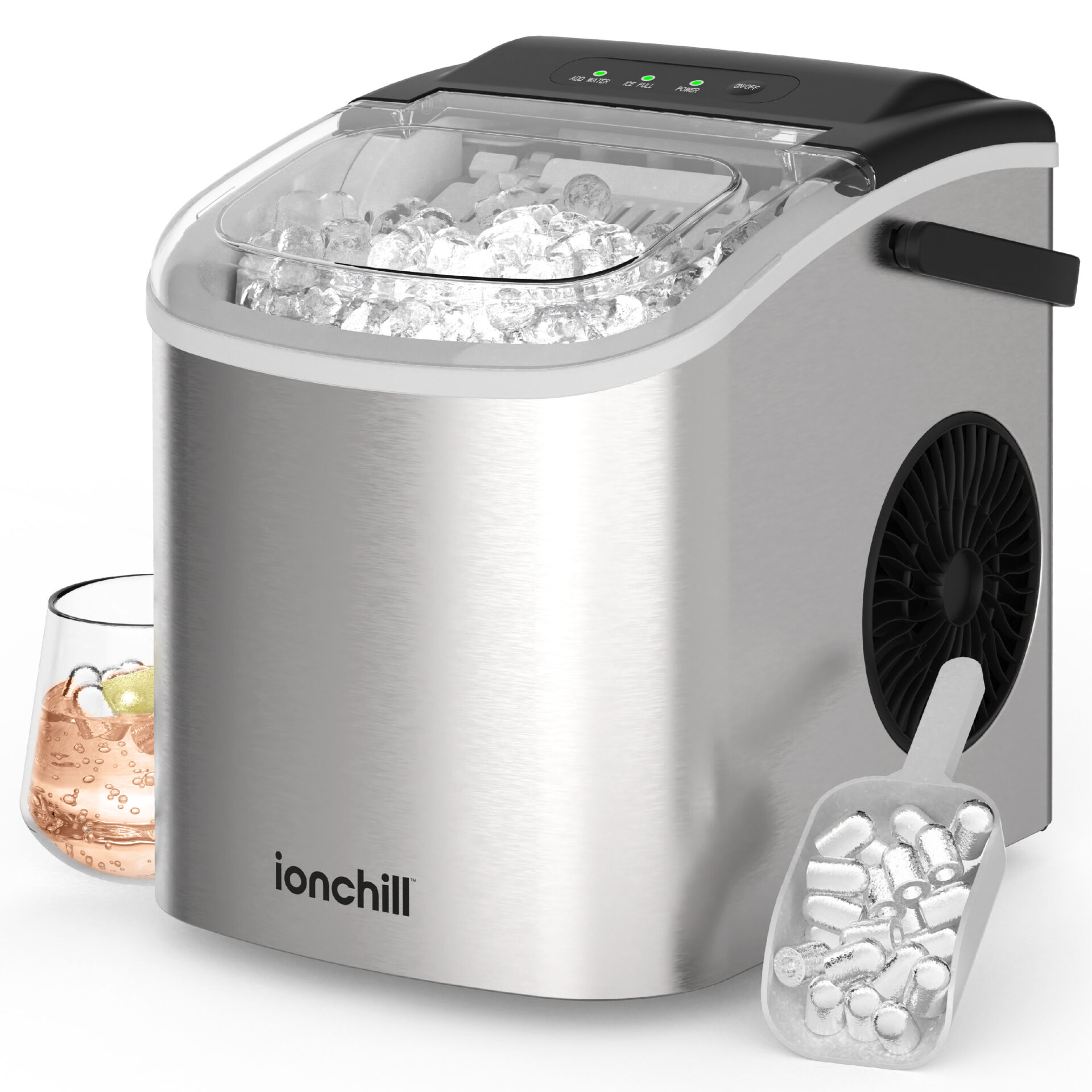
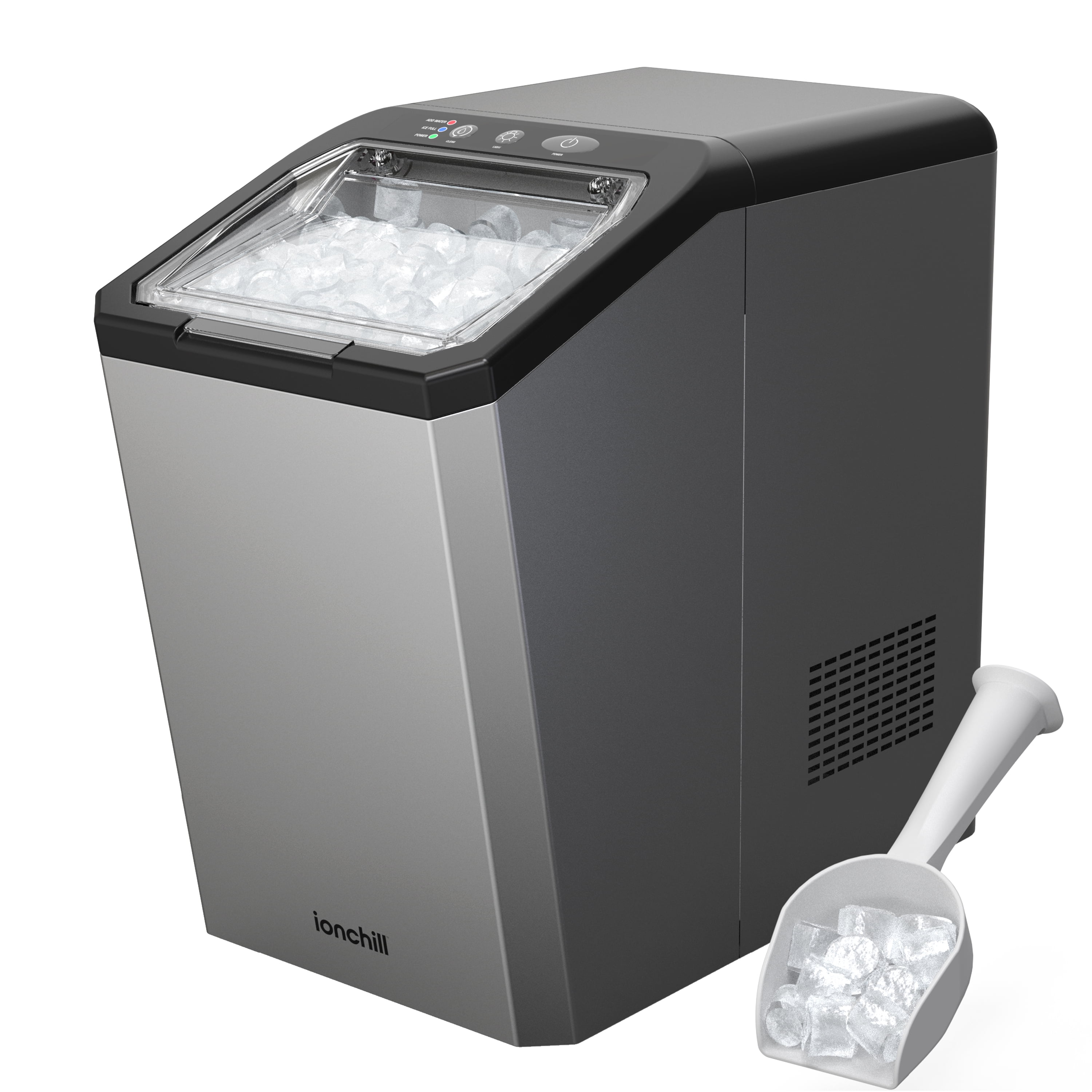
- LED indicators: Show status (water low, ice full, cleaning needed)
Common Ice Maker Models
Here’s a quick comparison of popular Ionchill models:
| Model | Ice Production (lbs/day) | Reservoir Size (liters) | Self-Cleaning |
|---|---|---|---|
| Ionchill Pro | 26 | 2.2 | Yes |
| Ionchill Mini | 20 | 1.8 | No |
| Ionchill Max | 30 | 2.5 | Yes |
Knowing your model’s features helps you diagnose problems quickly. If you’re unsure, check the manual or look for the label on the back of the machine.
Basic Troubleshooting Steps
Most issues with Ionchill ice makers are minor and can be fixed at home. Start with these easy steps:
- Check Power Supply: Make sure the plug is secure and the outlet is working. If the machine doesn’t turn on, try plugging into a different outlet.
- Inspect Water Level: Low water is a common cause of no ice. Fill the reservoir to the indicated line.
- Empty Ice Basket: When the basket is full, the machine stops making ice. Remove ice and restart.
- Clean Machine: Mineral buildup or dirt can block sensors. Run the self-cleaning cycle or clean manually.
- Reset Device: Unplug for 10 minutes, then plug back in. This often clears minor errors.
Most users miss the importance of cleaning sensors. Dirty sensors can falsely indicate “ice full” or “water low,” even when conditions are normal.
Diagnosing Common Ionchill Ice Maker Problems
If basic steps don’t solve the issue, look deeper into the most frequent problems.
Ice Maker Not Making Ice
This is the most reported issue. Possible causes include:
- Low water level
- Clogged water filter
- Faulty sensors
- Ambient temperature too high (above 90°F)
Try these solutions:
- Refill the water reservoir.
- Clean or replace the filter.
- Run the self-cleaning cycle.
- Move the ice maker to a cooler area.
Slow Ice Production
Sometimes, the ice maker produces cubes slower than usual. This can be due to:
- Warm water in the reservoir
- Dirty cooling coils
- Overloaded ice basket
To fix this, use cold water, clean the coils, and empty the basket regularly. Many users don’t realize that using distilled water can speed up ice production and prevent scale buildup.
Strange Noises
Unusual sounds can mean mechanical trouble or loose parts. Listen for:
- Grinding: Could be a jammed motor or ice stuck in the tray.
- Buzzing: Often related to low water or air bubbles.
- Clicking: Might indicate a faulty sensor.
Stop the machine, inspect for jams, and check all connections. If the noise persists, contact support.
Ice Cubes Are Small Or Irregular
If cubes are tiny or misshapen:
- Water quality may be poor.
- Mineral deposits can block the freezing tray.
- Low ambient temperature may cause thin cubes.
Use filtered water, clean with vinegar solution, and ensure the room temperature is above 50°F.
Water Leakage
Leaks usually come from:
- Overfilled reservoir
- Blocked drainage
- Cracked water tank
Check the fill line, clear drainage holes, and inspect for cracks. Replace damaged parts if needed.
Advanced Troubleshooting
If the above steps don’t help, try these advanced checks.
Checking Internal Components
Open the back panel (if your model allows) and look for:
- Loose wiring
- Dirty fan
- Blocked intake vents
Clean dust, tighten wires, and remove obstructions. Only do this if you’re comfortable with appliances; otherwise, seek professional help.
Sensor And Control Board Issues
The control board manages the ice maker’s functions. Problems here can cause false signals or shutdowns.
- Reset the board by unplugging for 20 minutes.
- Look for burned spots or corrosion.
- If damaged, replacement is needed. Control boards are usually available from authorized dealers.
Comparing Troubleshooting Difficulty Across Ionchill Models
Some models are easier to fix than others. Here’s a quick comparison:
| Model | DIY Troubleshooting | Professional Repair Needed |
|---|---|---|
| Ionchill Pro | Easy | Rarely |
| Ionchill Mini | Moderate | Sometimes |
| Ionchill Max | Easy | Rarely |
If you own the Mini, be ready for slightly more complex repairs.
Error Codes And What They Mean
Ionchill ice makers display error codes on their LED screens. Common codes include:
- E1: Water low
- E2: Ice tray jam
- E3: Sensor fault
- E4: Overheating
Consult your manual for code details. Most can be fixed by cleaning, refilling, or resetting.

Tips For Preventing Ionchill Ice Maker Issues
Regular care keeps your machine running smoothly. Here are some practical tips:
- Clean weekly: Wipe surfaces and run the self-clean cycle.
- Use filtered water: Prevents mineral buildup.
- Avoid overfilling: Stick to the maximum line.
- Store in cool, dry place: Prevents overheating and mold.
- Check for updates: Newer Ionchill models sometimes have firmware updates. Visit the official site for info.
A non-obvious tip: Let the machine rest for 30 minutes after heavy use. This prolongs motor life and improves ice quality.
When To Contact Support Or Seek Professional Repair
Some issues need expert attention. Call Ionchill customer support if you notice:
- Persistent leaks
- Repeated error codes
- Electrical smells or smoke
- Broken parts
Professional repair is recommended for control board replacement, motor issues, or if the machine is still under warranty.
Comparing Ionchill Ice Maker Troubleshooting To Other Brands
Ionchill ice makers are generally easier to fix than most competitors. Here’s a quick brand comparison:
| Brand | DIY Troubleshooting | Parts Availability | Warranty |
|---|---|---|---|
| Ionchill | High | Good | 1 year |
| Frigidaire | Medium | Average | 1 year |
| GE | Low | Good | 2 years |
Ionchill’s clear error codes and easy access to parts make it popular for users who prefer DIY fixes.
Frequently Asked Questions
Why Does My Ionchill Ice Maker Stop After Making A Few Batches?
This usually happens when the ice basket is full or the water reservoir runs low. Remove ice regularly and refill water to keep production steady. If the issue persists, check for sensor problems.
How Often Should I Clean My Ionchill Ice Maker?
Clean it once a week if used daily. Use the self-cleaning function or wipe with a soft cloth and vinegar solution. Regular cleaning prevents mineral buildup and keeps sensors accurate.
Can I Use Tap Water In My Ionchill Ice Maker?
Yes, but filtered water is better. Tap water can cause mineral deposits and slow down ice production. Using distilled or filtered water extends the machine’s life.
What Do The Led Indicator Lights Mean?
Ionchill machines use LED lights to show status:
- Red: Water low
- Green: Ice full
- Blue: Power on
If lights blink or stay on, check for blockages or sensor issues.
Where Can I Find Replacement Parts For My Ionchill Ice Maker?
Order parts from the official Ionchill website or authorized dealers. Using genuine parts ensures proper fit and avoids warranty issues. For more details, see Ionchill Official Site.
Troubleshooting your Ionchill ice maker doesn’t have to be stressful. Most problems are easy to spot and fix with a little patience and the right steps. Regular care, clean water, and attention to error codes help you avoid bigger repairs.
If you face persistent issues, don’t hesitate to reach out to support or a professional. With these insights, your ice maker should run smoothly, keeping your drinks cold and your gatherings enjoyable.

