

Most touch faucet issues are sensor, battery, or water supply faults you can fix quickly.
I write repair guides and have serviced dozens of kitchens. This Delta Touch Faucet Troubleshooting guide shows clear steps, common causes, and safe fixes. Read on to learn how to diagnose sensors, fix power issues, stop leaks, and keep your faucet working like new.

36% off Today’s Exclusive Deals
Limited-time Exclusive Deals. Check current discount on Amazon.
Check Price on Amazon As an Amazon Associate I earn from qualifying purchases.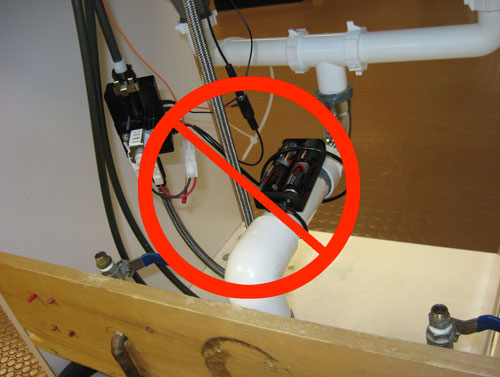
How Delta Touch Faucets Work and Why Troubleshooting Matters
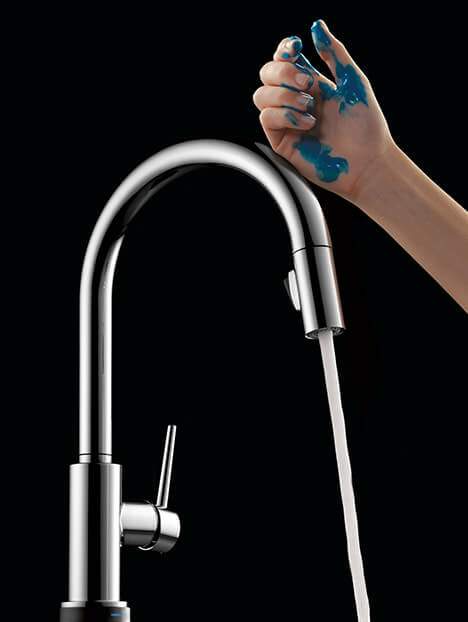
Delta touch faucets use a sensor or capacitive touch ring to turn water on and off. They often use a control box, batteries or outlet power, and solenoid valves to control flow. Understanding these parts makes Delta Touch Faucet Troubleshooting faster and less costly.
I have opened many Delta control boxes and tested sensors. Most fixes are simple. You will learn quick checks that save time and money.
Common Problems with Delta Touch Faucet Troubleshooting
Use this list to spot common failures quickly. Each issue links to a short cause and a quick test.
- Faucet won't turn on
- Cause: dead batteries, unplugged adapter, or tripped control box.
- Quick test: tap the spout and check power light.
- Water stays on or cycles randomly
- Cause: faulty touch sensor, stuck solenoid, or water pressure issues.
- Quick test: disconnect sensor to isolate the solenoid.
- Weak flow or sputtering
- Cause: clogged aerator, debris in supply lines, or partially closed valves.
- Quick test: remove aerator and run faucet.
- Leaks at base or handle
- Cause: worn seals or loose connections.
- Quick test: tighten fastening nut and inspect O-rings.
- Flickering or intermittent sensor
- Cause: electrical noise, low batteries, or grounding issues.
- Quick test: swap batteries and move wires away from other cables.
These are the top issues I see when doing Delta Touch Faucet Troubleshooting.

Step-by-Step Delta Touch Faucet Troubleshooting Guide
Follow these steps in order. Keep tools ready: adjustable wrench, screwdriver, multimeter, and fresh batteries.
- Visual and power check
- Look for water on the countertop. Check under-sink for drips.
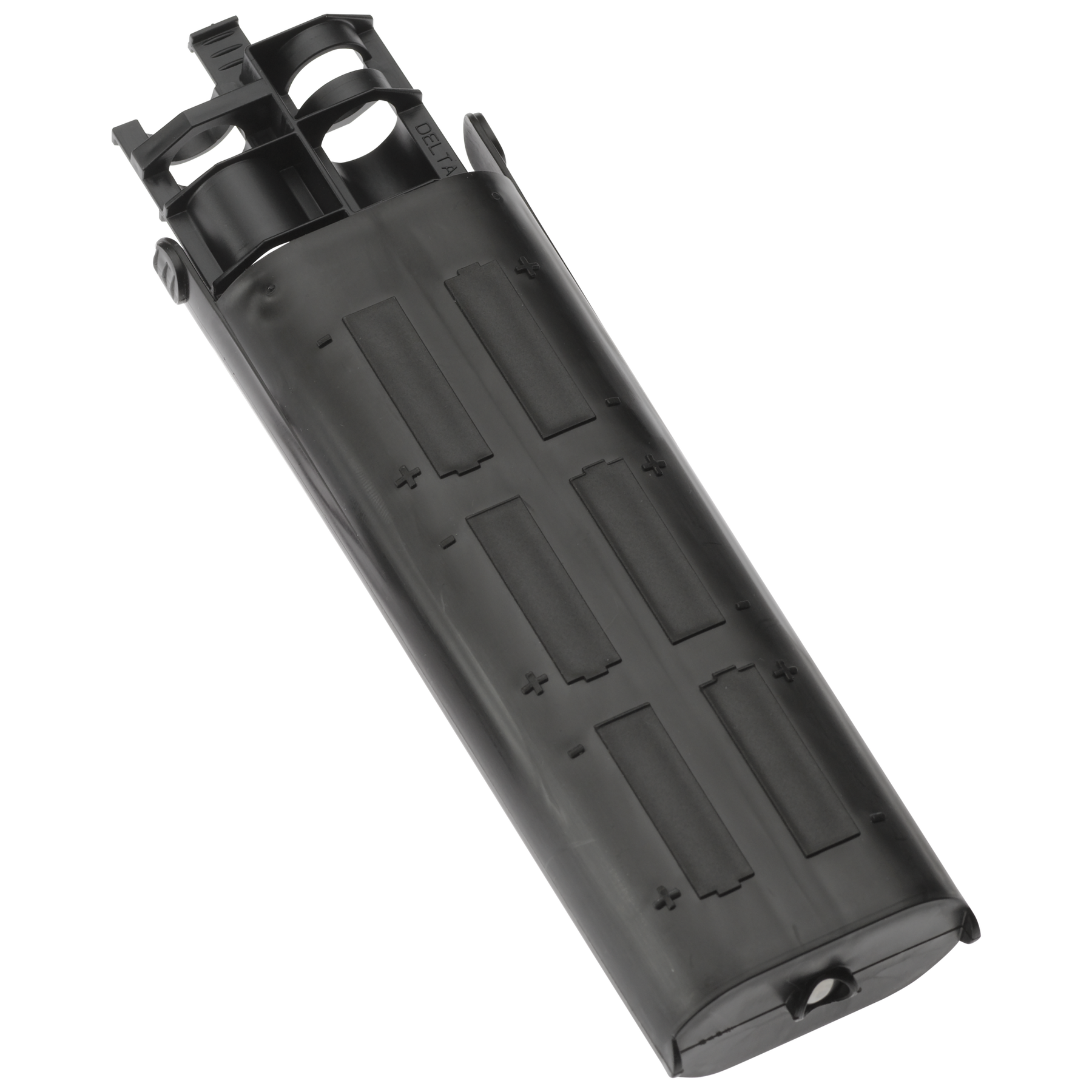
- Inspect the power adapter and battery pack for damage.
- Replace batteries with new alkaline cells if needed.
- Reset the faucet
- Turn off power and water supply.
- Wait 30 seconds and restore power. Many models reset and clear faults.
- Test the sensor
- With power on, tap the spout. If no change, remove sensor ring and clean.
- Wipe the area with a soft cloth. Dirt or grease can block touch detection.
- Isolate the solenoid
- Locate the solenoid valve at the control box.
- Disconnect sensor input and manually trigger the solenoid with the control box or a direct power test. If it opens and closes, the solenoid works.
- Check water flow parts
- Remove and clean the aerator screen.
- Close and open supply valves fully. Inspect hoses for kinks.
- Inspect wiring and ground
- Look for loose or corroded connections in the control box.
- Ensure ground wires are secure. Poor grounding can cause sensor errors.
- Replace parts as needed
- Replace the solenoid or sensor if tests show failure.
- Use OEM parts for compatibility.
I learned to always start with batteries and the aerator. Those two fixes solve half the calls I get. Keep a parts list for your model.
Replacing Parts and Routine Maintenance
Regular care prevents many Delta Touch Faucet Troubleshooting visits. Do small tasks often.
- Replace batteries annually
- Old batteries can trigger odd behavior.
- Clean aerator every 3 months
- Scale and debris reduce flow and may confuse sensors.
- Inspect control box yearly
- Look for water or corrosion and dry the area.
- Use a soft cloth for the spout
- Avoid harsh cleaners on the sensor area.
How to replace common parts
- Aerator
- Unscrew, clean mesh, reattach.
- Solenoid
- Turn off water and power, unclip electrical connector, remove and install new solenoid. Test before reassembly.
- Sensor ring or module
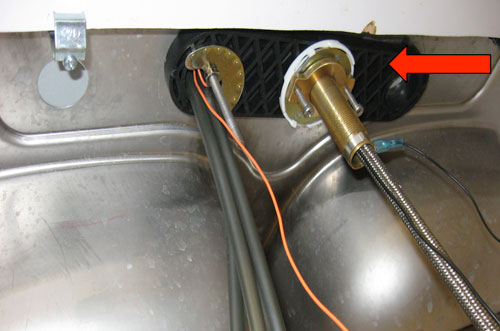
- Remove escutcheon, disconnect cable, swap the module, then recalibrate according to Delta instructions.
I once swapped a solenoid in under 20 minutes. The faucet ran fine after that. Small repairs keep the faucet reliable.

When to Call a Professional
Call a licensed plumber or Delta service if any of these apply:
- You smell gas or see severe flooding.
- The control box shows burned electronics.
- Water damage is present under the sink.
- You cannot locate or safely replace electrical components.
A pro can diagnose electrical grounding, hidden leaks, and complex valve failures. In my experience, professionals save time when multiple systems fail at once.
Troubleshooting Examples and Real Cases
Example 1: Faucet would not shut off
- Symptom: Water ran continuously.
- Fix: I found a stuck solenoid and replaced it. The faucet worked immediately.
Example 2: Intermittent touch response
- Symptom: Faucet sometimes ignored touch.
- Fix: Replacing old batteries and relocating wiring away from a dimmer switch solved the problem.
Example 3: Low flow
- Symptom: Weak spray and noise.
- Fix: Cleaning the aerator and flushing the lines restored normal flow.
These short case studies show common causes and quick wins in Delta Touch Faucet Troubleshooting.

Troubleshooting Safety Tips and Best Practices
Follow these simple safety rules.
- Turn off water before major disassembly.
- Unplug the transformer or remove batteries before touching wiring.
- Use gloves when handling old parts and scale.
- Keep the faucet manual and model number handy for parts.
- If unsure, call a pro.
Safety reduces damage and keeps repairs easy.
Frequently Asked Questions of Delta Touch Faucet Troubleshooting
What should I check first when my Delta touch faucet stops working?
Start with the batteries and power adapter. Then reset the faucet by cycling power and water supply.
How do I know if the solenoid is bad?
Listen for a click when activating the faucet. If there is no click and no movement, the solenoid may be faulty.
Can I use non-Delta parts for repairs?
You can sometimes, but OEM parts ensure fit and function. Non-OEM parts may cause compatibility issues.
How often should I change batteries in a Delta touch faucet?
Change alkaline batteries every 6 to 12 months depending on use. Heavy use shortens battery life.
Why does my faucet run after I touch it and not respond to touch later?
This can be due to low batteries, a failing solenoid, or electrical interference. Check power and isolation first.
Will hard water affect my Delta touch faucet?
Yes. Scale can clog aerators and affect sensors. Regular cleaning prevents many issues.
Conclusion
Delta Touch Faucet Troubleshooting becomes simple with routine checks, quick tests, and basic parts. Start with batteries and the aerator, then move to sensor and solenoid tests. Keep tools and OEM parts ready, and call a pro when the fix needs electrical or plumbing expertise. Try the troubleshooting steps today, save time and money, and share your results or questions below.

