

Most Liftmaster 8500 issues come from power, sensors, or safety reversal faults.
I’ve worked on garage openers for years and know Liftmaster 8500 troubleshooting well. This guide explains clear steps to diagnose and fix common Liftmaster 8500 problems. You will learn how the unit works, quick checks to save time, detailed fixes for specific symptoms, programming tips, and when to call a pro. I share hands-on tips, real mistakes I made, and safe ways to test solutions so you can fix issues fast and with confidence.

36% off Today’s Exclusive Deals
Limited-time Exclusive Deals. Check current discount on Amazon.
Check Price on Amazon As an Amazon Associate I earn from qualifying purchases.
How the Liftmaster 8500 Works and why simple checks help
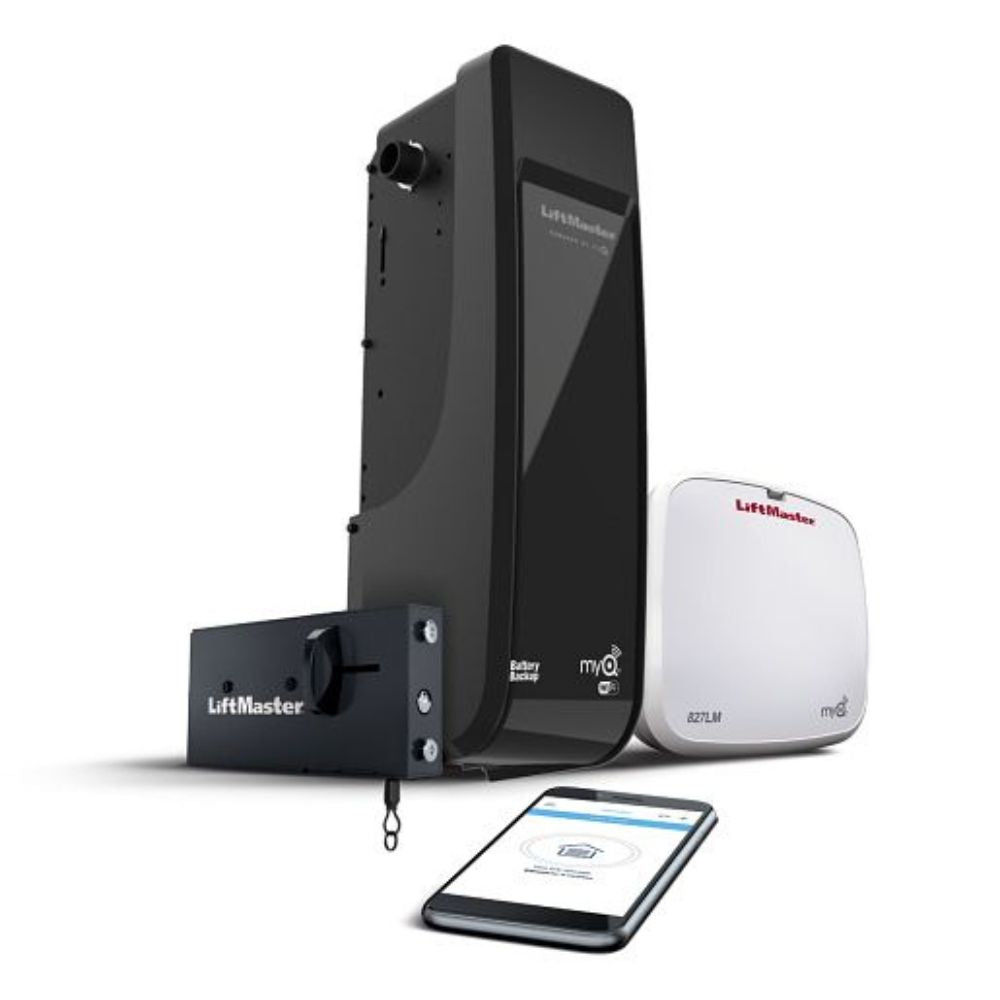
The Liftmaster 8500 is a wall-mounted jackshaft opener built for sectional doors. It uses a direct drive on the torsion shaft, safety sensors, and an integrated battery backup. Knowing basic parts helps with Liftmaster 8500 troubleshooting. Key parts include the motor head, wall control, safety sensors, trolley or torsion shaft coupler, and battery backup. If one part fails, the symptoms are often clear and repairable.
Quick troubleshooting checklist for Liftmaster 8500 Troubleshooting
Follow these quick steps before calling a technician. They catch 80% of issues.
- Check power at the outlet. Confirm the opener has power and the wall outlet is not on a switched circuit.
- Inspect the battery backup. A weak or dead battery causes odd behavior and error lights.
- Verify safety sensor alignment. Misaligned sensors prevent the door from closing or cause reversal.
- Test wall control and remote. Replace batteries and reprogram if needed.
- Look at LEDs. The status lights on the motor head and wall control give error clues.
These checks often fix common faults fast and safely. Doing them saves time and money on Liftmaster 8500 troubleshooting.
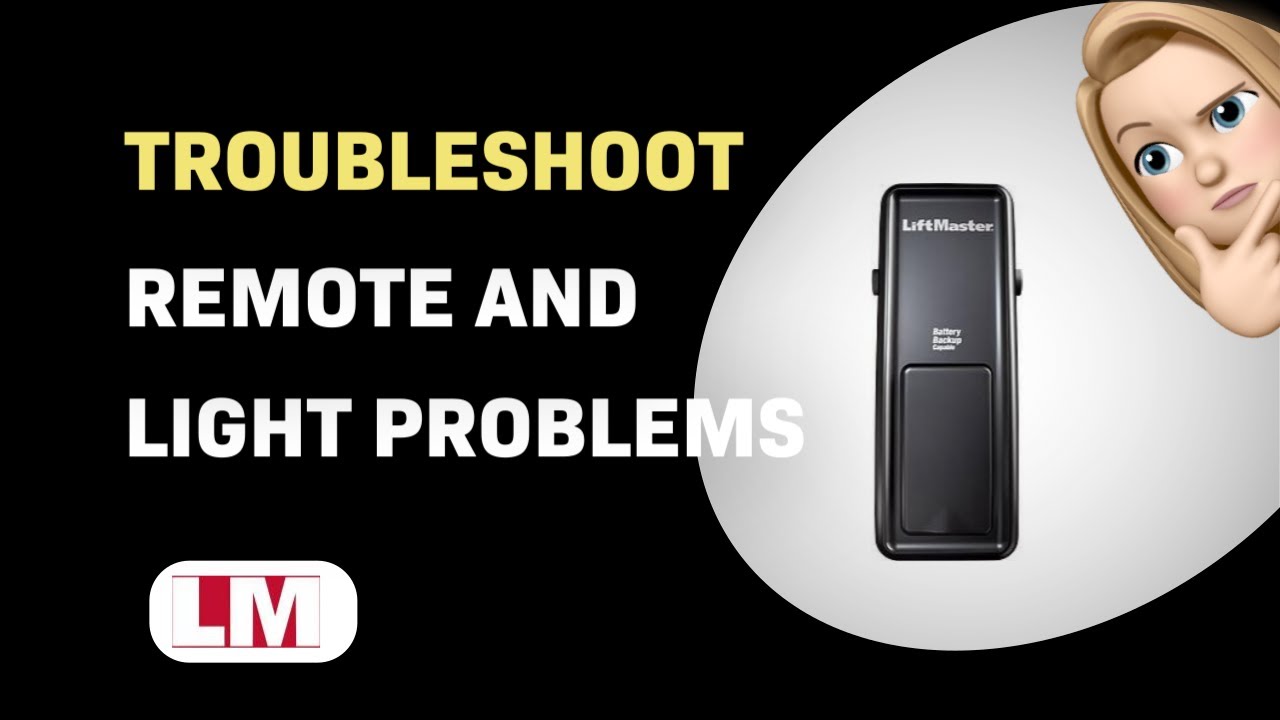
Detailed diagnostics and fixes for common symptoms
Here are focused steps for specific problems. I walk through tools, tests, and fixes I used in the field.
Opener does nothing when button pressed
- Confirm outlet and plug. Use a lamp to test the outlet. Verify the opener is plugged in firmly.
- Check circuit breaker and GFCI. Reset if tripped.
- Inspect battery backup wiring. A disconnected battery can prevent startup.
- If the motor hums but does not move, check the drive coupler and manual release. A worn coupler or stuck brake can block movement.
I once fixed a dead unit by tightening a loose battery connector. Small wiring faults are common in Liftmaster 8500 troubleshooting.
Door reverses or won’t close
- Clean and align safety sensors. They must face each other with LEDs steady. Remove dirt and spider webs.
- Check for obstructions on the track and door bottom seal. Even small debris can trigger reversal.
- Verify travel and force settings. Reset limits per manual if travel points are wrong.
- Test with a soft object under the door to confirm correct reversal force.
When I first adjusted sensor brackets, I learned to use a small level. Alignment changes are subtle but critical for Liftmaster 8500 troubleshooting.
Opener runs but door moves slowly or unevenly
- Lubricate rollers and hinges, but avoid the opener gearbox unless specified.
- Inspect torsion springs and cables. Worn springs reduce lift capacity.
- Ensure the door is balanced by disconnecting the opener and lifting the door halfway. If it falls, springs need service.
Balance issues mimic opener failure. I recommend checking door balance before replacing the motor during Liftmaster 8500 troubleshooting.
Remote or wall control not working
- Replace remote batteries and verify code settings.
- Reprogram remote per the manual: press the Learn button then the remote button within 30 seconds.
- Test wall control wiring. Loose wires or corroded terminals can block commands.
- Confirm MyQ Wi‑Fi settings if using app control.
I once reprogrammed a remote after lightning; it solved connectivity and avoided costly parts replacement.
Motor hums, but no movement
- Confirm manual release is engaged then disengaged properly.
- Inspect internal gear or belt for damage. Some units show worn internal gears after heavy use.
- If motor hum persists, call a certified LiftMaster technician to avoid electric shock or gear damage.
I avoid internal gear repairs unless I have the correct parts. This keeps repairs safe during Liftmaster 8500 troubleshooting.
LED error codes and what they mean
- Steady or flashing LEDs give diagnostic cues. Check the wall control and motor head LEDs.
- Common LED patterns indicate sensor faults, memory loss, or battery issues.
- Consult the manual for exact flash codes. Use the codes to narrow your repair approach.
Learning LED patterns saved me hours of trial and error in real Liftmaster 8500 troubleshooting jobs.

Quick PAA-style questions
What do I do if the door won’t close but the opener runs? Check safety sensors and track obstructions first.
Why does the opener make a loud noise on startup? Often a loose part, worn gear, or torsion spring issue is the cause.
How often should I replace the battery backup? Replace every 3–5 years or when it fails to hold charge.
Programming, remotes, and MyQ setup for Liftmaster 8500 Troubleshooting
Programming can seem tricky but is usually simple.
- Reprogram remotes: press the Learn button on the motor head, then press the remote button within 30 seconds.
- Sync safety sensors: power cycle the unit after any sensor changes to reset sensor learn mode.
- MyQ Wi‑Fi setup: use the MyQ app, follow on-screen steps to add device, and ensure the opener’s LED shows Wi‑Fi ready.
- Clear memory for persistent issues: reset the opener memory per the manual to remove old codes and conflicts.
I often reprogram remotes after a power outage. It clears ghost codes and resolves many remote-related faults during Liftmaster 8500 troubleshooting.

When to repair versus replace the Liftmaster 8500
Decide based on age, warranty, and symptom severity.
- Repair when the unit is under warranty, issues are simple (sensors, battery, remote), or parts are affordable.
- Replace when the motor or gearbox fails, the unit is older than 10–12 years, or repairs exceed 50% of a new unit cost.
- Consider upgrade benefits: newer models add Wi‑Fi, more safety features, and quieter operation.
I replaced units only after testing balance and electrical faults. This approach avoids needless replacement during Liftmaster 8500 troubleshooting.
Maintenance tips and safety for reliable Liftmaster 8500 performance
Simple maintenance prevents most problems.
- Visual check monthly: sensors, wiring, and wall control.
- Clean sensors and clear path every 3 months.
- Test auto-reverse monthly using a 2×4 on the ground to confirm proper reversal.
- Replace backup battery every 3–5 years.
- Hire a pro for spring, cable, or torsion work. Springs store dangerous energy.
I once ignored a spring noise and paid for an emergency repair. Don’t risk spring work—call a pro if springs or cables are involved.

Frequently Asked Questions of Liftmaster 8500 Troubleshooting
Why won’t my Liftmaster 8500 open at all?
Check power at the outlet, battery backup connection, and circuit breakers. If power is fine, test the manual release and listen for the motor hum.
How do I know if the safety sensors are bad?
Sensors show steady green or amber LEDs when aligned; blinking or no light means a fault. Clean lenses and realign to test.
Can I replace the battery backup myself?
Yes, replacing the battery is a user task. Ensure power is off, use the correct battery type, and reconnect securely.
Why does the door reverse when closing?
Reversal often comes from misaligned sensors, obstructions, or incorrect force settings. Run a sensor alignment check and clear tracks.
How do I reset my remote or wall control?
Press the Learn button on the motor head and follow the reprogramming steps in the manual. Clear memory if remotes act erratically.
Conclusion
You can fix most Liftmaster 8500 issues with simple checks: power, battery, sensor alignment, and remotes. Use the step-by-step diagnostics here, test carefully, and avoid risky spring or gearbox repairs. If you follow the maintenance tips and run the quick checks regularly, your Liftmaster 8500 will stay reliable for years. Try the troubleshooting steps today, subscribe for updates, or leave a comment with your problem and I’ll help you troubleshoot it further.

