

If your morning starts with a cup of coffee, a Cuisinart coffee maker can feel like your most important kitchen appliance. But what happens when your machine stops brewing, leaks, or displays odd lights? Small problems can quickly ruin your coffee routine. The good news is, most issues with Cuisinart coffee makers are simple to fix at home. This guide will help you troubleshoot common problems, understand what they mean, and show you how to get your machine working again—without waiting for customer service or buying a new one.
Understanding Your Cuisinart Coffee Maker
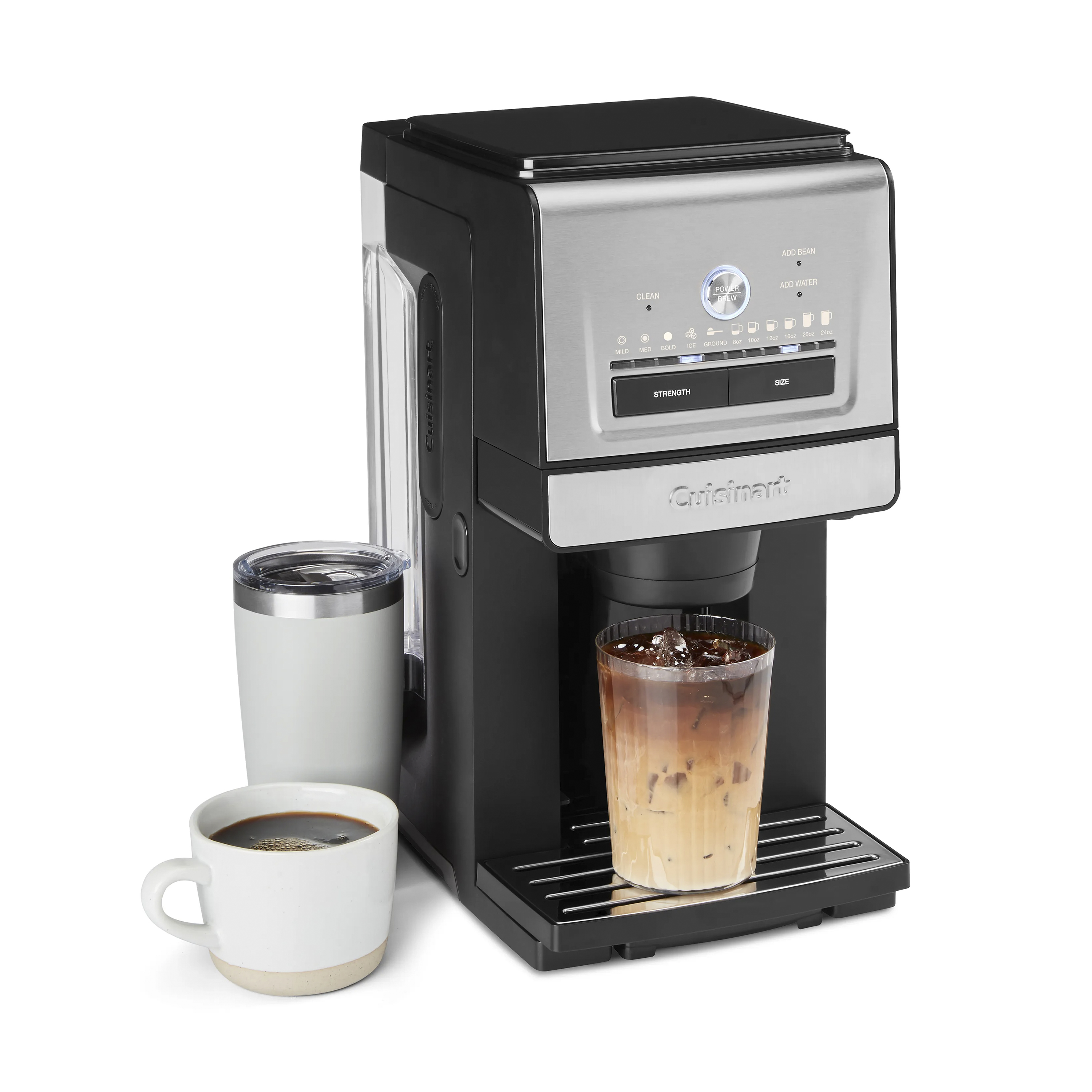
Cuisinart makes several coffee makers, from simple drip machines to advanced models with grinders and programmable features. Most models share a few basic parts:

36% off Today’s Exclusive Deals
Limited-time Exclusive Deals. Check current discount on Amazon.
Check Price on Amazon As an Amazon Associate I earn from qualifying purchases.- Water reservoir
- Filter basket
- Heating element
- Control panel
Knowing these parts helps you spot what might be wrong. For example, if water isn’t flowing, it could be a reservoir problem. If your coffee tastes off, the filter or heating element may need attention.
Common Problems And How To Fix Them
Let’s look at the most frequent problems people have with Cuisinart coffee makers and how you can solve them.
1. Coffee Maker Won’t Turn On
If your machine is completely unresponsive, try these steps:
- Check the power cord—Make sure it’s plugged in tightly.
- Test the outlet—Plug another device into the same outlet.
- Look for a blown fuse in your kitchen’s circuit breaker.
- Inspect the power button—Sometimes, the button can stick due to coffee spills.
If all these seem fine and your coffee maker still won’t start, the internal fuse or wiring may have failed. This often needs professional repair.
2. Coffee Maker Won’t Brew
When you press ‘brew’ and nothing happens, try these solutions:
- Water reservoir is empty: Fill the tank with fresh water.
- Loose or misaligned parts: Ensure the carafe and filter basket are in the correct position.
- Mineral buildup: If you hear clicking but no water flows, the machine may need descaling.
A clogged water line is a common problem. Regular cleaning helps prevent this.
3. Coffee Tastes Bad
Poor taste can come from several sources:
- Dirty machine: Oils and minerals build up over time. Clean with vinegar monthly.
- Old coffee grounds: Use fresh, quality beans.
- Wrong grind size: Too fine can cause bitterness; too coarse can taste weak.
- Incorrect water temperature: If the water isn’t hot enough, extraction will be poor.
4. Leaking Water
Leaks are usually easy to spot but can have many causes:
- Overfilled water reservoir: Never fill above the ‘max’ line.
- Carafe not positioned properly: Double-check the carafe sits flat on the hot plate.
- Cracked parts: Examine the reservoir and carafe for hairline cracks.
- Gasket wear: The rubber gasket under the water tank can wear out. Replacements are available for most models.
5. Coffee Maker Is Slow
If brewing takes longer than usual:
- Mineral deposits: Hard water can clog the system. Run a descaling cycle (see below).
- Dirty filter: Clean or replace the filter basket.
- Low voltage: Use a different outlet if possible.
A slow machine wastes time and energy but is almost always caused by buildup inside.
Step-by-step: How To Descale Your Cuisinart Coffee Maker
Mineral buildup is the #1 reason for poor performance. Descaling removes calcium and limescale that block water flow. Here’s how to do it:
- Empty the carafe and remove the coffee grounds.
- Mix a solution: Use 1 part white vinegar to 2 parts water. Pour into the water reservoir.
- Start a brew cycle: Without a filter or coffee, let the mixture run halfway.
- Pause the cycle: Turn off the machine and let it sit for 30 minutes.
- Finish the cycle: Turn the machine back on to complete brewing.
- Rinse: Run 2-3 cycles with fresh water to remove any vinegar smell.
Tip: Descale every 1-3 months, depending on your water hardness.
Understanding Cuisinart Error Codes And Lights
Many Cuisinart models have indicator lights or error codes. Here’s what they usually mean:
| Indicator Light | What It Means | What To Do |
|---|---|---|
| Clean | Machine needs descaling | Run cleaning cycle with vinegar |
| 1-4 Cup | Making a small batch | Check settings if making full pot |
| Ready/On | Brewing is in progress | Wait for cycle to finish |
| Blinking Lights | Error or part not positioned | Check carafe and basket |
If an error code won’t clear, unplug the machine for 2-3 minutes to reset the electronics.
When To Replace Parts
Some issues require a new part rather than a simple fix. Key signs you need to replace something:
- Carafe is cracked or chipped
- Filter basket won’t fit or is broken
- Water reservoir leaks even when not brewing
- Gasket is worn out or missing
Cuisinart sells replacement parts for most models. Always check your machine’s model number to order the correct part.
Coffee Maker Maintenance Checklist
Regular maintenance avoids most problems. Here’s an easy routine to keep your machine working for years:
- Empty and rinse the carafe after each use.
- Wash the filter basket and reservoir with soap weekly.
- Descale every 1-3 months.
- Replace charcoal water filters every 60 cycles or 2 months.
- Wipe the exterior to prevent sticky buttons and smudges.
Following this routine can double the life of your coffee maker and keep every cup tasting fresh.
Comparing Cuisinart Models: Troubleshooting Difficulty
Some Cuisinart models are easier to troubleshoot than others. Here’s a quick look at three popular types:
| Model | Main Features | Troubleshooting Level |
|---|---|---|
| DCC-3200 | Programmable, 14-cup, self-clean | Easy |
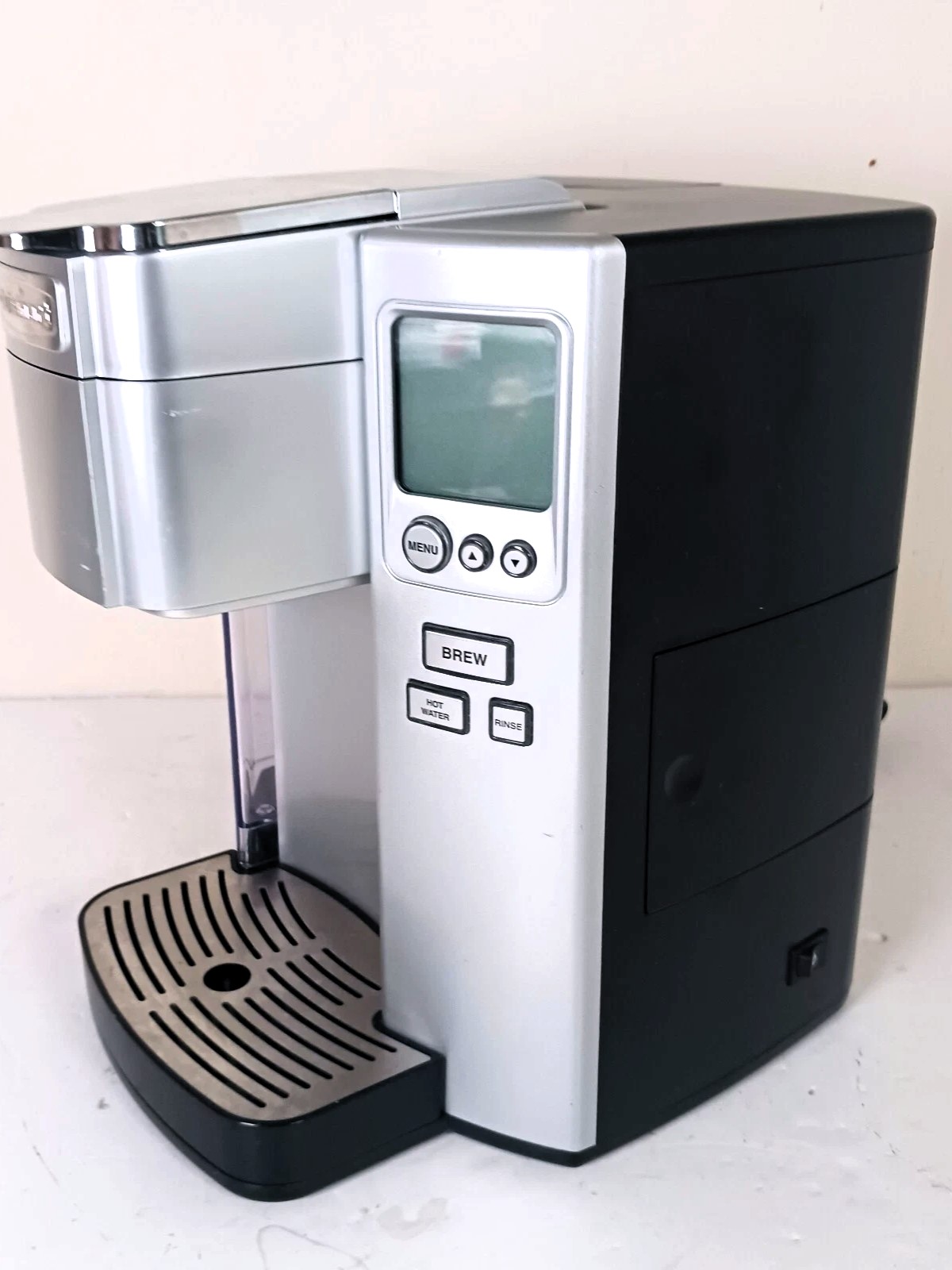
| SS-15 | Single-serve + carafe, K-Cup compatible | Moderate |
| Grind & Brew | Builtin grinder, programmable | Advanced |
If you’re new to coffee makers, the DCC-3200 is easiest to maintain. Advanced models with grinders or single-serve features may need more attention and cleaning.
Preventing Common Mistakes
Many problems happen because of small mistakes. Here’s how to avoid them:
- Never use distilled water: It can confuse sensors. Use filtered or tap water instead.
- Don’t overfill the reservoir: Stay below the max line.
- Don’t force parts into place: If something doesn’t fit, check alignment.
- Use the right filter: Gold-tone filters last longer, but must be cleaned often.
- Let the machine cool before cleaning inside.
A surprising tip: letting the coffee maker “rest” for 10-15 minutes between cycles reduces internal stress, especially if you brew several pots in a row.
Real-world Examples
Let’s look at a few scenarios:
- Stuck Clean Light: After descaling, the clean light on a DCC-3200 sometimes stays on. Run another rinse cycle, or unplug for one minute.
- Overflowing Grounds: If you get grounds in your coffee, you may be using too much coffee or too fine a grind. Stick to the recommended amounts—usually 1 tablespoon per cup.
- Single-Serve Not Working (SS-15): If the single-serve side of your SS-15 isn’t brewing, check that the K-Cup holder is seated correctly and not clogged with old grounds.
When To Call For Service
Most issues are easy to fix, but some signs mean it’s time for professional help:
- Burning smell
- Repeated circuit breaker trips
- Water leaks from the base
- No power after all basic checks
If your coffee maker is under warranty (usually 3 years for Cuisinart), contact customer support before attempting repairs. For more on warranties, check the official Cuisinart support page.

Quick Comparison: Diy Fixes Vs. Service Calls
Is it better to fix your coffee maker yourself, or call for service? Here’s a side-by-side view:
| Issue | DIY Fix | Needs Service |
|---|---|---|
| Mineral buildup | Descale at home | No |
| Cracked carafe | Replace carafe | No |
| Internal electrical problem | No | Yes |
| Leaky gasket | Replace gasket | No |
| Power won’t turn on | Try basic checks | Yes, if not solved |
If the problem is electrical or inside the sealed base, don’t open the coffee maker—this can void your warranty and be unsafe.
Frequently Asked Questions
Why Does My Cuisinart Coffee Maker’s Clean Light Stay On?
This light means your machine senses mineral buildup. After running a descaling cycle, sometimes the sensor doesn’t reset. Try unplugging the unit for one minute, then run a rinse cycle with fresh water. If the light stays on, repeat the descaling process.
How Often Should I Clean My Cuisinart Coffee Maker?
Clean the carafe and filter basket daily. Descale the machine every 1-3 months, depending on water hardness and use. Replace the charcoal water filter every 60 cycles or two months.
What Kind Of Water Should I Use In My Cuisinart Coffee Maker?
Use filtered or tap water. Do not use distilled water, as it can confuse the machine’s sensors and affect taste. Hard water users should descale more often.
Can I Use Paper Filters And The Gold-tone Filter Together?
You should use one or the other, not both. Using both can lead to overflow or weak coffee. If you use a gold-tone filter, clean it after each use to prevent clogs.
My Coffee Tastes Weak. What Should I Do?
Try using more coffee grounds, selecting a finer grind, or checking that the water is hot enough. Also, make sure the machine is clean and free of mineral buildup, as this can affect extraction.
Getting your Cuisinart coffee maker back to perfect brewing is often easier than you think. With the right troubleshooting steps and regular care, you’ll enjoy fresh, great-tasting coffee every day—without frustration or unnecessary service calls.

