

Most alarm issues stem from power, battery, wiring, or communication faults needing simple fixes.
I’ve spent years installing, testing, and fixing home security systems, and I know how frustrating a false alarm or a silent keypad can feel. This guide walks you through practical Home Alarm Troubleshooting steps, explains common causes, and gives clear actions you can take now to restore protection. Read on for expert tips, simple tests, and guidance on when to call a technician so your system runs reliably.

36% off Today’s Exclusive Deals
Limited-time Exclusive Deals. Check current discount on Amazon.
Check Price on Amazon As an Amazon Associate I earn from qualifying purchases.
How home alarm systems work — a quick overview
A basic home alarm has sensors, a control panel, power, and a way to alert you or a monitoring center. Sensors detect doors, windows, motion, smoke, or water. The control panel reads sensors and triggers sirens, notifications, and signals to monitoring services. The system relies on batteries, wiring, or wireless links to work.
Knowing how the pieces fit helps with Home Alarm Troubleshooting. If you can spot which part is failing, you can fix it faster and avoid downtime.
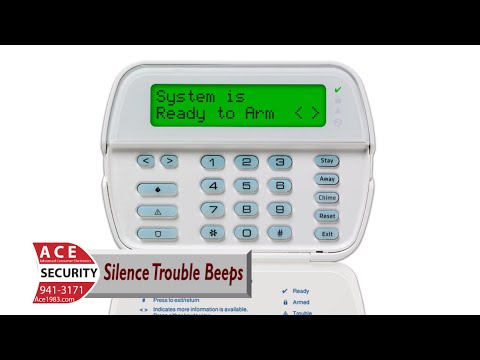
Common problems and what causes them
Here are the frequent issues you’ll meet while doing Home Alarm Troubleshooting and what usually causes them.
- False alarms
Most caused by faulty sensors, pets, drafts, or user error. - Continuous beeping or chirping
Often low battery alerts, tamper switches, or power loss. - Unresponsive keypad or panel
Could be dead backup battery, blown fuse, or firmware hang. - Sensors not reporting
May be loose wiring, dead sensor battery, or radio interference. - System shows offline or “no signal”
Cellular or internet link issues, SIM problems, or monitoring account faults. - Siren won’t sound
Wiring break, blown speaker, or disabled alarm settings. - Smoke or CO detector trouble
Dust, expired sensors, or incorrect installation.
When you do Home Alarm Troubleshooting, start with the simplest causes: batteries, power, and wiring. These account for most failures.

Step-by-step Home Alarm Troubleshooting guide
Follow this ordered checklist to diagnose and often fix problems yourself.
- Check the control panel display and error codes.
Note the exact message. Error codes point directly to faults. - Verify power sources.
Confirm main power is on and backup batteries are connected. - Replace batteries.
Swap batteries in sensors and the panel with fresh, compatible cells. - Inspect wiring and connectors.
Look for loose terminals, corrosion, or chewed wires near sensors and panels. - Test each sensor.
Open and close doors, wave in front of motion sensors, and trigger window contacts. - Reboot the system.
Power down per manufacturer steps, wait 30 seconds, then restart to clear hangs. - Check communication links.
Verify Wi‑Fi, Ethernet, or cellular signals and account status with your monitoring provider. - Update firmware and settings.
Apply updates and reset zones if settings drifted or a recent change caused trouble. - Run diagnostics mode.
Many panels have a test mode that logs sensors and signals for easier fault spotting. - Document and call for help if needed.
Note steps tried, error messages, and times of events before reaching out to support.
Personal tip: I once fixed recurring chirps by swapping an under-the-stairs sensor battery. Simple checks like this save time and money during Home Alarm Troubleshooting.
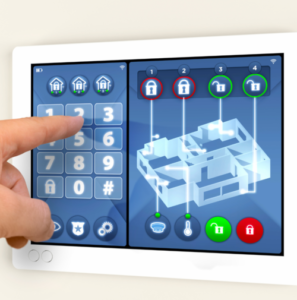
Why is my alarm beeping intermittently?
Beeping usually means low battery, a tamper alert, or periodic system checks. Replace batteries and check tamper switches; if the beeps persist, check error codes on the panel.
How do I test sensor range and signal strength?
Move a wireless sensor near the panel and observe status. If it works close but not in place, consider repeaters or relocating the panel to improve signal.
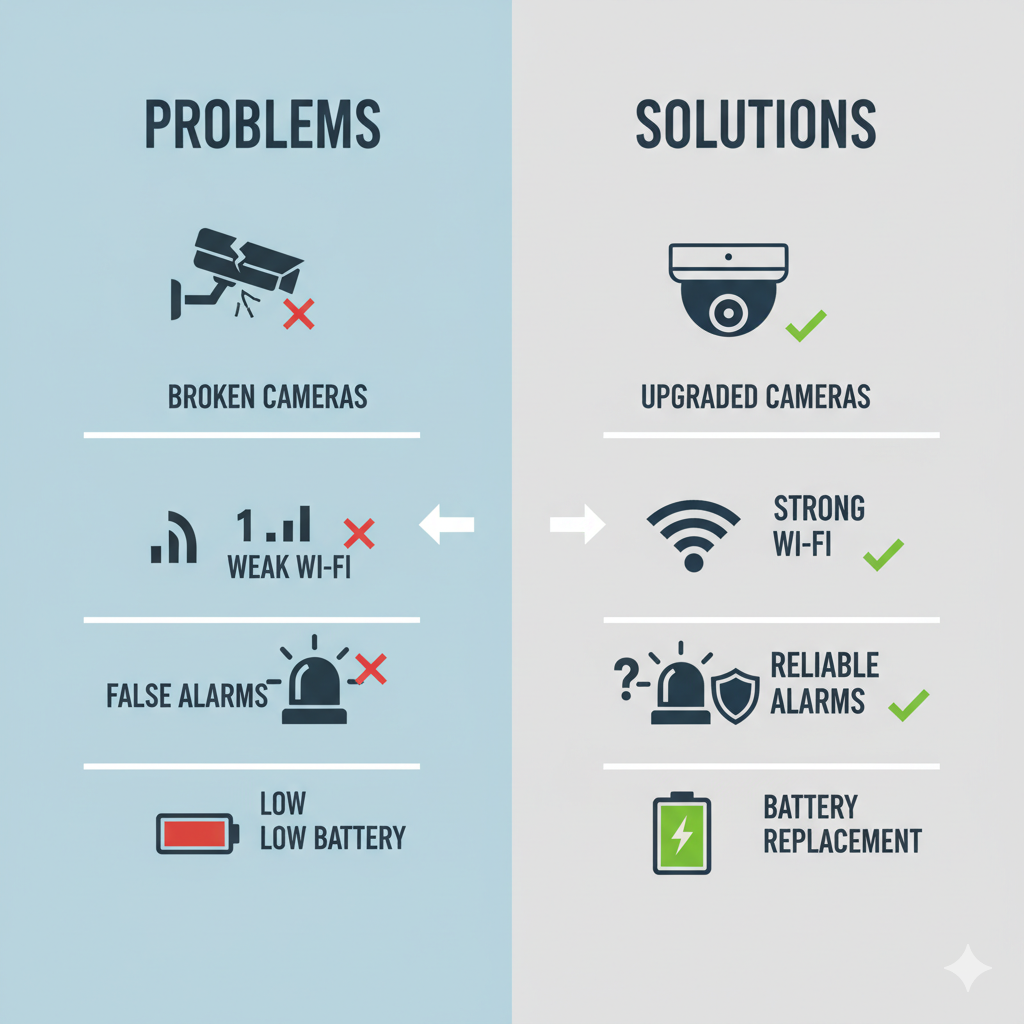
When to call a professional
Some problems require trained hands. Call a pro when:
- You find damaged wiring inside walls.
- The control panel’s motherboard may be faulty.
- Complex communication or account issues with the monitoring center.
- You need certified smoke/CO detector replacement for code compliance.
- Troubles persist after basic Home Alarm Troubleshooting steps.
A technician can run advanced diagnostics, replace trays or modules, and ensure code compliance. Keep records of your attempts and any error messages to speed their work.
Preventive maintenance and best practices
Regular care reduces alarms and makes Home Alarm Troubleshooting simple when needed.
- Replace batteries annually or per manufacturer.
- Test sensors monthly and record results.
- Keep firmware current to avoid bugs.
- Clean sensors and detectors to prevent dust-induced errors.
- Avoid placing motion sensors near vents or sunlit windows.
- Use surge protection and clean power to guard panels.
- Schedule professional inspections yearly for peace of mind.
From my experience, a short monthly check and fresh batteries twice a year cut false alarms dramatically.

People also ask — short helpful answers
These quick questions match what many homeowners search during Home Alarm Troubleshooting.
What causes a home alarm to go off randomly?
Random triggers often come from faulty sensors, pets, drafts, or nearby electrical interference.
Can I troubleshoot a monitored alarm myself?
Yes, basic checks like batteries, wiring, and panel resets are safe; contact monitoring for account or signal issues.
How long do alarm system batteries last?
Sensor batteries often last 2–5 years; panel backup batteries usually last 3–5 years, depending on use.

Frequently Asked Questions of Home Alarm Troubleshooting
What should I do first when my alarm shows an error code?
Look up the code in your manual and note any lights. Reset power, replace batteries, and retest the affected zone.
Why does my alarm go off only at night?
Nighttime triggers often come from pets, temperature changes, or quieter environments that make small movements noticeable. Adjust sensor placement or sensitivity.
How can I stop false alarms permanently?
Find and fix the root cause: repair or replace faulty sensors, adjust settings, and maintain detectors. Regular testing helps catch issues early.
Is it safe to replace sensor batteries myself?
Yes, most sensors allow easy battery replacement. Follow manufacturer steps and power down the panel if advised.
Will a power outage disable my alarm?
A working alarm uses a backup battery to stay on during outages. If the battery is dead, the system may go offline or show a power loss warning.
Conclusion
You now have a clear, practical path for Home Alarm Troubleshooting: start with power and batteries, move to wiring and sensors, and use diagnostics and firmware updates. Small checks save time and prevent false alarms, and knowing when to call a pro keeps your system reliable. Try the steps outlined here, keep a simple maintenance schedule, and share any persistent errors when you contact support for faster fixes. If this helped, subscribe for more home security tips or leave a comment with your alarm issue so I can help troubleshoot it with you.

