

Most Hunter ceiling fan issues stem from power, wiring, balance, capacitor, or remote faults.
I’ve spent years fixing ceiling fans and teaching homeowners simple, safe repairs. This guide on Hunter Ceiling Fan Troubleshooting explains causes, clear steps, and tips you can trust. Read on to confidently diagnose and fix common Hunter fan problems, avoid mistakes I learned the hard way, and know when to call a pro.

36% off Today’s Exclusive Deals
Limited-time Exclusive Deals. Check current discount on Amazon.
Check Price on Amazon As an Amazon Associate I earn from qualifying purchases.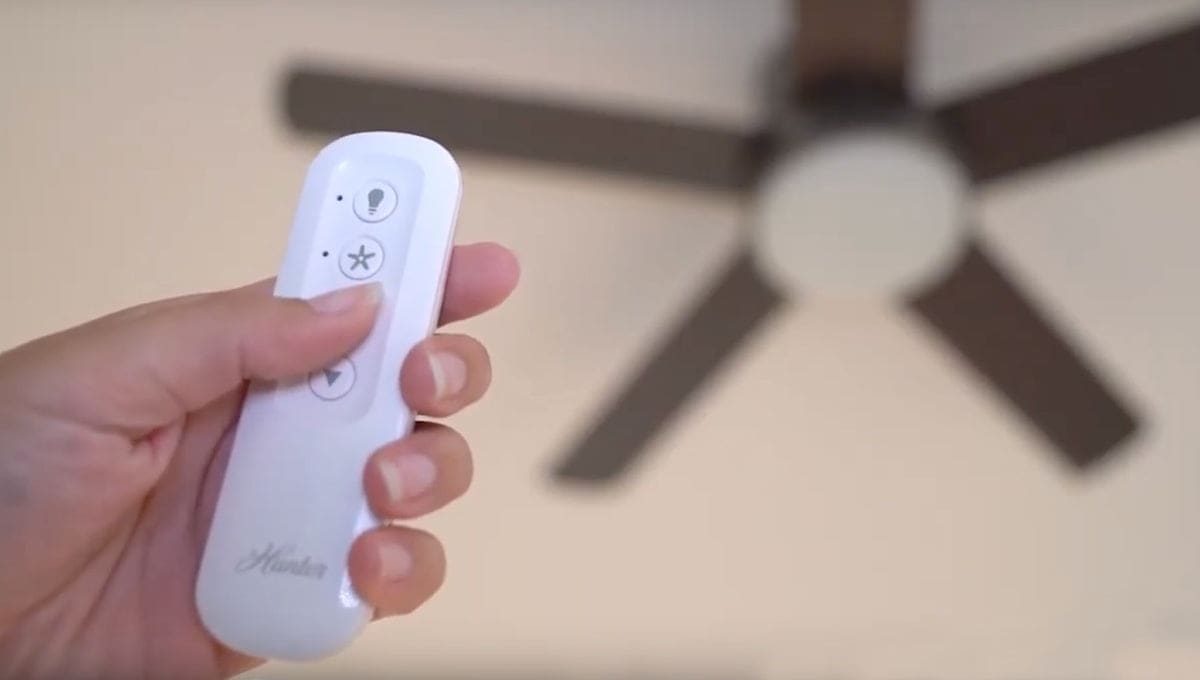
Why Hunter Ceiling Fan Troubleshooting Matters
Hunter fans are reliable, but even quality fans need checks. Proper Hunter Ceiling Fan Troubleshooting saves time, prevents hazards, and extends fan life.
A quick, correct diagnosis avoids needless parts swaps and keeps your home comfortable. My real-world repairs show that many issues are simple fixes once you know what to look for.

Tools and Safety Checklist for Troubleshooting
Start with the right tools and safety steps. Use these basics before any Hunter Ceiling Fan Troubleshooting session.
- Screwdriver set. Good for blades, canopy, and switch housings.
- Multimeter. Tests voltage, continuity, and capacitors.
- Step ladder. Stable and tall enough to reach canopy safely.
- Socket wrench set. For motor and mounting hardware.
- Replacement parts. Capacitors, remote batteries, blade balancing kit.
Safety steps to follow: - Turn off power at the breaker.
- Test power is off with a multimeter.
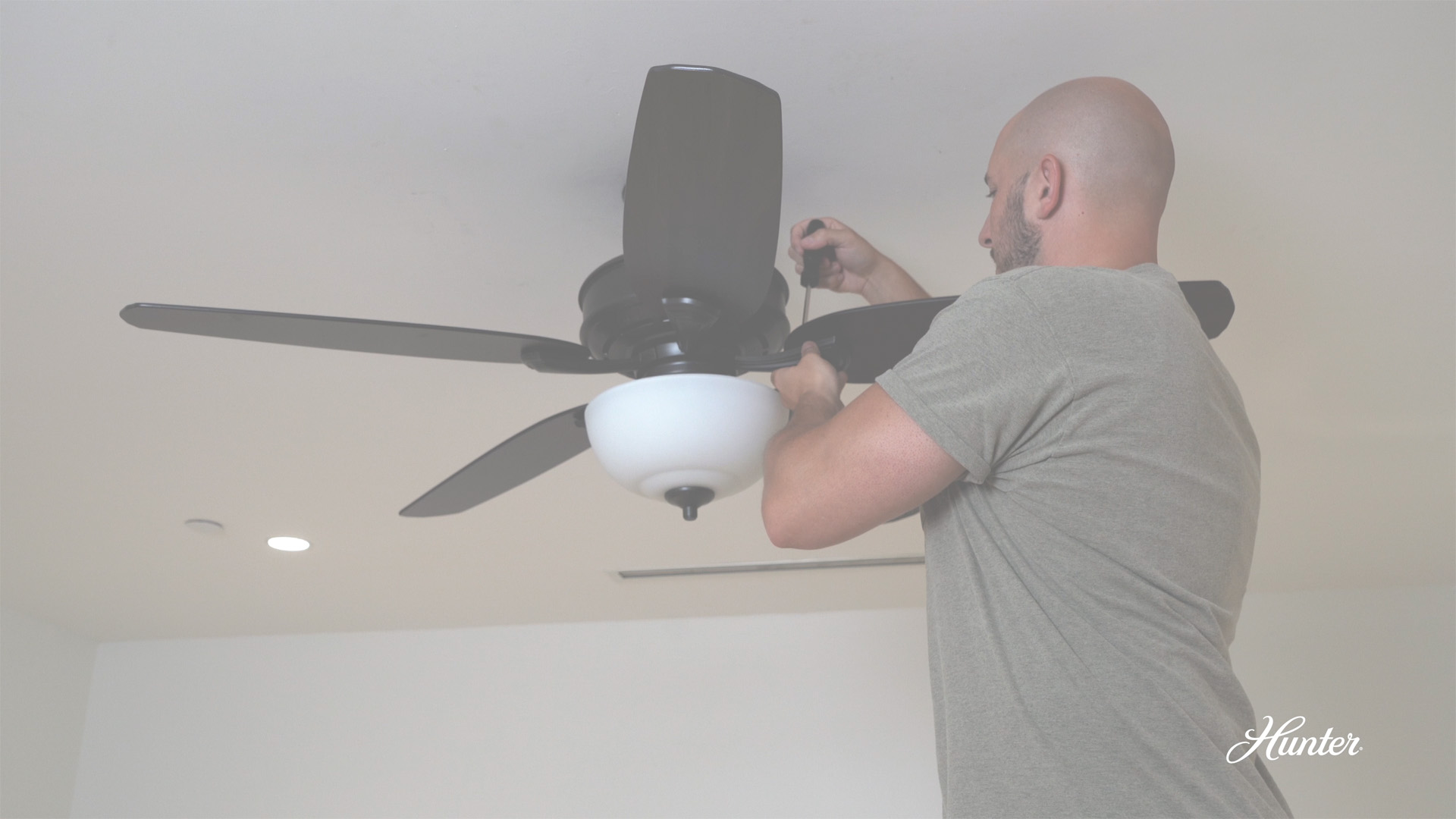
- Work with a partner when removing heavy fans.
- Keep screws and small parts in a container.
Following this checklist makes Hunter Ceiling Fan Troubleshooting safer and faster.
Step-by-Step Hunter Ceiling Fan Troubleshooting
This section walks through common symptoms with clear, ordered steps. Use short checks first, then deeper tests if needed.
Fan won’t start at all
- Check power at the breaker and wall switch. Confirm the circuit is live with a multimeter.
- Test the fan’s pull chain or wall control. Replace the switch if it fails continuity.
- Inspect the mounting canopy wiring for loose connections. Tighten any loose wire nuts.
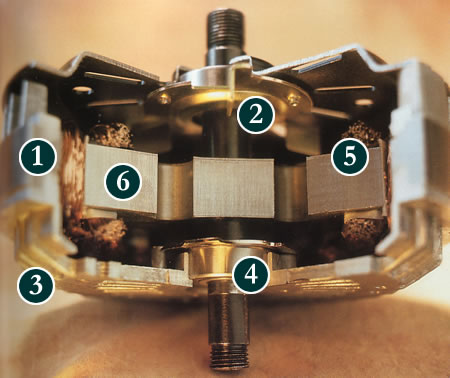
If power reaches the fan but the motor is silent, test the motor capacitor next. A bad capacitor often prevents startup on Hunter fans.
Fan runs but wobbles
- Tighten blade screws and blade arms at the motor. Loose hardware often causes wobble.
- Swap blade pairs to the opposite positions to see if wobble moves. This isolates warped blades.
- Use a blade balancing kit to add small weights until wobble stops.
Proper balancing is a staple of Hunter Ceiling Fan Troubleshooting and usually solves wobble without replacing blades.
Fan makes noise
- Identify the sound: clicking, humming, grinding, or rubbing. Each hint points to a cause.
- Tighten any loose screws on the blades, housing, and light kit. Loose parts cause clicks.
- Clean and lubricate bearings only if your model permits it; many modern Hunter fans have sealed bearings.
A humming motor often indicates a failing capacitor or electrical issue; test with a multimeter.
Fan speeds are wrong or only one speed works
- Test the capacitor with a meter that reads microfarads. Replace it if values are off.
- If using a remote or wall control, try fresh batteries or reset the remote. Controls can fail even with good power.
- Check the speed selector switch for continuity. Replace if defective.
Speed problems rank high in Hunter Ceiling Fan Troubleshooting and often point to capacitors or controls.
Remote or wall control issues
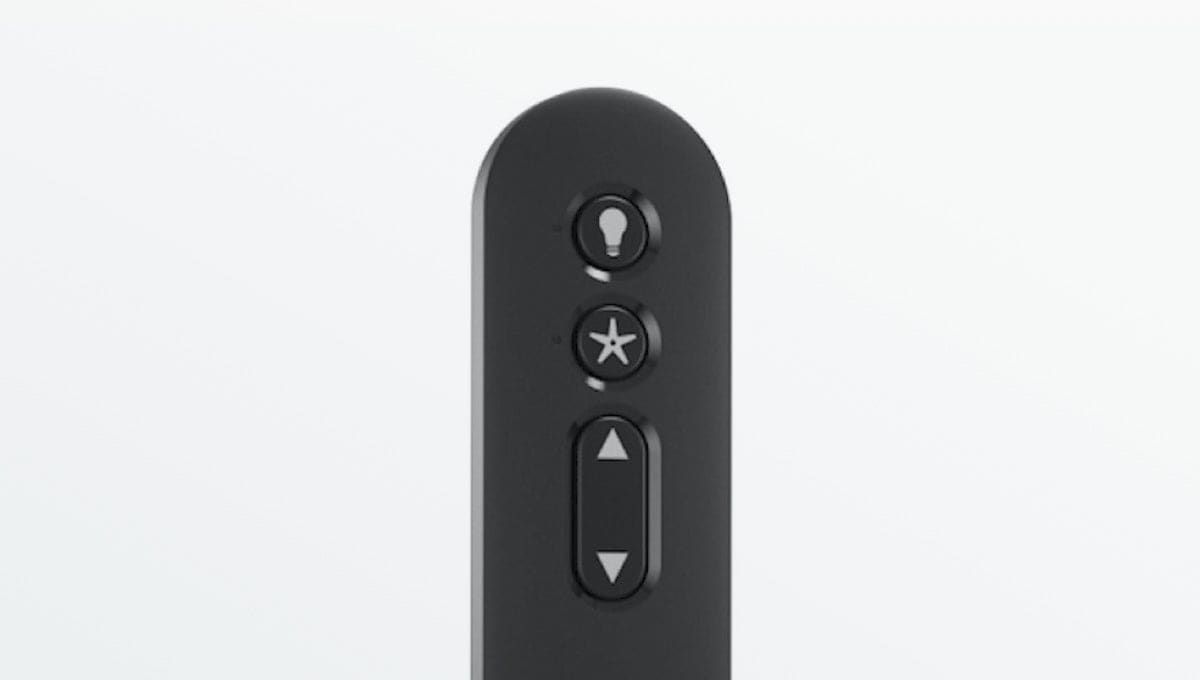
- Replace remote batteries and re-sync following Hunter instructions. Many remotes need a pairing step after a power cut.
- Check the receiver in the fan canopy. If the remote shows no signal, the receiver may be faulty.
- For wall controls, ensure the wall module is wired correctly and not on a dimmer circuit. Dimmers can damage fan motors.
Light kit won’t work
- Verify bulbs and sockets. Try known-good bulbs first.
- Inspect the light kit wiring and switch for loose connections. Tighten or replace as needed.
- If lights run but dim or flicker, test voltage under load. Poor voltage can indicate wiring issues outside the fan.
Light kit fixes are part of standard Hunter Ceiling Fan Troubleshooting and are often quick.

Parts That Commonly Fail and How to Replace Them
Knowing which parts fail most often speeds repairs. Here are common components and signs they need replacing.
- Capacitor. Signs: no start, single speed, or weak torque. Replacement is inexpensive and often fixes speed issues.
- Remote receiver. Signs: remote won’t control fan though power is present. Replace the receiver in the canopy.
- Pull chain switch. Signs: chain feels loose, or functions are inconsistent. Swap the switch for a matching part.
- Blade arms and blades. Signs: wobble, visible warp, or cracked blades. Replace or rebalance to fix performance.
- Light kit sockets. Signs: flicker, no continuity. Replace sockets or the kit if corrosion or damage is visible.
When replacing parts, match model numbers and specs to keep performance and safety intact. This assembly of common failures helps focus Hunter Ceiling Fan Troubleshooting on likely culprits.
Preventative Maintenance and Simple Tips
Routine care prevents many common problems and makes Hunter Ceiling Fan Troubleshooting less frequent.
- Clean blades and motor housing every few months to reduce drag and noise.
- Tighten screws and check blade alignment yearly. Loose hardware causes wobble and wear.
- Replace batteries in remotes annually and test controls after storms or power cuts.
- Keep the fan balanced. Use a balancing kit as soon as you notice wobble.
These small steps keep your fan running smoothly and reduce the need for deeper Hunter Ceiling Fan Troubleshooting.

When to Call a Professional
Some issues are best handled by a licensed electrician or experienced technician. Call a pro when:
- You find burnt wires, melting, or smoke. These are fire risks and need immediate attention.
- Troubleshooting requires ladder work near high ceilings or fragile fixtures. A pro has safe equipment.
- Internal motor failure is suspected, or the motor hums but does not run after capacitor replacement. Motor repairs often need specialized tools.
I once kept trying DIY fixes on a fan with intermittent arcing. A pro found a loose feed wire in the ceiling box and fixed it safely. Knowing limits is part of smart Hunter Ceiling Fan Troubleshooting.
Frequently Asked Questions of Hunter Ceiling Fan Troubleshooting
Why does my Hunter fan hum but not spin?
A humming fan often points to a bad capacitor or internal motor issue. Test the capacitor and replace it first, and call a pro if the motor is at fault.
How can I stop my Hunter fan from wobbling?
Tighten blade screws, swap blade positions to find a warped blade, and use a balancing kit. These steps usually stop most wobbling quickly.
My Hunter fan remote stopped working. What should I try?
Replace the remote batteries and re-pair the remote to the receiver per the manual. If that fails, test the receiver in the canopy and replace if needed.
Is it safe to lubricate my Hunter fan motor?
Many modern Hunter fans have sealed bearings that do not need lubrication. Check your manual; only lube if the manufacturer permits it.
How long do Hunter fan capacitors typically last?
Capacitors usually last several years but can fail sooner under heavy use or power surges. Keep a spare on hand if your fan is older or shows speed issues.
Conclusion
Hunter Ceiling Fan Troubleshooting becomes easy when you follow a clear checklist: power checks, visual inspections, simple swaps, and targeted tests. Start with safety, use basic tools, and replace common parts like capacitors and receivers when needed. Take action today by testing simple items listed here, or schedule a professional if you encounter wiring or motor hazards. Share your experience, subscribe for more DIY guides, or leave a question below — I’ll help you troubleshoot the next step.

