

Most Hunter fan remote issues are simple: check batteries, re-pair the remote, and ensure line-of-sight.
I’ve spent years fixing home fans and remotes, and this deep guide walks you through Hunter Fan Remote Control Troubleshooting from basic checks to advanced fixes. You’ll learn how to diagnose signal problems, reset and reprogram remotes, replace receivers, and prevent future issues with clear steps and real-world tips that work.

36% off Today’s Exclusive Deals
Limited-time Exclusive Deals. Check current discount on Amazon.
Check Price on Amazon As an Amazon Associate I earn from qualifying purchases.
How Hunter Fan Remote Control Troubleshooting Works
Understanding how your Hunter fan and its remote communicate is the first step in effective Hunter Fan Remote Control Troubleshooting. Most Hunter remotes use radio frequency or infrared signals that talk to a receiver in the fan canopy. Simple problems like dead batteries, loose receiver wiring, or interference are the most common reasons a remote stops responding.
Knowing the basics helps you narrow the issue fast. Use a logical approach: check power, check the remote, check the receiver, then look for interference or wiring faults. This keeps troubleshooting fast and minimizes unnecessary part replacements.
Quick Diagnostic Checklist
Start with a short checklist to save time during Hunter Fan Remote Control Troubleshooting. Do these in order to find the most common faults quickly.
- Replace the remote batteries with fresh high-quality cells.
- Make sure the fan has power at the wall switch or circuit breaker.
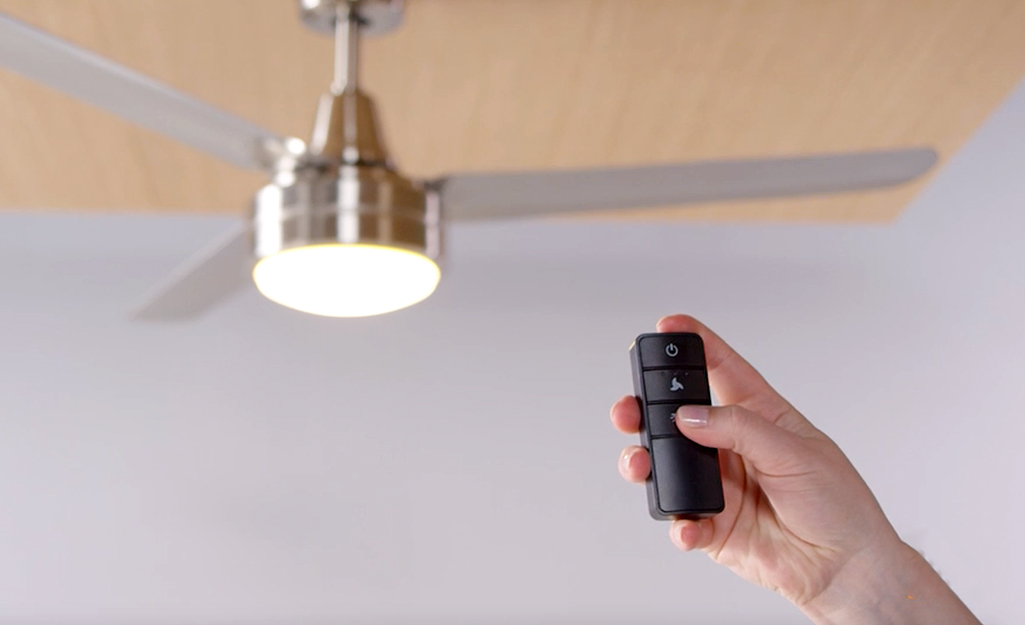
- Confirm the remote has line-of-sight if it is infrared, or is within range if it is RF.
- Check the fan’s receiver for a visible LED or reset button.
- Look for recent changes: new LED bulbs, new Wi-Fi gear, or remodeled wiring.
This list solves most everyday issues within minutes and focuses your effort where it matters.
Battery and Power Issues: The Most Common Causes
Weak or old batteries are the leading cause of remote failure. Even if the remote appears to be working, weak batteries often reduce range or intermittent function.
- Use fresh alkaline batteries rather than rechargeable NiMH unless recommended.
- Clean battery contacts with a cotton swab and isopropyl alcohol to remove corrosion.
- Test remote with a smartphone camera if the remote uses an IR LED: press a button and look for a flicker on the camera screen.
- Verify fan power: test the wall switch and check circuit breakers.
If replacing batteries and confirming power don’t help, move to pairing and receiver checks.
Pairing, Re-pairing, and Reset Procedures
Many Hunter remotes must be paired to their receiver. Pairing can be lost during power outages or receiver replacements. Proper Hunter Fan Remote Control Troubleshooting includes re-pairing steps.
- Turn the circuit breaker off for 5 seconds and back on to reset the fan receiver.
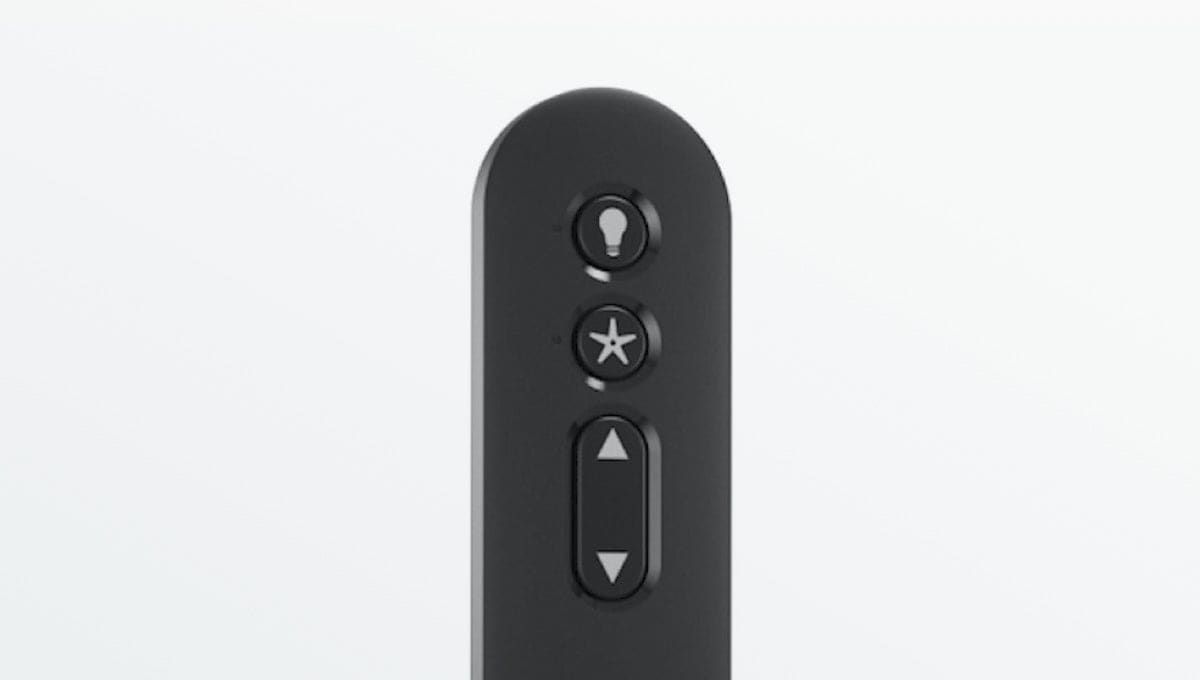
- Follow the remote’s pairing steps: usually press and hold a specific button while restoring power.
- For multi-speed models, press the fan off button, then the fan’s pairing button per the manual.
- If you can’t pair, try a factory reset on the remote if supported and then re-pair.
Always consult the model-specific manual for exact button sequences. If the sequence fails repeatedly, the receiver or remote may be faulty.
Receiver, Wiring, and Installation Faults
The receiver sits in the fan canopy and accepts remote commands. Problems here require careful inspection. Hunter Fan Remote Control Troubleshooting often reveals loose connectors or damaged receivers.
- Turn power off at the breaker before inspecting the canopy.
- Check that the receiver’s antenna is straight and not pinched.
- Verify all wire nuts are tight and no wires are burnt or loose.
- If the receiver is warm or shows signs of damage, consider replacement.
Replacing a receiver is often the final step when pairing and remote checks fail. Use model-compatible parts to avoid pairing issues.
Interference, Range, and Environmental Factors
Signals can fail due to interference. New electronics, dense walls, or nearby metal structures can reduce remote range. Hunter Fan Remote Control Troubleshooting needs awareness of environmental causes.
- Move possible interference devices farther from the fan, such as Wi‑Fi routers, LED drivers, and large metal fixtures.
- Test the remote within a few feet of the fan for reliable response.
- Avoid enclosing the fan canopy with added insulation or metal boxes that block RF.
- Consider a replacement RF remote with stronger signal if range is poor.
Small environmental tweaks often restore reliable operation without expensive parts.
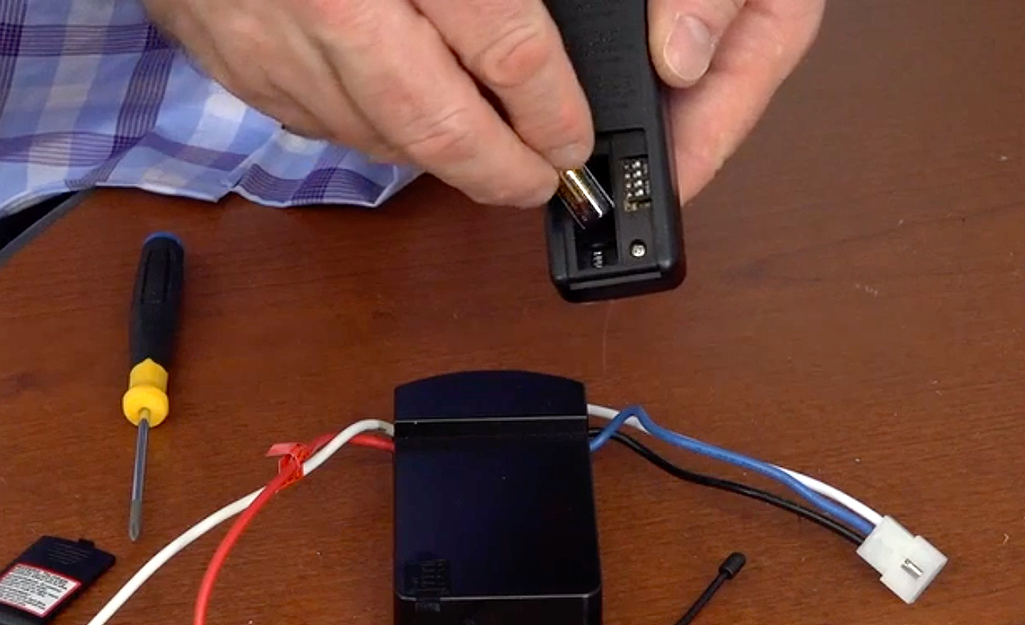
Button Failure, Stuck Controls, and Mechanical Fixes
Sometimes the remote buttons wear out or the wall control (if present) sticks. This produces intermittent or no response during Hunter Fan Remote Control Troubleshooting.
- Press every button several times to dislodge stuck contacts.
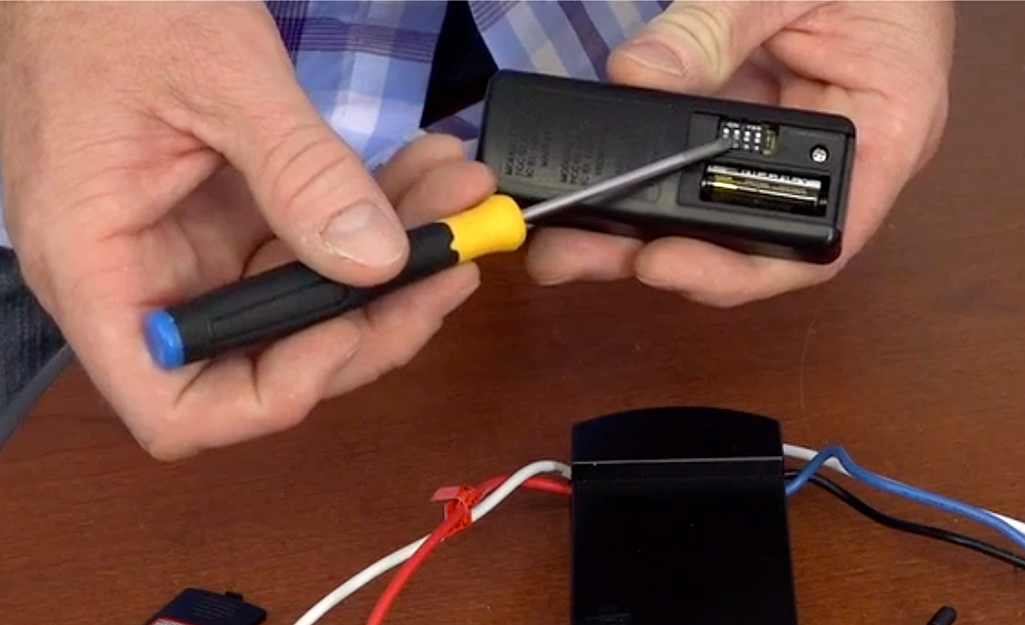
- Open the remote (if safe) to check for debris; clean with compressed air.
- For wall controls, remove cover plate and inspect for loose screws or burned contacts.
- Replace worn remotes or wall controls with OEM or compatible units.
Minor mechanical fixes can extend the life of the remote cheaply.

Advanced Troubleshooting: Diagnostics and Replacement
If basic steps fail, move to advanced diagnostics while keeping safety in mind. Hunter Fan Remote Control Troubleshooting at this level pinpoints failed components.
- Use a multimeter to verify 120V (or local mains) is present at the fan’s switch leg.
- Check the receiver input and output voltages per the wiring diagram.
- Temporarily bypass the remote by wiring the fan to a simple wall switch to test motor function.
- Swap in a known-good remote or receiver to isolate the faulty unit.
If voltage or motor issues appear, consult a licensed electrician. Receiver replacement is often the outcome when electronics fail.

Maintenance, Prevention, and Best Practices
Prevent future remote headaches with a few simple habits. Good maintenance reduces the need for Hunter Fan Remote Control Troubleshooting.
- Replace remote batteries once a year or before season changes.
- Keep the fan canopy clean and avoid tight packing of insulation near the receiver.
- Label the circuit breaker controlling the fan to prevent accidental power cuts.
- Test remote function after any changes to home electronics or lighting.
These small steps improve reliability and save time later.
My Personal Experience and Lessons Learned
I once spent hours diagnosing a Hunter fan that wouldn’t respond. New batteries, re-pairing, and a reset didn't help. The issue was a lamp fixture fitted with a dimming module that created RF noise. Moving the dimmer and replacing an LED driver fixed the problem. Lesson learned: when basic fixes fail, look for recent changes in your home that might cause interference.
I also found that keeping a spare OEM remote and labeling receiver models shortened repair time during seasonal checks. These practical habits matter when you rely on your fan daily.
PAA-Style Questions (People Also Ask)
How do I reset my Hunter fan remote?
Reset by turning off power at the breaker for 10 seconds, then restoring power. Follow the model-specific pairing steps to re-pair the remote.
Why does my Hunter remote only work close to the fan?
Weak batteries, interference, or a damaged receiver antenna usually reduce range. Test with new batteries and remove nearby electronics to isolate the issue.
Can a Hunter remote be repaired or must it be replaced?
Minor issues like corroded contacts can be cleaned, but failed electronics typically require replacement. OEM or compatible remotes are widely available.
How can I tell if the receiver is bad?
If the fan works with a direct wall switch or if swapping in a known-good remote fails, the receiver is likely bad. Visual signs include overheating or burnt wiring.
Is it safe to replace the receiver myself?
If you are comfortable with electrical wiring and always shut off power at the breaker, yes. Otherwise, hire a licensed electrician for safety.
Frequently Asked Questions of Hunter Fan Remote Control Troubleshooting
Why did my Hunter fan remote stop working suddenly?
Most sudden failures are caused by dead batteries, power outages, or accidental receiver resets. Check power, swap batteries, and try re-pairing first.
How do I pair a new Hunter remote to my fan?
Power cycle the fan, then press and hold the designated pairing button on the remote while restoring power. Follow the model manual for exact timing.
My remote works sometimes — what should I check?
Intermittent function usually points to weak batteries, loose wiring, or RF interference. Test in close range with fresh batteries and inspect canopy wiring.
Can LED bulbs cause remote issues with Hunter fans?
Yes. Some LED drivers and dimmers emit noise that interferes with RF remotes. Try replacing or moving the offending fixture to test.
Where can I buy replacement parts for Hunter Fan Remote Control Troubleshooting?
Replace parts through authorized dealers, manufacturer support, or reputable online retailers. Match model numbers to ensure compatibility.
How long do Hunter fan remotes typically last?
Remotes can last many years with good care, but battery corrosion and wear shorten lifespan. Keep spares and replace batteries regularly.
Conclusion
Hunter Fan Remote Control Troubleshooting is a step-by-step process: check power and batteries, re-pair remotes, inspect the receiver and wiring, and consider interference or replacement when needed. Follow the practical steps above, and you’ll fix most issues quickly and confidently. Take action today by testing batteries and pairing procedures, keeping a spare remote, and labeling your fan’s breaker for faster fixes in the future. If this guide helped, try the troubleshooting steps and leave a comment about your result or subscribe for more home-fix tips.

