

Most thermostat problems are simple fixes: check power, batteries, settings, and wiring.
I have spent years installing and repairing HVAC systems, and I can walk you through Hvac Thermostat Troubleshooting with clear steps and real-world tips. This guide explains why thermostats fail, how to test common faults, symptom-based fixes, and when to call a pro. Read on to gain practical skills that save time, money, and stress while keeping your home comfortable.

36% off Today’s Exclusive Deals
Limited-time Exclusive Deals. Check current discount on Amazon.
Check Price on Amazon As an Amazon Associate I earn from qualifying purchases.
Why thermostats fail: common causes
Thermostats stop working for a few clear reasons. Power loss and dead batteries are top culprits. Settings or schedules can override desired temperatures. Wiring issues, loose connections, or missing common wires can break communication with the HVAC system.
Smart thermostats add Wi-Fi, firmware, and compatibility layers. These bring new failure modes like software bugs or weak signals. Older mechanical or line-voltage units fail from wear, dirt, or corrosion.
Understanding these causes helps you diagnose faster. Hvac Thermostat Troubleshooting starts with simple checks and moves to wiring or device-level tests only if needed.

Quick checks before you call a pro
Do these fast checks first. They fix many issues in minutes.
- Confirm the thermostat display is on and readable.
- Replace batteries with fresh ones if the display is dim or blank.
- Check the HVAC circuit breaker and reset it if tripped.
- Make sure the system switch near the furnace is set to ON.
- Verify thermostat mode is correct: heat, cool, or auto.
- Review the schedule or hold settings; cancel any active hold.
- For smart thermostats, confirm Wi-Fi and app connection.
- Look for obvious wiring problems or a loose cover plate.
These steps resolve many common faults and are the safest first moves in Hvac Thermostat Troubleshooting.
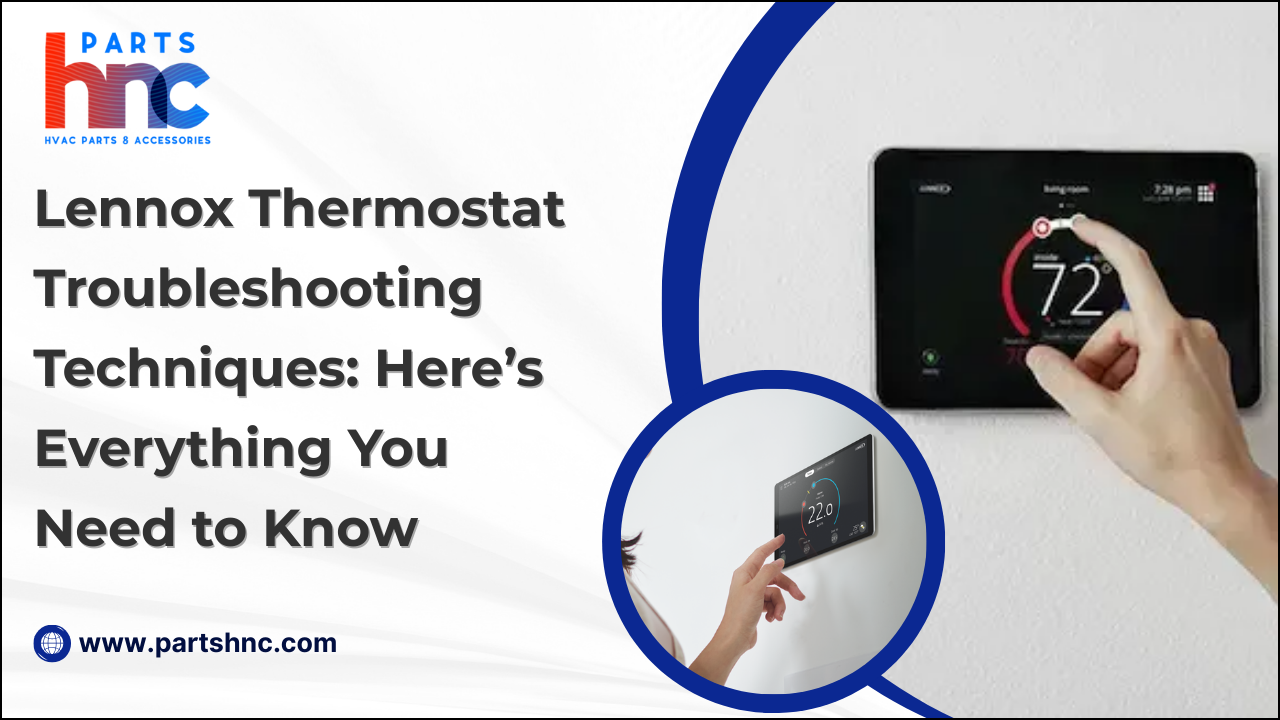
Step-by-step Hvac Thermostat Troubleshooting
Follow this ordered approach when the quick checks don’t help.
- Turn off power to the HVAC system at the breaker.
- Remove the thermostat cover and inspect wiring for loose or corroded terminals.
- If the thermostat uses batteries, replace them even if they look fine.
- Restore power and check if the thermostat boots and shows status.
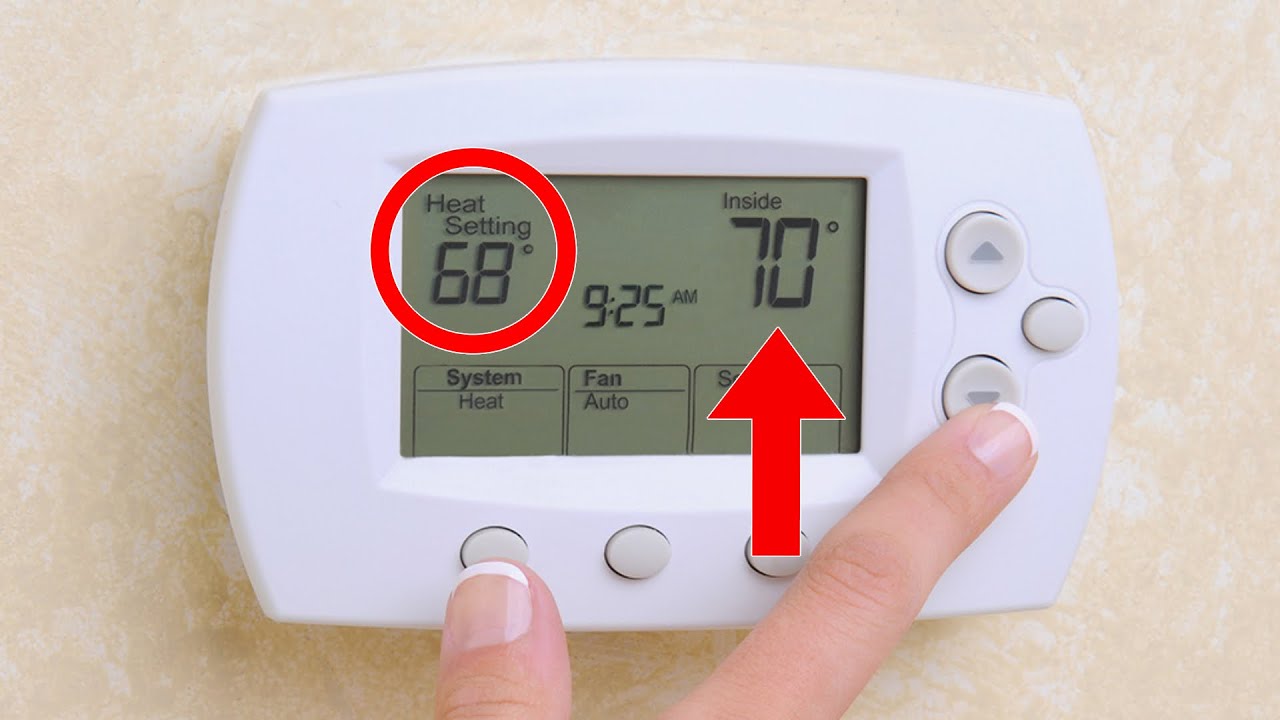
- Set the thermostat a few degrees higher or lower to force heating or cooling.
- Listen at the furnace/air handler for a relay click or blower start.
- If the system does not respond, test continuity of the R and W (or Y) circuits with a multimeter if comfortable.
- For smart thermostats, check for firmware updates and perform a soft reset.
- If wiring appears wrong, take a clear photo and consult the installer guide or technician.
- If nothing works, shut power off and call a trained HVAC technician.
This sequence keeps safety first and helps isolate electrical, control, or device faults during Hvac Thermostat Troubleshooting.
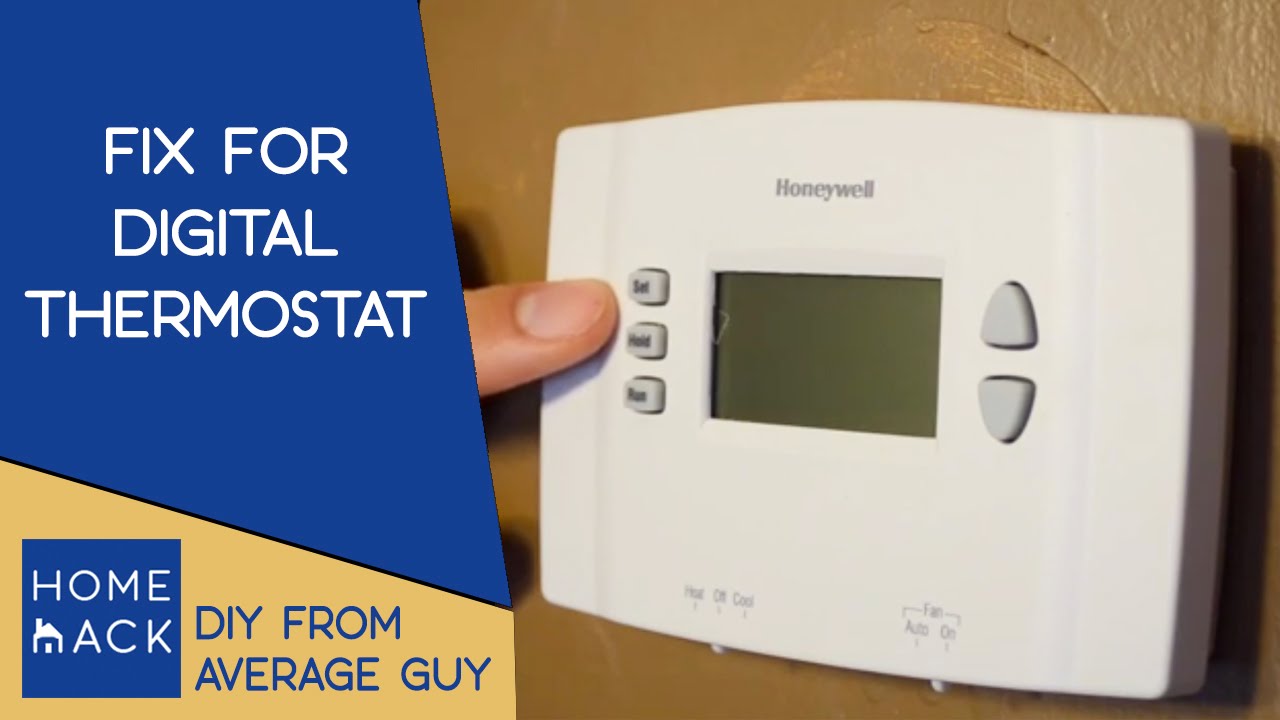
Troubleshooting by symptom
Handle each symptom with focused checks and fixes.
Blank or unresponsive display
Check batteries and breaker first. If the display stays blank but power is present, the thermostat may be faulty or the common wire (C-wire) is missing.
Thermostat not calling for heat or cool
Confirm mode and temperature setpoint. Test the system by raising or lowering the setpoint by several degrees. Inspect wiring to R, W, Y, and G terminals.
Short cycling or frequent on/off
Short cycling often means oversized equipment, a bad limit switch, or a stuck relay. On the thermostat side, avoid aggressive hold settings and check for incorrect fan settings.
Inaccurate temperature reading
Thermostat location matters. Move the unit away from vents, drafts, or sun. Calibrate if the model allows it, or replace if sensor error persists.
Wi‑Fi or smart features failing
Restart your router and thermostat. Check account settings and firmware. If updates fail repeatedly, try a factory reset after saving settings.
Each symptom is solvable with methodical Hvac Thermostat Troubleshooting and the right tests.
Thermostat types and special considerations
Different thermostats need different steps during troubleshooting.
- Mechanical (dial) thermostats
- Simple design. Fewer electronics. Replace if stuck or inaccurate.
- 24V digital and programmable thermostats
- Most common. Require a stable 24V transformer and often a C-wire.
- Smart thermostats
- Need Wi‑Fi and a proper common connection. Check app and firmware.
- Line-voltage thermostats
- For electric baseboard heat. They work with high voltage and should not be opened by amateurs.
- Millivolt systems
- Often found on older gas valves. These use tiny voltages and need specialist care.
Knowing the thermostat type speeds up Hvac Thermostat Troubleshooting and prevents mistakes that harm the device or system.
When to call a professional
Some issues need skilled techs. Call a pro when you see:
- Burning smell, sparks, or visible smoke.
- Persistent electrical problems or tripped breakers.
- Gas smell near the furnace or thermostat.
- Complex wiring changes like adding a C-wire or reconfiguring multi-stage systems.
- Repeated failures after simple fixes, or when a system won’t run despite correct thermostat signals.
A licensed technician ensures safe repairs and correct system setup. Hvac Thermostat Troubleshooting can save money, but safety-critical problems require professional help.

Preventive maintenance and best practices
Routine care keeps thermostats reliable.
- Replace batteries every 1–2 years.
- Keep the thermostat and surrounding wall clean and dust-free.
- Avoid placing thermostats near direct sun, drafts, or appliances.
- Keep firmware updated on smart thermostats.
- Verify settings seasonally and adjust schedules to match occupancy.
- Label wires during replacement or upgrade to avoid confusion.
- Document any changes and keep photos for future troubleshooting.
Good habits reduce emergency calls and simplify Hvac Thermostat Troubleshooting.
Quick PAA-style questions
How do I know if my thermostat has power?
If the display is on or the unit shows status lights, it has power. If blank, test batteries and the HVAC breaker next.
What is a C-wire and why does it matter?
A C-wire is the common wire that provides continuous 24V power to smart thermostats. Without it, many smart units rely on batteries or power-stealing workarounds that cause issues.
Can I reset my thermostat safely?
Yes. Soft resets usually keep settings. Factory resets erase schedules and Wi‑Fi. Save photos or notes first, then follow the manual steps.
Frequently Asked Questions of Hvac Thermostat Troubleshooting
How do I fix a thermostat that’s not turning on the HVAC unit?
First, check power, batteries, and breaker. Confirm mode and setpoint. If the thermostat sends power but the system won’t run, check wiring or call a technician.
Why is my thermostat not controlling the correct temperature?
Check thermostat placement and calibrate if possible. Ensure no active hold or schedule is blocking changes. If the reading stays off, replace the thermostat sensor or unit.
Will replacing the thermostat improve efficiency?
A modern, programmable, or smart thermostat can improve comfort and reduce waste if used correctly. Savings depend on proper setup and your habits.
What if my smart thermostat keeps losing Wi‑Fi?
Restart your router and thermostat. Check signal strength and move the router or add a Wi‑Fi extender. If problems persist, update the thermostat firmware or contact support.
Is it safe to change thermostat wiring myself?
You can handle basic wiring if power is off and you follow the manual. For complex systems, line-voltage units, or adding a C-wire, hire a licensed professional.
How long should a thermostat last?
Most electronic thermostats last 10–15 years. Mechanical units may last longer but lose accuracy. Replace when performance or features degrade.
Can thermostat issues damage the HVAC system?
Incorrect wiring or rapid cycling may stress equipment. Most thermostat problems do not directly damage major components, but repeated short cycling can shorten compressor life.
Conclusion
Hvac Thermostat Troubleshooting starts with simple checks: power, batteries, mode, and wiring. Work through step-by-step tests, match fixes to symptoms, and know when to call a pro. My hands-on experience shows that most issues are fixable at home if you stay safe and methodical. Take action today: run the quick checklist, document your wiring, and schedule maintenance to avoid surprise breakdowns. Share your questions or experiences below, subscribe for more HVAC tips, or contact a trusted technician when in doubt.

