

Most InCommand RV system issues resolve with simple resets, power checks, or module swaps.
I have worked on RV control systems for years and I know the InCommand RV System Troubleshooting process inside out. This guide covers clear steps, common faults, practical fixes, and real-world tips so you can diagnose and repair InCommand issues fast. Read on to learn tested methods, mistakes to avoid, and when to call a pro.

36% off Today’s Exclusive Deals
Limited-time Exclusive Deals. Check current discount on Amazon.
Check Price on Amazon As an Amazon Associate I earn from qualifying purchases.
What the InCommand RV system is and why troubleshooting matters
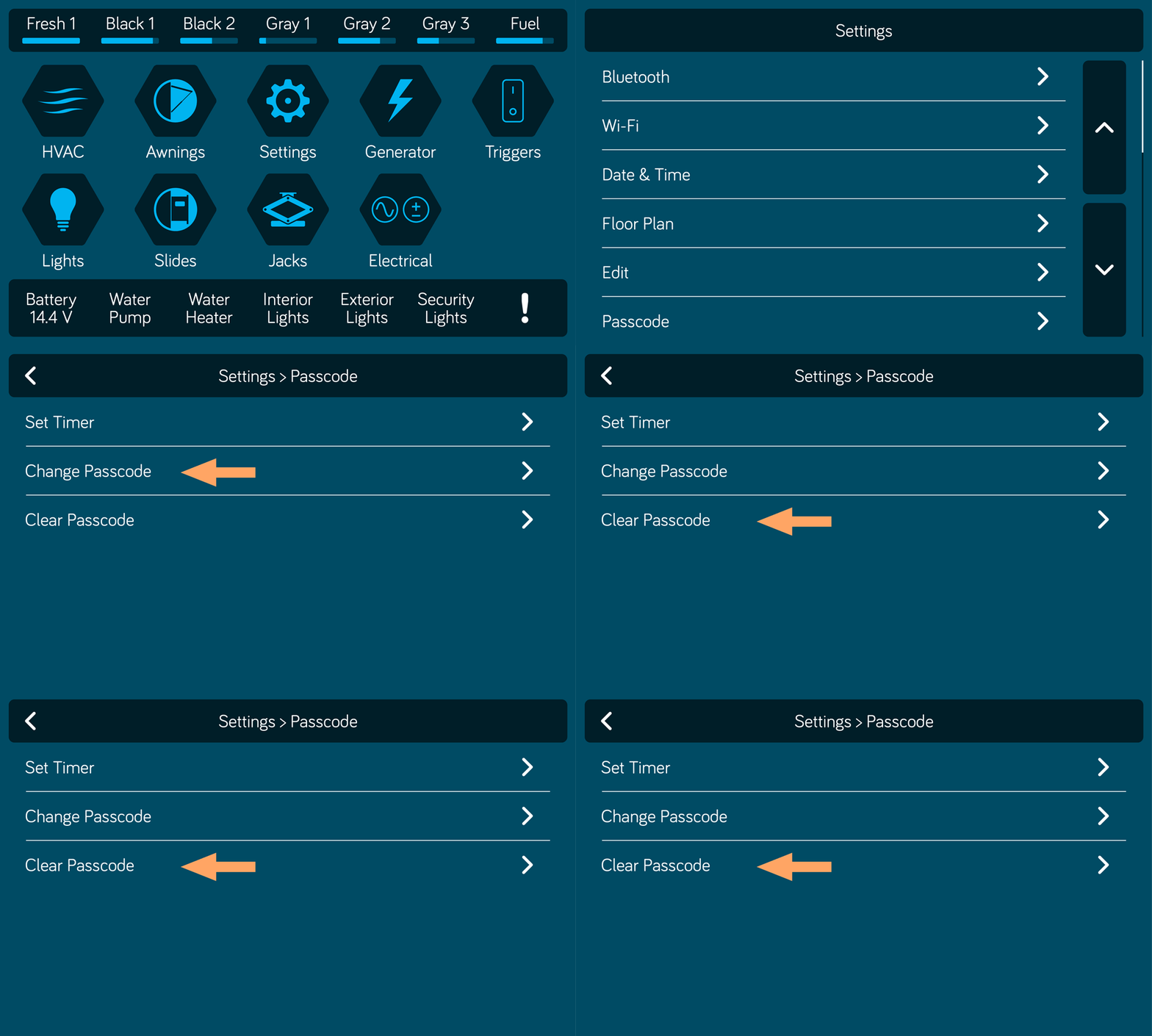
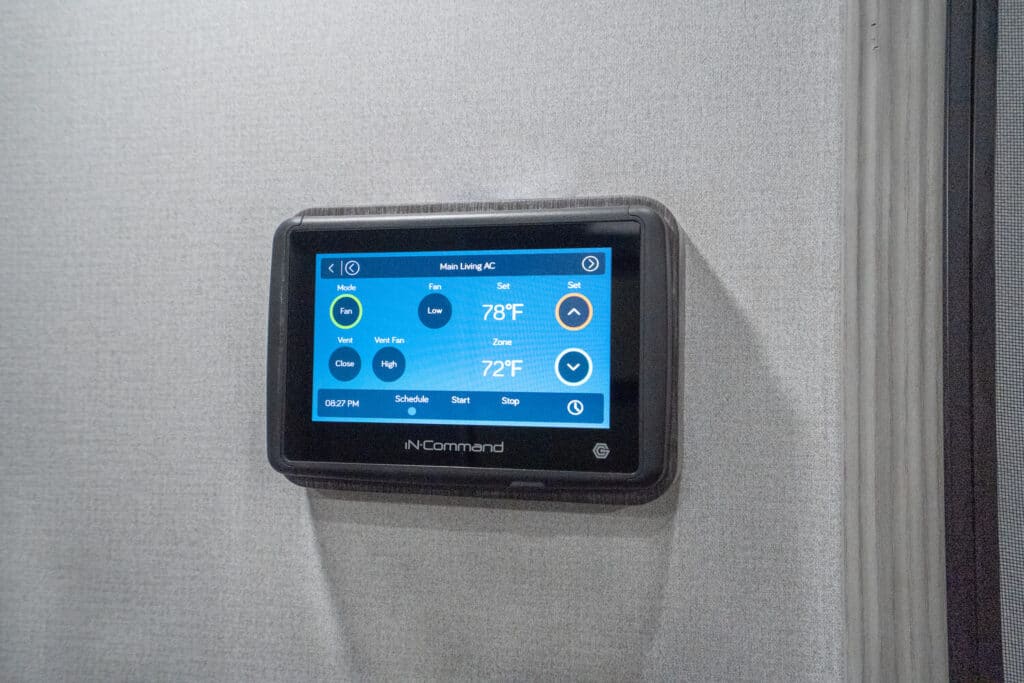
The InCommand system is a central control and monitoring hub on many modern RVs. It links displays, sensors, lighting, tanks, HVAC, and power systems. When it fails, many RV functions can go wrong at once. Knowing basic InCommand RV System Troubleshooting saves time and keeps trips safe.
Common core components:
- The InCommand display and touchscreen.
- Sensor modules for tanks and levels.
- Power management modules and inverters.
- Network wiring and CAN bus or NMEA connections.
Why quick troubleshooting helps:
- Stops small faults from becoming big repairs.
- Restores safety features like lights and brakes.
- Keeps refrigeration and heating working on the road.
Common symptoms and what they mean
Problems show up in predictable ways. Recognizing the symptom narrows down the cause. Below are common signs and likely areas to check during InCommand RV System Troubleshooting.
Symptom: Blank screen or frozen display
- Likely causes: lost power, blown fuse, bad ground, software crash.
- First checks: battery voltage, display fuse, restart procedure.
Symptom: Wrong tank readings
- Likely causes: bad sender, dirty probe, wiring fault, calibration error.
- First checks: probe voltage, wiring harness, system calibrate menu.
Symptom: Modules not responding or modules show error codes
- Likely causes: CAN bus fault, bad module, loose connector, outdated firmware.
- First checks: inspect connectors, test module power, check network continuity.
Symptom: Intermittent functions (lights, slides, awnings)
- Likely causes: loose ground, corroded connector, weak battery, software bug.
- First checks: battery health, ground points, connector corrosion.

Step-by-step InCommand RV System Troubleshooting guide
Follow these steps in order. They are simple and keep you safe. I use these steps on every callout.
- Safety first
- Turn off shore power and inverter when working on wiring.
- Use gloves and eye protection near batteries.
- Check power and ground
- Measure system battery at the InCommand power input. It should be stable and above the manufacturer threshold.
- Inspect ground wires. A poor ground is a common cause of odd errors.
- Inspect fuses and breakers
- Locate fused circuits for the InCommand display and modules.
- Replace blown fuses and test again.
- Soft reset the display
- Follow the device manual for a soft reboot. This clears temporary software errors.
- If the display remains dead, try a hard reset per the manual.
- Check connectors and wiring
- Visually inspect harnesses for corrosion and pin damage.
- Wiggle connectors to reproduce intermittent faults.
- Test modules and sensors
- Swap a suspect module with a known good unit if available.
- Measure probe voltages and sensor outputs with a multimeter.
- Update firmware and settings
- Check for firmware updates for the InCommand system.
- Apply updates carefully and follow the vendor steps.
- Log and monitor
- Write down error codes and times they occur.
- Use logs to spot patterns tied to temperature, load, or driving.
Follow these steps and repeat checks when new symptoms appear.

Advanced fixes and when to call a pro
Some issues need tools or dealer parts. Know when to stop and call support to avoid making problems worse.
Advanced tasks you can try:
- Reprogramming or reflashing firmware using the official tool.
- Replacing a control module and matching CAN IDs.
- Tracing CAN bus wiring with an oscilloscope.
When to contact a technician:
- Persistent CAN bus errors after basic checks.
- Hard-to-reproduce intermittent failures that defy wiring tests.
- Any time safety systems behave unpredictably.
I once traced an odd fault to a factory splice buried behind a panel. A dealer tool identified a bad CAN termination resistor. That saved a full module swap and weeks of guessing.

Preventive maintenance to reduce InCommand failures
Preventive care is the easiest way to avoid troubleshooting. Simple checks keep the system stable.
Routine checks to perform:
- Inspect and clean battery terminals every six months.
- Check fuses and breakers on each trip.
- Clean and lubricate connectors to prevent corrosion.
- Keep firmware current at service times.
- Calibrate tank sensors after winter storage.
Seasonal tips:
- Store in a dry place to limit moisture on connectors.
- Run systems monthly during winter to keep capacitors healthy.
Troubleshooting tips, mistakes to avoid, and personal insights
Practical tips from hands-on experience help you work smarter.
Useful tips:
- Start with power. Most faults begin there.
- Recreate the fault with the coach stationary before teardown.
- Use photos when disconnecting harnesses. Reassembly is easier.
Common mistakes to avoid:
- Replacing modules without confirming the cause.
- Ignoring weak battery signs before testing electronics.
- Skipping firmware checks. Old firmware can cause odd errors.
Personal note:
I have reset dozens of InCommand displays roadside. More often than not, a tired battery or bad ground was the root cause. Take time to do simple checks first. It saves money and time.

PAA-style Questions (People Also Ask)
How do I reboot my InCommand display?
Power down the coach electronics, unplug shore power, wait 30 seconds, then hard power cycle the InCommand unit per the manual. A soft reset from the settings menu can also clear small software faults.
Why does my InCommand show wrong tank levels?
Tank probes can foul or lose calibration. Check probe voltage, clean probes if accessible, and run a calibration routine from the InCommand menu.
Can a weak battery make the InCommand crash?
Yes. Low voltage causes erratic behavior and reboots. Test battery voltage under load and replace weak batteries before swapping modules.

Frequently Asked Questions of Incommand Rv System Troubleshooting
What is the first thing to check when InCommand stops working?
Check system power and ground first. Measure battery voltage and inspect fuses and ground connections before deeper diagnostics.
How do I update InCommand firmware?
Use the manufacturer’s update procedure in the settings menu or a dealer tool. Follow all steps exactly and ensure stable power during the update.
Why do some functions work and others do not?
Partial failures often mean a module or bus fault. Inspect the CAN bus wiring and module power to pinpoint the failed circuit.
Can I replace a module myself?
You can if you have the right tools and a service manual. Some modules require dealer programming, so confirm beforehand.
How often should I calibrate tank sensors?
Calibrate after any sensor replacement or after seasonal changes. Annual checks help keep readings accurate.
What should I do if the display is frozen?
Attempt a soft reboot from the menu. If that fails, perform a power cycle and consult the manual for a hard reset option.
Are replacement parts expensive?
Costs vary by module and brand. Start with small parts like fuses or connectors before replacing high-cost modules.
Conclusion
Troubleshooting the InCommand RV system is mostly about methodical checks. Start with power and ground. Then inspect fuses, wiring, and sensors. Use resets and firmware updates before buying parts. My experience shows that clear steps and patient testing fix most faults quickly. Try the steps in this guide, keep a log of findings, and call professional support when the problem is complex. If this helped, leave a comment, subscribe for updates, or share your own InCommand RV System Troubleshooting stories.

