

Most Ryobi battery blowers fail due to weak batteries, poor contacts, blockages, or worn motors.
I have spent years fixing cordless yard tools and testing Ryobi Battery Leaf Blower Troubleshooting steps with hands-on repairs and factory guidance. This article gives a clear, practical, and reliable roadmap for diagnosing and fixing the most common faults. Read on for step-by-step checks, safety tips, real-world examples, and when to call a pro.

36% off Today’s Exclusive Deals
Limited-time Exclusive Deals. Check current discount on Amazon.
Check Price on Amazon As an Amazon Associate I earn from qualifying purchases.
Common Problems and What They Mean
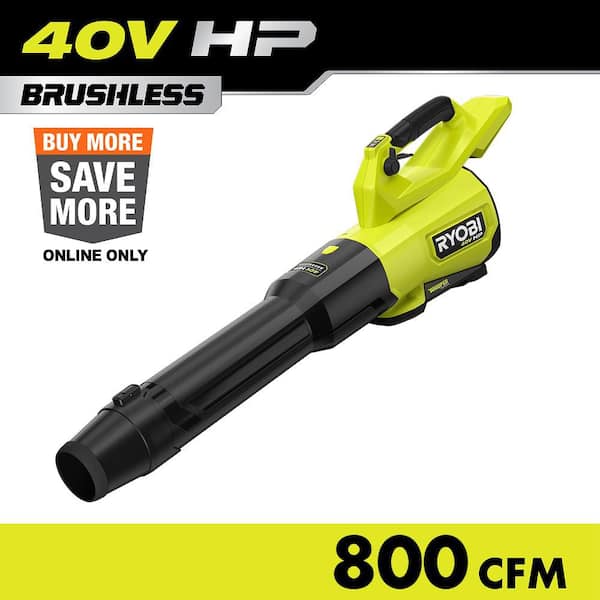
Ryobi Battery Leaf Blower Troubleshooting starts with recognizing symptoms. Common signs include no power, weak airflow, intermittent cutting out, unusual noise, or burning smells. Each symptom points to a short list of likely causes. Keep this list handy when you inspect your tool.
Common faults and quick meanings:
- No power at all. The battery, battery contacts, or safety switch is likely at fault.
- Weak airflow or short run time. The battery could be weak, or the motor/impeller is obstructed.
- Intermittent power. Poor electrical contact or thermal cutout could be tripping.
- Loud grind or unusual noise. Debris in the fan or bearing wear.
- Burning smell or smoke. Electrical short or severe motor stress—stop using the tool immediately.
I learned to spot these signs after testing many blowers in different conditions. Often a simple battery swap is the fix. Other times, a deeper motor or wiring check is needed. Ryobi Battery Leaf Blower Troubleshooting is mostly about following logical steps and checking the easy stuff first.
Step-by-step Troubleshooting Guide
A methodical approach saves time. Use the steps below in order. Each step rules out common failures and narrows down the problem.
- Safety first
- Remove the battery before any inspection or repair.
- Wear eye protection and gloves when you open the housing.
- Check the battery and charger
- Confirm the charger shows the correct charge LED and the battery clicks in securely.
- Try a different compatible Ryobi battery to rule out cell failure.
- Inspect battery terminals and contacts
- Look for corrosion, dirt, or bent pins. Clean contacts with a dry cloth or a pencil eraser.
- Test the blower with a known-good battery
- If it runs, the original battery is the issue.
- Listen and feel for motor activity
- With the housing open and the battery connected briefly, watch the fan and listen for grinding. Only do this if you know how to safely isolate parts.
- Check for blockages
- Debris can jam the impeller. Remove leaves and clogs from intake and nozzle.
- Inspect wiring and switch
- Look for broken wires, loose connectors, or melted insulation. Wiggle test switches for intermittent faults.
- Thermal and electronic protectors
- Some models have thermal cutouts or electronic controllers. Allow the tool to cool and try again. If an internal controller fails, professional repair is often needed.
People Also Ask (PAA)
How do I tell if the battery or motor is bad?
Try a known-good battery first. If the blower runs well, the battery is bad. If it still struggles, the motor or internal wiring likely needs attention.
Can I fix a blocked impeller myself?
Yes. Remove the nozzle or housing per the manual and clear debris carefully. Avoid bending blades or touching the motor with metal tools.
These steps form the core of Ryobi Battery Leaf Blower Troubleshooting. Follow them in order to save time and avoid unnecessary parts replacement.

Battery and Power Issues
Batteries cause the majority of cordless blower problems. Expect weak run time, slow spin, or no startup when the battery is the culprit. Test batteries with a meter if you can. Many Ryobi batteries show charge state via LEDs; use that as a quick check.
Battery checks and fixes:
- Charge fully and test under load. A fully charged battery that drops voltage quickly is failing.
- Clean contacts and reseat the battery. Poor contact is common after wet or dirty use.
- Check the charger. A bad charger can leave a battery undercharged.
- Replace old batteries. Cells lose capacity after many cycles.
From my experience, a single bad cell in an older pack reduces performance a lot. Swapping to a fresh battery often restores full power and proves the blower itself is fine. For pack rebuilds or inside-cell work, consider professional battery service or replace the pack.
Ryobi Battery Leaf Blower Troubleshooting here often ends at the battery stage. Replacing the battery is cheaper than motor repairs in most cases.
Motor and Airflow Problems
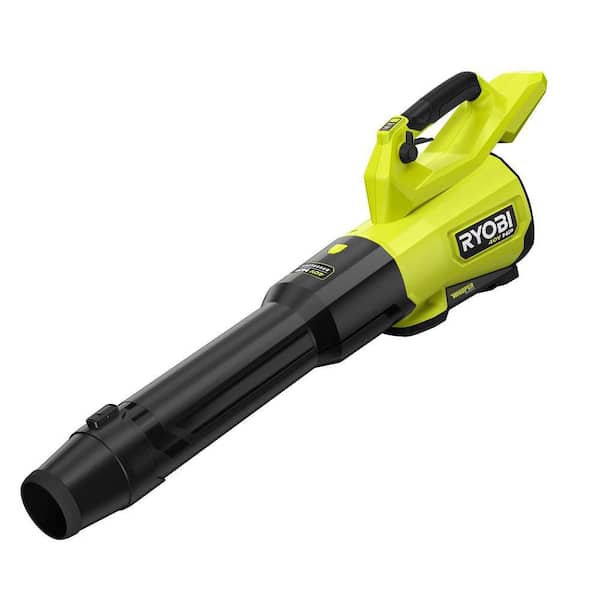
If battery checks clear, investigate the motor and airflow path. Blocked airflow reduces power and overheats the motor. Mechanical damage to the impeller or bearings causes noise and vibration.
Motor and airflow checklist:
- Remove obstructions from intake and nozzle.
- Inspect impeller blades for chips or bends.
- Check bearings for play by spinning the impeller by hand.
- Look for melted plastic or signs of overheating near the motor.
- Smell for burning insulation to detect electrical shorts.
I once repaired a blower that had poor airflow after a volunteer leaf pickup packed wet debris into the fan housing. Cleaning the housing restored normal performance. But if bearings are worn, replacement of motor or core assembly is needed.
Ryobi Battery Leaf Blower Troubleshooting at this stage may require parts or a service center if the motor is failing.
Maintenance and Preventive Tips
Proper care makes troubleshooting rare. Small habits avoid most common failures.
Daily and seasonal maintenance tips:
- Empty and clean the housing after each heavy use.
- Keep batteries at room temperature and store partially charged in winter.
- Inspect and clean contacts every few months.
- Avoid running the blower through rocks, gravel, or thick wet debris.
- Use the correct charger and battery type recommended by Ryobi.
I keep a small maintenance kit with contact cleaner, a nylon brush, and a spare battery. This saved me multiple service calls. Simple checks often stop bigger problems before they start. Follow the manual for torque specs and reassembly order.
Ryobi Battery Leaf Blower Troubleshooting becomes easier when the blower is cared for on a regular schedule.
When to Seek Professional Repair or Replace
Not all faults are worth fixing. Consider cost, safety, and tool age.
When to repair:
- The blower has good resale value or is part of a matched battery system you keep using.
- Issues are wiring, switches, or replaceable motor assemblies.
- Manufacturer warranty still applies.
When to replace:
- Repairs cost near or above a new unit.
- Batteries are obsolete and unreachable.
- Severe motor damage or melted controls.
I recommend checking warranty terms first. If your Ryobi blower is under warranty, the manufacturer-repair route often causes less hassle. For older units, weigh the repair quote against current sale prices.
Ryobi Battery Leaf Blower Troubleshooting ends with a clear decision: fix smart or replace cost-effectively.
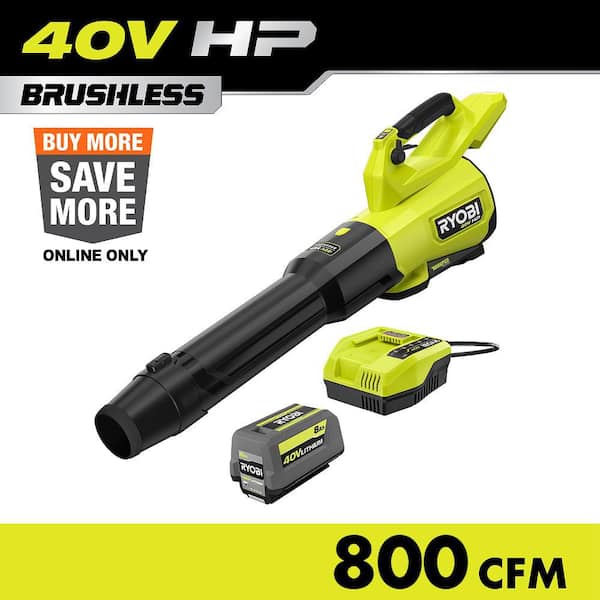
Frequently Asked Questions of Ryobi Battery Leaf Blower Troubleshooting
How do I reset a Ryobi battery leaf blower?
Remove the battery and wait 30 seconds, then reinsert. If that fails, fully charge the battery and test again.
Why does my Ryobi blower run then stop?
This usually indicates thermal protection or a weak battery. Let it cool and test with a fresh battery.
What causes low airflow on a battery blower?
Clogged intake, damaged impeller, or a weak battery are common causes. Clean the path and try a charged battery.
Is it safe to open the blower housing?
Yes, if you remove the battery and follow safety guidance. Avoid touching live wiring and wear gloves.
How long should a Ryobi battery last under moderate use?
A healthy battery typically runs 20–40 minutes depending on model and blower setting. Older or heavily cycled batteries will run less.
Can I use non-Ryobi batteries in my blower?
Use only compatible batteries recommended by the manufacturer. Third-party cells may fit but pose safety and warranty risks.
Conclusion
You can diagnose and fix most common issues with a clear approach. Start with batteries and contacts, then check airflow and motor. Use preventive care to avoid many problems. If a repair seems complex or costly, compare repair quotes to replacement prices and check warranty options. Try these steps, keep a small tool kit, and share your experience or questions below to help others.

