

Most embroidery issues have simple fixes: clean, rethread, check bobbin, adjust tension, update firmware.
I’ve worked with Brother machines for years and troubleshoot dozens of models every month. This guide on Brother Embroidery Machine Troubleshooting walks you through common faults, clear step-by-step fixes, preventative care, and when to call service. Read on to learn practical solutions, real-world tips, and a simple workflow to get your machine stitching perfectly again.

36% off Today’s Exclusive Deals
Limited-time Exclusive Deals. Check current discount on Amazon.
Check Price on Amazon As an Amazon Associate I earn from qualifying purchases.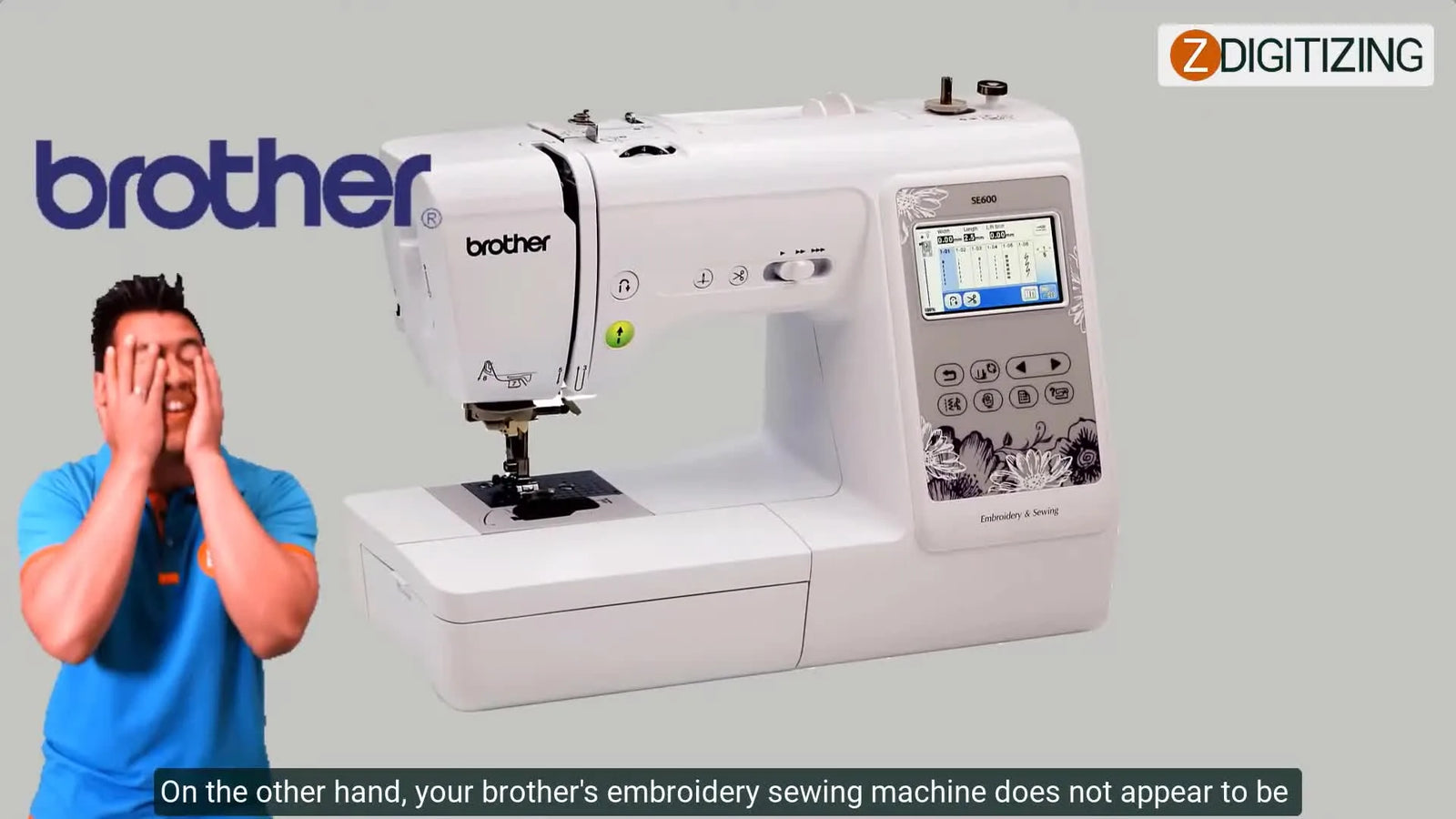
Common Problems and Quick Causes
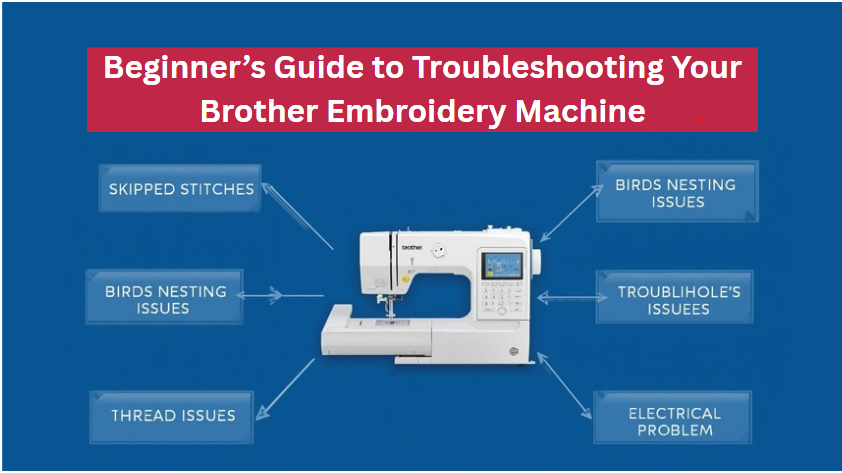
Brother Embroidery Machine Troubleshooting usually begins by identifying symptoms. Start by noting what the machine does and when the problem happens. Below are the most common issues, likely causes, and quick checks to try.
- Thread keeps breaking — Often caused by a damaged needle, poor thread quality, incorrect threading, or a burr on the needle plate. Try a fresh high-quality thread and a new needle first.
- Skipped stitches — Usually due to bent or dull needles, wrong needle type, or hooping tension. Change the needle, rehoop fabric, and slow stitching speed.
- Bobbin thread bunching or loops — Frequently from incorrect bobbin winding, wrong bobbin insertion, lint in the bobbin case, or tension issues. Clean and reinsert the bobbin and re-wind if needed.
- Tension problems — Can come from top thread tension, bobbin tension, or improper rethreading. Rethread the machine using the manual’s path and test with scrap fabric.
- Needle breaks — Caused by hitting the hoop, incorrect needle size, a bent needle bar, or thick design density. Use proper needles and check hoop clearance.
- Machine freezing or error codes — Power glitches, corrupted design files, or outdated firmware can freeze the interface. Power-cycle, reload the design, and check for updates.
- Poor embroidery placement — Usually from mis-hooping, unstable stabilizer, or wrong hoop size. Rehoop, use a firmer stabilizer, and test alignment.
- Jumping or noisy operation — Could be worn parts, lack of lubrication, or loose screws. Clean, oil per manual, and tighten visible fasteners.
Brother Embroidery Machine Troubleshooting is often a process of elimination. Try the simplest fixes first, then escalate when needed.

Step-by-Step Troubleshooting Workflow
When Brother Embroidery Machine Troubleshooting feels overwhelming, follow a simple workflow. This reduces guesswork and speeds repairs.
- Observe and document
- Note error codes, sound changes, and when failures happen.
- Power-cycle the machine
- Turn off, wait 10 seconds, then restart to reset temporary faults.
- Check needle and thread
- Replace the needle, use quality thread, and rethread following the diagram.
- Inspect the bobbin area
- Remove the bobbin case, clear lint, and ensure correct bobbin orientation.
- Test with a basic design
- Use a single-color, low-density design to isolate issues.
- Adjust tension and settings
- Return to factory tension if unsure, then fine-tune for fabric/stabilizer.
- Clean and oil
- Follow the user manual for cleaning intervals and oil points.
- Update software/firmware
- Apply manufacturer updates to fix known bugs or compatibility issues.
- Log repeated faults
- If the issue persists, record steps tried, design file used, and error details before calling service.
Brother Embroidery Machine Troubleshooting works best when you follow a repeatable process. It saves time and reveals patterns that single guesswork won’t.
Tools, Parts, and Supplies to Keep on Hand
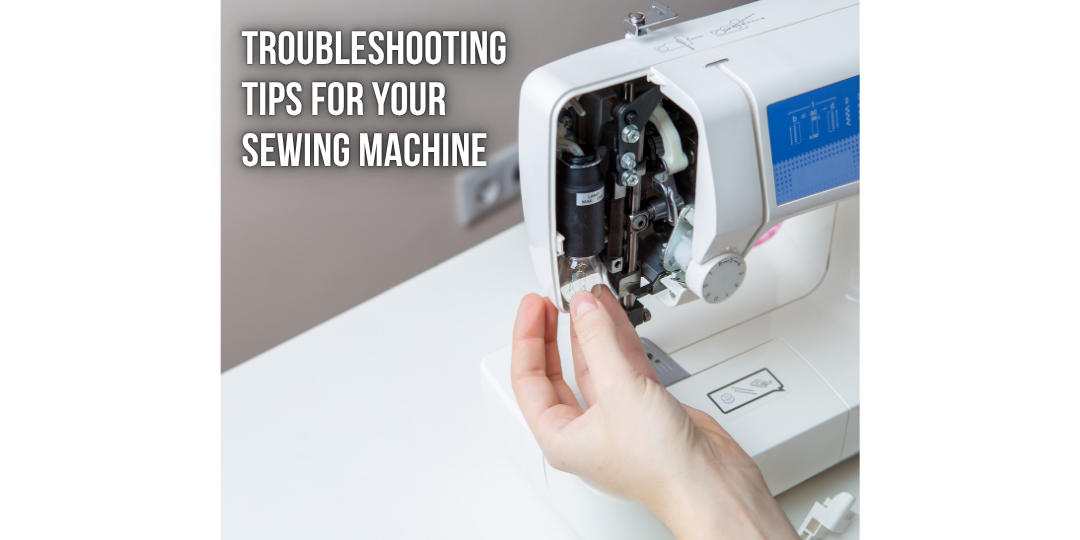
Good Brother Embroidery Machine Troubleshooting requires a small toolkit. Keep these on hand to solve most problems quickly.
- Spare needles in multiple sizes and types
- Quality embroidery thread, bobbins, and stabilizers
- Small screwdrivers and tweezers
- Soft brush and lint-free cloths
- Sewing machine oil (as recommended in the manual)
- USB drive or memory card for backups
- Magnifier and flashlight for close inspection
- Replacement bobbin case and needle plate (if model-specific spares available)
Having the right items avoids delays and reduces the risk of causing more damage while troubleshooting.

Software, Firmware, and Design File Issues
Brother Embroidery Machine Troubleshooting often includes digital checks. Modern Brother machines rely on files and firmware to run embroidery jobs.
- Corrupt design files — A corrupted PES or DST file can freeze or mis-stitch. Export designs again from your software and test.
- Unsupported formats or lettering — Confirm the file format matches the Brother model’s supported types. Convert or re-export if needed.
- Memory card or USB read errors — Test the card on a computer and reformat if corrupted. Use manufacturer-recommended memory media.
- Firmware bugs — Updates fix stability, read errors, and device compatibility. Back up designs, then update firmware per instructions.
- Software-to-machine compatibility — Check your digitizing software version and settings. Export at a suitable stitch density and underlay to avoid excessive pull.
When digital faults are suspected, Brother Embroidery Machine Troubleshooting should include testing with a simple built-in design to separate file issues from machine mechanics.

Maintenance and Preventive Care
Routine care reduces how often you need Brother Embroidery Machine Troubleshooting. A little attention prevents many common problems.
- Weekly tasks for frequent users:
- Brush lint from the bobbin area.
- Check needle condition and replace if needed.
- Monthly tasks:
- Deep clean feed dogs, bobbin case, and underplate.
- Oil moving parts per the manual.
- Quarterly or yearly:
- Replace timing belts, if recommended.
- Service motor and electronics with an authorized technician.
- Best practices:
- Use the correct stabilizer and hoop for each project.
- Store threads in a cool, dry place to prevent brittleness.
- Record maintenance dates and any odd behavior in a log.
Consistent upkeep is the easiest and most cost-effective aspect of Brother Embroidery Machine Troubleshooting.

When to Seek Professional Repair or Warranty Support
Some issues need a trained technician or warranty service. Know when to stop DIY troubleshooting.
- Signs to call support:
- Persistent error codes after resets
- Strange electrical smells or smoke
- Motor stalls, grinding noises, or mechanical binding
- Timing issues where stitches consistently misplace
- Warranty and service tips:
- Check warranty status before opening sealed components.
- Use authorized service centers to keep warranty valid.
- Provide a clear history of troubleshooting steps to technicians.
Brother Embroidery Machine Troubleshooting can take you far, but safety and warranty protection matter. When in doubt, contact support.
Personal Experience and Troubleshooting Stories
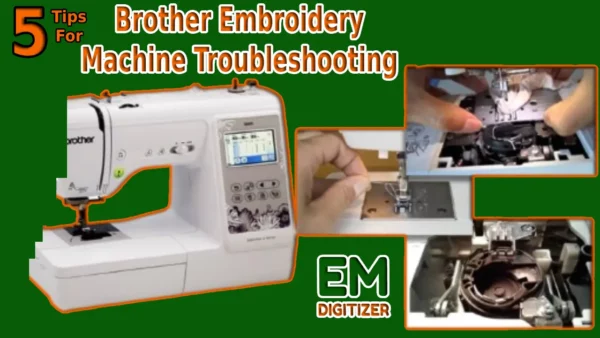
I’ve repaired dozens of Brother machines and learned how small habits prevent big issues.
- Story 1 — Thread break mystery
- I once faced constant thread breaks on a model. The fix was simple: poor-quality polyester thread combined with a slightly rough needle plate edge. Filing the burr and switching thread solved it.
- Story 2 — Ghost error code
- A client’s machine showed an error after a power surge. A firmware reflash cleared the code and restored normal function. Always back up designs before updates.
- Practical lesson
- I learned to always test on the same scrap fabric. It makes diagnosis faster and avoids wasting materials.
Personal experience shows that Brother Embroidery Machine Troubleshooting is often pattern recognition. The more projects you run, the faster you diagnose problems.

People Also Ask
How do I fix thread breakage on my Brother embroidery machine?
Start by replacing the needle with the correct size, using high-quality thread, and rethreading slowly. Clean the needle plate and bobbin area for burrs or lint.
Why does my Brother machine skip stitches?
Skipped stitches commonly result from a dull or bent needle, wrong needle type, or incorrect hooping. Change the needle and rehoop the fabric tightly.
Can firmware updates fix stitching errors?
Yes. Firmware updates can fix known bugs and improve stability. Back up your designs and follow the manufacturer’s update instructions to minimize risk.
Frequently Asked Questions of Brother Embroidery Machine Troubleshooting
What should I do first when my Brother machine shows an error code?
Power-cycle the machine, note the exact error text or number, and consult the manual for that code. Try a simple reset and rerun a basic built-in design.
How often should I change needles for embroidery?
Change needles after about 6–8 hours of stitching or whenever you notice nicks, bending, or poor stitch quality. Using a fresh needle prevents many issues.
How can I fix bobbin thread bunching?
Remove the bobbin, clean lint from the case, re-wind the bobbin evenly, and ensure correct insertion. Test on scrap fabric and adjust bobbin tension if needed.
Is it okay to use regular sewing thread for embroidery?
Embroidery thread is designed for sheen, strength, and reduced lint. Regular sewing thread can cause poor results and more breakage, so use proper embroidery thread for best results.
When is a service technician necessary?
Call a technician if mechanical noises, electrical smells, persistent error codes, or timing problems remain after basic troubleshooting. These signs often need professional tools and parts.
Conclusion
Brother Embroidery Machine Troubleshooting is a manageable skill you can learn with consistent methods and the right tools. Start with simple fixes: clean, rethread, change the needle, and test with a basic design. Keep a small toolkit, log issues, and perform regular maintenance to avoid repeat problems. If a fault persists or involves electrical or timing issues, contact authorized service. Try these steps on your next problem, subscribe for more tips, and share your troubleshooting wins or questions in the comments.

