

Caterpillar Fault Codes Troubleshooting: systematic checks and Cat ET diagnostics solve most faults quickly.
I have spent years working on heavy equipment and live repairs, so I know how confusing fault lights and codes can feel on a job site. This guide on Caterpillar Fault Codes Troubleshooting shows clear steps, real examples, and practical fixes. I will explain how codes are generated, how to read them, which tools to use, and how to fix common problems safely. Read on to gain confidence in diagnosing and resolving Cat fault codes fast and reliably.

36% off Today’s Exclusive Deals
Limited-time Exclusive Deals. Check current discount on Amazon.
Check Price on Amazon As an Amazon Associate I earn from qualifying purchases.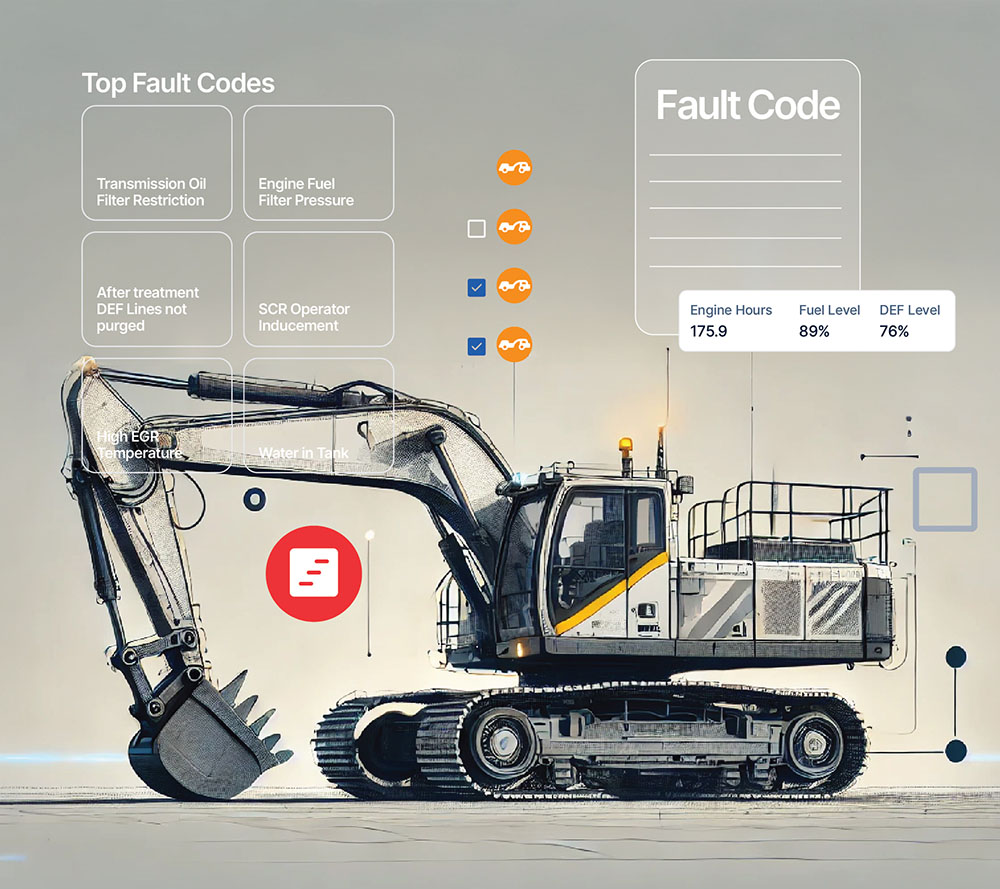
Understanding Caterpillar Fault Codes Troubleshooting
Caterpillar fault codes are messages generated by the machine’s electronic control modules. These codes point to a system or sensor that is out of limits. They are not always the root cause but are the best starting point for diagnosis.
Why these codes matter
- They speed up diagnosis by highlighting affected systems.
- They guide repairs and reduce downtime.
- They record history that helps track intermittent faults.
Types of codes you will see
- Active codes that are currently present.
- Logged or historical codes saved by the ECM.
- Intermittent codes that come and go when conditions change.
How the ECM decides a code
- Sensors feed signals to the ECM.
- The ECM compares readings to expected ranges.
- If a value stays outside a threshold, the ECM stores a fault code.
Common terms to know
- DTC: Diagnostic Trouble Code.
- ECM: Engine Control Module.
- Cat ET: Caterpillar Electronic Technician diagnostic software.
People also ask
How do I read a Caterpillar fault code?
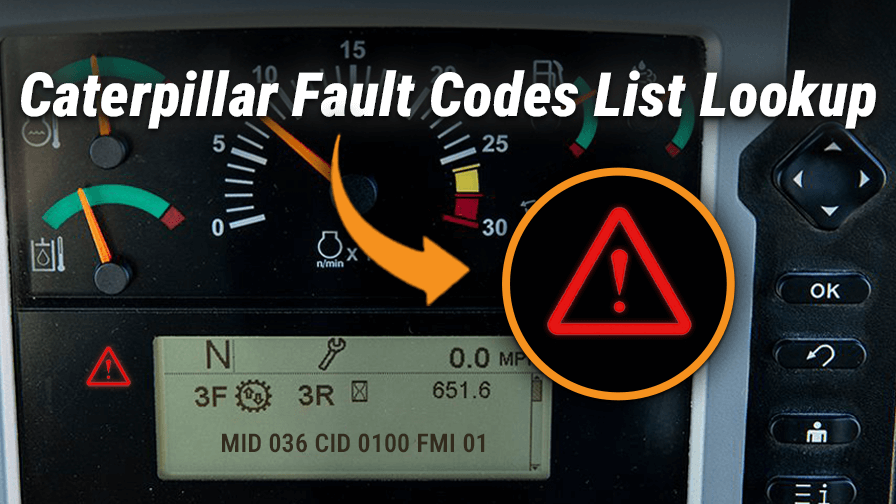
Use a Cat ET or approved diagnostic reader, connect to the machine’s service port, and view active and logged codes. The reader shows code definitions and data parameters.
Can I clear a fault code before fixing the issue?
You can clear codes, but they will return if the root cause remains. Clearing only hides the symptom and can complicate diagnosis.
Are the same fault codes on all Cat machines?
Many codes and systems are similar, but models and software versions vary. Always confirm code definitions for your machine’s model and engine.
Common Caterpillar Fault Codes and Their Causes
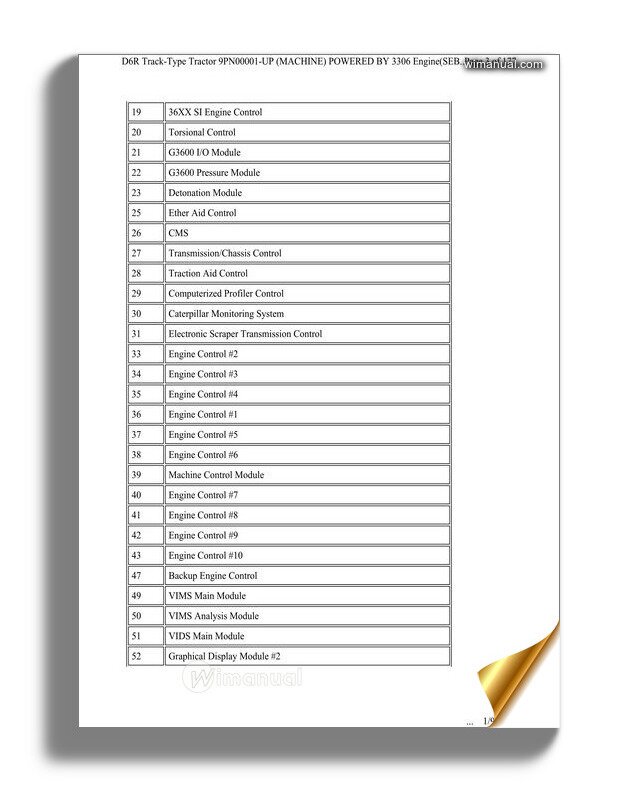
Knowing common fault patterns shortens repair time. Below are typical fault areas with causes and practical checks.
Engine performance and fuel system
- Causes include clogged filters, bad injectors, or low fuel pressure.
- Check fuel pressure, filter condition, and injector operation.
- Use fuel sample testing when contamination is suspected.
Air intake and turbocharger faults
- Causes include leaks, clogged air filters, or turbo failure.
- Inspect hoses, clamps, and air filter service indicator.
- Verify boost pressure with live data from Cat ET.
Cooling and temperature codes
- Causes include low coolant, faulty thermostats, and failed sensors.
- Check coolant level, thermostat operation, and coolant temperature sensor readings.
- Inspect radiator and fan clutch for proper operation.
Oil pressure and lubrication alarms
- Causes include low oil, pump faults, or blocked galleries.
- Verify oil level, pressure at a test port, and oil cleanliness.
- Replace oil or filter if contamination is present.
Aftertreatment and emissions codes (DPF, SCR, DEF)
- Causes include clogged DPF, DEF quality issues, or sensor failures.
- Check regeneration history, DEF level and quality, and NOx sensor function.
- Follow Cat guidelines for forced regeneration and DPF cleaning.
Electrical and sensor faults
- Causes include wiring damage, corroded connectors, or failed sensors.
- Visually inspect harnesses and connectors.
- Use multimeter or Cat ET to test sensor signals and grounds.
Transmission and hydraulic codes
- Causes include low fluid, clogged screens, or solenoid faults.
- Check fluid level and condition, filters, and pressure readings.
- Test solenoids and valve pack function with service tools.
Example troubleshooting path
- Read codes with Cat ET and note active vs logged.
- Capture live data for suspect sensors.
- Perform simple checks like connectors, fluid levels, and filters.
- Replace or repair only after confirming failing component.

Tools and Steps for Effective Caterpillar Fault Codes Troubleshooting
Right tools and a good plan make troubleshooting efficient. I use these tools every time I work on Cat machines.
Essential tools
- Cat Electronic Technician (Cat ET) software and proper adapter.
- Hand tools: wrenches, screwdrivers, pliers.
- Digital multimeter for voltage, resistance, and continuity tests.
- Fuel pressure gauge and mechanical test tools.
- Infrared thermometer for checking temperatures.
- Clean diagnostic logbook or digital notes.
Step-by-step troubleshooting workflow
- Record symptoms and operator observations before clearing codes.
- Connect Cat ET and download active and logged codes.
- Capture live sensor data while replicating the fault condition.
- Inspect wiring and connectors for obvious issues.
- Perform component tests guided by code definitions and live data.
- Repair or replace components based on confirmed failure.
- Clear codes and test drive or run machine to confirm repair.
Tips for accurate diagnosis
- Always verify a suspected failed sensor by checking the signal wire and ground.
- Recreate the fault condition while monitoring live data to avoid chasing false leads.
- Use step-by-step service manual procedures for complex systems like fuel injectors or turbochargers.
Best Practices and Safety for Caterpillar Fault Codes Troubleshooting
Safe and methodical work prevents mistakes and protects crews. Follow these best practices on every job.
Record-keeping and workflow
- Keep a repair log with codes, tests, and results.
- Note software and ECM versions for repeat faults.
- Track parts replaced and outcomes for warranty and learning.
Safety and lockout
- De-energize systems when doing electrical repairs.
- Use proper lockout-tagout before working on hydraulics or engines.
- Wear PPE when working near exhaust and hot components.
Software and firmware management
- Keep ECM and service tool software updated.
- Confirm compatibility before applying updates.
- Backup ECM data when possible before major work.
When to call Cat dealer support
- If codes involve complex ECM programming or unknown failures.
- For warranty-related repairs and software-level fixes.
- When code patterns suggest multiple linked failures beyond onsite capability.

Preventive Maintenance to Reduce Caterpillar Fault Codes Troubleshooting Needs
Good maintenance reduces faults and saves money. My experience shows small checks prevent big failures.
Routine checks that pay off
- Change filters and fluids on schedule.
- Inspect hoses, clamps, and belts monthly.
- Test batteries and charging systems regularly.
Operator habits that help
- Train operators to report small changes early.
- Encourage warm-up periods in cold weather.
- Avoid overloading machines beyond rated limits.
Data-driven maintenance
- Use machine history and logged codes to predict repeat issues.
- Schedule preventive action when patterns emerge.
- Keep maintenance records linked to fault history for smarter decisions.
Real-world Case Studies and Personal Experience
I once diagnosed a machine that threw a stubborn emissions code every few hours. The code pointed to a NOx sensor. Many mechanics would swap the sensor. I inspected wiring and found a chafed harness near the turbo. Repairing the harness fixed the problem. Lesson: codes point to a system, not always the component.
Another job involved intermittent oil pressure warnings. Pressure test confirmed low pressure only under load. A partially clogged oil pickup caused the issue. Cleaning the pickup and using recommended oil solved it. Lesson: test under real load when possible.
Practical tips from the field
- Always test under the conditions that create the fault.
- Avoid replacing parts without confirming failure with data.
- Use short, clear notes so the next technician can follow the logic.

Frequently Asked Questions of Caterpillar Fault Codes Troubleshooting
How do I access Caterpillar fault codes?
Use a Cat ET or compatible diagnostic tool connected to the service port. Read active and logged codes, and review live parameters.
Can I fix codes myself or should I go to a dealer?
Simple fixes like cleaning connectors or replacing filters you can do. Complex ECM or injection work may require dealer tools and support.
Why do fault codes come back after I clear them?
Codes return when the underlying issue is not fixed. Clearing only erases the record; the ECM will log the code again if the fault persists.
How often should I update diagnostic software?
Check for updates regularly, typically when your service plan or repair manuals note new releases. Updates can add code definitions and fixes.
What is the first step when a fault code appears on a machine?
Record the code and conditions, connect Cat ET, capture live data, and inspect obvious components like wiring and fluids.
Is it safe to operate a machine with an active fault code?
It depends on the code. Some codes are warnings and allow safe operation; others require immediate shutdown to prevent damage. Check the code severity and follow safety guidance.
Conclusion
Caterpillar Fault Codes Troubleshooting becomes manageable with clear steps, the right tools, and a patient, data-driven approach. Start by reading and recording codes, use Cat ET for live data, inspect wiring and fluids, and test under real conditions. Stay safe, document your work, and learn from patterns to prevent repeat issues. Take action today: review your machine logs, update diagnostic tools, and practice these methods to reduce downtime and repair costs. Share your experiences or questions below to keep the conversation going.

